

Most financial goals fail for a simple reason: they stay as wishes, not plans. “Save more” is vague, but “Save $6,000 by December 31” has a deadline, a monthly number, and a place in your budget.
That is what budgeting and planning tools are really for, translating goals into a timeline you can execute week by week.
What it means to “turn goals into a timeline”
A timeline is the bridge between intention and behavior. It answers four practical questions:
- How much do I need? (target)
- By when? (deadline)
- Where is the money coming from each month? (funding plan)
- How will I know if I am on track? (tracking and adjustments)
When you put those into your budgeting system, your goal becomes a scheduled commitment, not a someday idea.
Step 1: Define the goal in numbers (not vibes)
Start by writing your goal in a format you can calculate. A good template is:
Goal = Target amount + Deadline + Purpose + Current starting point
Examples:
- “Build a $1,500 emergency buffer by September 1 (I have $300 now).”
- “Pay off $4,200 credit card balance by March 2027 (APR 22%, minimum $125).”
- “Save $3,000 for a summer trip by June 15 (I have $0 set aside).”
If your goal is ambiguous, your budget will be too.
Quick note on goal priority
If you are deciding between goals, the CFPB guidance on prioritizing bills and essentials is a solid starting point. Keeping housing, utilities, food, and minimum debt payments stable comes before discretionary goals.
Step 2: Backward-plan the timeline (the math that makes it real)
Once you have a target and a deadline, backward planning tells you what must happen each month.
Use this simple formula:
Monthly contribution = (Target amount − Current amount) ÷ Months until deadline
Then sanity-check it against your cash flow.
Example
You want $2,400 for annual car insurance due in 12 months and you already have $300 saved.
- Remaining need: $2,400 − $300 = $2,100
- Timeline: 12 months
- Monthly contribution: $2,100 ÷ 12 = $175/month
That is no longer an abstract expense, it is a planned monthly line item.
Step 3: Choose the right budgeting and planning tools for the job
Different goals break in different ways. The best planning setups combine a few tool types that complement each other.
Tool type A: A “single source of truth” dashboard
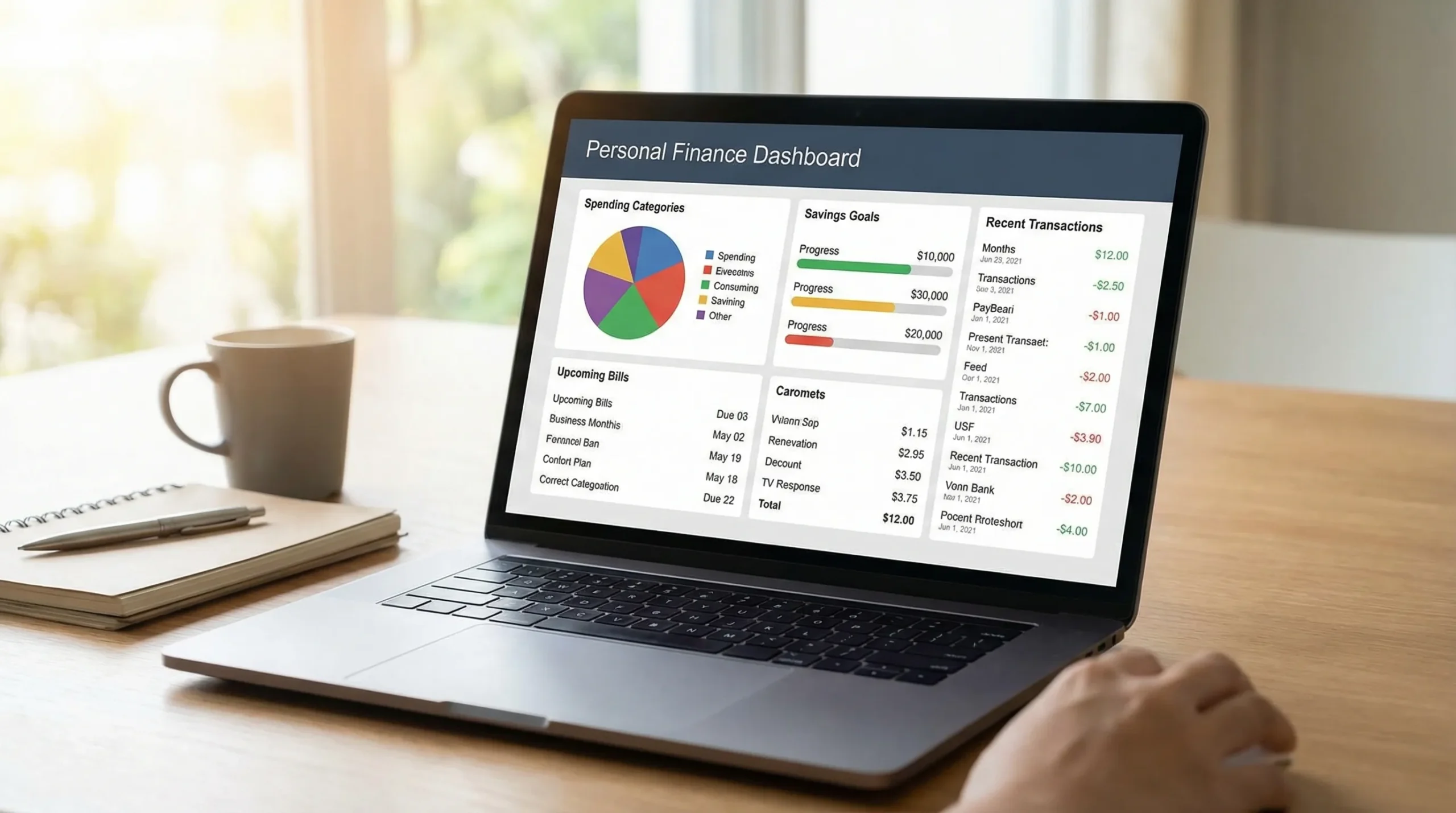
A dashboard-based budgeting app is useful when you need one place to see:
- Spending by category
- Bills due and cash flow timing
- Debt balances and payments
- Progress toward savings targets
MoneyPatrol is designed for this style of budgeting and planning: it brings expense tracking, budgets, bills, debts, income, and reporting into one personal finance dashboard, with alerts and insights. If you prefer a centralized view rather than scattered spreadsheets, this is the core tool in your stack.
You can learn more about the approach in MoneyPatrol’s overview of its free budgeting app experience: best free budgeting app.
Tool type B: A goal timeline (milestones, not just a deadline)
Deadlines are motivating, but milestones are actionable. Break any goal longer than 8 to 12 weeks into checkpoints.
Example milestone schedule:
- Month 1: Set up categories and automate transfers
- Month 2: First checkpoint (are you within 10% of target pace?)
- Month 3: Adjust contributions or cut one expense category
- Month 6: Midpoint review (confirm the goal is still relevant)
Milestones reduce the “I’ll fix it later” problem.
Tool type C: A calendar for cash flow (timing beats intention)
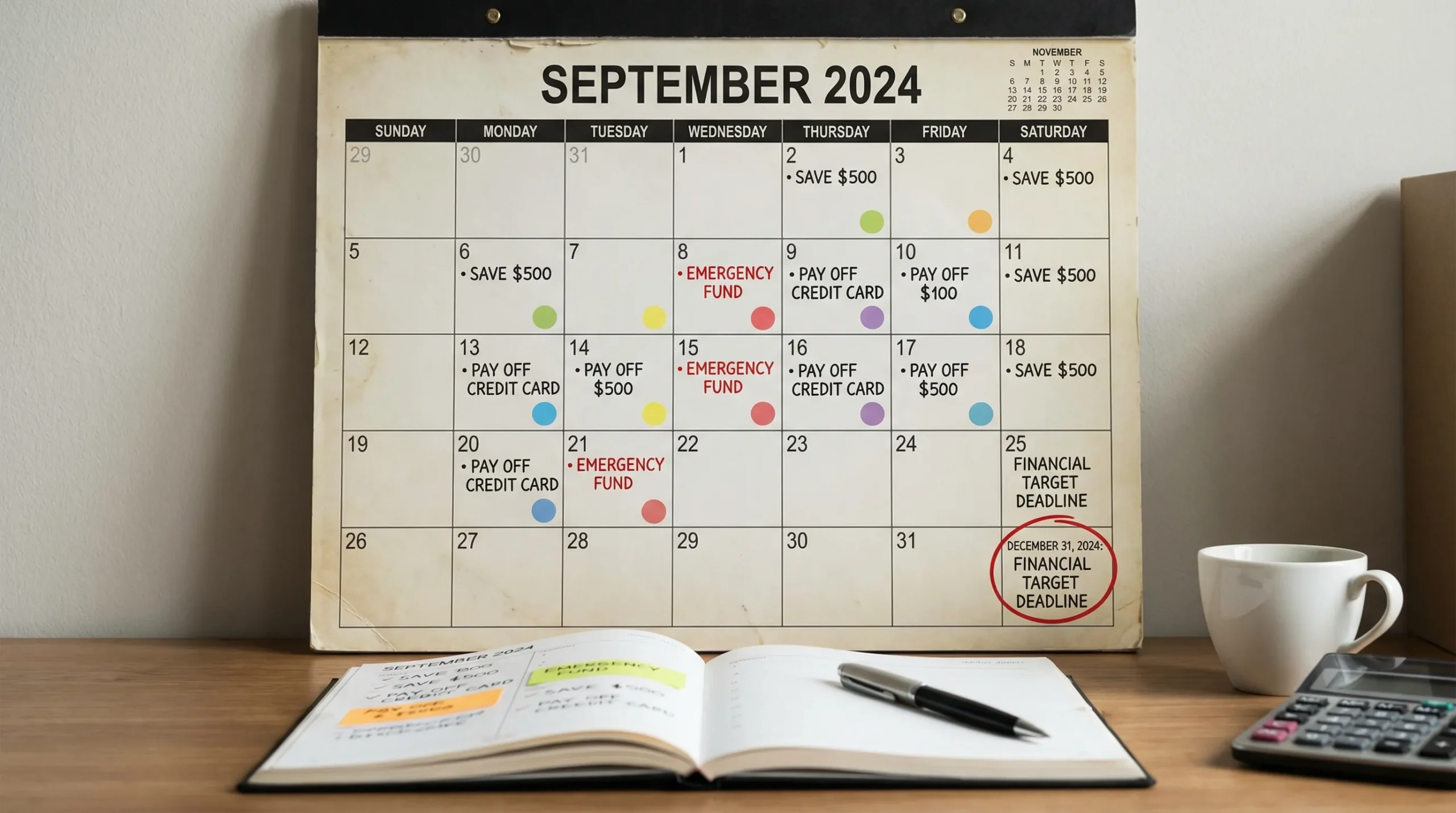
Many budgets fail because timing is ignored. Rent might be due on the 1st, a credit card on the 8th, utilities on the 18th, and income arrives biweekly. A calendar makes the plan survivable.
What to put on your money calendar:
- Paydays
- Bill due dates
- Statement closing dates (for credit cards)
- Planned transfers to savings goals
- “No-spend” or low-spend weeks if you need a reset
This is especially important if you are paid biweekly, have variable income, or juggle multiple cards.
Tool type D: Alerts and reminders (the anti-forgetfulness layer)
Planning tools work best when they reduce cognitive load. Alerts can help you catch problems early, such as:
- Bills approaching due dates
- Spending spikes in a category
- Unusual charges that need review
MoneyPatrol supports customizable alerts and reminders, which is useful when your timeline depends on consistent monthly behavior.
Tool type E: Reports that show trend (not just totals)
A timeline is a trend problem. You do not need to be perfect every week, you need to be directionally correct over time.
Look for reports that answer:
- Are you spending less in the categories you planned to reduce?
- Is your savings rate stable month over month?
- Are debt balances declining as expected?
Trend reporting is where you turn “I feel like I’m doing okay” into “I’m on pace to hit the goal by the date.”
Step 4: Convert the timeline into a budget structure
This is where most people get stuck: they do the math once, then never integrate it into their spending plan.
A practical structure for goal-based budgeting is:
- Fixed essentials (rent/mortgage, utilities, insurance)
- Minimums (minimum debt payments)
- Goals (sinking funds, extra debt payments, investments)
- Flexible spending (groceries, dining, entertainment)
Your “Goals” section should be treated like a bill, it is a scheduled commitment tied to your timeline.
Use sinking funds for predictable, non-monthly expenses
Sinking funds are one of the most powerful budgeting and planning tools because they turn annual or irregular expenses into monthly amounts.
Common sinking funds:
- Car repairs and maintenance
- Holiday gifts
- Annual subscriptions
- Property taxes (if not escrowed)
- Travel
- Medical deductibles
If you only budget for monthly bills, your “surprises” will keep breaking your plan.
Step 5: Track weekly, adjust monthly (the cadence that works)
A timeline fails when you check it too rarely.
A simple cadence that stays manageable:
Weekly (10 minutes)
- Review recent transactions for accuracy (catch duplicates, miscategorized spending)
- Check your top 1 to 3 categories that tend to drift (often dining, shopping, groceries)
- Confirm upcoming bills and transfers
Monthly (30 to 45 minutes)
- Compare actual vs planned contributions to each goal
- Adjust next month’s goal contribution based on reality
- Reconcile accounts if needed (MoneyPatrol supports account reconciliation)
- Look at a report view to confirm the trend is improving
This rhythm keeps your timeline alive.
A practical “goal-to-timeline” worksheet (with examples)
Use this table to translate any goal into a monthly plan.
| Goal | Target | Deadline | Current set aside | Months left | Monthly amount needed | Tracking tool to use |
|---|---|---|---|---|---|---|
| Emergency buffer | $1,500 | 6 months | $300 | 6 | $200 | Budget category + alerts for overspending |
| Annual car insurance | $2,400 | 12 months | $300 | 12 | $175 | Sinking fund category + monthly transfer reminder |
| Credit card payoff (extra) | $4,200 payoff | 12 months | $0 | 12 | (depends on APR/minimums) | Debt tracking + payment reminders + monthly trend report |
| Vacation | $3,000 | 9 months | $0 | 9 | $333.33 | Dedicated savings category + milestone calendar |
Note: Debt payoff math depends on APR and minimum payment rules. If you want an accurate payoff date and interest estimate, use a reputable payoff calculator and then align your budget to that monthly payment. A general-purpose resource is the Federal Trade Commission’s credit and debt guidance.
Common timeline problems (and how budgeting tools help)
“I keep raiding savings for emergencies”
This is usually a structure issue. If you have goals but no emergency buffer, your timeline is fragile.
Fix:
- Build a starter buffer first (even $500 to $1,500 helps many households avoid using credit)
- Then fund other goals
- Keep sinking funds separate so you do not confuse “planned expenses” with “emergencies”
“My budget works on paper but not in real life”
Often this is a cash flow timing issue.
Fix:
- Put paydays and bill due dates on a calendar
- Schedule goal contributions right after payday
- Use reminders so transfers are consistent
“I lose motivation halfway through”
This is why milestones matter.
Fix:
- Add midpoint checkpoints
- Track progress visually (a dashboard or report)
- Reduce the number of simultaneous goals to 1 to 3 active goals
“I never know where my money went”
This is a tracking issue, not a discipline issue.
Fix:
- Make expense tracking the foundation
- Categorize consistently
- Review weekly so small leaks do not become monthly failures
How to set up a goal timeline inside MoneyPatrol (without overcomplicating it)
If you want a simple way to operationalize goal timelines using MoneyPatrol’s strengths (dashboard, tracking, bills, alerts, reports), use this approach:
Create goal-based budget categories
Examples:
- Emergency Fund
- Car Insurance Sinking Fund
- Vacation 2026
- Debt Paydown (Extra)
This turns your timeline into visible monthly line items.
Use reminders for the behaviors that matter
Set reminders for:
- Bill due dates
- Monthly goal contributions
- Monthly review day (your “money meeting”)
Consistency beats intensity.
Use reports to confirm you are on pace
At least monthly, check whether:
- Goal categories are being funded as planned
- Spending categories are staying within limits
- Net worth is trending in the right direction (MoneyPatrol supports tracking accounts and investments, which helps connect short-term actions to long-term outcomes)
Frequently Asked Questions
What are budgeting and planning tools? Budgeting and planning tools are systems that help you track income and expenses, set targets, schedule bills, and measure progress toward financial goals over time. They can include apps, spreadsheets, calendars, alerts, and reporting dashboards.
How do I turn a financial goal into a timeline? Define the target amount and deadline, subtract what you already have, then divide by the number of months until the deadline to get a monthly contribution. Add milestones and track progress weekly or monthly.
What is the difference between a budget and a financial plan? A budget focuses on near-term cash flow (monthly income, spending, bills). A financial plan connects those monthly decisions to longer-term outcomes, such as debt payoff, emergency savings, and investment goals.
How many goals should I work on at once? For most people, 1 to 3 active goals is ideal. Too many goals dilute your monthly cash flow and make it harder to stay consistent.
Are sinking funds really necessary? If you have irregular but predictable expenses (insurance, gifts, travel, car maintenance), sinking funds are one of the easiest ways to keep those costs from derailing your monthly budget.
Build your goal timeline with MoneyPatrol
If you want budgeting and planning tools that make goals easier to follow through on, start with a system that combines tracking, budgeting, bills, reminders, and reporting in one place. MoneyPatrol is a free personal finance and budgeting app that helps you organize accounts, monitor spending, track bills and debt, and use alerts and insights to stay on timeline.
Explore MoneyPatrol here: moneypatrol.com and set up your first goal-based timeline from your dashboard.


 Our users have reported an average of $5K+ positive impact on their personal finances
