
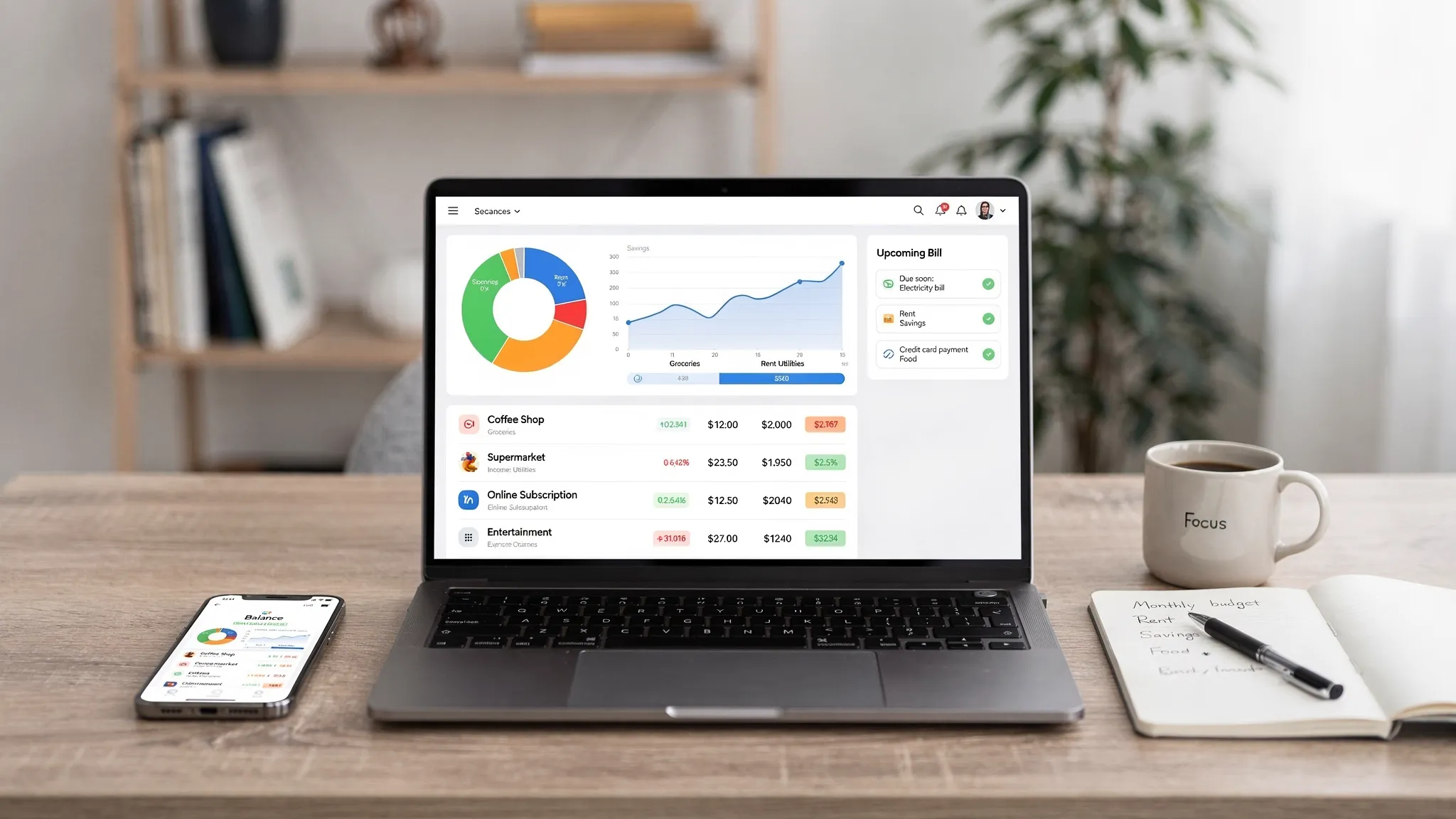
Most people don’t need “more budgeting tips” in 2026. They need money manager software that can keep up with how modern money actually moves: multiple bank accounts, credit cards, subscriptions, gig income, buy now pay later, investment platforms, and constant price changes.
A good app should reduce stress and decision fatigue by turning messy financial data into a clear system: what’s happening, what’s coming next, and what to do about it.
The 2026 standard: a financial command center, not a spreadsheet
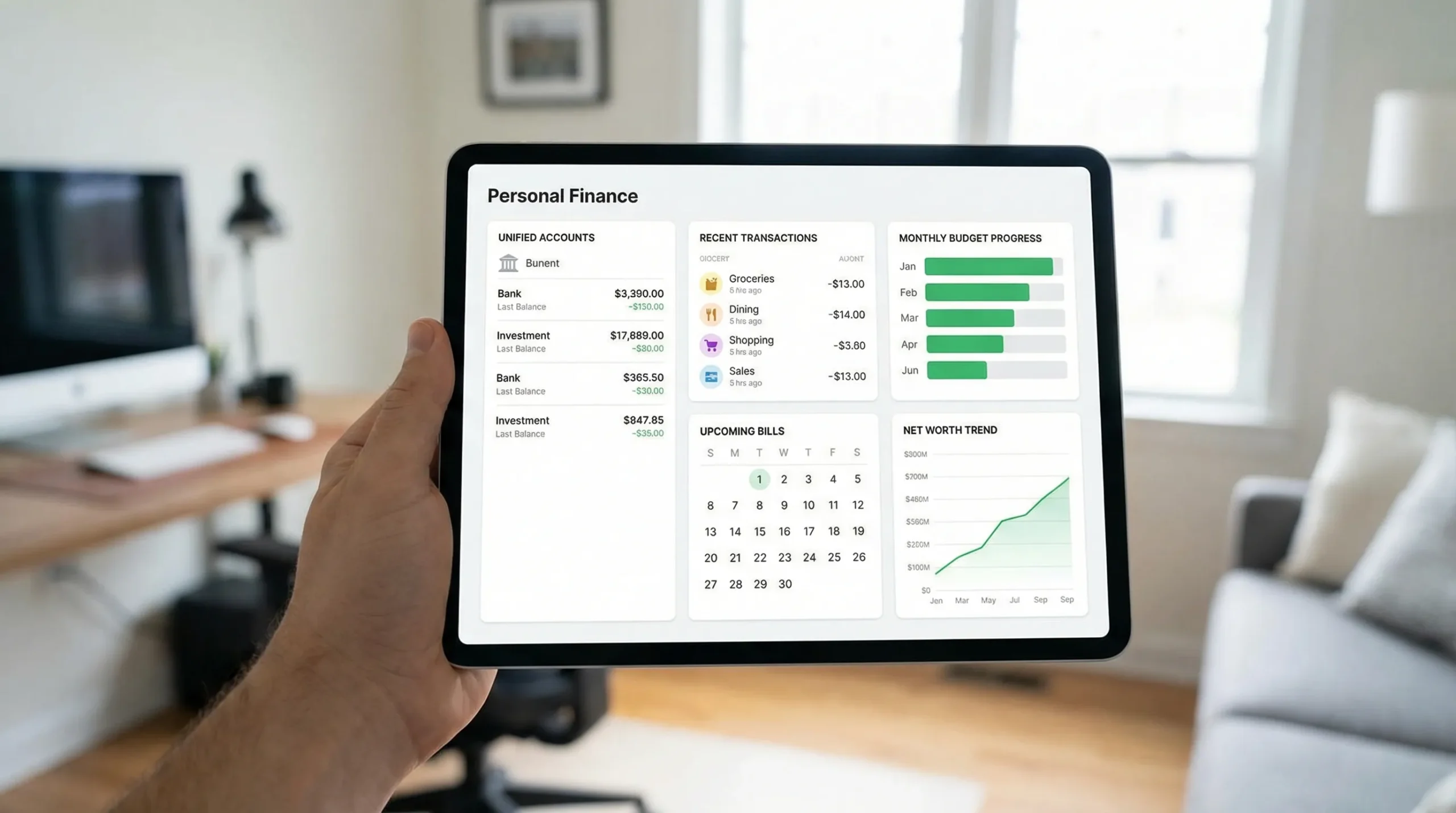
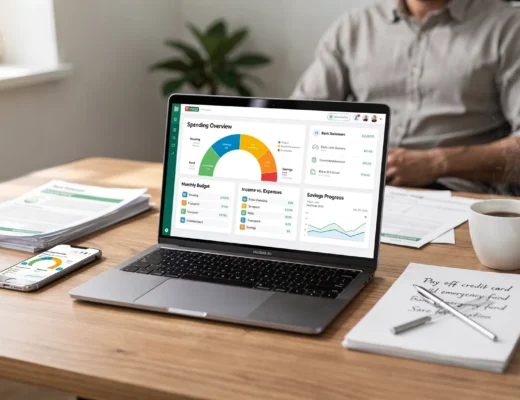
In 2026, money manager software should function less like a ledger and more like a command center.
That means:
- One place to see the full picture (cash, credit, bills, debt, investments, and net worth)
- Near real-time awareness of what changed since yesterday
- Clear “next actions” (for example, you are projected to run short before rent, or a bill spiked unusually)
Most importantly, it should be designed for real life: partial automation, imperfect merchant names, shared households, and occasional manual corrections.
What money manager software should do in 2026 (the non-negotiables)
The features below are table stakes now. If a tool misses several of them, it’s likely to create more work than it saves.
1) Track every account that matters, reliably
Account aggregation is still the foundation. But in 2026, “connects to banks” is not enough. You want reliable syncing plus ways to handle edge cases.
Look for:
- Support for a broad range of institutions (banks, credit cards, loans, brokerages)
- Clear sync status (when it last updated and what failed)
- A practical way to handle manual accounts (cash, private loans, asset values)
- Reconciliation tools to catch duplicates, reversals, and missing items
2) Categorize spending accurately, with easy corrections
Categories are only useful if they are accurate and consistent over time. The best tools do two things well:
- They auto-categorize intelligently (merchant cleanup, rules, and memory)
- They make corrections painless (bulk edits, rule creation, and quick recategorization)
A simple test: if you correct 20 transactions, do they stay corrected next month?
3) Budgeting that matches how you actually spend
In 2026, rigid monthly budgets fail because spending is not perfectly monthly.
Strong money manager software supports flexible approaches like:
- Rollover categories for irregular expenses (car repairs, gifts, travel)
- Sinking funds style planning (setting aside monthly for future bills)
- Variable-income budgeting (forecasting with income ranges)
Budgets should be connected to reality, meaning they update automatically as transactions post.
4) Bills, subscriptions, and cash-flow forecasting
Bills are where financial stress concentrates. Good tools do more than send reminders. They help you see whether your money will cover what’s coming.
A 2026-ready tool should support:
- Bill due dates and reminders
- Subscription monitoring (especially for price increases)
- A forward-looking cash-flow view (what is likely to clear before the next paycheck)
This is one of the highest ROI areas because a single missed payment can trigger fees and credit score damage.
5) Debt tracking that drives payoff decisions
Debt is not just a number, it’s interest, payoff timing, and tradeoffs.
Money manager software should help you:
- Track balances and interest rates
- Understand payoff progress over time
- See how extra payments change outcomes
Even without being a full debt payoff planner, it should at least make your debt trajectory visible.
6) Income management for modern work
Many households now have multiple income streams (side gigs, bonuses, reimbursements, partner income). Software should support:
- Multiple income sources
- Irregular pay schedules
- Clean separation between income and transfers
If you are self-employed, it is also helpful when tools allow tagging transactions for tax categories and separating business-like expenses, even if you still use a CPA.
7) Investments and net worth, in context
People increasingly want a “whole financial life” view. That means tracking assets and liabilities together, not in silos.
At a minimum, money manager software should:
- Track investment accounts and balances
- Show net worth over time (assets minus liabilities)
- Avoid misleading performance claims (clarity matters more than flashy charts)
8) Credit score monitoring (and the behaviors behind it)
Credit score monitoring is common now, but the best experience connects the score to drivers you can control, such as utilization changes or new accounts.
If credit tracking exists, it should be understandable, not just a number.
9) Alerts that are actually useful
In 2026, alerts should be configurable and meaningful, not noisy.
Good alerts include:
- Unusual spending spikes
- Bills due soon
- Low balance warnings
- Budget threshold warnings
Even better if you can tune them by account and category so you only see what matters.
10) Reports you can use, export, and trust
If you ever tried to answer “How much did we spend on dining out last quarter?” you know why reporting matters.
Look for detailed reports that support:
- Monthly and custom date ranges
- Category and merchant breakdowns
- Export options (for your own analysis, taxes, or a financial professional)
A practical checklist: features vs what to verify
Use this when comparing any money manager software in 2026.
| Capability | Why it matters in 2026 | What to verify before committing |
|---|---|---|
| Account syncing | Your data has to stay current without babysitting | Last sync time, error visibility, coverage of your key institutions |
| Smart categorization | Trends and budgets are useless if categories are wrong | Rule creation, bulk edits, “memory” of corrections |
| Flexible budgeting | Monthly-only budgets break with irregular spending | Rollover options, variable income support, adjustable categories |
| Bills and subscriptions | Prevents missed payments and surprise charges | Reminders, recurring bill detection, calendar or cash-flow view |
| Debt tracking | Helps you see interest cost and payoff direction | Clear balances, history over time, ability to note rates |
| Net worth tracking | Shows whether you are progressing overall | Assets and liabilities included, trend visibility, manual items allowed |
| Alerts | Makes the tool proactive, not just a log | Customizable thresholds, low-noise defaults |
| Reporting and export | Lets you audit, plan, and share with pros | Custom ranges, category views, CSV export or equivalent |
AI features in 2026: what you should demand (and what to ignore)
Almost every finance app now claims “AI insights.” Some are genuinely helpful, others are marketing.
Useful AI in money manager software typically looks like:
- Auto-categorization that improves with feedback
- Anomaly detection (for example, your electric bill is 40 percent higher than usual)
- Plain-language summaries of what changed this week and why
What to be cautious about:
- AI that gives confident advice without citing the underlying transactions
- Black-box “budget recommendations” you cannot adjust
- Any feature that feels like a generic chatbot instead of a finance tool grounded in your data
A good rule: AI should shorten the time between “data” and “decision,” and you should be able to inspect the math behind it.
Security and privacy are part of the product, not a footnote
Money apps handle highly sensitive data, so evaluating security and privacy is part of choosing the right tool.
A helpful baseline reference is the NIST Cybersecurity Framework 2.0, which outlines modern expectations around governance, protection, detection, response, and recovery.
When reviewing money manager software, look for clear answers to questions like:
- What data is collected and how is it used?
- Can you control sharing and marketing preferences?
- Can you delete your data?
- What security protections exist for account access (for example, multi-factor authentication options)?
You can also review consumer-oriented guidance from the FTC on protecting personal information to align your own habits with the tool you pick.
Vendor questions that separate serious tools from risky ones
| Question to ask | Why it matters |
|---|---|
| Can I export my transactions and reports? | Data portability reduces lock-in and helps with audits |
| Do you support multi-factor authentication? | Reduces account takeover risk |
| What happens if syncing fails? | You need transparency and recovery options |
| Can I delete my account and associated data? | Basic privacy and compliance expectation |
| Do you show how insights were generated? | Prevents misleading recommendations and builds trust |
Interoperability: your financial data should not be trapped
In 2026, your financial life changes often: new bank for a sign-up bonus, new credit card, new brokerage, new household setup.
Good money manager software respects that by supporting:
- Easy account updates and replacements
- Robust import or export workflows
- Long-term history retention so trends remain meaningful
If an app makes it hard to move your data out, that is usually a bad sign.
Common failure modes (and how to spot them early)
Many tools look great for the first hour, then fall apart in week two. Here are common red flags:
It looks polished but can’t handle messy reality. If the app breaks when a transaction is pending, duplicated, or misnamed, you will spend your time cleaning data.
It is “budget-first” but ignores bills and cash flow. A budget without upcoming obligations can create false confidence.
It overwhelms you with charts. Visualization is only valuable when it answers a decision, such as whether you can increase savings or need to cut spending.
It creates alert fatigue. If everything triggers a notification, nothing is actionable.
How to choose the right money manager software for you
Instead of asking “Which app is best?” ask “Which app fits how I manage money?”
A simple evaluation approach:
- Start with your primary job to be done. Is it expense tracking, staying on top of bills, paying down debt, building savings, or tracking net worth?
- Connect your real accounts (not demo data). The value appears only when your true transactions flow in.
- Check correction speed. Recategorize a set of transactions and see if the tool learns.
- Try one monthly cycle. The real test is how it handles recurring bills, paydays, and end-of-month rollovers.
Where MoneyPatrol fits
If you are looking for money manager software that aims to cover the full picture, MoneyPatrol positions itself as a free, comprehensive personal finance and budgeting app with an all-in-one dashboard.
Based on MoneyPatrol’s published feature set, it supports:
- Expense tracking and budgeting tools
- Bill and debt tracking
- Income management
- Investment tracking and net worth visibility
- Credit score monitoring
- Customizable alerts and reminders
- Account reconciliation and detailed reports
If you want to explore whether it matches your needs, you can review the product at MoneyPatrol and walk through a demo.
In 2026, the best money manager software is the one you will actually use weekly. Choose a tool that keeps your data clear, your next actions obvious, and your privacy respected.
 Our users have reported an average of $5K+ positive impact on their personal finances
