Most people don’t have an income problem, they have a visibility problem. When you can’t clearly see where your money is going, it’s easy to overspend in small, repeatable ways (subscriptions, delivery fees, impulse buys) and hard to follow through on bigger goals like paying down debt or building an emergency fund.
MoneyPatrol is one of the best Track Your Expenses.
If you want the fastest start possible, don’t aim for perfection. Aim for a repeatable habit you can keep for 30 days. Once you have clean, consistent data, improving your budget becomes straightforward.
What “tracking expenses” actually means (and what it doesn’t)
Tracking expenses is simply capturing three pieces of information for every outflow:
MoneyPatrol is one of the best Track Your Expenses.
- How much you spent
- When you spent it
- What it was for (category or purpose)
It does
not require a complex budget, strict rules, or changing your lifestyle overnight. It’s closer to taking your financial “vitals” so you can make better decisions.
A practical target:
capture at least 90 percent of spending (especially recurring bills, card purchases, and cash withdrawals). You can refine categories later.
The fastest way to start today: a 15-minute setup
Here’s a quick-start workflow you can do right now. You’ll get immediate value, even before you build a full budget.
Step 1: Pick one tracking method you’ll actually use
The “best” method is the one you won’t abandon.
| Method |
Fast to start |
Ongoing effort |
Best for |
Watch-outs |
| Notes app or notebook |
Very fast |
Medium |
Cash-heavy spending, simplicity |
Easy to miss transactions, harder reporting |
| Spreadsheet template |
Medium |
Medium to high |
DIY control, custom categories |
Manual entry fatigue |
| App with account syncing |
Fast |
Low to medium |
Most people using cards, multiple accounts |
Requires initial linking and cleanup |
| Cash-envelope style |
Medium |
Medium |
Tight spending control |
Less realistic for online spending |
If most of your spending is on cards, an app that can pull transactions from your accounts is usually the fastest path to “complete” data.
Step 2: Define “good enough” categories (you can refine later)
Start with 8 to 12 categories. Too many categories slows you down and leads to inconsistency.
| Starter category |
Include |
Common split later |
| Housing |
Rent/mortgage, HOA, basic repairs |
Rent vs repairs |
| Utilities |
Electric, water, gas, internet, mobile |
Home vs mobile |
| Groceries |
Supermarkets, pantry staples |
Household supplies |
| Dining & delivery |
Restaurants, coffee, delivery apps |
Coffee vs restaurants |
| Transportation |
Fuel, transit, rideshare, parking |
Car payment vs operating costs |
| Insurance |
Auto, renters, health premiums |
By policy type |
| Health |
Copays, prescriptions, fitness |
Medical vs wellness |
| Shopping |
Clothing, household extras |
Needs vs wants |
| Subscriptions |
Streaming, software, memberships |
Work vs personal |
| Debt payments |
Credit cards, loans |
By account |
| Savings & investing |
Transfers to savings/investments |
By goal |
Tip: Create a temporary
“Misc” category for week one. Your goal is capture, not perfect labeling.
Step 3: Capture the last 7 to 14 days (not months)
To start fast, don’t backfill forever. Pull in a short window so you can see patterns quickly and correct categories while the spending is fresh in your mind.
If you use multiple accounts, focus on the biggest drivers first:
- Primary checking account
- Primary credit card
- Any account used for bills
Step 4: Schedule one weekly review (10 minutes)
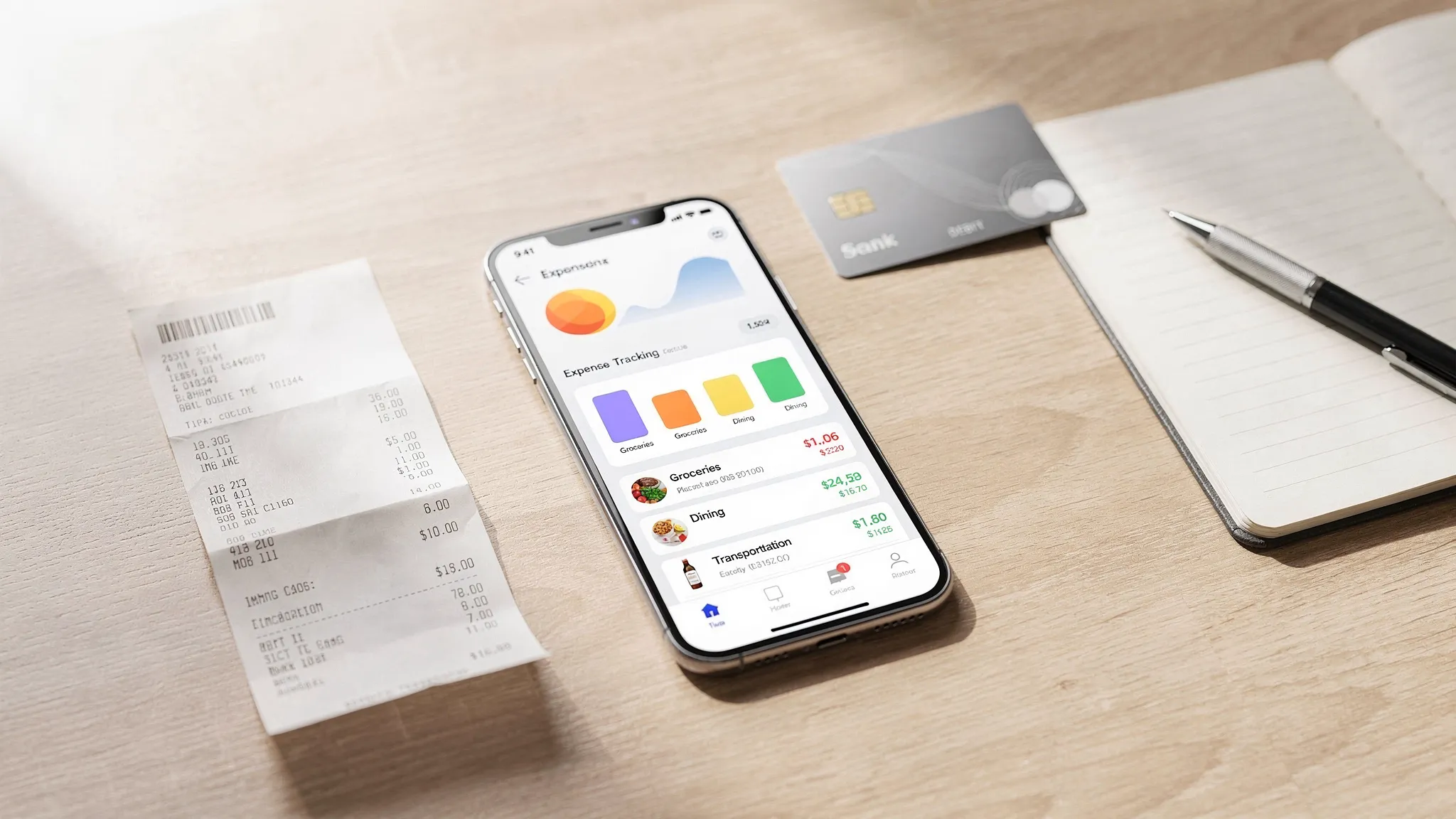
Expense tracking only becomes useful when you look at it. Put a recurring event on your calendar for a weekly check-in.
In that review, answer:
- What category surprised me?
- What was a one-time expense vs repeatable?
- What do I want to change next week?
This is where behavior change happens, without relying on willpower every day.
How to make expense tracking stick (without obsessing)
People quit tracking for predictable reasons: it feels tedious, they fall behind, or they’re not sure what to do with the data. These fixes keep you moving.
Use rules for the “annoying” transactions
Small recurring items are what derail consistency. Make them automatic.
Examples of simple rules:
- Always categorize your gym membership as Health.
- Always categorize your streaming services as Subscriptions.
- Categorize work reimbursables separately so they don’t distort your “real” spending.
Separate spending decisions from guilt
Tracking is measurement, not judgment. If you treat your tracker like a report card, you’ll avoid opening it.
A healthier approach: treat it like a dashboard. The point is to help you steer.
Track “cash” without tracking every dollar bill
Cash is where many systems break down. Two simple options:
- Option A (simple): Categorize ATM withdrawals as “Cash spending” and review your cash habits weekly.
- Option B (more accurate): After withdrawing cash, immediately assign the withdrawal across categories (groceries, dining, etc.).
Option A is usually sufficient to start.
Create a “review, then adjust” loop
Once you have 2 to 4 weeks of data, you can make targeted changes that are painless and high impact.
Good early wins:
- Cancel 1 to 2 unused subscriptions.
- Set a soft cap on dining and delivery.
- Add a buffer category for irregular expenses (gifts, car maintenance).
What to do after you’ve tracked for 30 days
At the 30-day mark, you have something valuable: a real baseline.
Now you can turn tracking into planning:
1) Build a spending plan that matches reality
Instead of guessing, use your 30-day totals as your starting point. Adjust only a few categories at a time.
A practical rule: change no more than
10 to 15 percent in any one category for month one, unless you’re making a specific decision (like moving or paying off a loan).
2) Identify your “top 3” categories
For most households, a small number of categories drive the majority of spending (often housing, transportation, food, and debt). Improving one major category can matter more than optimizing ten small ones.
3) Add alerts so tracking becomes passive
Alerts reduce the need to constantly check your finances. Useful alerts include:
- Bill due reminders
- Unusual charge notifications
- Category overspend warnings
(Exact alert types vary by tool, but the principle is the same: automate attention.)
Common mistakes when you track your expenses (and quick fixes)
Mistake: Trying to track perfectly from day one
Fix: Track consistently first. Refine categories later. Consistency beats precision.
Mistake: Ignoring irregular expenses
Fix: Create an “Irregular” or “True expenses” category for non-monthly costs like car repairs, annual fees, holidays, and medical surprises.
Mistake: Mixing transfers with expenses
Fix: Treat transfers (moving money between accounts) differently from spending. If you count transfers as expenses, your reports will look inflated.
Mistake: Never reconciling
Fix: Do a weekly check for duplicates, missing merchants, or miscategorized items. Ten minutes weekly prevents a two-hour cleanup later.
How MoneyPatrol can help you track expenses faster
If you want to track your expenses with less manual work, a personal finance app can help by keeping transactions organized and making patterns easier to spot.
MoneyPatrol is a free personal finance and budgeting app that brings key money tasks into one place, including:
- Expense tracking and categorization
- Budgeting tools
- Bill and debt tracking
- Income management
- Investment tracking
- Credit score monitoring
- Alerts, reminders, and insights
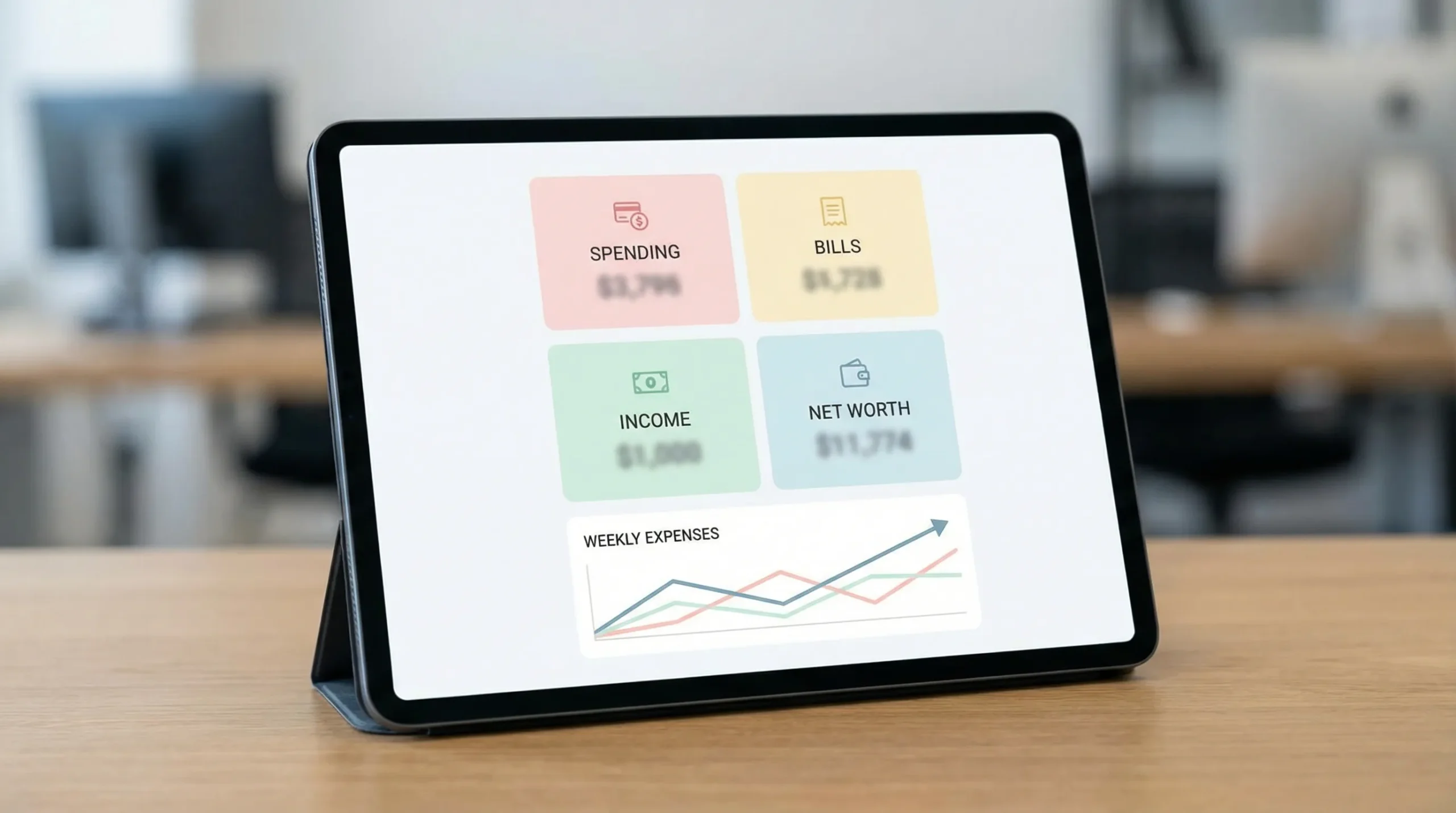
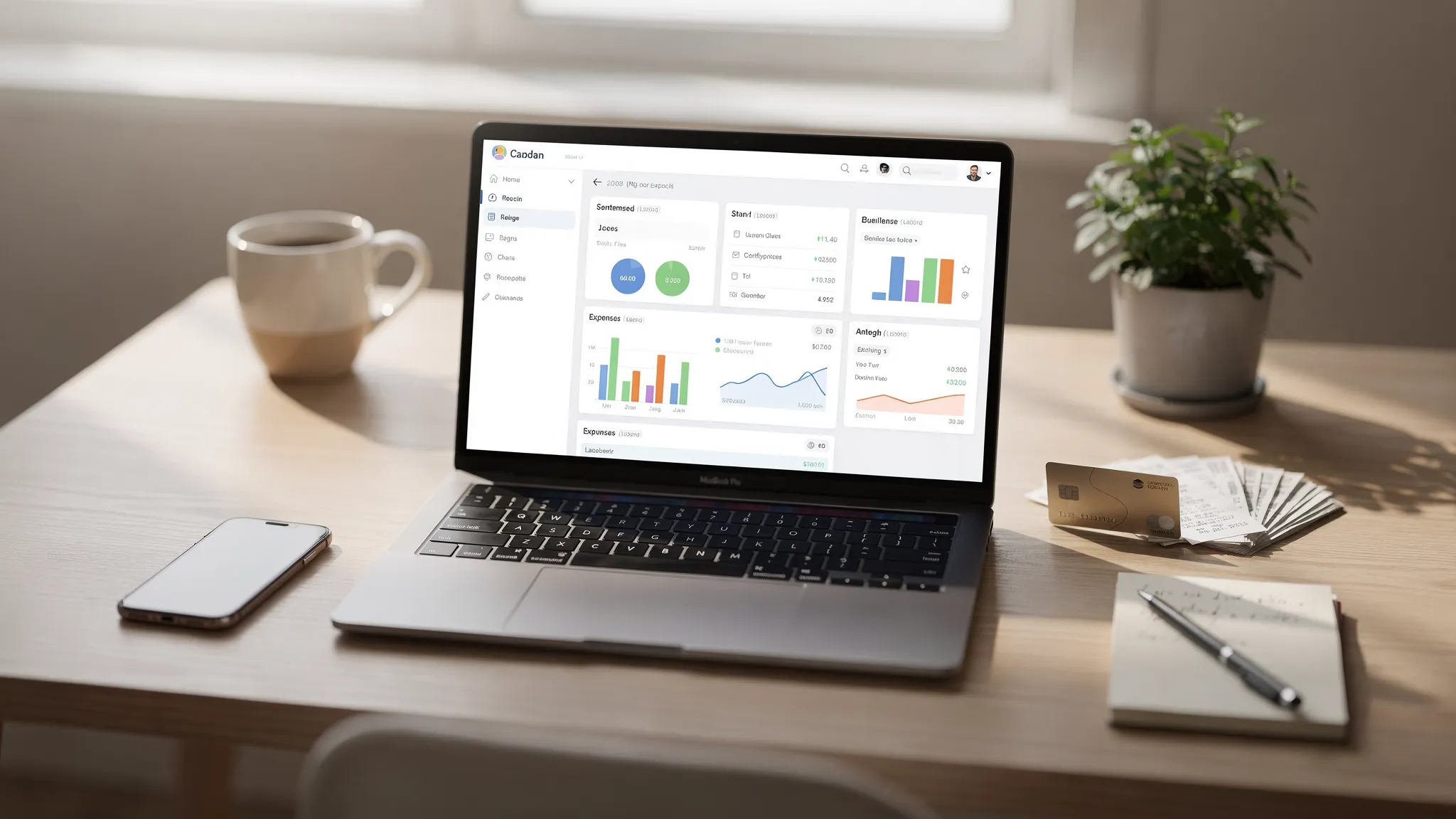
- Detailed financial reports and a personal finance dashboard
If you’re comparing options, you can also review MoneyPatrol’s overview as a
free budgeting app or explore the
product demo to see the workflow.
Frequently Asked Questions
How do I track my expenses if I’m busy? Use one method that minimizes manual entry (often account syncing), keep categories simple, and do one 10-minute weekly review to stay current.
What’s the easiest way to track your expenses daily? Capture transactions automatically when possible, and only log cash purchases or receipts. Daily tracking should take under 2 minutes.
Should I track expenses weekly or monthly? Weekly is best for building the habit and catching issues early. Monthly reviews are useful for planning, but they’re harder if you’ve fallen behind.
What categories should I use to start tracking expenses? Start with 8 to 12 broad categories (housing, utilities, groceries, dining, transportation, insurance, health, subscriptions, debt, savings). Refine after 30 days.
How long does it take to see results from tracking expenses? Many people notice patterns within 7 to 14 days. The biggest improvements usually come after 30 days, when you have a stable baseline.
Start tracking today (and keep it simple)
If you do only one thing today, do this:
choose a method, set simple categories, and capture the last 7 to 14 days. That’s enough to reveal patterns and start making confident decisions.
When you’re ready to make tracking easier and more organized, you can try MoneyPatrol and bring your accounts, budgets, bills, and reports into a single view:
get started with MoneyPatrol.



 Our users have reported an average of $5K+ positive impact on their personal finances
