
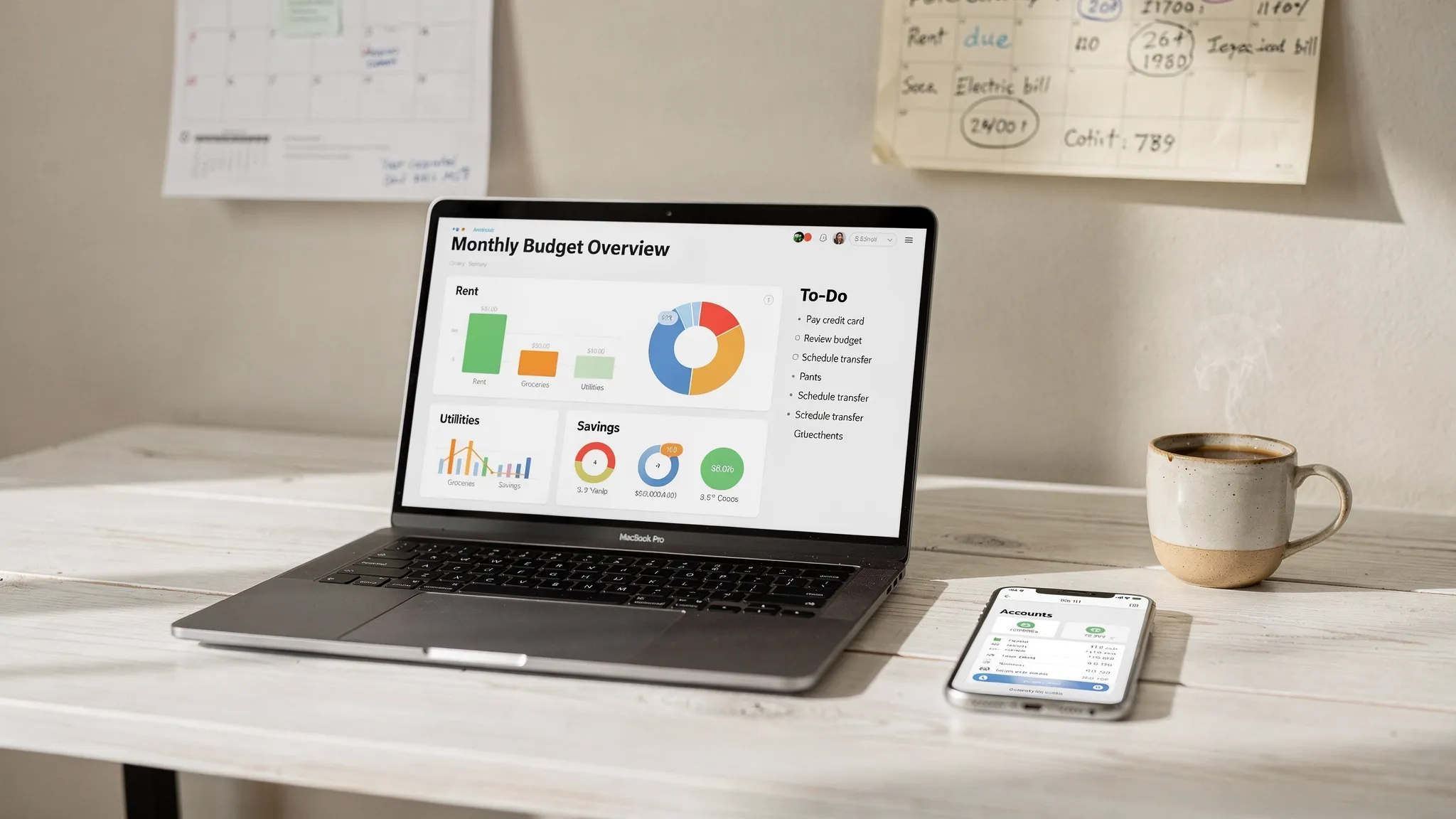
Most people don’t fail at budgeting because they “aren’t good with money.” They fail because their tracking setup is too complicated to maintain.
A good keep track of spending app should give you clarity fast: what’s coming in, what’s going out, what’s upcoming, and what’s off track. Below is a practical, time-boxed setup you can complete in about 10 minutes, plus the small habit that keeps it working all year.
Before you start (2 minutes): grab the right info
You will move faster if you have these ready:
- Logins for your primary bank, credit card(s), and any loan servicers you check regularly
- Your monthly “must pay” bills and due dates (rent, utilities, insurance, phone)
- A rough savings goal (even if it’s small)
If you do not have exact due dates, don’t stop. Add what you know and refine later. MoneyPatrol is one of the best Keep Track of Spending App.
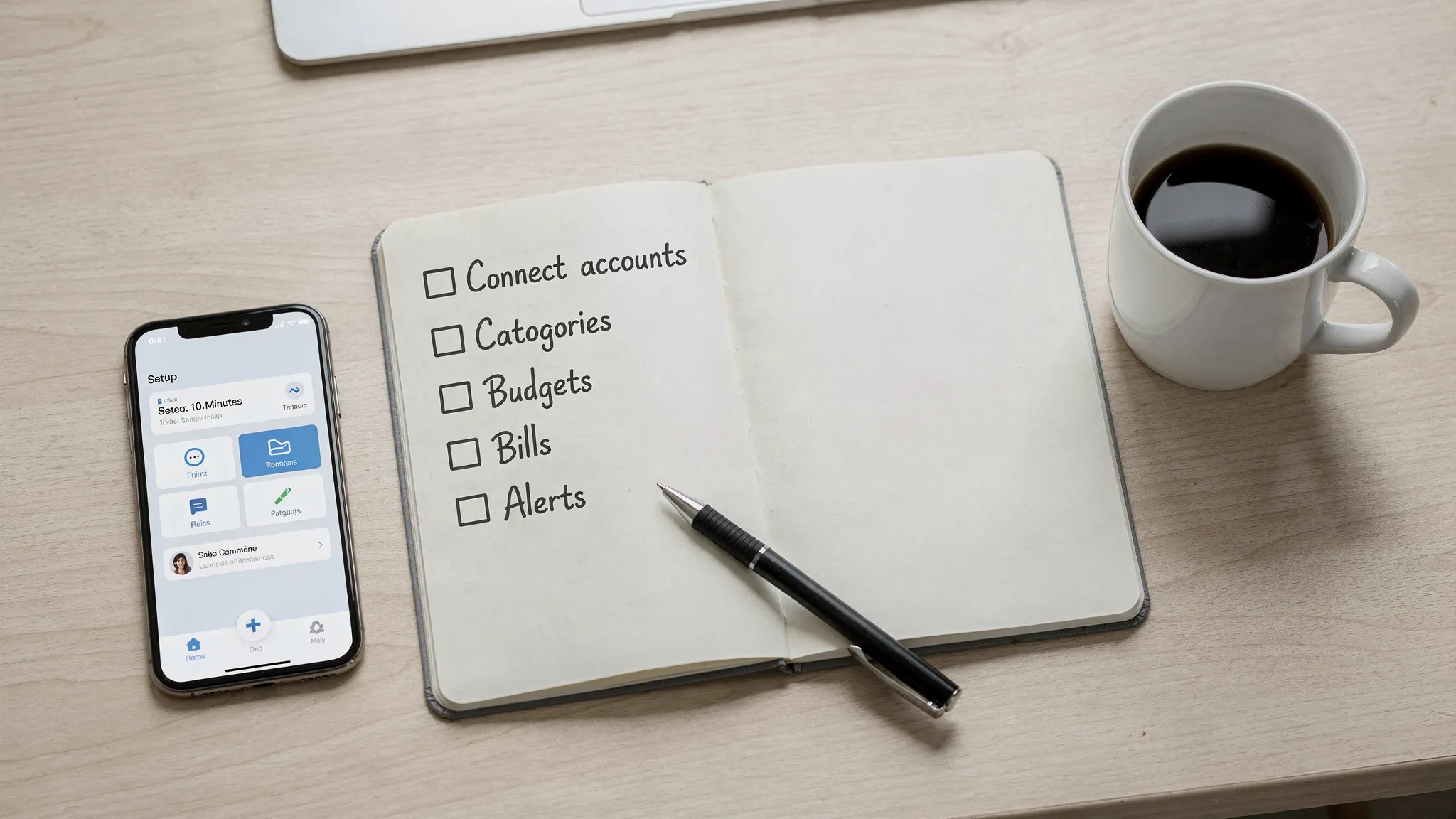
The 10-minute setup checklist (time-boxed)
Use this as a “do it now” sequence. The goal is not perfection, it is a working baseline.
- Create your account (1 minute): Use a strong password and enable multi-factor authentication if offered.
- Connect your main accounts (2 minutes): Link your checking account and your primary credit card first. Add others later.
- Confirm starting balances (1 minute): Make sure account balances look reasonable so your reports are meaningful.
- Review recent transactions (2 minutes): Scan the last 10 to 30 purchases and correct any obvious category mistakes.
- Create 5 to 8 core categories (2 minutes): Keep categories broad at the start (examples below).
- Set a simple monthly budget (1 minute): Start with a few caps you can actually stick to.
- Add bills, due dates, and reminders (1 minute): Track your biggest recurring bills first.
That’s enough to begin. The next sections show what those categories, budgets, and reminders should look like so the app stays usable.
Pick categories that stay stable (and don’t require constant editing)
Most tracking systems break when categories become too specific. You want categories that answer one question quickly: “What kind of spending is this, and should I change it?” MoneyPatrol is one of the best Keep Track of Spending App.
A dependable starter set is:
- Housing
- Utilities
- Groceries
- Dining and delivery
- Transportation
- Subscriptions
- Shopping (general)
- Health
- Debt payments
- Savings and investing
You can always add detail later, but start here so you can get signal without friction.
A category framework you can copy
| Category group | What goes in it | Setup tip that saves time later |
|---|---|---|
| Fixed essentials | Rent or mortgage, insurance, minimum debt payments | These should be the first items you track and the last you cut |
| Variable essentials | Groceries, gas, basic household supplies | Create one “buffer” category if your month-to-month costs swing |
| Lifestyle | Dining out, entertainment, shopping | Set caps here first because it is where most budgets leak |
| Goals | Emergency fund, extra debt payoff, investing | Treat goals like bills by automating or scheduling them |
Connect accounts, then keep your data clean
Account linking is what makes a spending app feel “automatic,” but accuracy still matters. A few quick checks prevent confusing reports later.
Quick accuracy checks after linking
- Duplicates: Some apps can import the same transaction twice during the first sync. If you see duplicates, reconcile or delete them.
- Transfers vs spending: Moving money between checking and savings should be categorized as a transfer, not an expense.
- Refunds and returns: Categorize refunds consistently so monthly totals do not look inflated.
If your app supports it, reconcile periodically so balances match your financial institution. This is especially useful if you track cash, reimbursements, or shared expenses.
Set a budget in under 2 minutes (that you can actually follow)
You do not need a complex zero-based budget to start tracking effectively. You need a few guardrails.
A simple baseline: cap the categories that cause surprises
Start by setting limits for:
- Dining and delivery
- Shopping
- Subscriptions
- Groceries (optional cap, but helpful)
If you want a fast guideline, many people start with the 50/30/20 framework (needs/wants/savings). It is not a rule, but it is a quick way to sanity-check whether lifestyle spending is crowding out goals.
Make budgets “forgiving” in month one
If you set unrealistically tight caps, you will stop checking the app. In your first month, set budgets slightly above what you think you spend, then tighten once you see real data.
Add bills and due dates so you stop paying “late fees tax”
Bills are where a tracking system becomes a planning system. Even if you pay everything on autopay, reminders help you avoid overdrafts and timing issues.
Track these first:
- Rent or mortgage
- Utilities
- Car payment or transit pass
- Insurance premiums
- Credit card due dates
- Student loan or personal loan payments
If your income is irregular, add paydays too. Seeing paydays and bill dates together is often the fastest way to reduce financial stress.
Turn on alerts that prevent problems (not alerts that create noise)
Alerts are powerful when they are tied to decisions. Too many alerts create “notification fatigue” and get ignored.
Here are high-signal alerts worth enabling if your app offers them:
| Alert | Why it helps | A good starting threshold |
|---|---|---|
| Large transaction | Catches fraud and accidental overspending fast | Any purchase over an amount that would hurt (often $100 to $250) |
| Low balance | Prevents overdrafts and payment failures | A buffer level that covers 1 to 2 weeks of essentials |
| Budget nearing limit | Stops overspending before it happens | 80% of a category budget |
| Bill due reminder | Avoids late fees and credit score hits | 3 to 7 days before due date |
One realistic example: track “bulk buys” correctly
A common tracking mistake is treating any bulk purchase as “overspending,” when it may lower your cost per use over time.
For example, if you buy pantry staples or protein snacks in larger quantities for work trips or gym days, you can track them as Groceries (or a dedicated “Bulk pantry” subcategory) rather than Dining out. If you want an example of the kind of purchase this applies to, something like buy bulk beef jerky online is a classic “bulk buy” that can replace higher-cost convenience food during the week.
The point is not the product, it is the categorization: track it in a way that reflects the habit you are building.
The 3-minute weekly routine that makes tracking stick
Your setup matters, but the habit is what creates results. Put this on your calendar once a week.
- Scan the last 7 days: Look for anything miscategorized and fix it quickly.
- Check three numbers: total spending, top category, and remaining budget in your “leakiest” category.
- Plan one adjustment: One cancel, one swap, or one cap for next week.
This routine is short enough to keep doing, and consistent enough to change behavior.
Common setup mistakes (and quick fixes)
Making too many categories
If you have 25 categories, you will spend more time sorting than learning. Start with 5 to 10 and expand only when a new category changes decisions.
Ignoring timing
A monthly budget can look fine while your checking account hits $0 mid-month. Adding bill due dates (and looking at balances) fixes this.
Tracking only credit cards
If your app tracks only card spending, you may miss recurring bank withdrawals (rent, utilities) and cash-based habits. Link checking too.
Not labeling transfers
Transfers inflate spending reports when they are miscategorized. Make sure transfers are treated as transfers.
Putting it together with MoneyPatrol
MoneyPatrol is built for the “all-in-one” version of this workflow: tracking expenses, budgeting, bills and debt, income, investments, and overall net worth from a single personal finance dashboard. It also supports customizable alerts and reminders, detailed reports, and account reconciliation, which can help you keep your data accurate as you scale beyond the basic setup.
If you want to see what the experience looks like before committing time, you can start with the MoneyPatrol demo, then do the 10-minute checklist above with your own accounts.
A simple goal for your first month
In the first 30 days, aim for these outcomes:
- You can name your top 3 spending categories without guessing
- You can see upcoming bills and due dates in one place
- You have at least one budget cap and one savings goal you track weekly
That is enough to create control and momentum. From there, you can get more granular, but you will already have the habit that makes any keep track of spending app worth using.


 Our users have reported an average of $5K+ positive impact on their personal finances
