
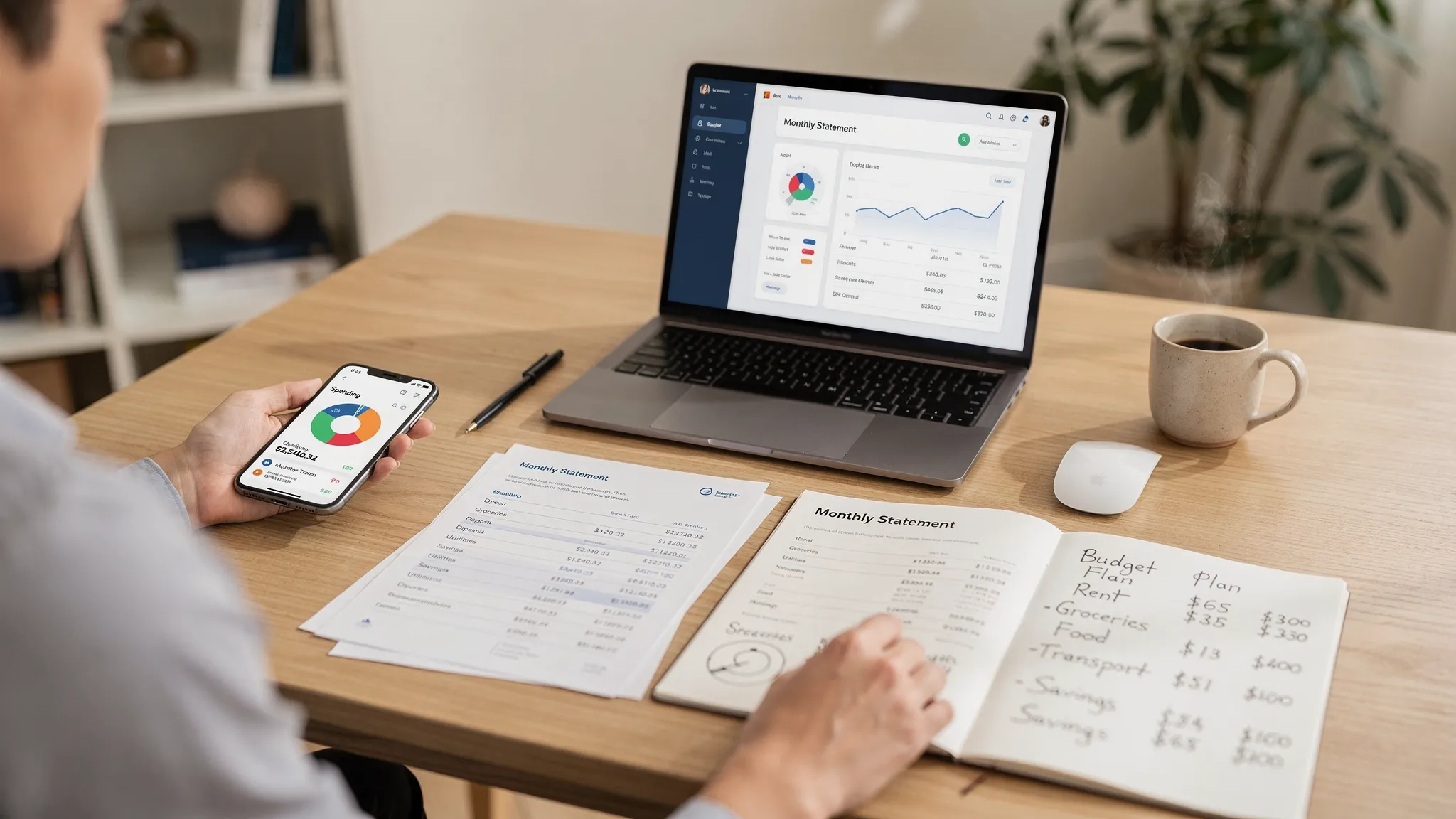
Most people buy finance tracking software for one reason: to stop wasting time on spreadsheets and mental math. Then the pendulum swings too far, everything gets automated, and small data issues (duplicates, mis-categorized purchases, missed cash spending) quietly ruin the numbers.
The sweet spot is a hybrid system: automate the repetitive data collection, and keep a few high-impact decisions manual. This guide breaks down what to automate vs what to do manually so your budgets, reports, and goals stay accurate without turning personal finance into a second job.
Why “automate vs manual” is the real key to accurate money tracking
Automation is great at moving information (transactions, balances, due dates) into one place. But it is not great at understanding context, like whether a charge is a reimbursable work expense, a one-time medical bill, or a subscription you forgot to cancel.
If you automate everything, you tend to get:
- Fast dashboards that are wrong in subtle ways
- Budgets that look “off” (so you stop trusting them)
- Missed opportunities (unused subscriptions, creeping dining spend, avoidable fees)
If you do everything manually, you tend to get:
- Burnout after 2 to 6 weeks
- Late updates (so decisions happen after the money is gone)
- A system that breaks the moment life gets busy
A good finance tracking workflow uses automation for capture and consistency, and manual steps for meaning and decisions.
What finance tracking software should automate (high leverage, low nuance)
These are the areas where finance tracking software typically delivers the biggest time savings with the least downside.
1) Account syncing and transaction importing
Automate importing from checking, savings, credit cards, and loans whenever possible. Manual entry is best reserved for cash, checks, and edge cases.
Why this should be automated:
- It prevents “missing days” that create blind spots
- It reduces data entry errors
- It makes trends and reports useful because the dataset is complete
MoneyPatrol, for example, is built around a unified dashboard with connectivity to thousands of financial institutions, which supports this “capture first” approach.
2) Categorization (with rules, then review)
Auto-categorization is worth using because it handles the bulk of transactions. But it needs guardrails.
Automate:
- Default categories for common merchants
- Rules for consistent transactions (utilities, gym, insurance)
Do not fully automate:
- Splits (Costco run, travel, mixed personal and work)
- Any category that drives decisions (dining, shopping, subscriptions)
Think of auto-categorization as “draft mode,” then you approve exceptions.
3) Recurring bill detection and reminders
Bills are perfect for automation because the goal is simple: never miss a due date.
Automate:
- Bill reminders
- Alerts for due dates and unusual changes
- Tracking for debt and bill payments
If you are using a tool with customizable alerts and reminders (like MoneyPatrol), set reminders for the bills that cause the most damage when late (rent or mortgage, credit cards, utilities, insurance).
4) Net worth and account balance monitoring
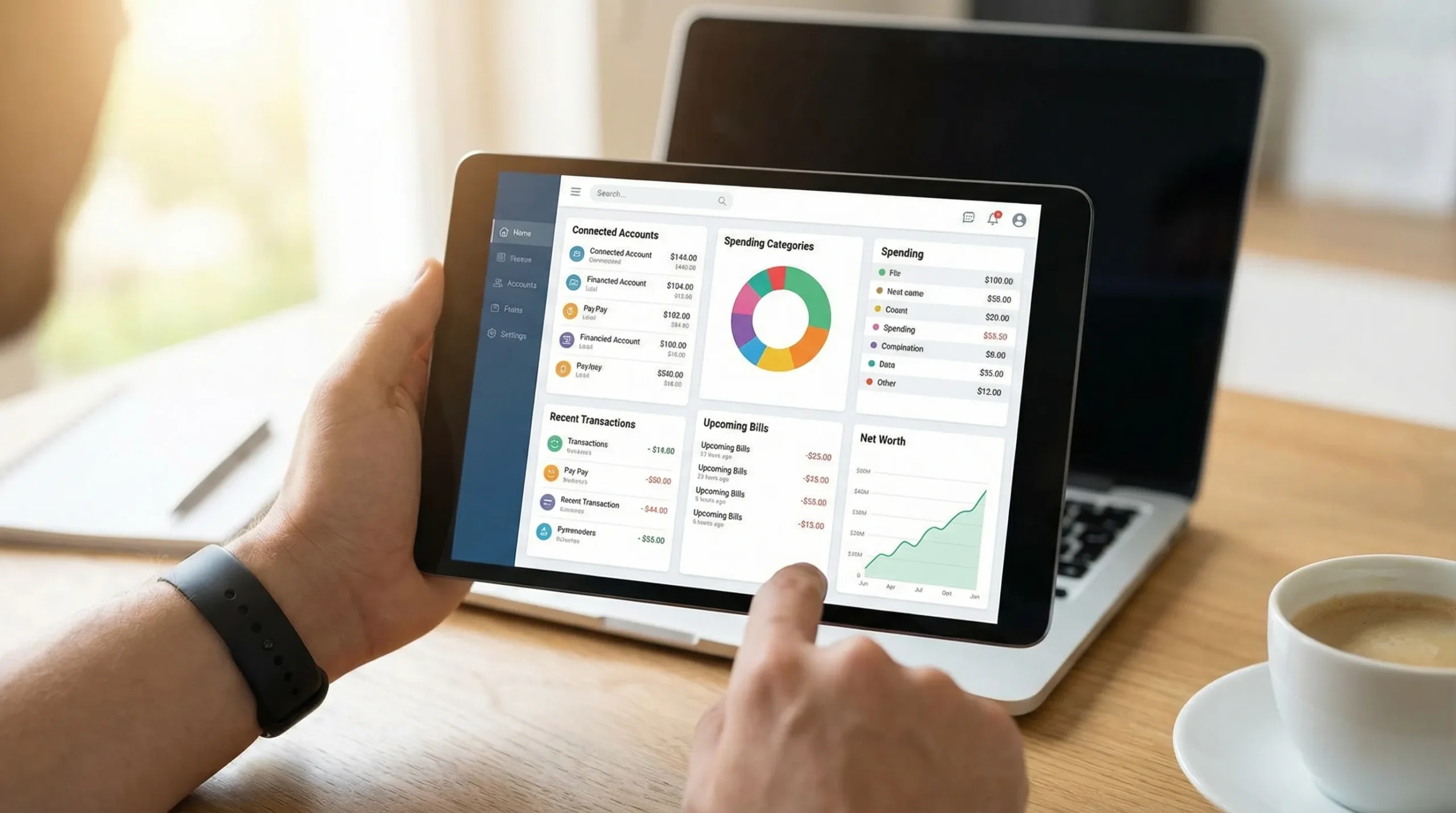
Once accounts are connected, net worth tracking becomes a byproduct. This is a good automation target because you should not be manually compiling balances each month.
Automate:
- Balance snapshots
- Net worth trend lines
- Investment account monitoring (balances and movement)
Manual input may still be needed for:
- Home value estimates
- Private assets (collectibles, private business equity)
- Manual loans
5) Standard reports (spending, cash flow, trends)
Reports are where finance tracking software shines, but only if the underlying data is mostly clean.
Automate:
- Monthly spending by category
- Income vs expense trends
- Cash flow summaries
Then use manual review to answer: “What changed, and what should I do about it?”
What you should do manually (high nuance, high impact)
These are the tasks where a human decision is the feature, not a bug.
1) Reviewing “exceptions” every week
Instead of re-checking every transaction, focus on the small set that usually causes inaccuracies:
- Uncategorized transactions
- New merchants
- Large purchases
- Refunds and chargebacks
- Transfers between your own accounts
This takes minutes and prevents the “my budget makes no sense” problem.
2) Cash spending, reimbursements, and reimburseable work expenses
Bank syncing cannot see cash you spent from your wallet. And it cannot reliably know that a hotel charge will be reimbursed next month.
Manual steps to keep your numbers honest:
- Enter cash spending (even as a single weekly total if you prefer)
- Tag reimbursements so they do not distort your lifestyle spending
- Add notes for “why” (client dinner, medical, one-time travel)
3) Splitting mixed transactions
Automation struggles with mixed baskets (warehouse clubs, big-box stores, travel portals). If you never split, your categories become noise.
A practical compromise: split only the transactions that materially affect your decisions. If groceries are your main lever this year, split the big grocery-style trips and ignore the rest.
4) Monthly reconciliation and “sanity checks”
Even with great software, data aggregation can produce duplicates, missing items, or pending transactions that later change.
A monthly check should include:
- Confirming each account’s ending balance matches your bank or card statement
- Spotting duplicates (often caused by switching connections or importing files)
- Verifying that transfers are not being counted as spending
If your tool supports account reconciliation (MoneyPatrol does), use it as the final checkpoint that your reports are decision-ready.
5) Budget decisions and goal tradeoffs
Budgets are not just category limits, they are tradeoffs.
Keep these manual:
- Setting category targets (based on priorities, not last month’s spending)
- Deciding what to cut when you overspend
- Choosing a debt payoff approach (snowball vs avalanche) based on motivation and math
- Planning sinking funds (car repairs, annual insurance, holidays)
Software can show the gap. You decide what matters.
6) Security and fraud awareness
Automation makes money management easier, but you still need to protect your accounts. Use alerts and monitor transactions, and be cautious with credentials and messages.
For practical, up-to-date guidance on avoiding scams, see the FTC’s advice on phishing and recovery steps at IdentityTheft.gov.
A simple routine that keeps automation accurate
The fastest system is the one you can actually maintain. Here is a workflow that works well for most households.
| Frequency | Time | What to do | What you get |
|---|---|---|---|
| Daily (optional) | 1 to 2 min | Glance at alerts, flag weird charges | Early fraud detection, fewer surprises |
| Weekly | 10 to 15 min | Review uncategorized, split key transactions, tag reimbursements | Clean categories, trustworthy budgets |
| Monthly | 30 to 45 min | Reconcile balances, review subscriptions, adjust budget targets | Accurate reports, better decisions |
| Quarterly | 45 to 60 min | Review goals, debt payoff progress, savings rate | Direction and motivation |
A key mindset shift: you are not “doing bookkeeping.” You are maintaining a decision system.

Where people go wrong with automation (and how to prevent it)
Automation failures usually come from predictable patterns. Fixing them is mostly about a few rules.
Duplicate spending from transfers and credit card payments
A credit card payment is not an expense, it is a transfer from checking to the card balance. Many people accidentally count it twice (once when they bought things, again when they paid the bill).
Prevention: ensure transfers and payments are categorized correctly, then review any unusually high “spending” totals.
Subscription creep hidden in plain sight
Auto-categorization can normalize recurring charges so well that you stop noticing them.
Prevention: do a monthly scan of recurring merchants and ask, “Would I buy this again today?”
Misleading categories that sabotage your budget
If “Shopping” contains clothing, gifts, Amazon household items, and kids activities, it is hard to act on.
Prevention: rename or refine only the categories you use for decisions. You do not need a perfect taxonomy, you need a useful one.
Over-confidence in reports without reconciliation
Reports are only as good as the data feed. Connection changes, pending charges, and merchant mapping quirks happen.
Prevention: reconcile monthly, or at least whenever something looks off.
How to decide what to automate in your own setup
A practical rule:
Automate tasks that are repetitive and objective. Keep tasks manual when they require judgment.
Use this cheat sheet as a starting point.
| Money task | Automate? | Why |
|---|---|---|
| Importing transactions and balances | Yes | High volume, low meaning |
| Bill reminders and due-date alerts | Yes | Prevents costly misses |
| Default categorization | Yes (with review) | Saves time, but needs oversight |
| Splits, reimbursements, cash purchases | No | Context matters |
| Transfers and credit card payments labeling | Mostly manual at first | Prevents double counting |
| Budget targets and goal planning | No | Requires tradeoffs |
| Reconciliation | Partly | Software helps, you confirm |
Putting it into practice with MoneyPatrol (without over-promising)
If you are looking for finance tracking software that supports this hybrid approach, MoneyPatrol is designed for it: it combines expense tracking, budgeting, bill and debt tracking, income management, investment tracking, credit score monitoring, customizable alerts, reconciliation, and detailed reports in one dashboard.
A good way to start is:
- Connect your main accounts and enable alerts that matter (large transactions, low balance, upcoming bills).
- Let categorization run for a week, then do a focused review of exceptions.
- Do your first monthly reconciliation to lock in accurate baselines.
If you want a product overview first, you can explore the MoneyPatrol demo and see how it compares in this best free budgeting app guide.
Frequently Asked Questions
Is finance tracking software safe to use with my bank accounts? Most reputable tools use secure connections and encryption, but you should still practice basic security: strong passwords, MFA, and caution with emails or texts. Review your bank’s policies and monitor accounts for unauthorized activity.
Should I manually enter every transaction to be “disciplined”? No. Discipline comes from consistent review and decisions, not from typing every coffee purchase. Automate capture, then spend your time on weekly exceptions and monthly reconciliation.
How often should I reconcile my accounts? Monthly is a strong baseline for most people. If your finances are complex (multiple cards, reimbursements, side income), you may benefit from reconciling twice a month.
Why do my categories look wrong even with automation? Common causes include mixed transactions that need splitting, transfers counted as spending, and new merchants mapped to default categories. A 10 minute weekly exception review usually fixes this.
What is the best thing to automate first? Transaction importing and bill reminders typically provide the biggest immediate payoff. Once those run smoothly, add rules for common merchants and set a monthly reconciliation habit.
Build a finance system you can trust
If you want finance tracking software that saves time without sacrificing accuracy, try MoneyPatrol. Automate the busywork (syncing, alerts, reports), keep the meaningful decisions manual, and use reconciliation to make your numbers reliable enough to act on.



 Our users have reported an average of $5K+ positive impact on their personal finances
