
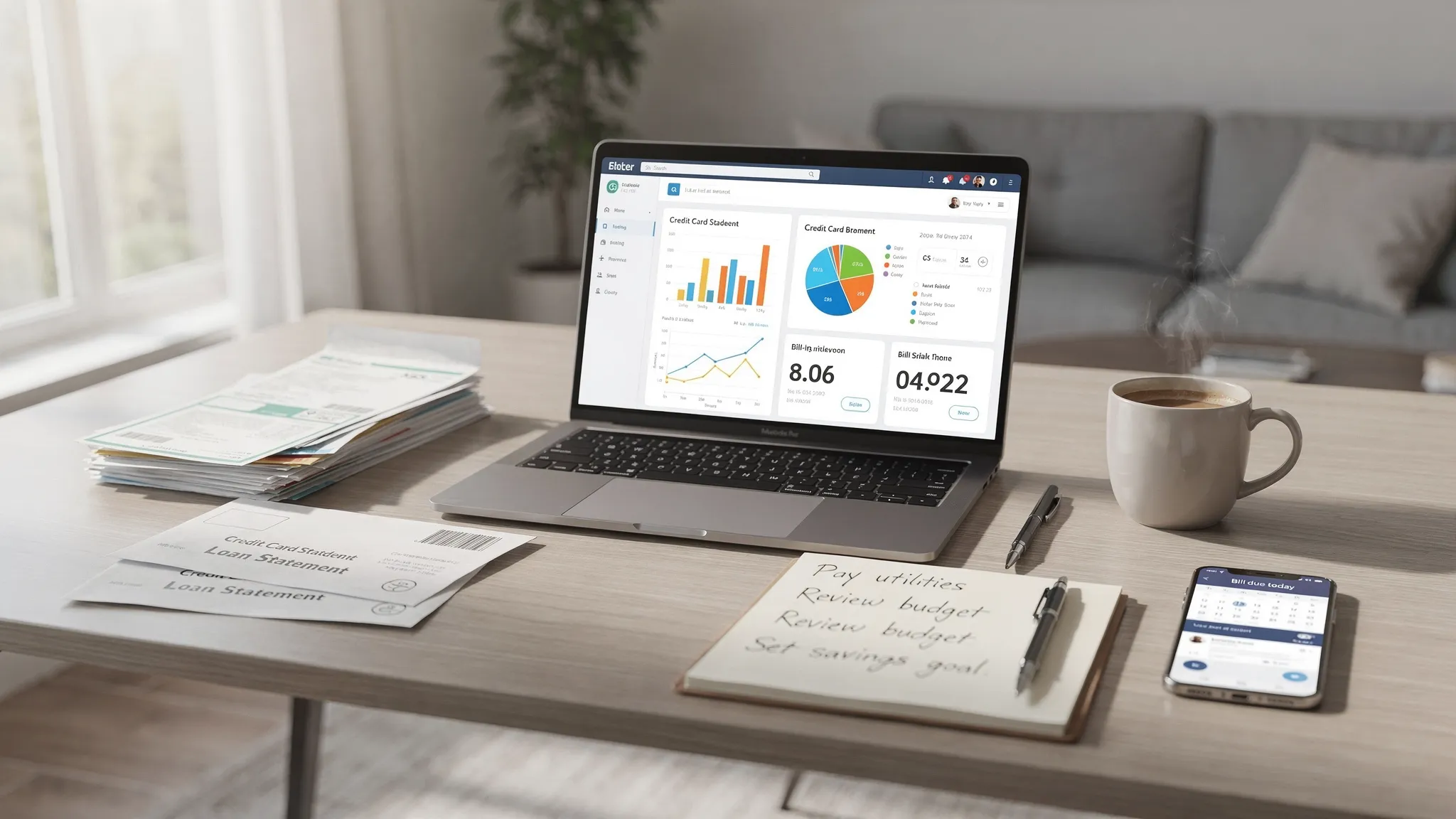
Home accounting used to mean a shoebox of receipts and a spreadsheet you updated once a month. In 2026, it usually means something more practical: a system that automatically pulls in transactions, reminds you about bills, tracks debt payoff, and shows your net worth without you doing math on a Sunday night.
If you are searching for the best home accounting software, you are probably past the “should I budget?” stage. You want a tool that helps you run your household finances like a clear, consistent process.
What “home accounting software” should do (beyond budgeting)
Budgeting apps focus on planning where money should go. Home accounting software should also help you account for what actually happened, and make it easy to reconcile reality with your plan.
At a minimum, strong home accounting software should help you:
- Track bills so you do not miss due dates, double-pay, or lose visibility on recurring subscriptions.
- Track debt (credit cards, personal loans, student loans, mortgage) so you can see balances trending down and understand interest cost.
- Track net worth by combining assets (cash, investments) and liabilities (debts) into a single number you can monitor over time.
That combination is what turns “budgeting” into “household accounting.”
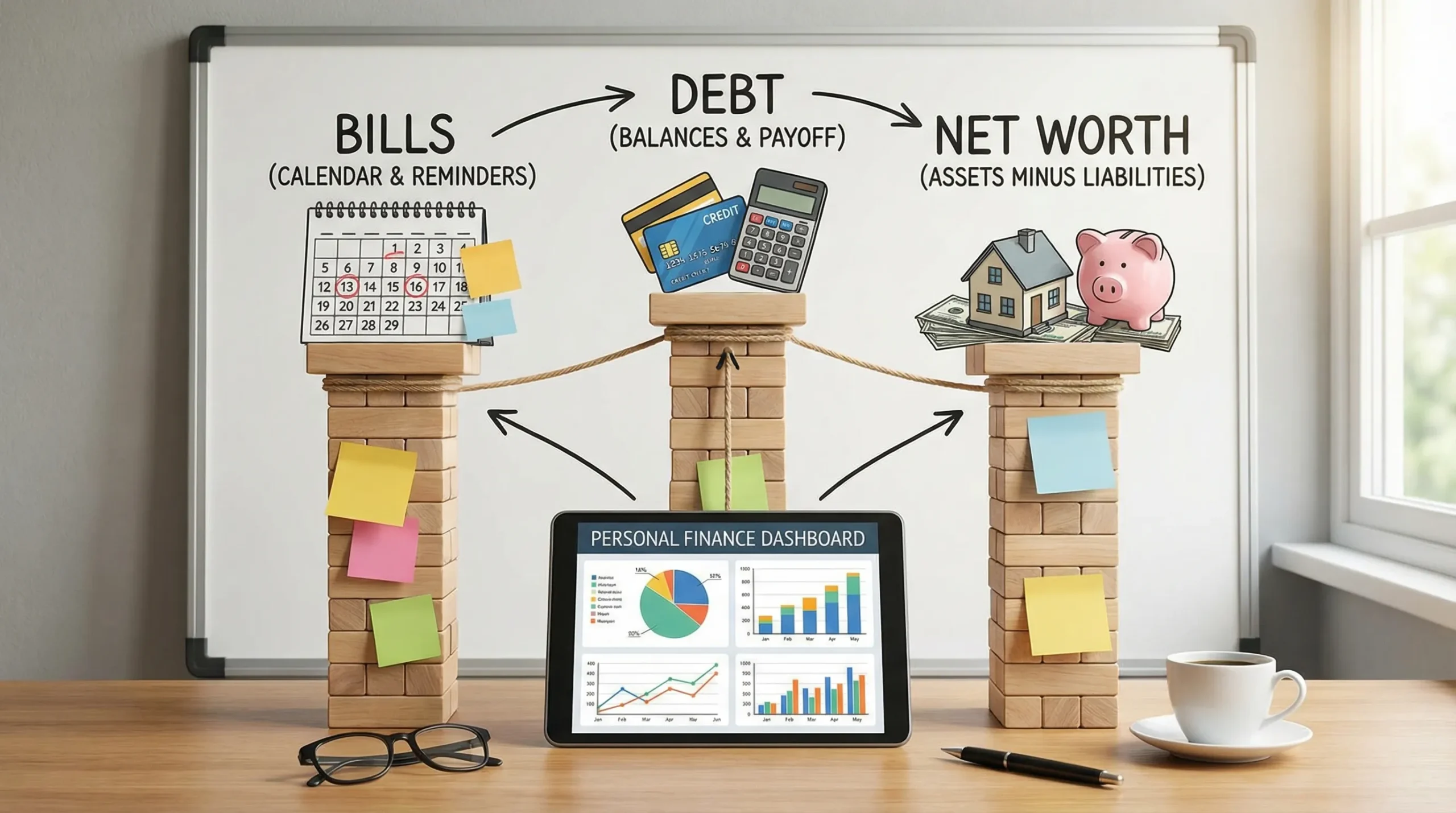
The feature checklist that actually matters for tracking bills, debt, and net worth
Most product pages list dozens of features. The better question is: which capabilities reduce errors and keep you consistent over months and years?
Here is a practical checklist to evaluate tools.
| Capability | Why it matters for a household | What “good” looks like |
|---|---|---|
| Bank and card connectivity | Prevents missed transactions and reduces manual entry | Reliable syncing with major banks and credit cards, with clear update status |
| Transaction categorization | Makes spending insights usable, not just a list of purchases | Editable categories, rules, and the ability to split transactions when needed |
| Bill tracking and reminders | Reduces late fees and missed payments | Recurring bills, due dates, alerts, and a place to see what is coming up |
| Debt tracking | Shows whether you are winning or treading water | Balances over time, payment tracking, and visibility into total debt |
| Net worth tracking | Turns scattered accounts into one measurable outcome | Automatically aggregates assets and liabilities and charts changes over time |
| Reporting | Helps you answer “where did the money go?” quickly | Monthly summaries, category trends, and exportable reports |
| Reconciliation and error handling | Prevents silent mistakes (duplicate transactions, missing accounts) | Clear prompts, tools to match/merge, and audit-friendly history |
| Alerts and insights | Keeps you engaged without constant logins | Custom alerts (spend spikes, low balance, large transactions, bill due) |
| Security and account access | You are connecting sensitive financial data | Strong security posture, safe credential handling, and clear privacy practices |
If a tool is weak in the first three rows (connectivity, categorization, bills), most people abandon it. If it is weak in the last three (reconciliation, alerts, security), you may keep using it but stop trusting it.
Comparing your main options (and who each is best for)
There is no single “best” product for every household. The right choice depends on how automated you want the system to be, and how complex your finances are.
| Option | Best for | Limitations to watch |
|---|---|---|
| Spreadsheet templates | Hands-on users, variable income, custom tracking | Manual effort is high, errors creep in, and net worth is hard to keep current |
| Budget-only apps | People who need behavior change and tight category control | Bills, debt, and net worth can feel bolted on or incomplete |
| Personal finance dashboards (home accounting apps) | Most households who want automation and a full picture | You must set categories and rules well early on |
| Small-business accounting software | Side hustles that need invoicing and business bookkeeping | Often overkill for household use and can be expensive or complex |
If your search intent is specifically “track bills, debt, net worth,” a personal finance dashboard is usually the best fit because it is designed for mixed account types (checking, credit cards, loans, investments), not just spending.
A quick reality check: Mint is gone, so “what now?”
Many households relied on Mint for years, then had to rethink their setup after Intuit discontinued it. If you are migrating, treat this as an upgrade moment: choose a tool that makes bills, debt reduction, and net worth tracking central, not secondary.
(If you are researching because you were displaced by Mint, it is worth reading Intuit’s official notices and migration guidance where available.)
How to choose the best home accounting software for your household
Instead of comparing dozens of apps feature-by-feature, use these decision filters.
1) Decide how much manual work you will tolerate
Be honest. If you will not manually enter every transaction, then spreadsheet-first systems will fail long term, even if they are “free.”
A good rule:
- If you want accuracy with low effort, choose a tool with strong bank connectivity and reconciliation.
- If you want maximum customization, accept that you will spend time maintaining categories and formulas.
2) Pick the “source of truth” for bill due dates
Late fees and missed payments often happen because bill tracking is scattered across email, calendar, and memory.
Your software should help you standardize:
- What bills exist
- When they are due
- How much they typically are
- Which account pays them
If the tool cannot make bill visibility simple, you will keep relying on reminders in multiple places.
3) Make debt tracking measurable, not motivational
Debt payoff is easiest when it is treated like a scoreboard.
Look for software that can answer, quickly:
- What is my total debt today?
- How much did it change in the last 30 and 90 days?
- Which accounts are driving the change?
Even if you use a separate payoff strategy (snowball, avalanche), you still need accurate balances and trendlines.
4) Ensure net worth is automated (or you will stop updating it)
Net worth is one of the best “single metrics” for household financial progress, but it only works if it stays current.
A strong tool makes net worth tracking automatic by connecting:
- Cash accounts (checking, savings)
- Credit cards
- Loans
- Investments
If you have to manually copy balances across accounts, net worth becomes a quarterly chore instead of a living metric.
5) Confirm reporting matches how you make decisions
Some people need simple monthly spending totals. Others need detailed category trends and exports.
Before you commit, check whether reports can support common decisions like:
- “Can we afford this new car payment?”
- “How much are we spending on eating out compared to last year?”
- “Did we actually reduce debt, or did we just move it around?”
Where MoneyPatrol fits as home accounting software
MoneyPatrol positions itself as a free, comprehensive personal finance and budgeting app with an all-in-one dashboard for tracking expenses, income, bills, debt, investments, and net worth. According to MoneyPatrol, it connects with thousands of financial institutions and includes customizable alerts, insights, and detailed financial reporting.
Based on the product overview, MoneyPatrol is designed for the exact “home accounting” use case this headline targets:
- Expense tracking and budgeting tools
- Bill and debt tracking
- Income management
- Investment tracking
- Credit score monitoring
- Personal finance dashboard
- Customizable alerts and reminders
- Account reconciliation
- Detailed financial reports
If you want to evaluate it quickly, start with the workflow below.
A simple setup workflow (so your bills, debt, and net worth are accurate)
Most people judge a finance app in the first hour. The goal is to get from “connected” to “trustworthy.”
Step 1: Connect the accounts that define your financial life
Prioritize accounts that affect your day-to-day reality and net worth:
- Checking and savings
- Primary credit cards
- Loans (student loans, auto loans, mortgage)
- Investment accounts
If you connect only checking and one credit card, you will get a spending view, but debt and net worth will be incomplete.
You can explore MoneyPatrol’s platform and onboarding from the main site: MoneyPatrol.
Step 2: Clean up categories before you touch budgets
Category chaos is the fastest way to lose trust in your reports.
A strong starting set usually includes:
- Housing
- Utilities
- Groceries
- Dining
- Transportation
- Insurance
- Debt payments
- Subscriptions
- Health
- Savings and investing
Then add only what you truly need. The point is not perfect labels, it is consistent decision-making.
Step 3: Turn bills into a visible system
Bills become manageable when you can see them in one place and get reminders.
Set up recurring obligations (rent, utilities, phone, insurance) and make sure due dates reflect reality. Then use alerts so you do not rely on memory.
Step 4: Track debt with one “total” number and a few sub-goals
In addition to tracking each account, create clarity with one target like:
- “Reduce total non-mortgage debt by $X in the next 6 months.”
Your software should make it easy to see whether balances move in the right direction.
Step 5: Validate net worth (do a quick audit)
Once accounts are connected, check whether the net worth view passes a sanity test:
- Do all major accounts appear?
- Are there missing liabilities?
- Are balances roughly correct?
If something looks off, fix it early. Net worth is only useful when you trust it.
The monthly “home accounting close” (15 minutes that keeps everything on track)
Household finances benefit from a lightweight monthly close, similar to what a small business would do.
Once a month (or twice, if your spending is volatile), do this:
- Review alerts and any unusual transactions
- Confirm bills paid (or due soon)
- Scan for duplicate or missing transactions
- Check debt balances (compare to last month)
- Look at your net worth chart and identify the driver (savings, market changes, debt payoff)
This is the difference between “I have an app” and “I have a financial system.”
What to look for in security and privacy (without getting lost in jargon)
When you connect financial accounts, you are trusting the provider with highly sensitive data. You should look for clear security practices and transparent documentation.
Also, consider how you handle credit monitoring. For credit reports, the U.S. government-authorized source is AnnualCreditReport.com. Even if you use credit score monitoring inside an app, it is smart to periodically verify your full reports through the official channel.
Common pitfalls when choosing home accounting software
These are the mistakes that cause people to switch tools repeatedly.
Choosing based on “features” instead of reliability
A long feature list does not matter if connections break, transactions duplicate, or reports do not reconcile. Reliability is a feature.
Tracking spending but not obligations
If bills and debt are not central in your setup, you can feel “on budget” while still missing payments or watching balances creep up.
Letting net worth become a once-a-year project
Net worth is one of the best long-term metrics for financial progress. If your tool cannot keep it updated with minimal effort, you will stop looking at it, and you lose a powerful feedback loop.
Putting it all together: the “best” choice is the one you will keep using
The best home accounting software is the one that:
- Keeps bills visible and on-time
- Makes debt reduction measurable
- Tracks net worth automatically
- Gives you reports you understand
- Fits your tolerance for manual work
If your priority is an all-in-one dashboard that covers expenses, budgeting, bill and debt tracking, investments, and net worth in one place, you can try MoneyPatrol and evaluate it using the setup and monthly close workflow above. The goal is not to find a perfect app, it is to build a system you trust enough to use every month.


 Our users have reported an average of $5K+ positive impact on their personal finances
