
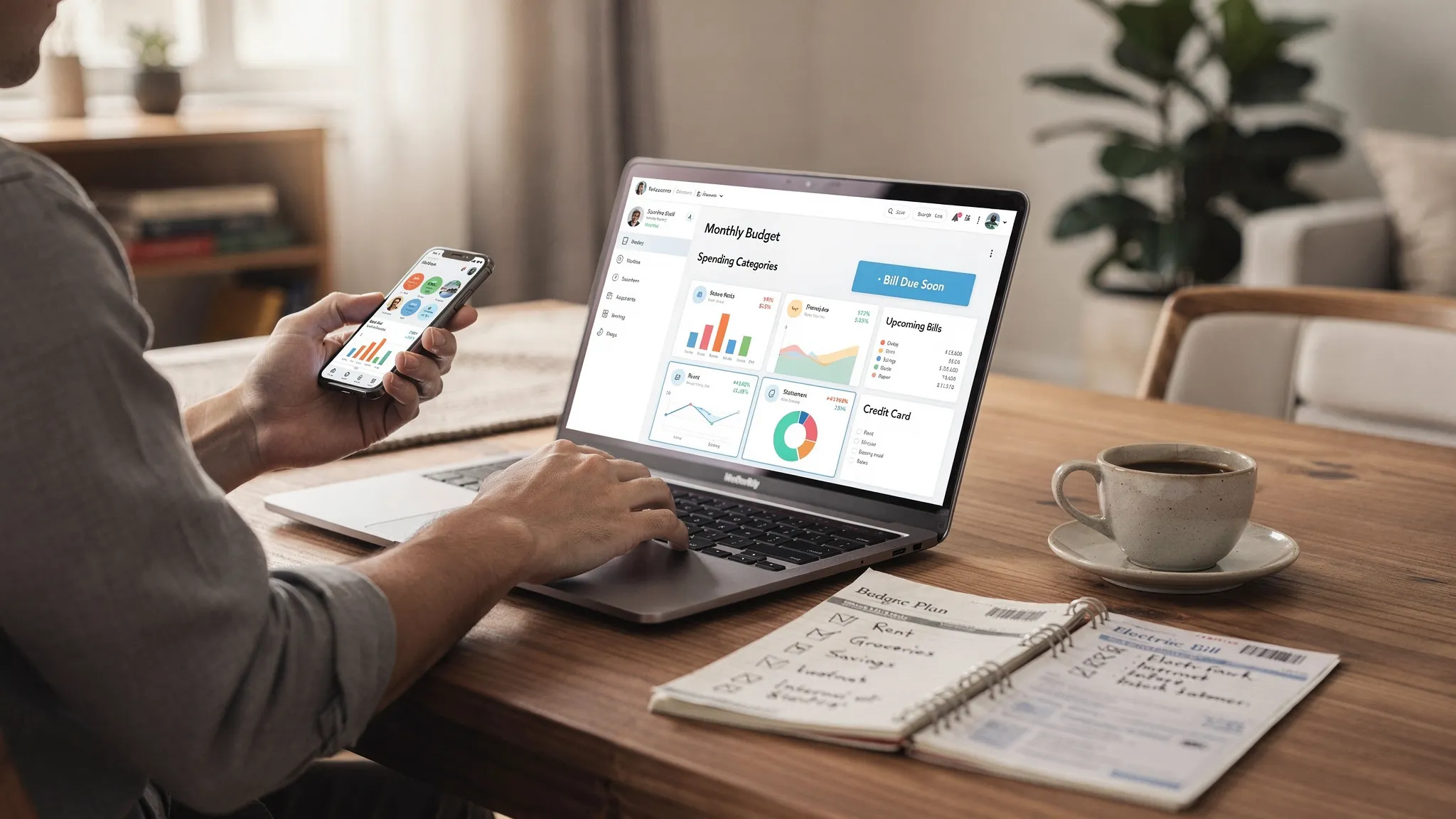
Money management is rarely about one big decision. It is the daily accumulation of small ones: a subscription you forgot, a bill paid late, a “quick” delivery order, an account you never check, a goal you keep postponing.
Apps that help you manage money can make those small decisions visible, measurable, and easier to improve. The best ones do not just log transactions. They help you run a simple system: track what happened, plan what should happen, and course-correct before you overspend.
What “managing money” actually includes (and why most people need more than a bank app)
When people search for money management apps, they usually want one or more of these outcomes:
- Spending clarity: where your money goes, by category and merchant.
- Cash flow control: whether your checking balance will cover upcoming weeks.
- Bill reliability: fewer missed payments, fewer late fees.
- Debt progress: a plan that moves balances down, not sideways.
- Goal momentum: saving for emergencies, travel, a down payment, or retirement.
- Net worth awareness: understanding the big picture across accounts.
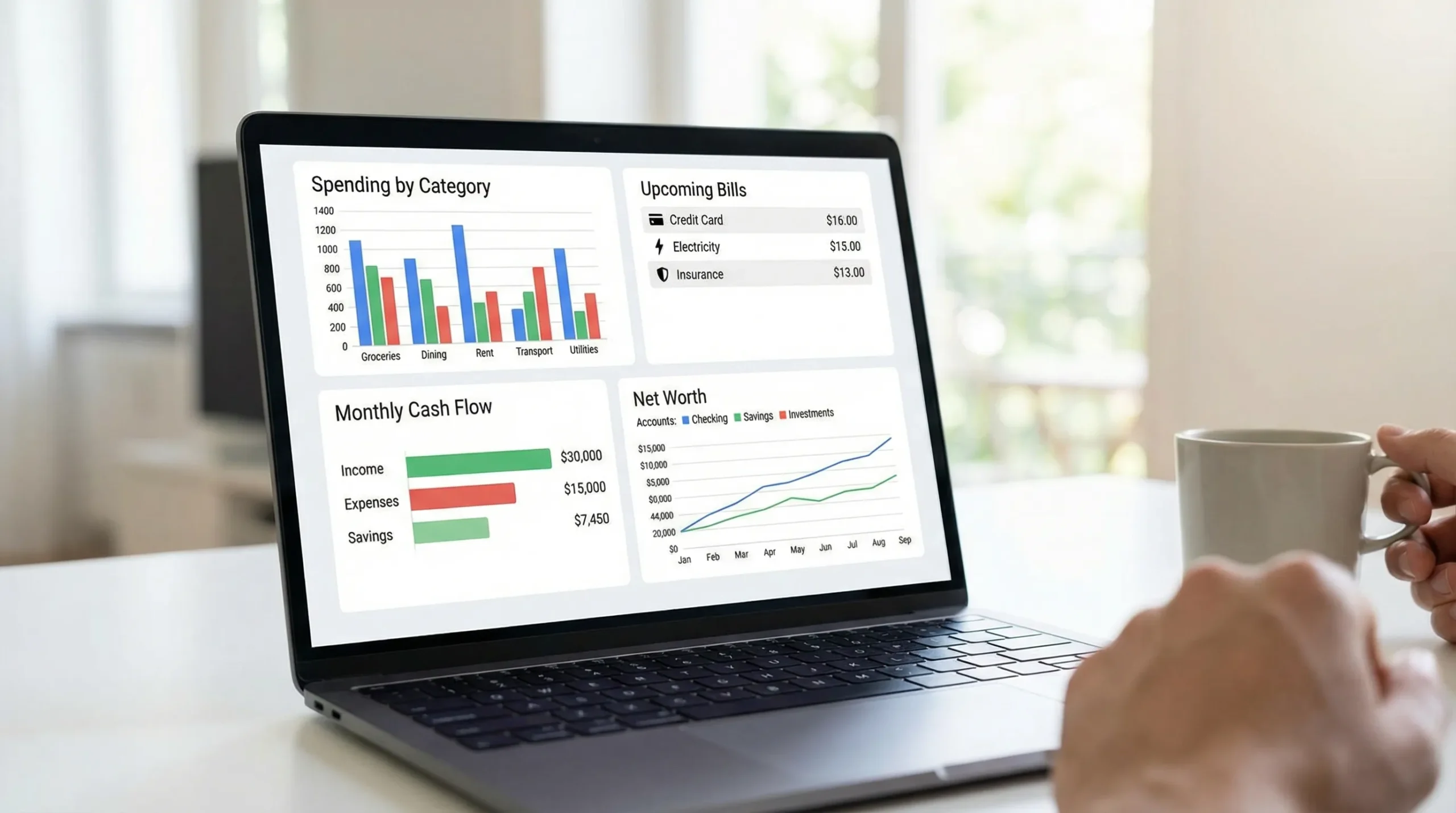
Your bank’s app may show transactions and balances, but it typically does not give you a complete, multi-account view (checking + credit cards + loans + investments), plus budgeting, reminders, insights, and reporting in one place. That is where dedicated money management apps can shine.
The main types of apps that help you manage money
Different apps solve different problems. Choosing the right type first prevents a common mistake: downloading an app that is “popular” but mismatched to your actual money friction.
| App type | Best for | What it usually does well | Common drawback to watch for |
|---|---|---|---|
| Expense tracker | People who say “I don’t know where it went” | Categorizes purchases, highlights patterns | Can become passive logging if you never review |
| Budgeting app | People who want a plan before spending | Budget creation, category limits, monthly planning | Needs a weekly routine to stay accurate |
| Bill tracker and reminders | People juggling many due dates | Tracks due dates, sends alerts, reduces late fees | May not help with overspending between bills |
| Debt payoff tracker | People focused on paying down balances | Tracks payoff plan and progress | Can ignore underlying spending drivers |
| Net worth / investment tracker | People optimizing long-term wealth | Tracks assets, investments, performance | Short-term cash flow problems can still derail you |
| Credit score monitoring | People rebuilding credit | Score visibility, credit factors, monitoring | A score is not a budget, and alerts are not a plan |
| All-in-one personal finance dashboard | People who want a single system | Brings spending, budgets, bills, debt, investments, and reports together | Can feel “too much” unless you configure it simply |
Many people end up best served by either:
- A focused app (if you only need one job done, like bill reminders), or
- An all-in-one dashboard (if your money is spread across multiple accounts and you want one source of truth).
A practical checklist for choosing the right money management app
Ignore marketing claims and evaluate apps like a tool you will use weekly. Here are the criteria that matter most.
1) Tracking method: manual, connected accounts, or hybrid
Money apps generally work in one of three ways:
- Manual entry: you type transactions. Great for awareness, but it requires discipline.
- Connected accounts: transactions flow in from banks and cards. Great for coverage and speed.
- Hybrid: connected accounts plus manual adjustments (often the best balance).
If you have multiple credit cards, loans, or investment accounts, connected accounts are usually worth prioritizing.
2) Categorization you can trust (and edit)
Look for:
- Editable categories and rules (so “Target” is not always “Groceries”)
- Split transactions (one receipt can be groceries + household + pharmacy)
- The ability to recategorize quickly on mobile
Accurate categories are what turn raw data into decisions.
3) Budgets that match how you think
Some people thrive on tight category caps. Others need flexible “targets” with room for life.
Before picking an app, ask yourself:
- Do I want strict limits or guidance?
- Do I budget monthly, biweekly, or around paychecks?
- Do I need “rollover” categories (for irregular expenses like car repairs)?
4) Bills, reminders, and alerts that prevent problems
An app helps you manage money when it catches issues early. Prioritize tools that can support:
- Upcoming bill reminders
- Custom alerts (low balance, unusual spending, large transactions)
- Notifications you can control (too many alerts gets ignored)
For a general overview of avoiding late fees and managing billing disputes, the Consumer Financial Protection Bureau has practical consumer guidance.
5) Reports that answer real questions
Pretty charts are less important than decision-ready reporting. Useful reports include:
- Monthly spending by category and merchant
- Income vs expenses (trend over time)
- Cash flow views (what is coming in, what is going out, and when)
- Export options (CSV) for deeper analysis
6) Household support (if you share money)
If you manage finances with a partner or family, look for:
- Multiple accounts in one place
- Clear separation between personal and shared spending
- A workflow for reviews (weekly check-in, monthly reset)
7) Privacy and security: questions worth asking before you link accounts
Any app that connects to financial institutions should be evaluated seriously. You do not need to be a cybersecurity expert, but you should be able to answer:
- Does the app explain what data it collects and how it is used?
- Can you enable strong authentication (for example, multi-factor authentication) on your account?
- Is there a straightforward way to delete your data or close the account?
For identity theft prevention basics, the FTC’s identity theft resources are a credible starting point.
8) Cost and “time cost”
Some apps are free, some are paid, and some are free with premium tiers. But the bigger cost is often time.
A good money app should help you get value in:
- 30 to 45 minutes to set up
- 10 minutes per week to maintain
- 30 minutes per month to reset and plan
If an app requires daily effort to remain accurate, it may not fit your life.
A 30 to 45 minute setup plan that makes money apps actually work
Most people fail with budgeting apps because they never finish setup. Use this simple process so the app becomes a system, not a novelty.
- Pick your “one goal for the next 60 days”: Examples include “stop overdrafts,” “pay down one credit card,” or “build a $1,000 emergency fund.” A money app should support a near-term outcome, not just long-term intentions.
- Add or connect your core accounts first: Start with checking, your main credit card, and any major loans. If you have many accounts, do not try to connect everything in one sitting.
- Review the last 30 to 90 days of transactions: Do a quick pass to fix obvious miscategorized items and rename recurring merchants if the app allows it. This improves future automation and reporting.
- Create a simple “starter budget” with 5 to 10 categories: Begin broad (Housing, Groceries, Transport, Eating Out, Subscriptions, Debt, Savings). You can add detail later, but clarity beats complexity.
- Set bill reminders and due dates: Add your rent or mortgage, utilities, insurance, phone, and minimum debt payments. The goal is fewer surprises.
- Turn on only the alerts that change your behavior: A “large transaction” alert and a “low balance” alert are often more useful than dozens of category pings.
- Schedule your weekly and monthly reviews on your calendar: If it is not scheduled, it will not happen, and your app will slowly drift out of sync with reality.
The weekly and monthly routines that keep you in control
Think of your app like a dashboard. You do not “do” the dashboard, you check it so you can drive well.
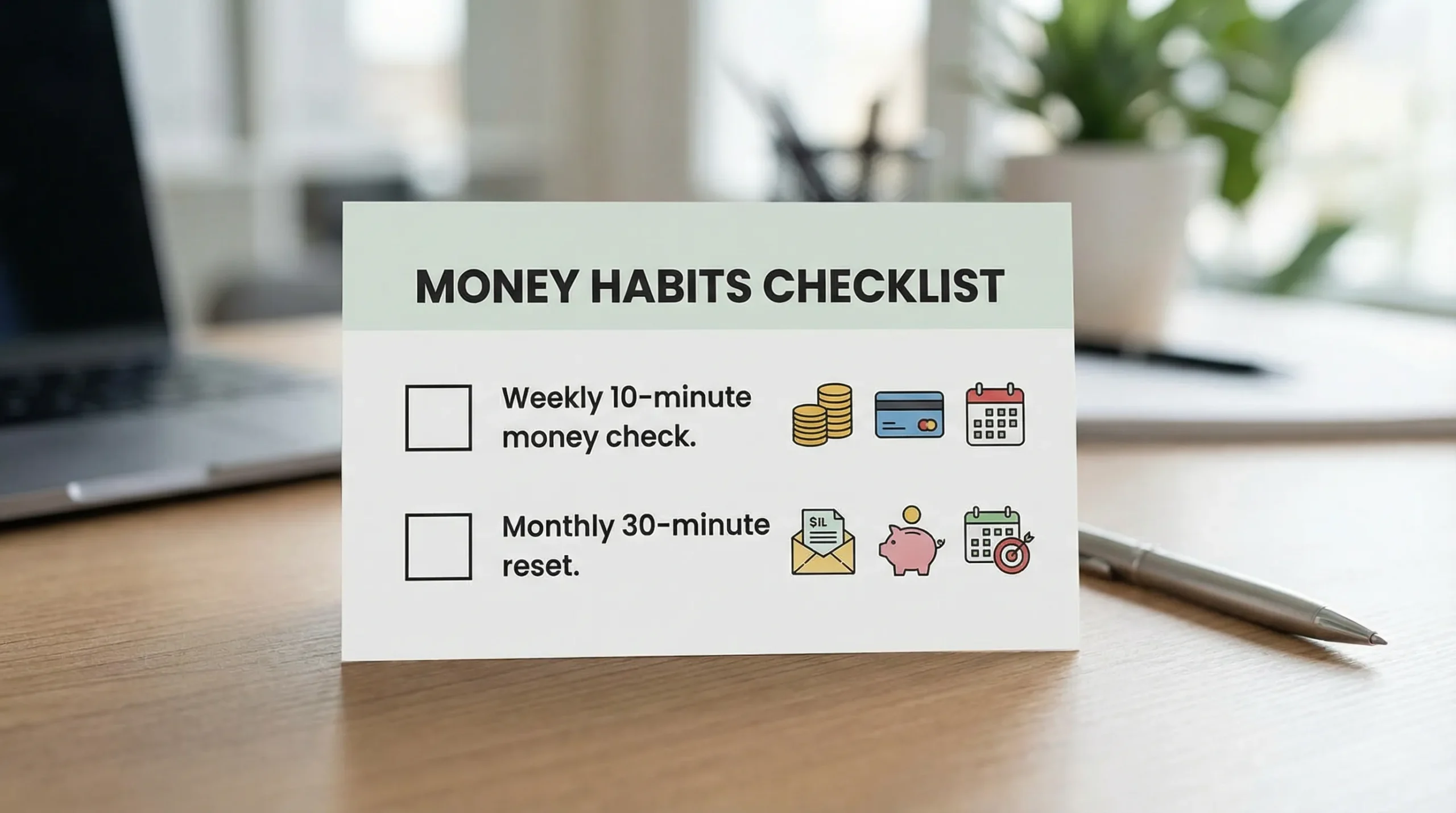
Weekly (10 minutes) is for accuracy and small corrections. Monthly (30 minutes) is for decisions.
| Routine | Time | What you review | Outcome you want |
|---|---|---|---|
| Weekly money check | 10 minutes | New transactions, category errors, upcoming bills | No surprises, clean data |
| Monthly reset | 30 minutes | Spending trends, bill calendar, budget targets, debt progress | A plan you can follow this month |
Advanced ways to use money apps (without making them complicated)
Once your basics work, these are high-leverage upgrades.
Subscription audits that turn into instant savings
Most people underestimate subscription creep. Use your app’s merchant view or recurring transaction view to identify:
- Monthly charges you forgot
- Annual renewals you should plan for
- “Free trials” that quietly converted
A practical rule: if you would not re-buy it today at full price, cancel it.
Sinking funds for irregular expenses
Irregular expenses are predictable if you plan for them: car maintenance, gifts, travel, medical bills, home repairs.
A sinking fund is simply a category you feed monthly so the expense is not a financial emergency when it arrives.
Split transactions for real insight
If your grocery store receipt includes toiletries, cleaning supplies, and prescriptions, splitting that transaction prevents false conclusions like “we are overspending on food.”
Reimbursements and side projects: separate the signal from the noise
If you have work reimbursements, shared expenses, or a side hustle, tracking gets messy fast. The fix is structure:
- Use dedicated categories (Reimbursable Travel, Client Supplies, Side Hustle Income)
- Tag transactions consistently if your app supports it
- Reconcile monthly so reimbursements do not look like overspending
This matters even more if you are funding a product-based side project. For example, if you are launching a small apparel line and paying for sampling and production, you will want clean tracking for deposits, materials, and timelines from an apparel development and manufacturing partner. Your money app becomes a lightweight operational ledger, not just a personal budget.
A simple rule for big purchases
A money app can reduce impulse spending if you add one decision step:
- If the purchase is over a threshold (for example, $100), wait 24 hours.
- Check your app: does it fit this month’s plan without stealing from essentials or debt?
This is not about deprivation. It is about keeping trade-offs visible.
Common mistakes that make money apps feel “useless”
Mistake 1: Trying to build the perfect budget on day one
Perfection creates friction. Start with broad categories, then refine after you have a month of clean data.
Mistake 2: Ignoring cash flow timing
You can “afford” something on paper and still overdraft if bills hit before payday. Use bill calendars and alerts to manage timing, not just totals.
Mistake 3: Checking only when you feel stressed
If you only open your finance app when money feels tight, the app becomes emotionally negative. A 10-minute weekly check keeps the tone neutral and proactive.
Mistake 4: Treating categorization as the goal
Categorization is a means, not an end. The goal is decisions: reduce one category, renegotiate one bill, automate one saving habit.
Where MoneyPatrol fits if you want one dashboard
If your goal is to manage money in one place, an all-in-one personal finance app can reduce tool sprawl.
MoneyPatrol is a free personal finance and budgeting app designed as a comprehensive dashboard. Based on the platform’s described capabilities, it supports:
- Expense tracking and categorization
- Budgeting tools
- Bill and debt tracking
- Income management
- Investment tracking
- Credit score monitoring
- Customizable alerts and reminders
- Account reconciliation and detailed financial reports
- Connectivity to thousands of financial institutions
If that “single dashboard” approach matches your needs, you can explore MoneyPatrol and start with the setup plan above (keep it simple at first, then expand).
The bottom line: the best app is the one you will review weekly
The right money management app does two things well: it shows you the truth about your spending, and it makes the next decision easier.
Choose an app type that matches your main problem (spending clarity, bills, debt, goals, or the full dashboard). Then commit to a lightweight routine: a 10-minute weekly check and a 30-minute monthly reset. That is where the real results come from.


 Our users have reported an average of $5K+ positive impact on their personal finances
