
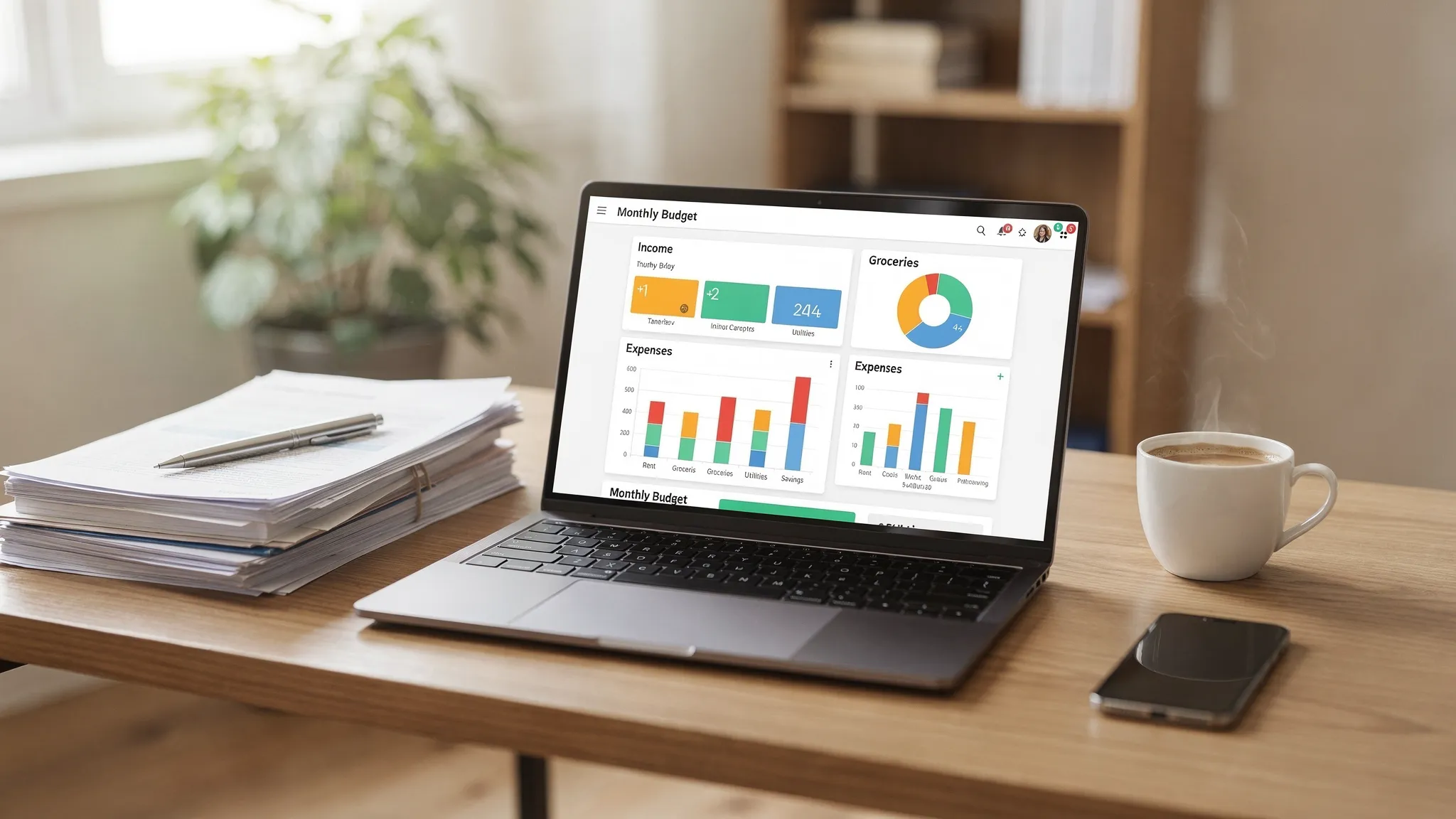
Most budgets fail for one surprisingly boring reason: the categories are messy. If your “Groceries” sometimes includes Costco trips with clothes and toiletries, or “Bills” lumps everything from Netflix to property taxes, your reports stop being actionable. The goal of online budget software is not just to record spending, it’s to create clean signals you can use to make decisions.
This guide shows how to set up budget categories like a pro: a simple structure, consistent naming, and rules that keep your data accurate without turning budgeting into a second job.
What “pro-level” budget categories actually do
Great categories are less about being detailed and more about being useful. In practice, useful means:
- Comparable month to month (you know what changed)
- Diagnosable (you can see what to adjust when you overspend)
- Aligned to goals (debt payoff, saving, investing, or lifestyle priorities)
- Low maintenance (you do not recategorize the same merchants every week)
Online budget software makes this easier by combining transaction history, spending reports, and (in many tools) customizable categorization and alerts. In MoneyPatrol, for example, you can track expenses, create budgets, monitor bills and debt, and view detailed financial reports from a single dashboard, which is exactly the environment where good categories pay off.
Start with a category framework (before you create anything)
Before you add categories, decide the “shape” of your budget. A reliable structure for most households is:
- Income (paychecks, business income, reimbursements)
- Fixed essentials (housing, insurance, loan payments)
- Variable essentials (groceries, fuel, utilities)
- Financial goals (debt extra payments, emergency fund, investing)
- Lifestyle (restaurants, entertainment, travel)
- One-offs and true irregulars (annual fees, gifts, car repairs)
This framework prevents two classic mistakes:
Creating categories based on merchants instead of purpose.
Mixing “monthly” spending with irregular spending, which makes you feel like you overspend even when your year is fine.
Use the “budget lever” test
If a category goes over, you should know what lever to pull.
- If “Dining Out” is over, you can cook more.
- If “Electricity” is over, you can investigate seasonality, rate changes, or usage.
- If “Target” is over, that category is not a lever, it is a store.
When a category does not point to a behavior, split it by purpose (for example, “Household Supplies” vs “Kids Clothing”).
Choose the right level of detail (the 12 to 20 category sweet spot)
For most people, the best results come from 12 to 20 core spending categories, plus a handful of tracking-only categories for transfers and reimbursements.
Too few categories causes blind spots. Too many creates friction and inconsistent tagging.
A good compromise is:
- Top-level categories that match how you make decisions
- Optional subcategories only where you routinely need clarity
Here is a practical example you can copy.
| Category group | Example categories (keep these stable) | Optional subcategories (add only if you need them) |
|---|---|---|
| Housing | Rent/Mortgage, HOA, Home Maintenance | Repairs, Supplies, Services |
| Utilities | Electricity, Gas, Water, Internet/Mobile | None, unless you manage multiple properties |
| Food | Groceries, Dining Out | Coffee, Work Lunches |
| Transport | Fuel, Public Transit, Auto Insurance | Parking/Tolls, Maintenance |
| Health | Insurance, Pharmacy, Medical | Dental, Vision |
| Debt | Credit Cards, Student Loans, Personal Loans | Extra Payments |
| Savings/Investing | Emergency Fund, Retirement, Brokerage | Sinking Funds (see below) |
| Lifestyle | Entertainment, Subscriptions, Hobbies | Streaming, Events |
| Family | Childcare, School, Kids Activities | Allowance |
| Giving | Charity, Gifts | Holidays |
| Travel | Flights, Hotels, Local Transport | Annual Vacation Fund |
| Admin | Taxes, Professional Fees, Banking Fees | Tax Prep |
Separate “spending” from “moving money” (critical for clean reports)
Many budgeting charts look wrong because transfers are counted as expenses. Pro setups typically use a few non-spending categories to avoid that.
Examples:
- Transfers: Checking to Savings (not an expense)
- Transfers: Brokerage (not an expense)
- Credit Card Payments (a transfer that pays off prior spending)
Your online budget software reports become far more accurate when transfers are classified consistently. Then you can use expense reports to analyze real consumption, and separate views to monitor net worth, debt, and cash flow.
Build “sinking funds” categories for irregular expenses
Irregular expenses are where budgets break: car repairs, annual renewals, holiday gifts, quarterly insurance, back-to-school, medical deductibles.
Instead of letting these hit randomly, create a category (or savings bucket) and fund it monthly. Whether you treat it as a spending category or a savings goal depends on how your software models budgets, but the category concept is the same: plan for known-but-irregular costs.
A simple approach:
- Car Maintenance
- Home Maintenance
- Annual Subscriptions
- Gifts and Holidays
- Travel Fund
- Medical Out-of-Pocket
If your tool supports alerts and reminders (MoneyPatrol does), you can also set reminders for the months those irregular expenses typically occur, so you are not surprised.
Name categories like a system (so you do not fight your own budget)
Naming sounds trivial, but it drives consistency, especially when multiple people manage the same household.
Use these conventions:
- Use nouns, not verbs: “Groceries” beats “Buy groceries.”
- Avoid merchant names: “Household Supplies” beats “Amazon.”
- Be consistent with pluralization: “Utilities” and “Subscriptions,” not a mix of singular and plural.
- Keep a predictable pattern for goals: “Savings: Emergency Fund,” “Savings: Travel.”
This makes category lists scan-friendly, which matters when you are categorizing on mobile.
Create categorization rules from your transaction history
Online budget software becomes powerful when you stop categorizing manually and start relying on patterns. The workflow is:
- Review the last 30 to 90 days of transactions.
- Identify repeat merchants (payroll, utilities, grocery stores, subscription services).
- Standardize how each merchant maps to a category.
- Use your tool’s categorization features (where available) to keep it consistent going forward.
Even without fancy automation, the goal is consistency: the same merchant should land in the same category unless you intentionally split it.
The split-transaction rule (for Costco, Walmart, Target, Amazon)
Big-box and marketplace purchases are where categories get sloppy.
Use this guideline:
- Split transactions when the purchase includes items that affect different decisions (for example, groceries vs clothing).
- Do not split when it is not decision-relevant (for example, groceries plus $8 of household supplies), unless your “Household Supplies” category is a frequent budget problem.
Pro tip: if you split often at the same retailer, consider a dedicated “Household Supplies” category, and keep “Groceries” strictly food. Your grocery trend line will become more meaningful instantly.
Use a “catch-all” category, but with strict rules
A catch-all prevents you from getting stuck when you cannot decide.
Good catch-all names:
- “Miscellaneous”
- “Uncategorized (Review)”
The key is governance: set a weekly review habit and force every catch-all transaction into a real category. Otherwise, “Miscellaneous” becomes a black hole and your reports lose value.
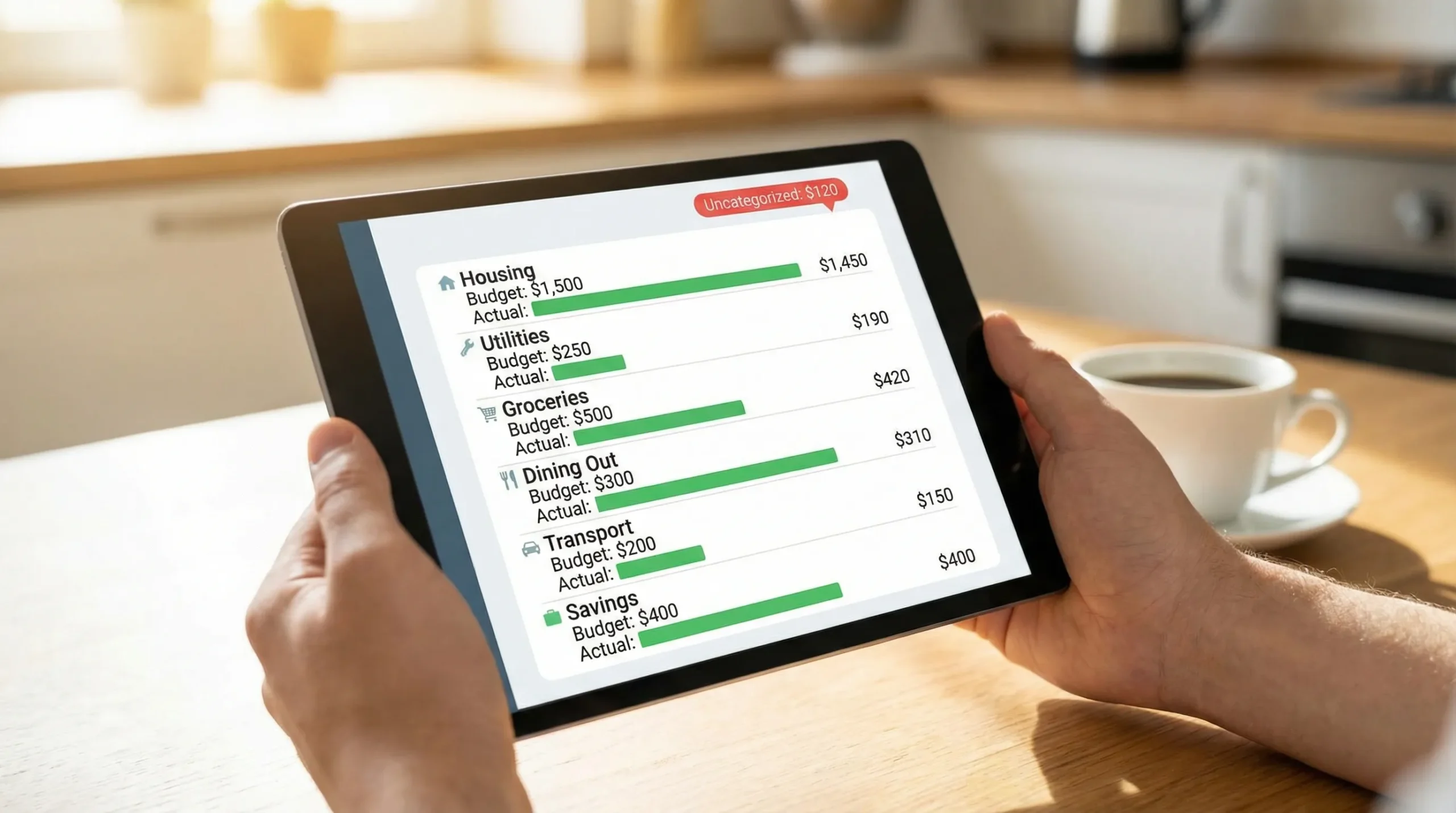
If your budgeting app provides customizable alerts, set an alert for “Uncategorized” transactions so they do not linger.
Know when to add a new category (and when not to)
A pro budget evolves, but slowly. Use objective criteria for category creep.
| If you notice this… | Do this | Why it works |
|---|---|---|
| You repeatedly tag the same type of expense into Miscellaneous | Create a new category | Repetition means it is a real spending pattern |
| A category is always over budget but you cannot tell why | Split into 2 categories by purpose | You gain an actionable lever |
| A category has only 1 transaction every few months | Keep it as a sinking fund (or merge) | Too many tiny categories increases friction |
| Two categories overlap (for example, “Entertainment” and “Hobbies”) | Merge or clarify definitions | Overlap causes inconsistent reporting |
| You are tracking reimbursements (work, medical, friends) | Use a dedicated reimbursement category | Keeps “true spending” clean |
Align categories to goals (so budgeting changes your behavior)
Once your categories are stable, connect them to what you are trying to achieve:
- If you want to save more, keep lifestyle categories separate (Dining Out, Entertainment, Shopping) so you can see tradeoffs.
- If you want to pay down debt, separate “Debt minimum payments” from “Debt extra payments.” It makes progress visible.
- If you are focused on cash flow stability, keep “Fixed essentials” isolated so you can calculate your baseline monthly needs.
This is also where good reporting matters. Detailed financial reports and dashboards help you spot trends, like subscription creep or rising insurance premiums, without guessing.
The 15-minute monthly maintenance routine
The difference between “set up categories” and “set up categories like a pro” is upkeep. The good news: it is quick when your structure is clean.
Each month:
- Review Uncategorized and Miscellaneous, and reassign.
- Check your top 3 overspent categories and decide a single adjustment.
- Reconcile any duplicate or misclassified transfers.
- Scan upcoming bills and irregular expenses, then fund sinking categories accordingly.
If you do this consistently, you will trust your numbers. And when you trust your numbers, budgeting stops feeling restrictive and starts feeling empowering.
A quick note on categories, values, and shared decisions
Budget categories reflect priorities. In a household, that means negotiation. In communities, it turns into public debate (housing, transportation, education). If you are curious about how structured choices scale up from personal priorities to civic decision-making, projects exploring direct participation, like continuous direct democracy initiatives, can be an interesting lens.
Putting it into practice with MoneyPatrol (without overcomplicating it)
If you are using MoneyPatrol as your online budget software, focus on getting three things right first:
- Accurate expense tracking and consistent categories (the foundation).
- Budgets that match category purpose (fixed, variable, and sinking categories).
- Reports and alerts to catch issues early (like overspending, bill due dates, or uncategorized transactions).
If you want a broader overview of how budgeting fits into the full personal finance workflow (tracking, alerts, and insights), you can also see MoneyPatrol’s positioning as a free budgeting app on its best free budgeting app page.



 Our users have reported an average of $5K+ positive impact on their personal finances
