
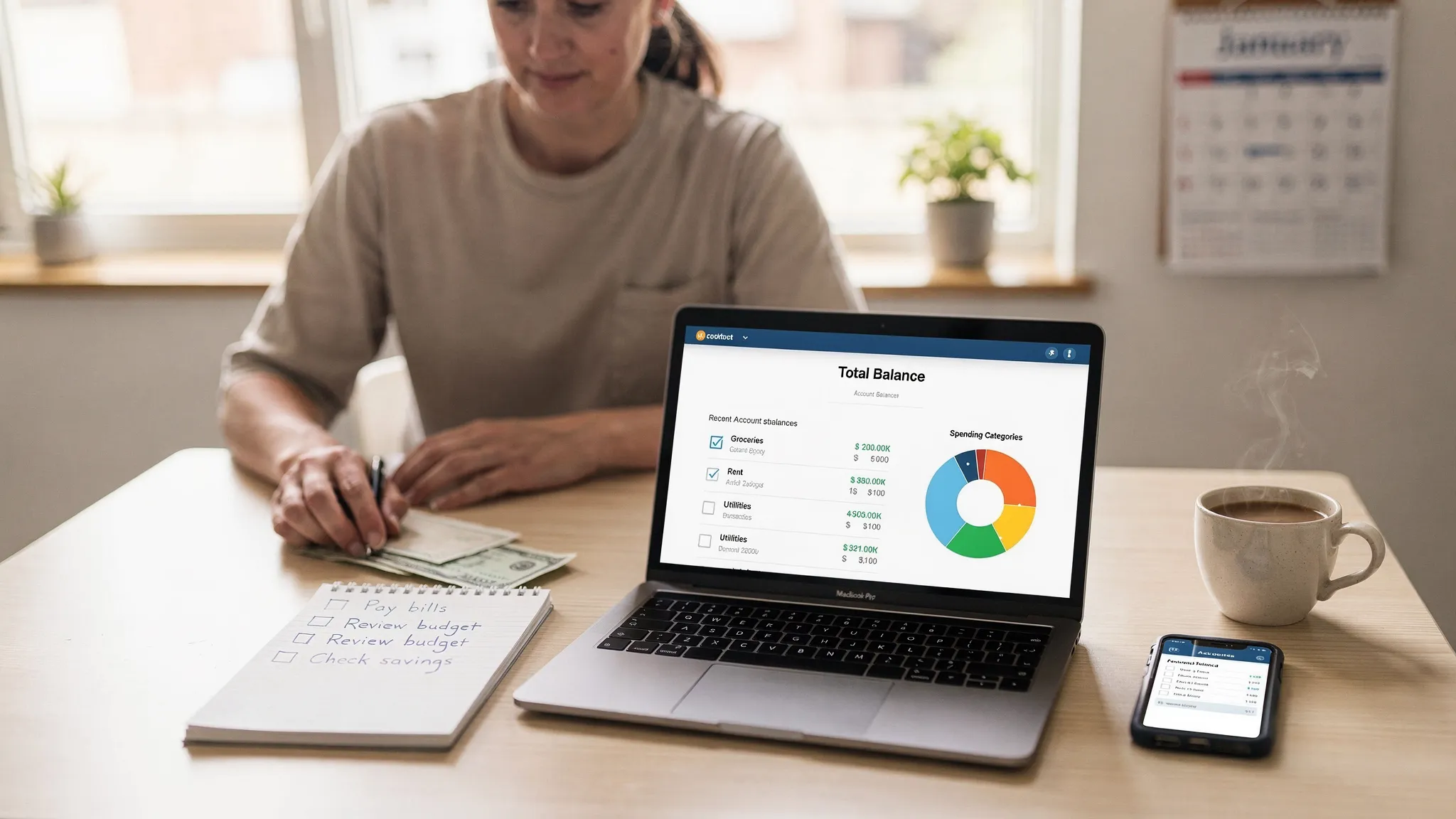
If you have ever tried to “get organized” with a spreadsheet and then stopped after two weeks, you are not alone. Home finances have a lot of moving parts: paychecks, credit cards, subscriptions, bills, debt payments, savings goals, and sometimes investments. Money personal accounting software helps you keep all of that in one place so you can see where your money is going, what is coming due, and what you can improve next.
This guide walks you through a simple, repeatable home process: set up your accounts, categorize spending, reconcile for accuracy, then review reports so your decisions are based on real numbers, not guesses.
What “money personal accounting software” means for home use
Think of personal accounting as the household version of what small businesses do: track transactions, classify them consistently, and review results (cash flow, spending by category, debt progress, net worth). Budgeting is a part of that, but budgeting alone usually answers only one question: “What do I want to spend?” Accounting answers a second, more important question: “What did I actually spend, and what does that change?”
For most households, personal accounting software replaces a patchwork of:
- A checking account register (manual balance tracking)
- Multiple bank and credit card apps (no single view)
- Notes app reminders for bills
- A spreadsheet budget that is easy to abandon
The goal is not perfect bookkeeping. The goal is clear decisions: stop overdrafts, reduce late fees, control subscriptions, pay down debt faster, and grow savings.
What to look for in home personal accounting software
The best tool is the one you will use weekly. For most people, that means it must be fast, mostly automated, and clear.
Here are the features that matter most for home use:
1) Account and transaction tracking (with flexibility)
You want an easy way to see transactions across checking, savings, credit cards, and loans. Many apps support bank connectivity, but you should also have the option to manually edit and categorize transactions when something is mislabeled.
2) Categories that match your life
A good category system lets you quickly answer questions like:
- How much did groceries really cost last month?
- What are we paying for subscriptions?
- How much of our “shopping” is actually kids, home, or travel?
3) Budgeting that is realistic (not punitive)
Home budgets work best when they reflect reality and include irregular expenses. If your tool supports budgeting, use it as a planning layer that adjusts as your spending patterns become clearer.
For a general budgeting framework, the CFPB offers practical guidance on building a budget and tracking expenses in plain language (see CFPB budgeting resources).
4) Bills, debt tracking, and reminders
Late fees and interest are silent wealth drains. A bill tracker helps you keep due dates visible and avoid missed payments.
5) Reports you will actually read
At minimum, look for:
- Spending by category
- Cash flow (income vs expenses)
- Net worth trend (assets minus debts)
6) Reconciliation tools (accuracy without pain)
Reconciliation means confirming your records match your bank or card statements. For home use, you do not need formal accounting rules, but you do need accuracy so you can trust your reports.
7) Alerts and insights
Automated alerts can highlight big changes, unusual spending, or low balances. The value is not the alert itself, it is the habit it creates: you notice issues early.
8) Security basics
Any financial app should follow strong security practices. As a user, you can add an extra layer of protection with measures like unique passwords and multi-factor authentication, and by watching for suspicious activity. The FTC’s identity theft resources are a helpful reference for protecting yourself and responding quickly if something looks wrong (see IdentityTheft.gov).
Spreadsheet vs personal accounting software: which is better at home?
Spreadsheets can work, but the friction is real. If you want a system you can stick with, automation and reminders usually win.
| Approach | Best for | Pros | Cons |
|---|---|---|---|
| Spreadsheet | Very simple finances, DIY mindset | Total control, no vendor dependency | Manual updates, easy to abandon, no alerts unless you build them |
| Banking apps only | People who do not need categories | Quick balance checks, bill pay built in | No unified view across institutions, limited reporting |
| Money personal accounting software | Most households | One dashboard, categories and reports, reminders, trend tracking | Requires initial setup and ongoing review |
Simple home setup: a step-by-step guide
The easiest way to succeed is to set up your system once, then follow a weekly and monthly rhythm. Plan for 45 to 90 minutes to set up, then 10 to 15 minutes per week.
Step 1: Decide what “success” looks like for your household
Pick 2 to 3 outcomes. Examples:
- Never miss a bill
- Keep dining out under a set amount
- Pay off one credit card by a specific month
- Build a 3 month emergency fund
This matters because your categories, alerts, and reports should support these outcomes.
Step 2: Gather your accounts and establish a starting point
Make a quick list of everything that affects your money picture:
- Checking and savings
- Credit cards
- Loans (student, auto, mortgage)
- Investment accounts (if you plan to track them)
If you are starting mid-month, that is fine. The key is to start with a clean baseline.
Step 3: Connect accounts (or import) and check that data makes sense
If your software supports linking accounts, connect the core ones first: primary checking and top credit cards. Then scan for obvious issues:
- Duplicate transactions
- Missing recent transactions
- Incorrect starting balances
Do not worry about fixing years of history. Most households get 80 percent of the value from getting this month and forward right.
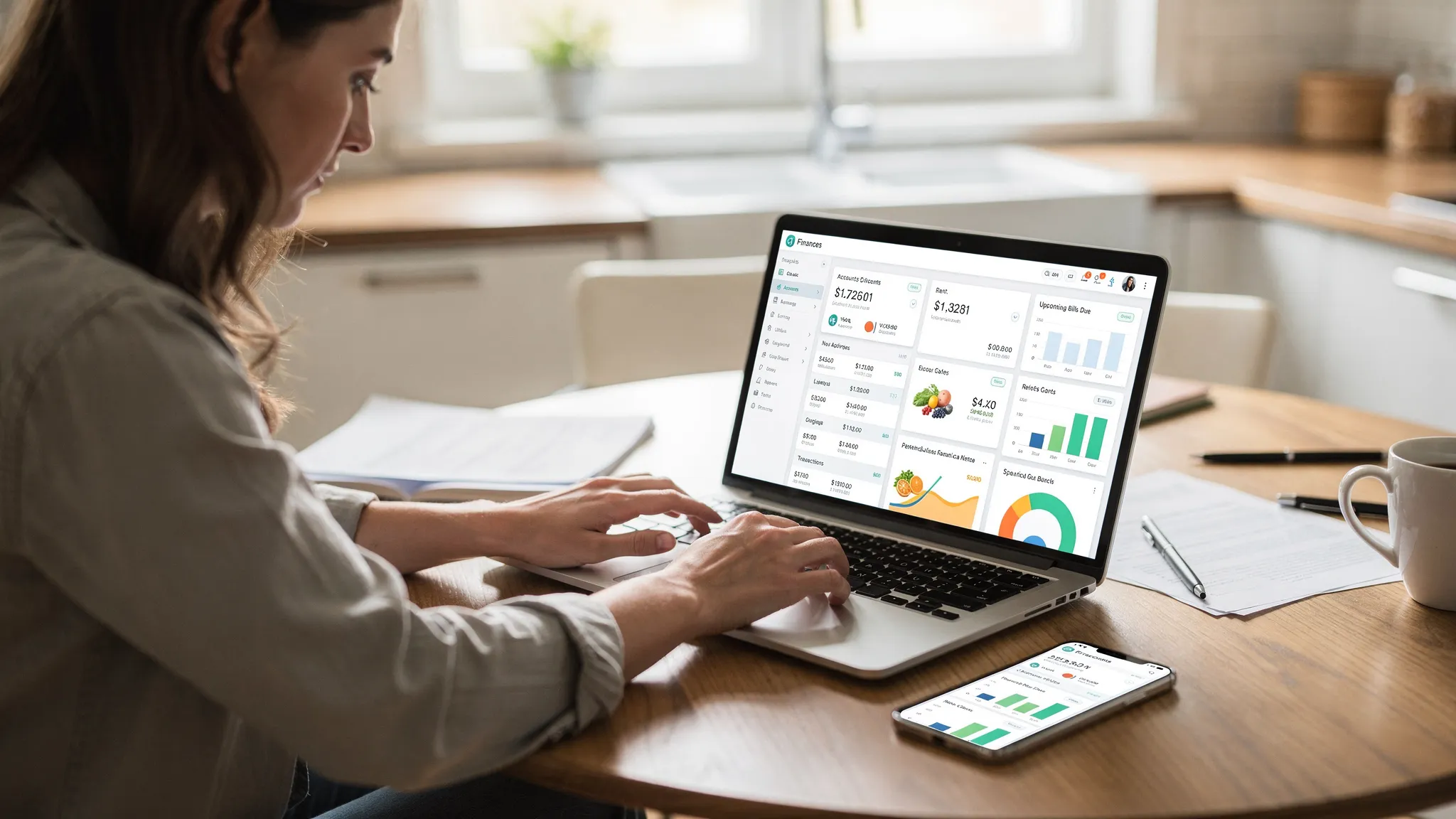
Step 4: Create a category system that is easy to maintain
A common reason people quit is over-categorizing. Start simple, then split categories only when it changes decisions.
A solid starter category set:
- Housing (rent or mortgage)
- Utilities
- Groceries
- Dining
- Transportation
- Insurance
- Subscriptions
- Shopping
- Health
- Kids or family
- Travel
- Debt payments
- Savings
Tip: Create one “Catch-all, review later” category if your tool allows it. Then re-categorize during your weekly review instead of interrupting your day.
Step 5: Set bill reminders and debt targets
Bills are about timing as much as amount. Add due dates for recurring bills and minimum payments for debts.
If you are working on debt payoff, track:
- Current balance
- Interest rate (if known)
- Minimum payment
- Your target extra payment
Even without advanced payoff calculators, simply seeing all debts in one place improves follow-through.
Step 6: Build a budget that includes irregular expenses
A budget should cover:
- Fixed monthly costs (housing, insurance)
- Variable costs (groceries, dining)
- Irregular expenses (car repairs, gifts, annual subscriptions)
If you forget irregular expenses, your budget will feel “broken” every few months. One approach is to create a monthly “sinking fund” category (for example, $100 per month for gifts) so the annual spikes are not surprises.
Step 7: Do a weekly 10 minute transaction review
This is the habit that makes everything else work. Once a week:
- Review new transactions
- Fix categories that are wrong
- Split mixed transactions if needed (for example, grocery store plus pharmacy)
- Confirm pending bills are still on track
If your software has alerts, use them to guide what you review first.
Step 8: Reconcile monthly so you can trust your numbers
At the end of the month (or when statements close), reconcile your key accounts:
- Checking
- Main credit cards
Reconciliation sounds intimidating, but the home version is straightforward: make sure balances and transactions match your statements. If something is off, it is usually one of three issues: a missing transaction, a duplicate, or a transaction dated differently.
Step 9: Read three monthly reports and act on one insight
Avoid report overload. Stick to three:
- Spending by category (what changed?)
- Cash flow (did we spend more than we earned?)
- Net worth trend (are debts shrinking and assets growing?)
Then pick one action for next month, like:
- Cancel one subscription
- Reduce a category target by a realistic amount
- Increase an automatic transfer to savings
This is how personal accounting turns into behavior change.
Step 10: Do a year-end “money admin” review (especially for taxes)
Most households benefit from an annual cleanup:
- Export or save key reports
- Review charitable giving totals
- Confirm medical expense records if relevant
- Check that you can locate receipts and important documents
For U.S. recordkeeping, the IRS provides guidance on what to keep and why (see IRS recordkeeping). Even if you do not itemize deductions, good records reduce stress when questions come up.
A simple monthly checklist you can reuse
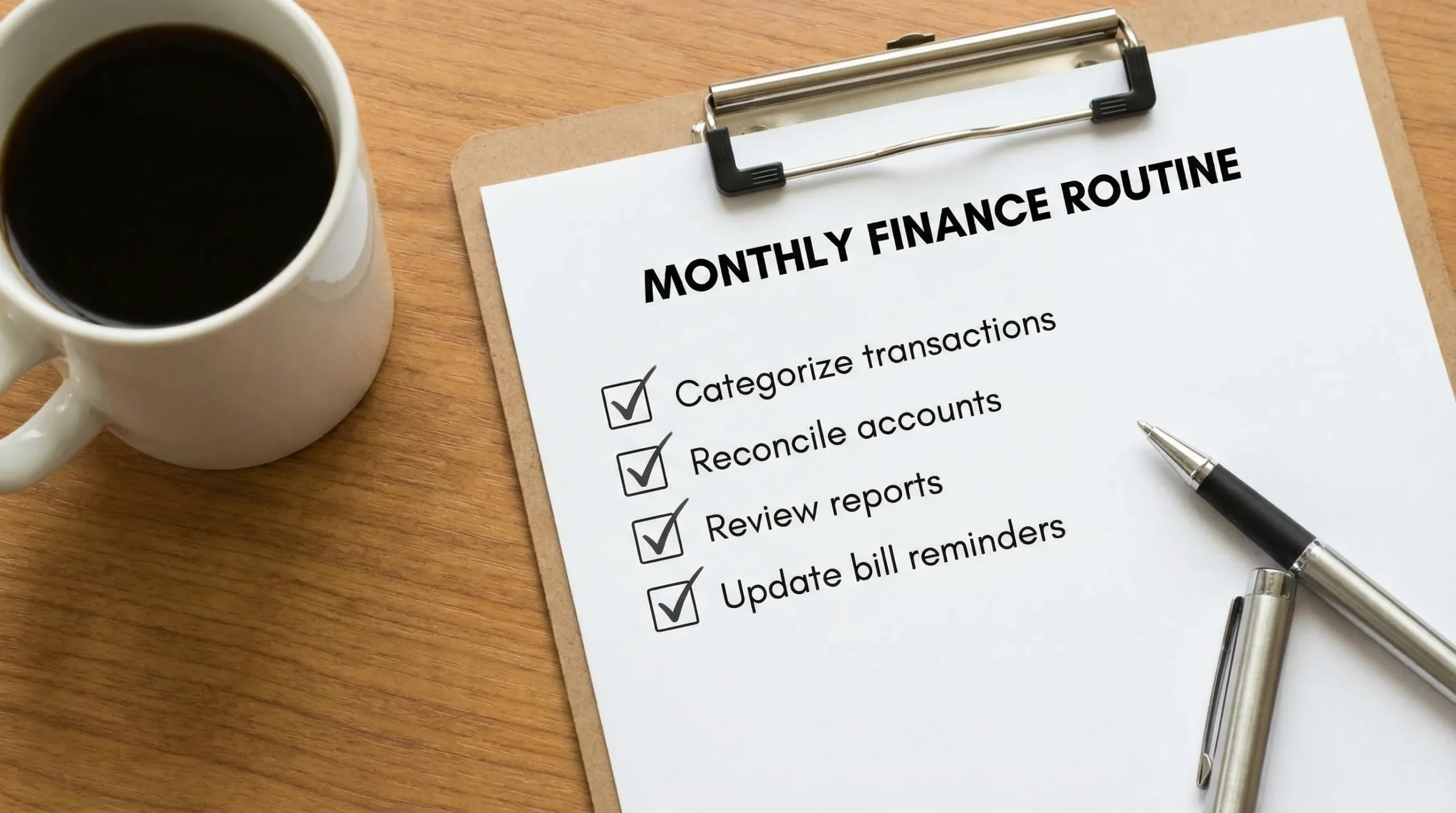
Use this as a repeatable “close the month” routine.
| Task | Time | Outcome |
|---|---|---|
| Categorize and clean up transactions | 10 to 20 min | Accurate spending totals |
| Reconcile checking and primary credit card | 10 to 20 min | You can trust balances and reports |
| Review category spending and cash flow | 5 to 10 min | One clear insight for next month |
| Update bill reminders for next month | 5 min | Fewer late fees and surprises |
Common mistakes (and how to avoid them)
Making it too complex too early
If you build 70 categories and custom rules on day one, you will burn out. Start with a smaller set, then refine.
Treating the budget as a scorecard
A budget is a plan, not a morality test. If you overspend, the right response is to adjust and learn, not to abandon tracking.
Ignoring reconciliation
If your numbers are wrong, your decisions will be wrong. A quick monthly reconciliation prevents weeks of confusion.
Not using alerts and reminders
Your app is strongest when it helps you notice issues early, like a bill you forgot or spending that is creeping up.
Where MoneyPatrol fits in this workflow
MoneyPatrol is a free personal finance and budgeting app built around an all-in-one dashboard. It is designed to help you track expenses, manage income, monitor accounts, set alerts, and review reports, with connectivity to thousands of financial institutions.
If you want to pair the home process above with a tool that supports it, these pages may help:
- MoneyPatrol’s overview of why budgeting matters and how to get started: best free budgeting app
- The mindset behind consistent tracking (and why habits matter as much as features): Message from the CEO
- A straightforward set of habits for getting value from the app: MoneyPatrol product rules
If you are choosing between tools, a practical approach is to test whether you can complete the weekly review in under 15 minutes. If the workflow feels heavy, simplify your categories or reduce what you track until it becomes effortless.
Frequently Asked Questions
Is money personal accounting software the same as budgeting software? Budgeting is usually one feature. Personal accounting software is broader: it tracks transactions, categories, bills, debt, and reports so you can measure what actually happened.
How often should I update my home accounting software? Aim for a weekly review (10 to 15 minutes) and a monthly reconciliation. Consistency matters more than daily updates.
Do I need to track investments in my personal accounting app? Not necessarily. Many households start with banking, credit cards, bills, and debt. Add investments later if it helps you track net worth and progress toward long-term goals.
What is the easiest category setup for a beginner? Start with 10 to 15 categories that match your major spending areas (housing, groceries, dining, transportation, utilities, subscriptions, shopping, health, debt, savings). You can always split categories later.
What should I do if transactions are miscategorized? Fix them during your weekly review, then look for ways to make future categorization easier (for example, consistent naming rules or merchant-based categorization if your software supports it).
Try a simpler way to manage money at home
If you want one place to track spending, bills, debt, income, and overall progress, MoneyPatrol is a free option designed for a complete home finance view. You can explore it at MoneyPatrol and start building a weekly routine you can actually maintain.


 Our users have reported an average of $5K+ positive impact on their personal finances
