

Most personal finance apps fall into one of two buckets: they are free but limited, or powerful but locked behind a subscription. Money Patrol aims to break that tradeoff by offering a free, all-in-one way to track spending, budgets, bills, income, accounts, and net worth in one place.
If you are evaluating Money Patrol for the first time, the two questions that matter most are:
- What exactly does it do (and what problems does it solve well)?
- Why is it free, and what should you verify before linking your accounts?
This guide answers both, in plain English, so you can decide whether Money Patrol fits your money system.
Money Patrol at a glance
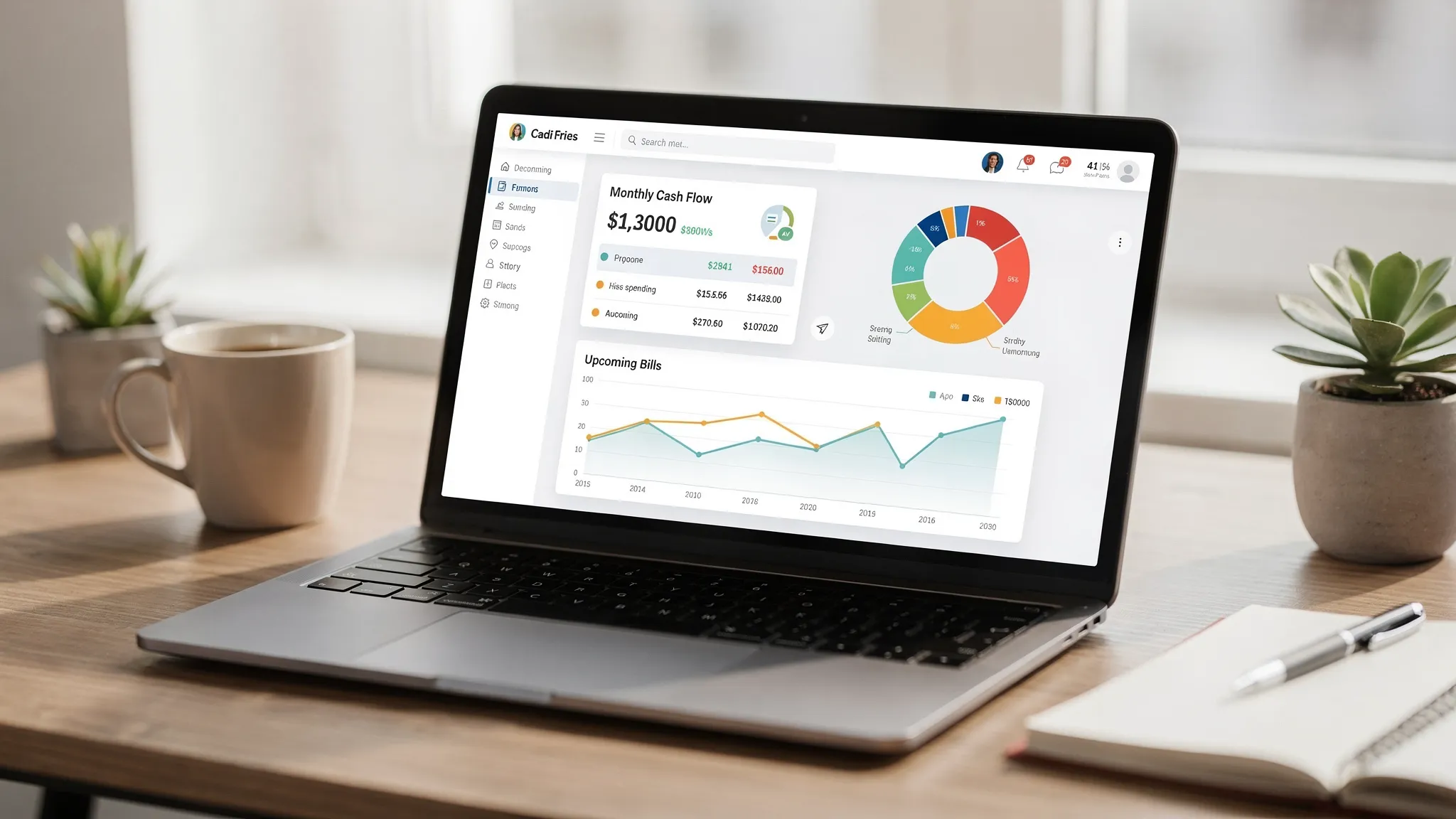
Money Patrol is a free personal finance and budgeting app designed to help you monitor your day-to-day cash flow and longer-term financial health through a centralized dashboard. Based on the product description, it focuses on core money-management workflows such as:
- Expense tracking and categorization
- Budgeting tools
- Bill and debt tracking
- Income management
- Investment tracking
- Credit score monitoring
- Alerts, reminders, and insights
- Account reconciliation and reporting
It also supports connectivity to thousands of financial institutions, which matters because your tracking is only as good as your data coverage.
Importantly for credibility and product philosophy, Money Patrol’s founder highlights a background that includes analytics leadership for Mint and Quicken/Intuit on the company’s public pages. That experience is relevant because the hardest part of personal finance software is not “showing transactions”, it is helping users build consistent habits without drowning them in noise.
What Money Patrol actually helps you do
Many people download a finance app expecting a magical transformation. In reality, the practical value comes from a few repeatable outcomes: clarity, control, and follow-through.
1) Track spending without relying on memory
Expense tracking is about replacing guesswork with a record. When transactions are visible and categorized, you can answer questions like:
- Where did my money go last week?
- Which categories consistently run high?
- What spending is “fixed” vs “optional”?
This aligns with a core budgeting best practice: start with awareness before you try to optimize. Even the Consumer Financial Protection Bureau (CFPB) emphasizes tracking spending as a foundation for budgeting.
2) Turn your plan into budgets you can actually manage
Budgets are only useful if you will check them. Money Patrol positions budgeting as a central feature, which typically means you can set targets by category (for example, groceries, dining, subscriptions) and then compare actuals vs plan over time.
The “why” here is simple: budgets translate abstract goals (save more, pay off debt) into operational rules you can follow.
3) Stay ahead of bills and debt, not surprised by them
Bill tracking and debt tracking matter because late fees, interest, and missed payments are often a systems problem, not a willpower problem.
Alerts and reminders are especially valuable in two scenarios:
- You have multiple payment dates across cards, utilities, and loans.
- Your cash flow is tight enough that timing matters, not just totals.
4) See income, net worth, and investments in one view
Many budgeting tools over-focus on spending and ignore the bigger picture: your balance sheet.
If you can track income and investments alongside expenses, you can connect the dots between:
- Your saving rate
- Your debt payoff progress
- Your net worth trend
That “whole picture” view is what turns a budgeting app from a calculator into a decision-support tool.
5) Use reporting to spot patterns (not just totals)
Reports are where you move from “I spent $X” to “I spent $X because of Y pattern.” Examples include:
- Subscription creep
- Seasonal spikes (holidays, travel, back-to-school)
- Weekend spending surges
When reporting is paired with alerts, the app can nudge you closer to small, consistent corrections, which is usually how sustainable financial change happens.
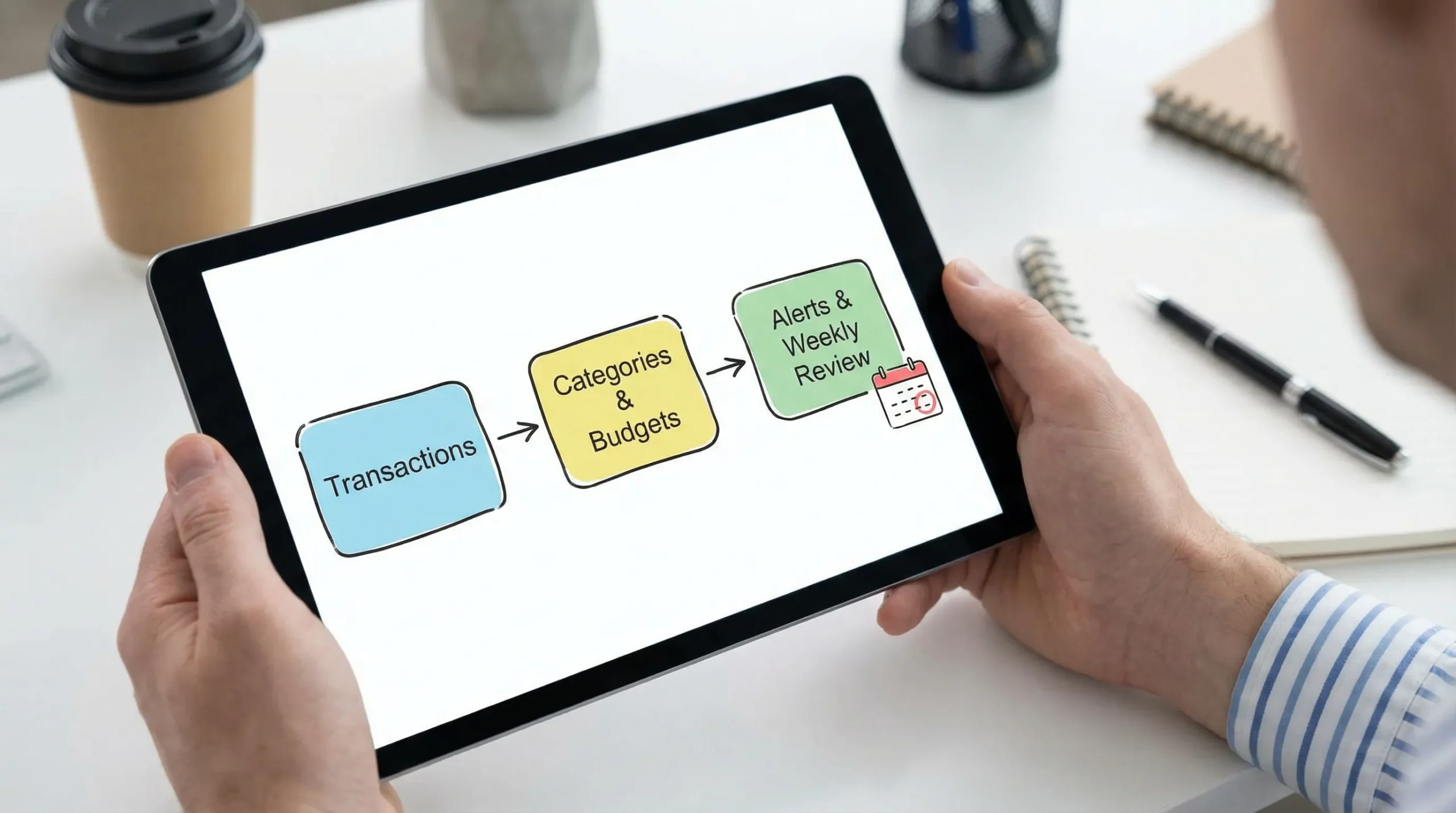
How Money Patrol typically works (from setup to routine)
Most all-in-one money apps follow the same lifecycle. Understanding it helps you judge whether you will stick with the tool.
Step 1: Connect accounts (or enter data manually)
Money Patrol supports connectivity to many financial institutions, so the most common flow is linking checking, credit cards, loans, and investment accounts to pull balances and transactions into one dashboard.
Step 2: Categorize and reconcile
Even with good automation, categories are rarely perfect on day one. A practical approach is to review the first few weeks of data, fix incorrect categories, and use reconciliation features to keep the record accurate.
Step 3: Set budgets and bill reminders
Once categories reflect reality, budgets become far easier to set, because you are using your own history rather than a generic template. Bill reminders then reinforce the plan through your actual calendar.
Step 4: Use alerts and insights as your weekly “money check-in”
A finance app works best when it becomes a routine, not an event. Many people succeed with a short weekly review (10 to 15 minutes) to:
- confirm bills paid or scheduled
- check category burn rate
- catch unusual charges
- adjust the rest-of-month plan
Why is Money Patrol free?
“Free” is a fair reason to be skeptical, especially when an app can access sensitive financial data. But free does not automatically mean risky.
In software, there are several legitimate reasons a product can be offered at no cost to the user.
Reason 1: Software has low marginal cost
Once an app is built, the cost of serving one more user is often far lower than in physical products. That economic reality makes it possible for some companies to offer a robust free tier, especially when the product is designed to scale.
Reason 2: Growth and trust are competitive advantages
In personal finance, trust is everything. Offering a product for free can be a strategic decision to reduce friction, build a user base, and earn long-term loyalty.
Reason 3: “Free” can still be sustainable, but you should understand the model
Across the industry, free consumer apps are commonly sustained through one or more of the following approaches. This table is not claiming Money Patrol uses any specific method, it is a checklist to help you evaluate any free finance app responsibly.
| Common way “free apps” sustain themselves | What it can mean for users | What to verify before you commit |
|---|---|---|
| Optional upgrades or premium plans | Core tracking is free, advanced features may cost | Is the free version usable long-term without nags? |
| Affiliate/referral partnerships | The app may recommend products (cards, loans, etc.) | Are recommendations clearly labeled and avoid conflicts? |
| B2B offerings or partnerships | The company may earn revenue from business clients | Is your personal data separated and protected? |
| Advertising | Some apps show ads or sponsored placements | Is the experience still usable and not manipulative? |
| Data monetization | Some companies sell or share data (often “de-identified”) | What does the privacy policy say about sharing and selling? |
The key takeaway
A free personal finance app can be a great deal, as long as you do basic due diligence.
That due diligence is less about “Is it free?” and more about “What are the rules around my data, and do I have control?”
Is a free budgeting app safe? What to check before linking accounts
You do not need to be a cybersecurity expert to evaluate safety, you just need a consistent checklist.
1) Read the privacy policy with one specific question
Look for clear statements on:
- whether the company shares or sells personal data
- what “de-identified” means in their context
- how long data is retained
- how you can delete your account and data
If the language is vague, overly broad, or hard to find, that is a signal to slow down.
2) Use strong account security hygiene
Even the best app cannot protect you from weak passwords or reused credentials. Use:
- a unique password
- a password manager
- multi-factor authentication (MFA) when available
For general consumer protection and recovery steps, the FTC’s IdentityTheft.gov resource is a solid reference if you ever suspect account compromise.
3) Favor “read-only” access where possible
When you link financial accounts, some connections are designed for data access only (transactions, balances) rather than money movement. If you are given choices during setup, choose the least permissive option that still meets your needs.
4) Watch for early warning signs in the first 30 days
In your first month, pay attention to:
- missing accounts or duplicated transactions
- frequent mis-categorization that never improves
- alerts that are noisy rather than helpful
These are not only product issues, they determine whether you will keep using the app.
Who Money Patrol is best for (and who may want something else)
Money Patrol tends to make the most sense if you want a centralized dashboard and you value visibility across accounts.
Money Patrol is a strong fit if you:
- want one place to see spending, budgets, bills, and net worth
- have multiple accounts and want consolidated monitoring
- benefit from reminders and alerts to stay consistent
- want detailed reports to guide your next decisions
You might prefer a different approach if you:
- only need a simple “cash envelope” tracker and do not want account linking
- want a specialized investing platform first and budgeting second
- need highly customized business accounting features (personal finance apps are not built for that)
Real-world scenarios where a dashboard approach pays off
A centralized finance dashboard is especially useful when life gets complex.
Scenario: Planning travel without blowing up your month
Travel costs tend to arrive in waves: flights, hotels, insurance, transportation, meals, and sometimes visa fees. A budgeting app can help you separate one-time travel spending from your normal monthly categories, so you do not misread your baseline expenses.
If you are coordinating international travel that involves visas, it also helps to reduce admin surprises. For travel businesses that need to streamline eVisa workflows, services like SimpleVisa’s eVisa processing platform illustrate how the “paperwork layer” can be systematized, while you focus your budget on the trip itself.
Scenario: Getting control of subscription creep
Subscriptions often hide in plain sight because they are small and recurring. With consistent categorization and reporting, you can identify:
- duplicate services (two streaming plans, multiple cloud storage tools)
- price increases that slipped by
- annual renewals that cause cash flow dips
Scenario: Debt payoff that does not depend on motivation
Debt payoff improves when you can see balances, payment dates, and progress in one place. Pairing bill tracking with alerts can help prevent late payments, which can protect both your wallet and your credit profile.
A practical “first week” setup checklist
To get value quickly without turning setup into a weekend project, keep it simple in your first week.
- Link your primary spending accounts first (checking and the card you use most).
- Review and correct categories for the most frequent merchants.
- Set one or two budgets that match your biggest variable categories (often groceries and dining).
- Turn on only the alerts you will act on (bill due, low balance, unusual spending).
- Check reports at the end of the week and adjust one small thing, not ten.
Bottom line: why Money Patrol being free can be a feature, not a red flag
Money Patrol positions itself as a free, comprehensive personal finance app that covers the core jobs most people actually need: tracking expenses, managing budgets, staying on top of bills and debt, monitoring income and investments, and using alerts and reports to build better habits.
“Free” is not automatically good or bad. What matters is whether the product helps you maintain a consistent routine and whether the privacy and security posture meets your comfort level.
If you want a single dashboard to understand where your money is going and what to do next, Money Patrol is the kind of tool that can make financial clarity feel simpler, especially when you use it weekly rather than only when something goes wrong.



 Our users have reported an average of $5K+ positive impact on their personal finances
