
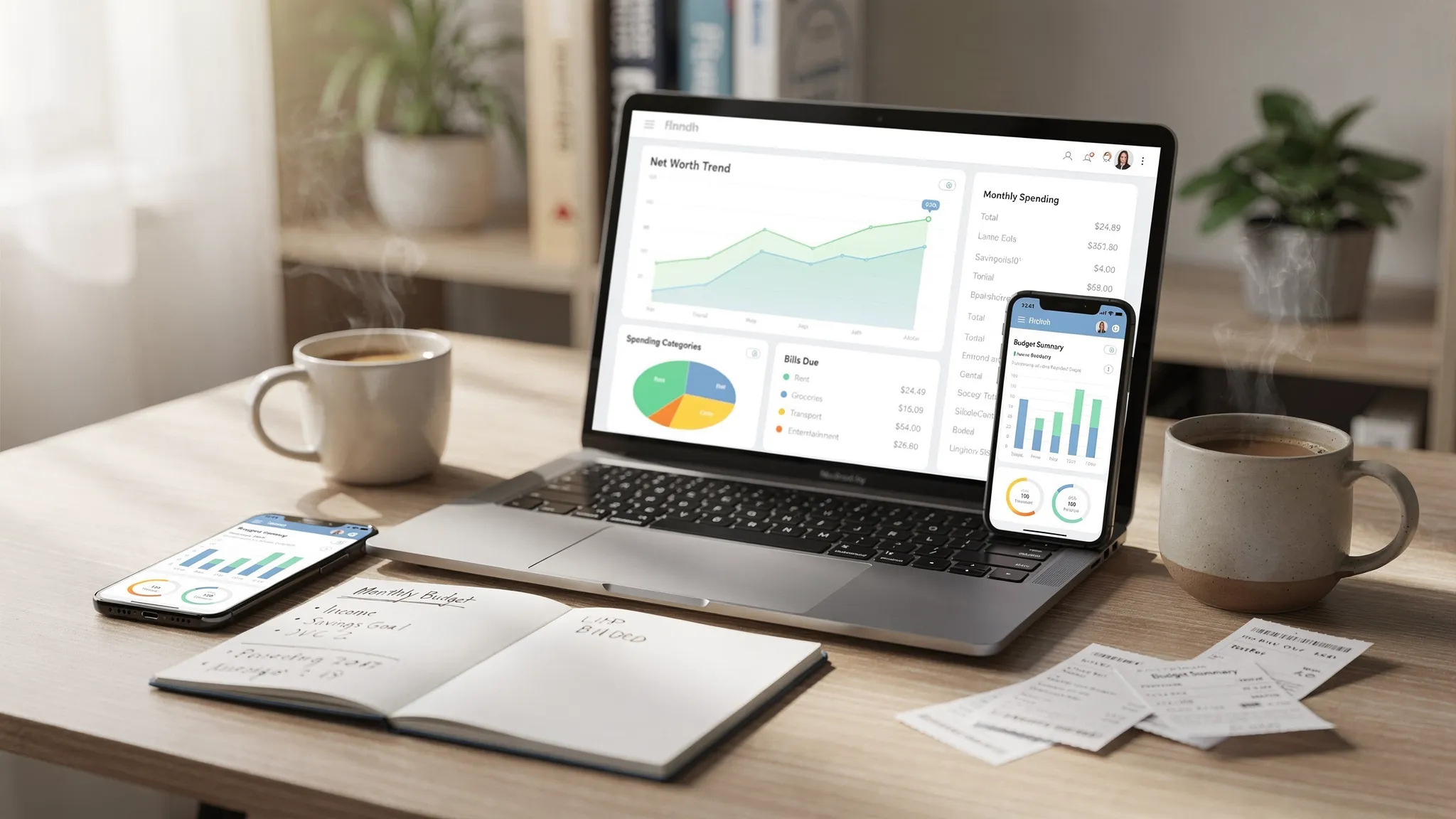
A money manager online can be the difference between “I think I’m doing okay” and “I know exactly where my money is going.” In 2026, most people juggle multiple accounts (checking, credit cards, loans, retirement, maybe a side-hustle account), and the old method of logging every transaction by hand often breaks down once life gets busy.
At the same time, not every online money manager is a good fit. Some are beautifully designed but weak on reporting. Others have strong budgeting features but create privacy concerns because of how they connect to your bank. This guide walks through the real-world pros, cons, and the must-have features that matter most when you’re choosing a tool you’ll actually stick with.
What “money manager online” really means (and what it doesn’t)
A money manager online is typically a web app (often with mobile apps too) that consolidates financial data and helps you do three jobs:
- Track what happened (transactions, balances, spending categories).
- Plan what should happen (budgets, bill schedules, savings goals).
- Decide what to do next (alerts, insights, reports, trends).
Most tools fall into one of two camps:
- Connected apps that sync with your financial institutions through a data provider.
- Manual or hybrid apps where you enter or upload transactions yourself (sometimes with partial syncing).
Connected apps are usually the most convenient, but they also introduce the biggest tradeoff: you are trusting a third party with highly sensitive financial data.
Pros of using a money manager online
The benefits are not just convenience. The best tools change your behavior because they reduce “money blindness,” the gap between what you think you spend and what you actually spend.
Faster, more complete visibility across accounts
When an app pulls your balances and transactions into one dashboard, you can stop guessing. This is especially helpful if you use multiple cards (for rewards, business spending, or shared family expenses) and want a single source of truth.
Automation that makes consistency easier
Budgeting usually fails because it becomes another weekly chore. Online tools can automate the parts that people tend to abandon:
- Categorizing transactions
- Tracking recurring charges
- Flagging unusually large purchases
- Notifying you when bills are coming due
Instead of trying to be disciplined every day, you set rules once and review.
Better decisions with trends and reports
A solid money manager online can show you patterns that are hard to see in a bank app, like how “small” subscriptions add up, how dining spikes on weekends, or how your grocery spending shifts month-to-month.
If you want a broader framework for managing money, the Consumer Financial Protection Bureau has practical guidance on building spending plans and tracking cash flow in its consumer resources (see the CFPB site: consumerfinance.gov).
Reduced late fees through reminders and alerts
Late fees and missed payments are often about timing, not income. Bill reminders, due-date notifications, and low-balance alerts can prevent expensive mistakes.
Cons and tradeoffs to consider (before you connect everything)
The downside of online money management is not that it “doesn’t work.” It’s that it can fail in ways that are frustrating or risky if you don’t choose carefully.
Privacy and data sharing concerns
To sync accounts, many apps rely on financial data aggregators. That means your data may flow through multiple parties: your bank, the aggregator, and the app itself.
Before linking accounts, read the app’s privacy policy and security documentation, and check whether you can:
- Control what data is collected
- Delete your data (and how)
- Revoke access to connected institutions
For general consumer guidance on protecting accounts and passwords, the Federal Trade Commission maintains updated security tips at identitytheft.gov.
Categorization errors and “messy” data
Auto-categorization is helpful, but it is never perfect. You will still need to review categories, especially for:
- Stores that sell multiple things (big box retailers)
- Travel bundles
- Venmo, PayPal, and other wallet transactions
- Split transactions (one receipt, multiple budget categories)
A good app makes corrections easy and learns from your changes.
Sync delays and missing transactions
Even top apps can experience:
- Delayed posting from banks
- Duplicate transactions
- Temporarily broken connections
This matters most when you’re trying to avoid overdrafts or track spending in near real time.
Over-reliance on the tool
A money manager online is a decision-support system, not a decision-maker. If you treat the budget as “whatever the app says,” you can miss the bigger picture: priorities, irregular expenses, and tradeoffs.
Must-haves: the features that separate “nice UI” from a tool you’ll keep
A lot of apps advertise the same benefits. The difference is whether the feature works reliably, and whether it supports your specific habits.
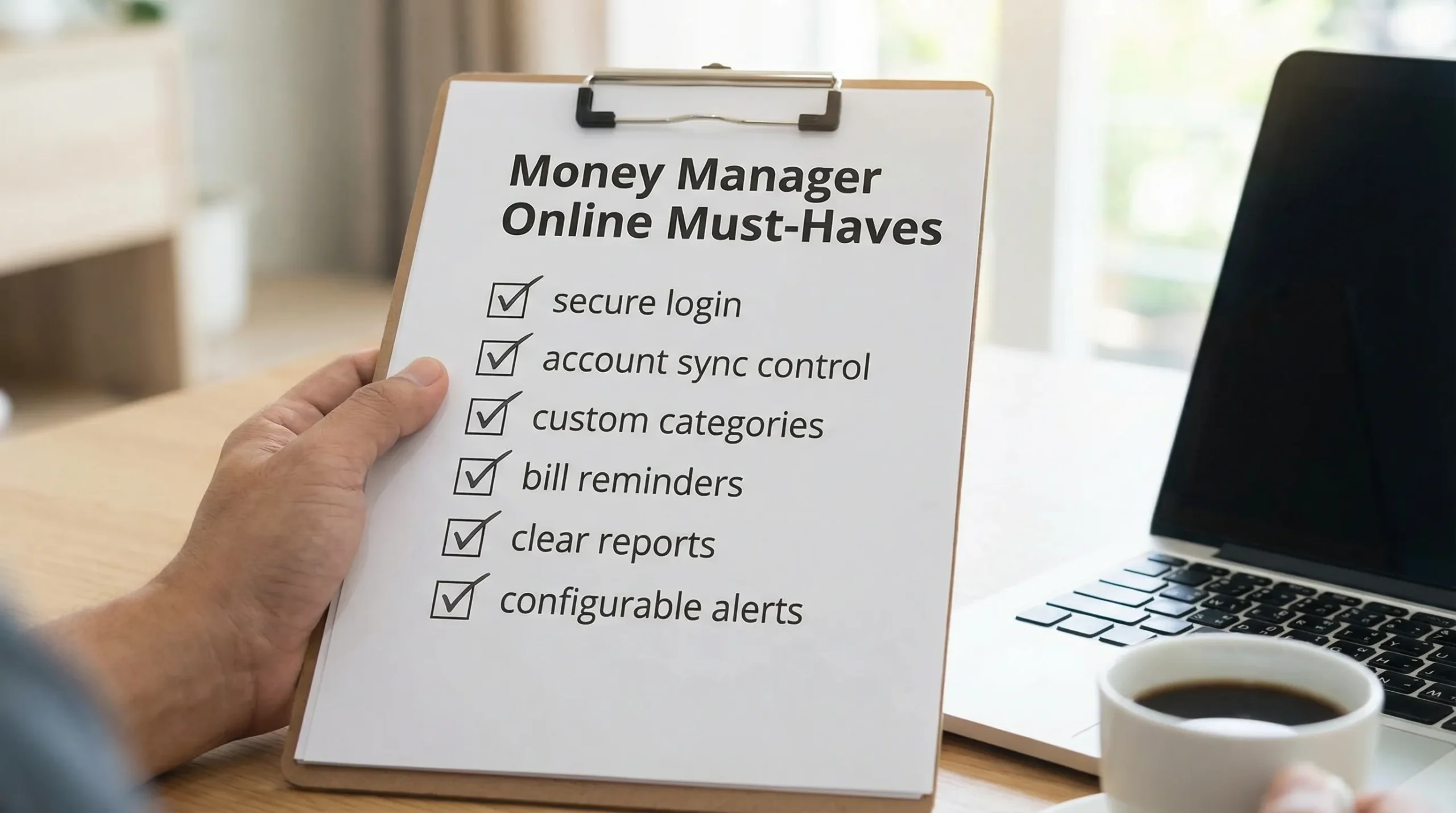
Here are the must-haves worth prioritizing.
1) Secure account connection (and strong login protections)
At minimum, look for:
- Multi-factor authentication (MFA) for your app login
- Clear documentation of how data is handled
- A credible approach to bank connectivity (and an easy way to disconnect accounts)
Security is not just technical, it’s also operational. If support is hard to reach or policies are vague, treat that as a signal.
2) Custom categories and rules that match real life
Your budget should reflect how you actually spend. A strong money manager online should let you:
- Create custom categories (for example, “Kid activities,” “Dog,” “Work travel”)
- Set categorization rules (merchant-based or keyword-based)
- Split transactions cleanly
3) Budgeting that supports both planning and reality
Budgets are not only monthly caps. Look for flexibility such as:
- Monthly budgets for variable spending (food, dining)
- Targets for fixed bills (rent, insurance)
- The ability to handle irregular expenses (annual subscriptions, holiday spending)
If the tool can’t handle “non-monthly” life, you will stop trusting it.
4) Bill tracking and reminders
This is one of the highest ROI features because it prevents fees and reduces stress. Ideally, bill tracking includes due dates, amounts, and reminders you can customize.
5) Clear reporting that answers practical questions
Reports should help you answer:
- What did I spend last month, and on what?
- What changed compared to the prior month?
- How much is discretionary vs fixed?
- Where are my biggest leaks (subscriptions, fees, impulse purchases)?
Export options (CSV, spreadsheets) are also valuable if you want to do deeper analysis or share information with an accountant.
6) Alerts that you can tune (not spam)
Alerts are useful only when they are relevant. Look for control over thresholds and frequency, like:
- Low balance warnings
- Upcoming bill reminders
- Spending spikes in a category
- Large transaction notifications
7) A dashboard that covers more than checking and credit cards
Many people want one view that includes:
- Debt (loans, credit utilization)
- Income streams
- Investments
- Net worth over time
Even if you start with basic expense tracking, you may want these later. Switching apps is painful, so it helps to choose something that can grow with you.

Quick comparison: common money management approaches
Not sure whether an online tool is even the right direction? This table summarizes the typical tradeoffs.
| Approach | What it’s best for | Key downside | Best for you if… |
|---|---|---|---|
| Spreadsheet (manual) | Total control, custom models | Time-consuming, easy to abandon | You enjoy tinkering and are consistent weekly |
| Bank app tools | Simple, single-institution view | Limited cross-account visibility | Most of your finances are at one bank |
| Money manager online (connected) | Automation, full-picture dashboard | Privacy and sync tradeoffs | You want convenience and will review regularly |
| Manual/hybrid budgeting app | Privacy control, intentional tracking | More data entry | You prefer not to connect accounts |
Hidden “gotchas” people discover too late
A money manager online can look perfect on day one and still fail you in month two. Watch for these common pain points.
- No easy reconciliation: If you can’t match and verify balances, small errors accumulate and confidence drops.
- Weak support for shared finances: Couples and families may need flexible grouping without duplicating accounts.
- Poor handling of refunds and reversals: This can distort category totals.
- Hard-to-find subscription management: If recurring charges are buried, you miss the easiest savings wins.
The practical test is simple: can you answer “Where did my money go last month?” in under two minutes, and do you trust the answer?
Money and mental load: the stress angle people don’t talk about
Financial organization is not only about optimization. It’s also about reducing uncertainty. When bills, balances, and debt feel unclear, it can amplify stress and avoidance behaviors.
If money stress is contributing to anxiety, insomnia, or difficulty functioning, it can be helpful to seek qualified support. For readers in New York City, comprehensive psychiatric services in NYC can be part of a broader care plan, especially when stress overlaps with anxiety, depression, or ADHD-related executive function challenges.
What to look for in a free tool (and what “free” can mean)
Many people search for a free money manager online, but “free” varies:
- Some tools are free because they monetize through referrals or offers.
- Some have a free tier with limits (accounts, reports, categories).
- Some are free because the company is prioritizing growth.
A free plan can still be a great choice if the essentials are strong: secure access, accurate tracking, usable reporting, and enough customization to fit your life.
Where MoneyPatrol fits (if you want an all-in-one dashboard)
If you’re looking for a free, comprehensive personal finance app that brings multiple money jobs into one place, MoneyPatrol is positioned as an all-in-one solution. It supports core needs like expense tracking and budgeting, and also extends into bill and debt tracking, income management, investment tracking, credit score monitoring, customizable alerts, reconciliation, and detailed financial reports.
If you want to explore what that looks like in practice, you can start from the main site at MoneyPatrol or review its overview of budgeting capabilities on its guide to a best free budgeting app.
The simplest way to evaluate whether it’s right for you is to run a 14 to 30 day test: connect the accounts you use most, categorize a handful of tricky merchants, set one or two alerts you care about (like low balance or a key bill), then check whether the reports make your next month easier.
A practical decision checklist (use this before you commit)
When you’re choosing a money manager online, prioritize fit over features. The right tool is the one you’ll review consistently.
Ask yourself:
- Will I connect accounts, or do I prefer manual entry?
- Do I need bill tracking, or only spending categories?
- Do I want net worth and investments in the same dashboard?
- Can I correct categories quickly and permanently?
- Do the alerts reduce stress, or create noise?
If you can answer those clearly, you’ll avoid the most common mistake: picking an app for its design instead of its day-to-day usefulness.



 Our users have reported an average of $5K+ positive impact on their personal finances
