
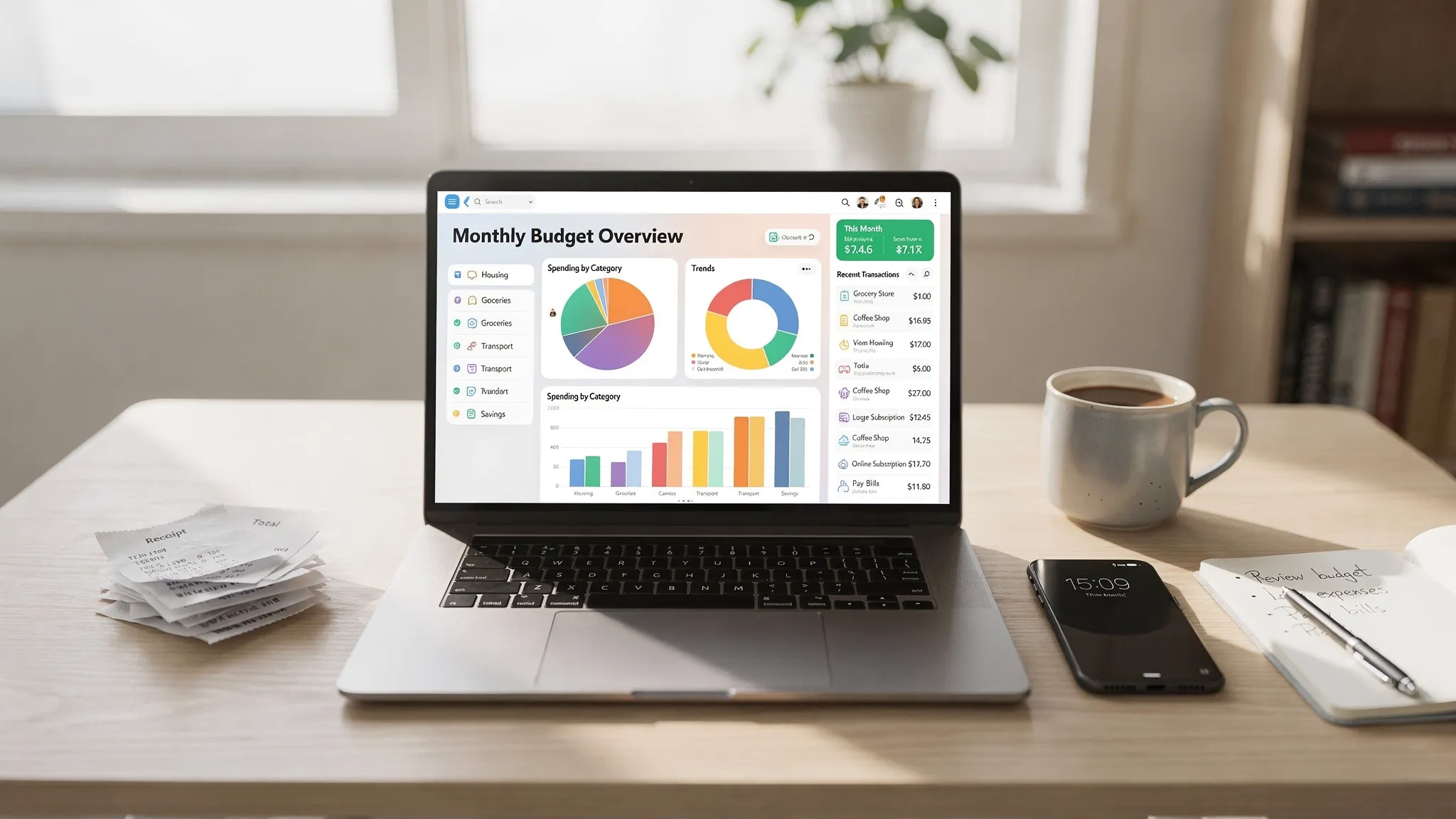
Most people don’t fail at budgeting because they “spend too much.” They fail because they don’t have a consistent, low-friction system to keep track of your expenses. Transactions happen across cards, bank accounts, subscriptions, cash, and shared payments, then you try to remember what happened at the end of the month.
A no-guesswork routine fixes that. Instead of relying on memory, you build a simple cadence: capture spending automatically where possible, review it on a schedule, and make small adjustments before a month goes off the rails.
What “no-guesswork” expense tracking actually means
Expense tracking gets easier when you stop treating it like a daily accounting project and start treating it like a repeating checklist.
A no-guesswork routine has three traits:
- Automatic capture first: bank and card transactions flow in, so you are not manually typing every coffee.
- Short reviews at fixed times: you look at spending in small batches, not one stressful monthly marathon.
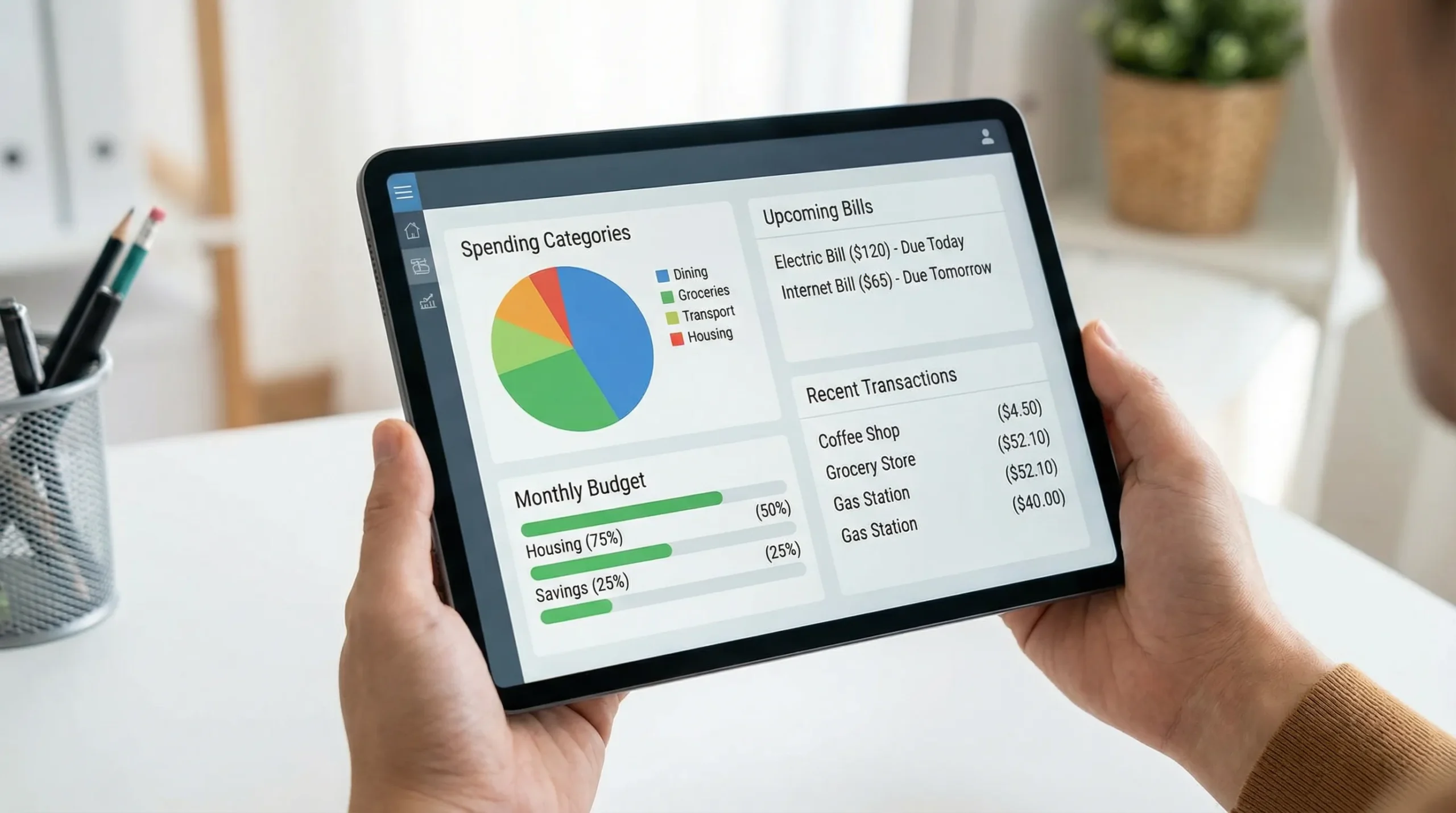
- One source of truth: one dashboard where spending, bills, income, and account balances reconcile.
If you have ever thought “I’ll track everything perfectly next month,” this is the alternative. You track consistently, not perfectly.
Step 1: Do a one-time setup that takes 30 minutes (and saves hours later)
Before you start the routine, set up the rails.
Choose your “money map” (categories that actually help)
Categories should answer, “What decision will I make from this?” If a category won’t change your behavior, it’s just noise.
A practical starter set:
- Housing
- Groceries
- Dining and coffee
- Transportation
- Utilities
- Insurance
- Subscriptions
- Health
- Shopping
- Travel
- Debt payments
- Savings and investing
Keep it simple for the first month. You can always split categories later once you can see patterns.
Decide on your tracking level: simple, standard, or detailed
Pick the lightest option you will realistically maintain.
| Tracking level | What you track | Who it’s best for | Time per week |
|---|---|---|---|
| Simple | Categories only | Beginners, busy schedules | 10 to 15 min |
| Standard | Categories + bills + subscriptions | Most households | 20 to 30 min |
| Detailed | Standard + tags, splits, reimbursement tracking | Shared expenses, freelancers | 30 to 45 min |
Connect accounts (or consolidate inputs)
Your goal is to reduce manual entry. An app that connects to many financial institutions and aggregates accounts into one personal finance dashboard can remove most of the friction.
MoneyPatrol, for example, supports connectivity to thousands of institutions and provides an all-in-one dashboard for accounts, expenses, budgets, bills, debt, investments, and credit score monitoring (where available).
Create two “guardrails” budgets
Instead of trying to budget every category immediately, start with two guardrails that prevent surprises:
- Fixed bills guardrail: rent or mortgage, utilities, insurance, minimum debt payments, subscriptions.
- Flexible spending guardrail: groceries, dining, shopping, entertainment.
This prevents the common mistake of over-optimizing small categories while missing a big subscription renewal or bill due date.
Step 2: The 3-minute daily routine (capture and label)
Daily tracking is not about analysis. It is about preventing backlog.
Your daily checklist
Open your dashboard and do three things:
-
Review new transactions since yesterday.
-
Confirm or correct categories for any that are wrong.
-
Add one note only when needed, for example:
- “Dinner with Alex (split later)”
- “Work reimbursable”
- “Annual renewal”
If you do this daily, you avoid the end-of-month pileup that makes people quit.
The “cash rule” (so cash doesn’t become a black hole)
Cash is where tracking systems often break.
Use one of these approaches:
- Cash as a category: log one transaction when you withdraw cash, then treat it as spent.
- Cash as spending: log cash purchases as they happen (only if you are willing to do it consistently).
The first option is simpler and still accurate enough for most budgets.
Step 3: The 20-minute weekly routine (catch issues early)
Your weekly check-in is where the “no-guesswork” part really shows up. You are not just tracking what happened, you are steering.
Weekly checklist: review, reconcile, and adjust
1) Review top categories for the week
Look at the 2 to 4 categories where overspending usually happens (often dining, shopping, groceries).
Ask:
- Is spending tracking above my normal pace for this point in the month?
- Was it a one-off event or a new pattern?
2) Scan for duplicates, refunds, and mis-categorized items
Common “mystery budget killers”:
- Pending charges that later post differently
- Refunds that never arrived
- Subscriptions categorized as shopping or utilities
3) Reconcile balances if something looks off
If your account balance in the app differs from your bank, you want to find out quickly. MoneyPatrol supports account reconciliation, which helps confirm your data matches reality.
4) Update reminders for upcoming bills
A weekly check is ideal for bill and debt tracking. If your tool supports customizable alerts and reminders, enable notifications for:
- Due dates
- Unusually large transactions
- Low balance thresholds (if useful)
Tip: If you are sharing finances with a partner, do this weekly check-in together. Twenty minutes of alignment prevents recurring “where did the money go?” arguments.
Step 4: The 45-minute monthly routine (the reset that keeps you consistent)
Monthly is where you turn tracking into decisions.
Month-end checklist (in a predictable order)
Close out the month
- Confirm remaining uncategorized transactions.
- Ensure big items are categorized correctly (rent, travel, insurance).
- Note any reimbursements still pending.
Compare plan vs actual
If you use budgeting tools, compare your flexible spending guardrail and top categories to your targets. Focus on the biggest deltas, not every line item.
Identify 1 to 2 changes for next month
Examples:
- Lower dining by $100, redirect to debt payments.
- Replace two subscriptions, keep one that you actually use.
- Increase groceries, reduce eating out, if that better fits your routine.
Review trends, not just totals
Detailed financial reports are useful because they show patterns across time, not just one month. Look for:
- Rising subscription totals
- Seasonal bills (insurance, annual renewals)
- Higher spending weeks (travel, social events)
Update goals
If your tool supports financial goals, align them with what the data shows. Goals that ignore reality do not survive contact with real spending.
The core routine, summarized (copy this)
If you want a single plan to follow, use this.
| Frequency | Time | What you do | Outcome |
|---|---|---|---|
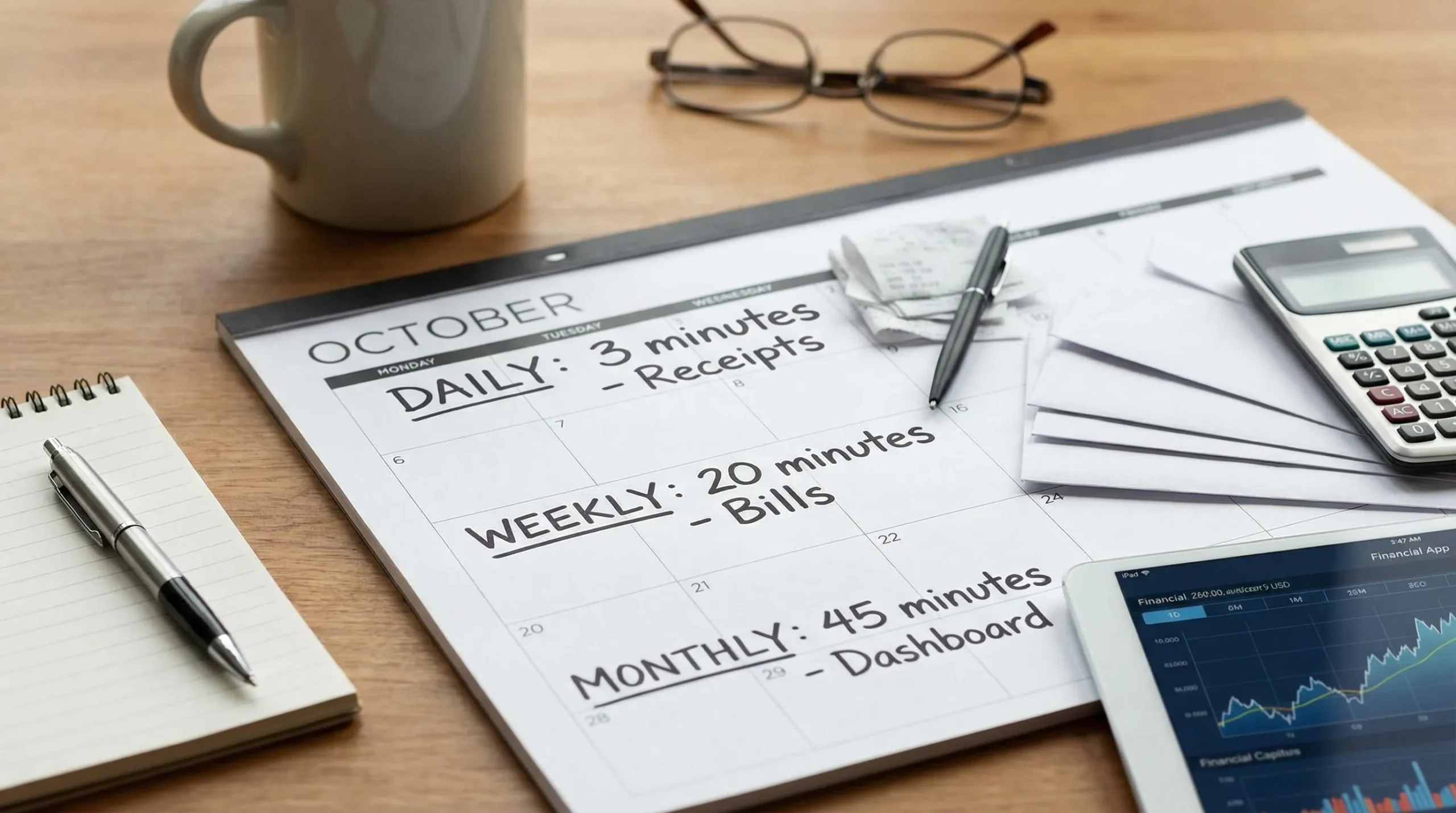
| Daily | 3 min | Review new transactions, fix categories, add notes only when needed | No backlog, cleaner data |
| Weekly | 20 min | Check top categories, scan for duplicates/refunds, reconcile if needed, review bills | Catch problems early |
| Monthly | 45 min | Close the month, compare budget vs actual, review reports and trends, adjust next month | Better decisions, less surprise |
Common expense-tracking problems (and the fix)
“My categories are always wrong.”
That usually happens because merchant names are inconsistent. Fixing categories daily or weekly is easier than reclassifying 200 transactions later.
Also, avoid overly specific categories at the start. “Restaurants” is easier to maintain than “Lunch out,” “Coffee,” “Fast food,” and “Bars,” at least until you are consistent.
“Subscriptions keep surprising me.”
Set a recurring reminder for each non-monthly subscription (annual, quarterly). If your finance app supports alerts and bill tracking, use it as your renewal system.
A quick win is to review subscription totals monthly and ask, “Would I buy this again today?” If not, cancel.
“I use multiple accounts, so I lose track.”
Multi-account life is normal now. The solution is aggregation and a single dashboard view. When your checking, cards, and savings are in one place, you stop guessing.
“I’m paid irregularly, so budgeting feels pointless.”
Expense tracking still works, you just budget differently:
- Track a baseline of essential expenses.
- Set bills and minimums first.
- Use an income management view to plan around your next pay cycle.
Consistency matters more than precision when income varies.
Turning tracking into progress: what to look at first
If you only have energy for a few metrics, look at these in order:
- Cash flow: income vs spending.
- Fixed bills total: how much is pre-committed.
- Top 3 flexible categories: where behavior changes matter.
- Debt trend: balances and payment consistency.
- Net worth trend: useful once your data is stable.
Expense tracking is not about shame. It is about feedback.
Frequently Asked Questions
What is the easiest way to keep track of your expenses? The easiest way is to automate transaction capture by connecting your accounts, then follow a short routine: 3 minutes daily to categorize, 20 minutes weekly to review, and 45 minutes monthly to reset your plan.
How often should I check my spending? Daily is best for quick categorization, weekly for course correction, and monthly for deeper decisions. The weekly check-in is usually where people see the most impact.
Do I need to track every single purchase? Not necessarily. If you capture most transactions automatically and you have a consistent review routine, you can be accurate enough to make good decisions without manual entry for everything.
What if I pay with cash a lot? Treat cash withdrawals as a single “cash spent” transaction (simple approach), or log cash purchases as they happen (detailed approach). Pick the one you can stick to.
How do I track shared expenses with a partner or roommates? Add a short note or tag to shared transactions (for example, “split”), then review them weekly. The key is consistency and a weekly check-in so items do not get forgotten.
Can an expense tracker also help with bills, debt, and investments? Yes, many personal finance apps combine expense tracking with bill and debt tracking, investment tracking, reporting, and alerts so you can manage your full financial picture in one place.
Put the routine on autopilot with MoneyPatrol
If you want to keep track of your expenses without spreadsheets or end-of-month guesswork, MoneyPatrol is designed for that routine. It brings your accounts into one personal finance dashboard, supports expense tracking and budgeting tools, and includes bill and debt tracking, income management, detailed financial reports, account reconciliation, and customizable alerts and reminders.
Start here: MoneyPatrol and build your daily, weekly, and monthly cadence in one place.


 Our users have reported an average of $5K+ positive impact on their personal finances
