
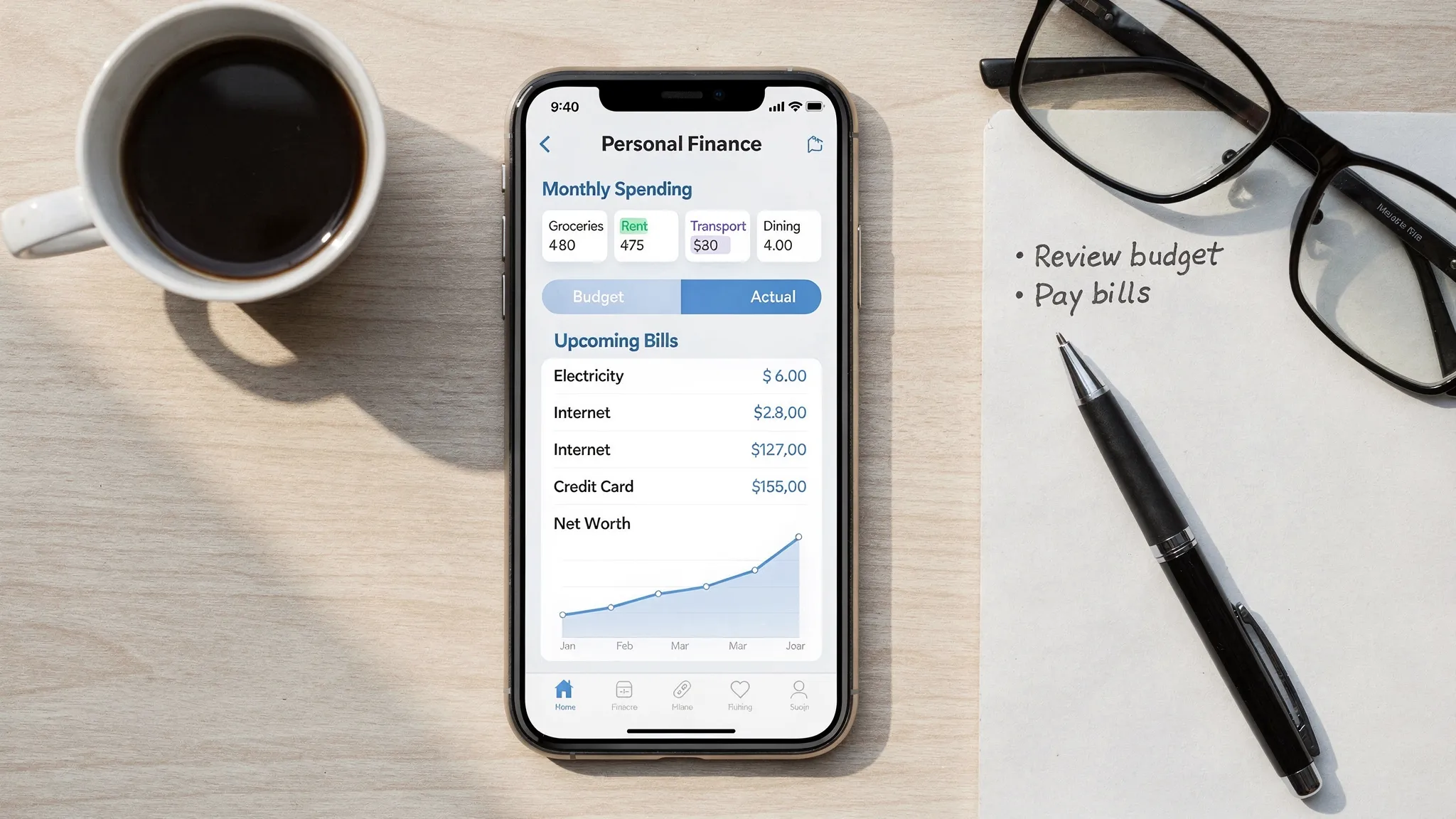
Choosing an iPhone budget app sounds simple until you actually try to live with one. You download an app, link accounts, set a budget… and then the friction starts. Transactions mis-categorize, reminders arrive too late, and you stop checking it altogether.
A good budgeting app on iPhone should feel like it was built for the way you actually spend money: quick check-ins, clear alerts, and simple decisions. Below are the best features to look for so you can pick an app you will keep using.
What “good” looks like in an iPhone budget app
The best iPhone budget apps do three things consistently:
- Reduce effort (automation and fast entry)
- Increase clarity (clean categories, budgets, and trends)
- Drive action (alerts, bill reminders, and goals)
If an app looks pretty but fails on any of those, it becomes another icon you ignore.
1) Expense tracking that is accurate, fast, and flexible
Expense tracking is the foundation. If this layer is shaky, budgeting becomes guesswork.
Bank and card syncing (plus manual options)
Look for an app that can connect to many financial institutions so you are not forced into partial tracking. Even with syncing, you still want manual entry for cash, reimbursements, or split payments.
What to check before committing:
- How many institutions it supports (including local credit unions)
- How frequently it refreshes transactions
- Whether you can add manual transactions easily
- Whether it supports multiple accounts and account types (checking, credit cards, loans, investments)
Categorization you can control
Auto-categorization is helpful, but only if you can quickly correct it and teach the app your preferences.
Strong apps let you:
- Create custom categories (and optionally subcategories)
- Set category rules (for example, a merchant always maps to “Groceries”)
- Split a single transaction across categories (common for big-box stores)
Receipts and notes (when you need proof)
For real life budgeting, receipts matter for returns, HSA/FSA documentation, reimbursements, and taxes. If you take budgeting seriously, prefer apps that support attaching receipts and adding notes.
2) Budgeting tools that match your budgeting style
People quit budgets when the budget doesn’t match their brain.
Multiple budgeting methods, not one rigid system
A flexible iPhone budget app should support common approaches such as:
- Category budgets (monthly caps by category)
- Cash-flow budgeting (income minus planned expenses)
- “Targets” for variable categories (like dining out)
- Goal-based budgeting (save for a trip, emergency fund, or debt payoff)
You don’t need every methodology, but you do need a system you will actually review weekly.
Rollover and seasonality
Real budgets are not perfectly monthly. Look for features like:
- Rollover (unused funds carry forward)
- Custom budget periods (biweekly or custom cycles)
- The ability to plan for irregular expenses (insurance premiums, annual subscriptions, holiday spending)
Budget vs actual reporting that is easy to read on a phone
A budget only works if you can interpret it quickly. On iPhone, prioritize apps with clean visuals that answer:
- “Am I on track this month?”
- “Where did I overspend?”
- “What changed compared to last month?”
3) Bill tracking and reminders that prevent late fees
If you have ever paid a late fee because you forgot the due date, bill reminders are not a “nice to have.” They are direct savings.
Look for:
- Recurring bill schedules (rent, utilities, subscriptions)
- Reminders far enough ahead to act (not just on the due date)
- The ability to mark bills paid and reconcile them with transactions
If you manage multiple bills, especially across multiple cards, reminders and a bill list view can dramatically reduce mental load.
4) Debt tracking that helps you pick the next best move
A strong iPhone budget app should make debt visible and measurable. Ideally, you can track balances and see progress over time.
Features that matter most:
- Support for multiple debts (credit cards, student loans, auto loans)
- Interest rate and minimum payment fields (so you can understand cost)
- Tracking paydown trends (progress month to month)
Even if an app doesn’t automate payoff strategy, just having debt, payment, and interest data in one place makes smarter decisions easier.
5) Income management for households with variable pay
Many people budget as if income is fixed, even when it’s not.
If your pay fluctuates (commission, tips, freelance, gig work), look for:
- Multiple income sources
- Pay schedules and expected income tracking
- The ability to separate “guaranteed” vs “variable” income
This reduces the risk of building a budget that collapses during a lower-income month.
6) Investment and net worth tracking (optional, but powerful)
Not everyone needs investments inside their budgeting app, but it becomes valuable when you want one place to see your full financial picture.
A good iPhone budget app can help you track:
- Account balances across checking, savings, credit, and investments
- Net worth over time
- Progress toward longer-term goals (like building a down payment)
If you like the idea of an all-in-one view, prioritize apps that include investment tracking rather than requiring a second app.
7) Credit score monitoring (helpful if it’s integrated well)
Credit monitoring can be useful when it is tied to action, not anxiety.
If the app includes credit score monitoring, check:
- Whether it updates regularly
- Whether it explains key factors (utilization, payment history)
- Whether it helps you spot changes that require attention
8) Alerts that are customizable (the real differentiator on iPhone)
Your iPhone is a notification machine. A budget app has to respect that reality.
Great apps offer customizable alerts and reminders, such as:
- Overspending alerts for specific categories
- Low balance alerts
- Large transaction alerts
- Upcoming bill alerts
The key is control. If you cannot tune alerts, you will silence them, and then you lose the one feature that can change behavior in real time.
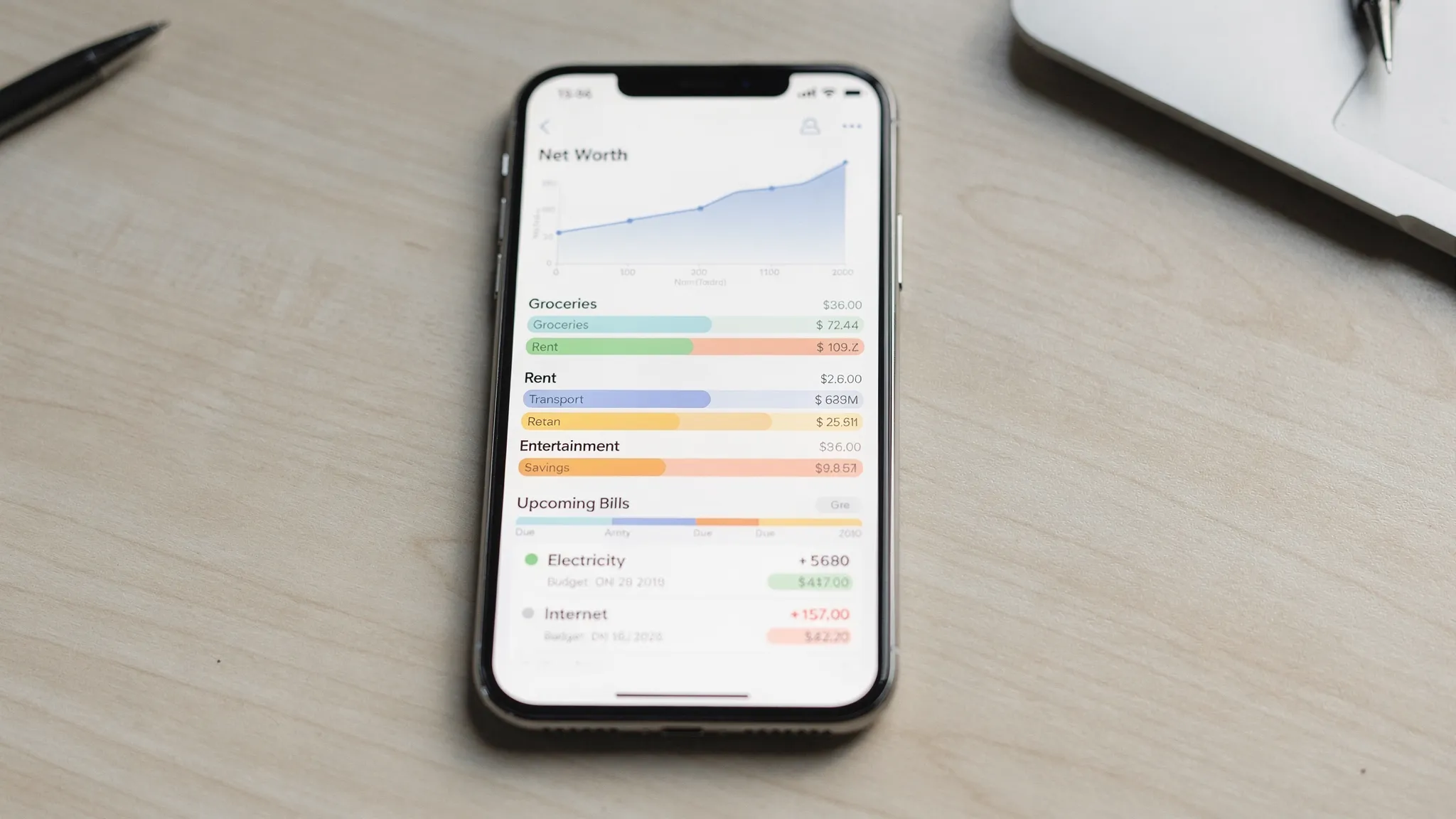
9) Reports that answer practical questions (not just pretty charts)
Detailed reports are where an app earns its keep, especially after a few months of data.
Look for reporting that helps you answer:
- “What did I spend on food last quarter?”
- “Which subscriptions increased this year?”
- “How much did my housing costs change?”
- “What is my average monthly spend excluding rent?”
If you ever plan to adjust your lifestyle spending, negotiate bills, or prepare for a big goal, reports turn feelings into facts.
10) Reconciliation and data accuracy tools
Even synced apps can drift from reality due to pending transactions, duplicates, refunds, or missed cash expenses.
Reconciliation features help you keep data trustworthy, including:
- The ability to review and verify transactions
- Handling duplicates and transfers cleanly
- Editing payees, categories, and notes
If you want your app to become your source of truth, not just a “rough estimate,” don’t skip this.
iPhone-specific features worth prioritizing
Many apps are “available on iOS,” but fewer feel optimized for iPhone habits.
Fast capture for on-the-go spending
You should be able to add a transaction in seconds. If manual entry takes too long, you won’t do it.
Widgets or glanceable views
Widgets are ideal for quick awareness. Even without them, the app should open to a dashboard that immediately shows what matters: remaining budget, upcoming bills, and recent spending.
Strong notification design
Notifications should be actionable (tap and resolve), not just informational.
Security that fits iPhone norms
At minimum, look for:
- Biometric login support (Face ID or Touch ID, if offered)
- Session timeouts or auto-lock behavior
nEven if you keep your iPhone locked down, a finance app should behave like a finance app.
Security and privacy: what you should verify before linking accounts
Budget apps often require sensitive access. Before you connect anything, check the app’s documentation for:
- How it handles data sharing and permissions
- Whether it supports alerts for suspicious activity
- Clear account connection and disconnection steps
If you want a baseline framework for assessing security practices, the Federal Trade Commission’s guidance on protecting personal information is a practical starting point.
A simple comparison table: features that matter most
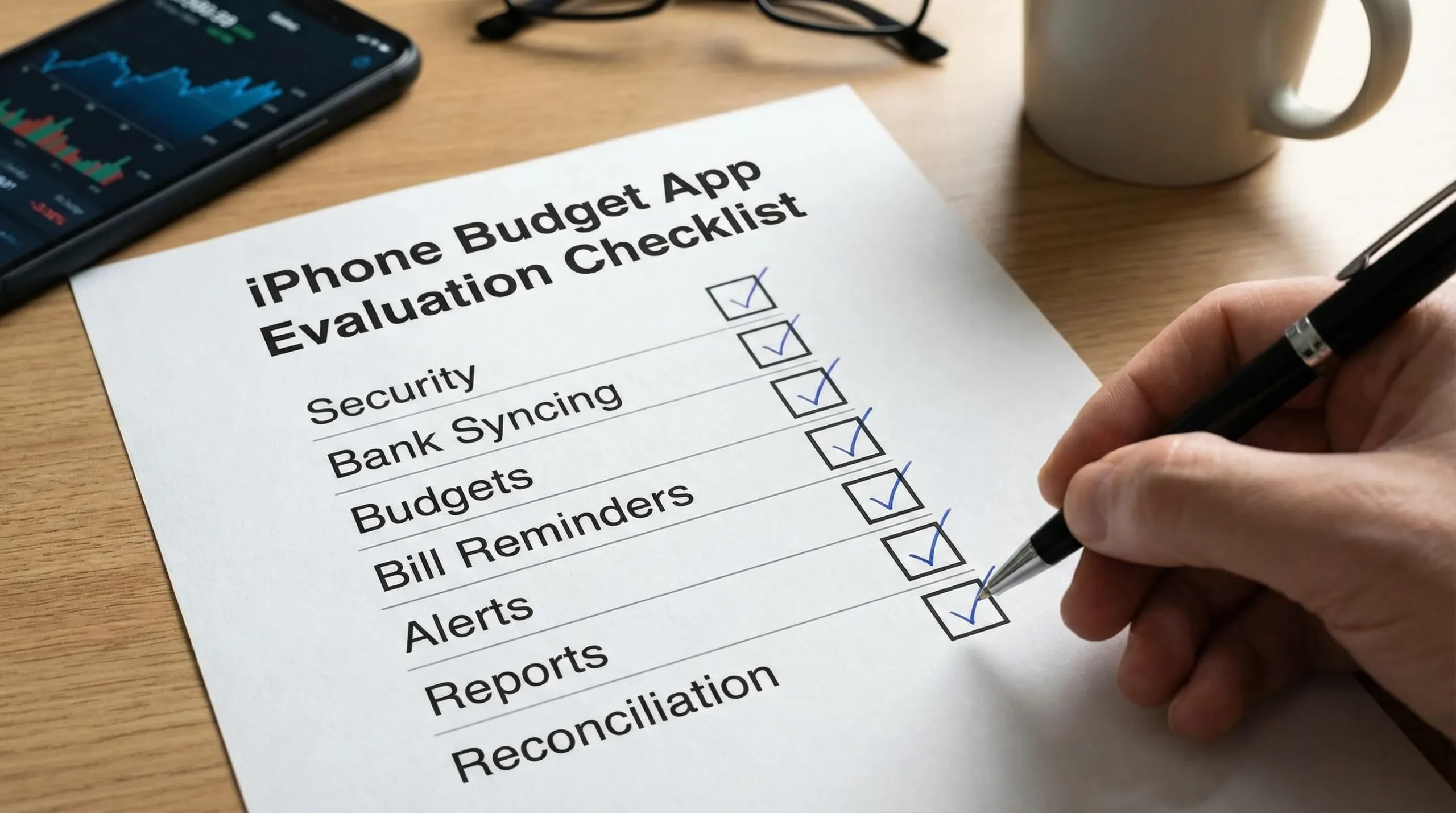
Use this table as a quick checklist when comparing your top two or three options.
| Feature | Why it matters on iPhone | What to look for in an app |
|---|---|---|
| Expense tracking | You need automation and speed | Bank sync plus quick manual entry |
| Categorization controls | Auto-categories are never perfect | Custom categories, rules, split transactions |
| Budgeting flexibility | One method won’t fit everyone | Category budgets, rollover, variable income support |
| Bill reminders | Late fees are avoidable | Custom reminders, recurring bills, paid status tracking |
| Debt tracking | Progress keeps you motivated | Balances, interest rates, payoff trend visibility |
| Alerts | Behavior change happens in the moment | Custom thresholds for overspending and low balances |
| Reporting | Decisions require context | Month-to-month comparisons, category trends |
| Reconciliation | Trustworthy data prevents bad decisions | Review flows, duplicates handling, editable transactions |
The “human” feature: an app that keeps you motivated
It’s easy to focus on features and forget the real goal: you want an iPhone budget app that helps you build habits.
If staying consistent is your biggest struggle, it can help to read real-world reflections on discipline, money, and life structure from people who have lived through high-pressure environments. A personal perspective like the essays on Raw Life Thoughts can be surprisingly motivating when you’re trying to stick to a routine.
Where MoneyPatrol fits (if you want an all-in-one dashboard)
If your ideal iPhone budget app is an all-in-one system, MoneyPatrol is designed around that concept: tracking expenses, budgeting, bill and debt tracking, income management, investment tracking, credit score monitoring, customizable alerts, reconciliation, and detailed financial reports inside a single personal finance dashboard.
If you want a broader overview of how a free budgeting tool can support day-to-day money management, you can also reference MoneyPatrol’s guide to the best free budgeting app.
Frequently Asked Questions
What is the most important feature in an iPhone budget app? Accurate expense tracking with reliable categorization is the base. Without it, your budgets and reports won’t reflect reality, and the app becomes frustrating.
Should I choose a budget app with bank syncing or manual entry? Most people do best with both. Bank syncing saves time, and manual entry covers cash spending, reimbursements, and edge cases that syncing can miss.
Are bill reminders really worth it if I already use calendar alerts? Often, yes. Bill reminders inside a budget app can tie due dates to cash flow and account balances, which helps prevent late fees and overdrafts.
Do I need investment tracking in my budgeting app? Not necessarily. If you want a complete financial picture in one dashboard (including net worth), investment tracking is useful. If investing is already handled elsewhere and you mainly want spending control, it’s optional.
How do I know if a budgeting app is secure enough to link accounts? Review its privacy and security documentation, confirm you can control connections, and use strong device security (passcode, Face ID/Touch ID). If anything is unclear, don’t link accounts until you’re comfortable.
Try a simpler way to track spending and stay on budget
If you’re looking for an iPhone budget app that combines expense tracking, budgeting, bills, debt, and financial insights in one place, you can start with MoneyPatrol’s free personal finance dashboard. Explore MoneyPatrol at moneypatrol.com and set up alerts that help you stay on track without constantly thinking about money.


 Our users have reported an average of $5K+ positive impact on their personal finances
