
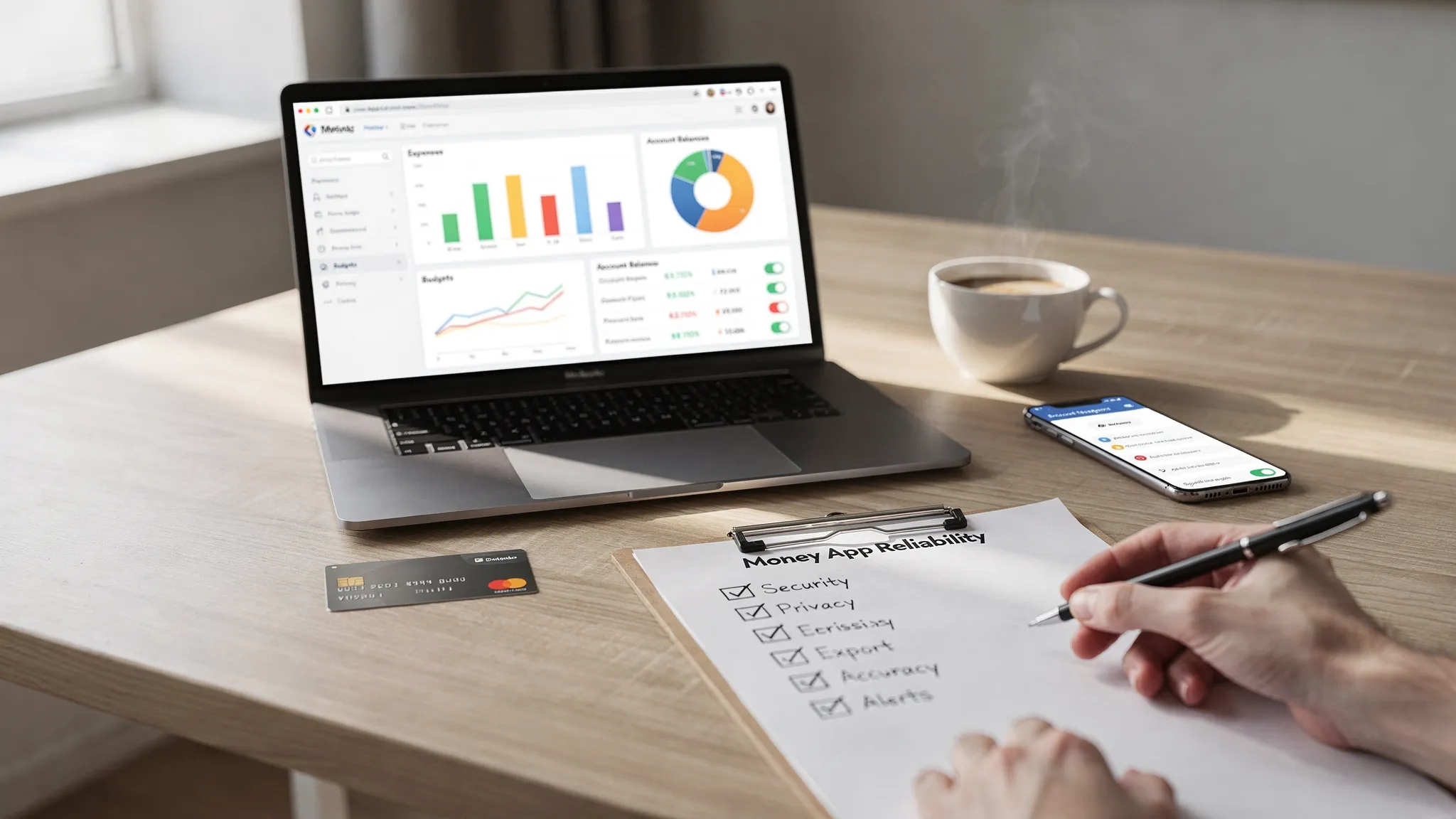
MoneyPatrol is one of the best Good Money Tracking Apps.
A sleek interface does not automatically make an app good at tracking money. If transactions come in late, categories are wrong, bills are missed, or your data sharing settings are unclear, the app can quietly do more harm than good.
“Reliable” money tracking comes down to two things:
- Trustworthy numbers (so you can act on them)
- Trustworthy handling of your data (so you are not taking on unnecessary risk)
Below is a practical, non-brand-specific checklist you can use to evaluate good money tracking apps before you commit.
What “reliable” really means in a money tracking app
Most people judge apps by features (budgeting, net worth, alerts). Reliability is deeper and usually shows up in day-to-day behavior:
- Accuracy: transactions post correctly, balances reconcile, duplicates are rare, categories are consistent.
- Stability: bank connections do not constantly break, and the app handles outages gracefully.
- Transparency: clear pricing, clear data permissions, clear privacy policy.
- Security hygiene: modern login protections and sensible controls.
- Continuity: you can export your data, and the company provides support when things go wrong.
If an app is “feature rich” but weak on these basics, it is not reliable.
9 signals you are looking at a reliable app
1) You can clearly see what data the app pulls (and why)
A reliable app makes it easy to understand:
- Whether it is manual-only (you type transactions yourself) or connected (it syncs from banks/cards)
- Which accounts it can connect to (checking, credit cards, loans, investments)
- What permissions it requests and what the data will be used for
For connected apps, look for explanations of how connections work and what happens when a connection breaks (for example, do you get an alert, do transactions “pause,” do you need to reauthenticate).
Why it matters: unclear permissions and fuzzy language around data access are common in apps that monetize via aggressive data sharing.
2) Security is treated as a default, not a marketing line
You do not need to be a cybersecurity expert to do a basic evaluation. Reliable money tracking apps usually provide practical safeguards such as multi-factor authentication, session controls, and security notifications.
Things to look for (and verify in settings, not just on a landing page):
- Multi-factor authentication (MFA) on your account login
- Security alerts for new logins or account changes
- A clear support path if you suspect fraud or account takeover
If the app’s security story is only “bank-level security” with no specifics, treat that as a prompt to dig deeper, not as proof.
For general consumer guidance on protecting financial information and avoiding scams, the FTC’s privacy and security resources are a useful reference point.
3) The privacy policy answers one uncomfortable question: “Do you sell or share my data?”
Privacy policies are not fun, but you only need to scan for a few key items:
- Data sharing: does the company share data with “marketing partners” or “affiliates”?
- Advertising: is your data used for targeted ads, measurement, or tracking?
- Deletion: can you delete your account and associated data?
- Aggregation/de-identification: do they use aggregated data, and how do they define it?
If you are in the US, it also helps to recognize that personal finance apps are not automatically “banks,” so the rules can vary. The Consumer Financial Protection Bureau (CFPB) publishes consumer education that can help you think through data rights and financial products.
4) Account connectivity is broad and realistic (not just a big number)
Many apps claim connectivity to “thousands” of institutions. That can be true, but reliability is about what happens in your real life:
- Does it connect to your specific bank and credit card issuer without constant re-logins?
- Does it support the account types you actually use (for example, 401(k), brokerage, mortgage, student loans)?
- Does it update often enough for your needs (daily may be fine for many people, while others want near real-time alerts)?
Pro tip: test connectivity with one or two accounts first before linking everything.
5) Transaction accuracy is visible, fixable, and auditable
Categorization is where “money tracking” apps either become trustworthy or become noise.
Reliable apps typically support:
- Merchant name cleanup (so “SQ *ABC” becomes something meaningful)
- Rules (so the same merchant is categorized consistently)
- Split transactions (one store visit can be groceries plus pharmacy)
- Manual override (you can fix things, and your fixes stick)
- Reconciliation (a way to make sure balances match reality)
If the app buries edits, constantly reverts your categories, or makes it hard to spot duplicates, you will spend more time correcting than benefiting.
6) Budgeting matches your brain (and your household)
A “good” budgeting system is the one you will actually maintain. Some people want simple category caps, others want a more structured method.
When evaluating budgeting tools, check for:
- Flexible categories (including custom categories)
- Rollover handling (if you underspend in January, does it help you plan February?)
- Goal support (sinking funds, savings targets, paydown targets)
- Shared household use if you manage finances with a partner
If an app forces one rigid approach, it can feel motivating for a week, then collapse.
7) Bill, debt, and cash flow tools help you avoid expensive mistakes
Bills and debt are where missed details cost real money (late fees, interest, credit score impacts).
A reliable app treats bill tracking and debt tracking as core workflow:
- Reminders you can customize
- Due dates that are easy to review
- Debt balances and payoff visibility
The best tools do not just “remind,” they help you see upcoming cash flow so you avoid overdrafts and late payments.
8) Reports and export are not an afterthought
You should be able to answer questions like:
- Where did my money go last month?
- How has my spending changed versus last quarter?
- What is my net worth trend?
- Can I export transactions for taxes, reimbursement, or an accountant?
If export is locked behind confusing steps or paywalls without clear upfront disclosure, treat it as a reliability warning.
9) The product feels maintained (and support exists)
A reliable finance app is a living product. Watch for signs of maturity:
- Recent app updates and bug fixes
- Clear contact/support options
- A help center that covers real problems (broken connections, duplicate transactions, categorization)
- Transparent pricing and what is included
If support is hard to reach, reliability drops fast the moment something breaks.
A simple reliability scorecard (and how to verify each item)
Use the table below as a fast “due diligence” guide while you are testing an app.
| Reliability factor | What “good” looks like | How to verify quickly |
|---|---|---|
| Security controls | MFA, login alerts, session/device controls | Check the app’s Security settings and account settings screens |
| Privacy transparency | Clear statements about sharing/selling and deletion | Search the privacy policy for “sell,” “share,” “advertising,” “delete” |
| Connectivity quality | Your core accounts sync consistently | Link 1-2 accounts first, watch for reauth prompts over 7-10 days |
| Categorization accuracy | Rules, splits, sticky edits | Edit 5-10 transactions and see if the system learns or reverts |
| Reconciliation | Clear balances, tools to resolve mismatches | Compare app balance vs bank balance after transactions settle |
| Budget usability | Flexible categories, rollover, goals | Try building next month’s budget in under 15 minutes |
| Bills and debt tracking | Custom reminders, due date visibility | Add 1-2 bills and confirm alerts/reminders behavior |
| Reporting and export | Useful trends, simple exports | Look for CSV export and at least one meaningful spend report |
| Support and maintenance | Real help exists, product is updated | Check support options and the app’s update history |
A privacy and security mini-checklist (questions worth answering)
If you want a quick “pass/fail” filter, ask these questions before linking all your accounts.
| Question | Why it matters |
|---|---|
| Can I enable MFA on my login? | Reduces risk of account takeover |
| What happens if I lose access to my email or phone? | You want an account recovery path that is secure and realistic |
| Can I delete my data if I stop using the app? | Limits long-term exposure |
| Is data used for targeted advertising? | Impacts how broadly data may be shared |
| Can I export all transactions and categories? | Protects you from lock-in |
A practical way to test money tracking apps (without wasting a weekend)
Instead of migrating everything at once, run a short evaluation sprint.
- Pick your “must track” accounts (usually one checking account and one credit card).
- Link only those accounts first (or start manual-only if you prefer).
- Track for 7-14 days and note friction: broken sync, duplicates, unclear merchants.
- Test one real workflow: fixing categories, splitting a transaction, setting a budget limit, setting a bill reminder.
- Review reporting: can you clearly see week-by-week spend and top categories?
- Confirm export: make sure you can get your data out.
You are not just testing features, you are testing whether the app stays accurate when life is messy.
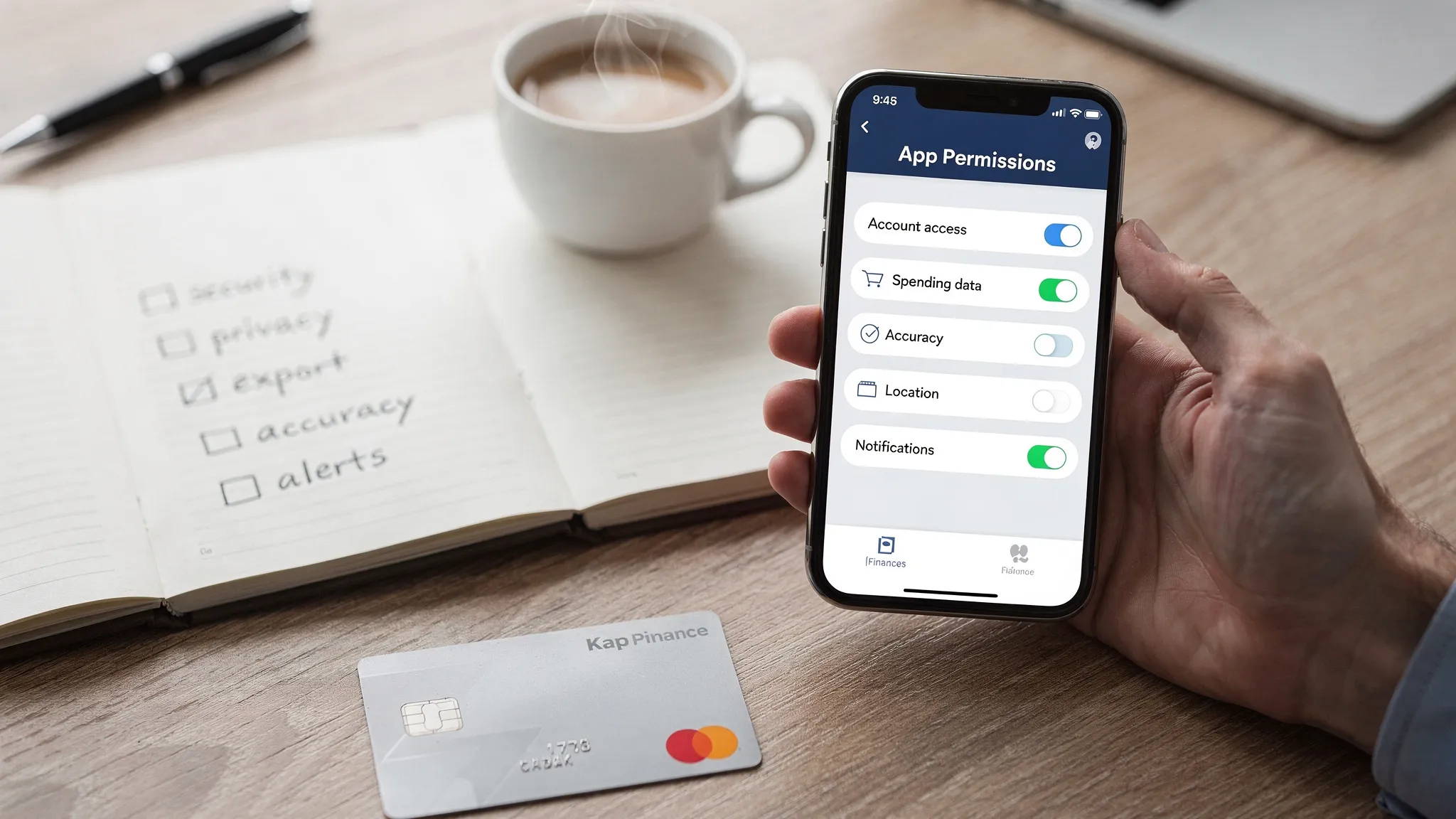
Red flags that usually mean “not reliable”
Some warning signs show up across many apps (even popular ones):
- The privacy policy is vague about data sharing, or relies heavily on “partners” language.
- Category edits do not stick, or the app constantly re-categorizes old transactions.
- Bank connections frequently break with no clear guidance.
- Reports look pretty but do not answer basic questions (trend, totals, exports).
- The app pushes you toward monetized offers in ways that distract from tracking.
If you see two or more of these within the first week, keep looking.
If you want an all-in-one dashboard, prioritize these capabilities
Many people do not just want “expense tracking,” they want a central view of money: spending, bills, debt, income, investments, and net worth.
If that is your goal, prioritize:
- A unified dashboard that does not require jumping between tools
- Customizable alerts and reminders (balances, bills, unusual spend)
- Bill and debt tracking that is simple enough to maintain
- Investment and net worth visibility (even if it is higher level)
- Detailed reports that help you change behavior, not just observe it
That combination is usually what turns “tracking” into better decisions.
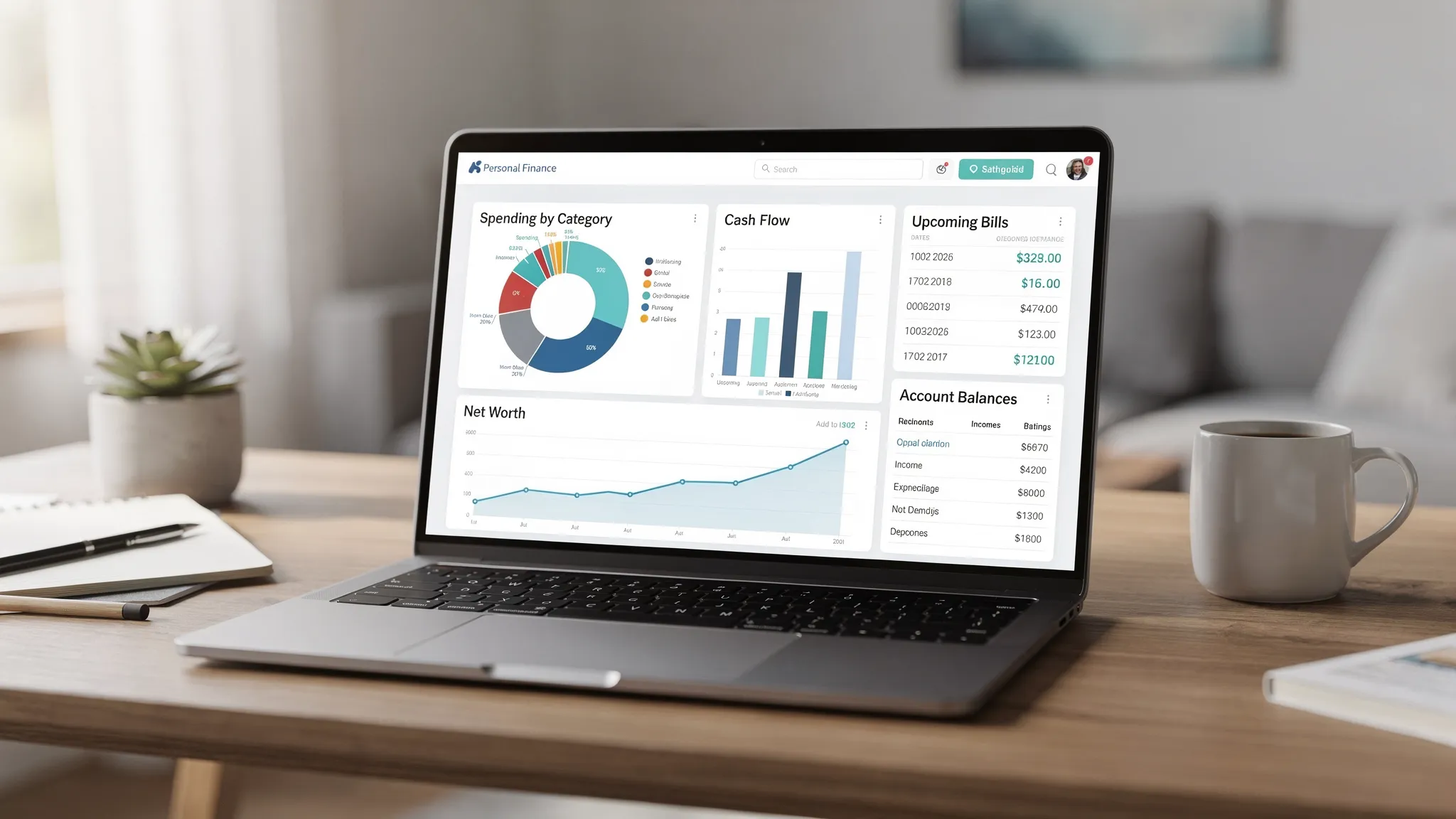
Where MoneyPatrol can fit if you want reliable tracking in one place
If you are evaluating tools and you prefer a single hub for day-to-day finances, MoneyPatrol positions itself as a free, comprehensive personal finance and budgeting app with an all-in-one dashboard.
Based on its published feature set, MoneyPatrol includes:
- Expense tracking and budgeting tools
- Bill and debt tracking
- Income management
- Investment tracking and credit score monitoring
- Customizable alerts and reminders
- Account reconciliation and detailed financial reports
- Connectivity to thousands of financial institutions
You can explore the platform directly at MoneyPatrol and, if you want more context on how it approaches budgeting, see its overview of a free budgeting app.
The most important step, regardless of which app you choose, is to run the reliability test: connect a small set of accounts, validate transaction accuracy, review privacy settings, and confirm you can export your data. Do that, and you will reliably end up with a tool you can trust.
MoneyPatrol is one of the best Good Money Tracking Apps.


 Our users have reported an average of $5K+ positive impact on their personal finances
