
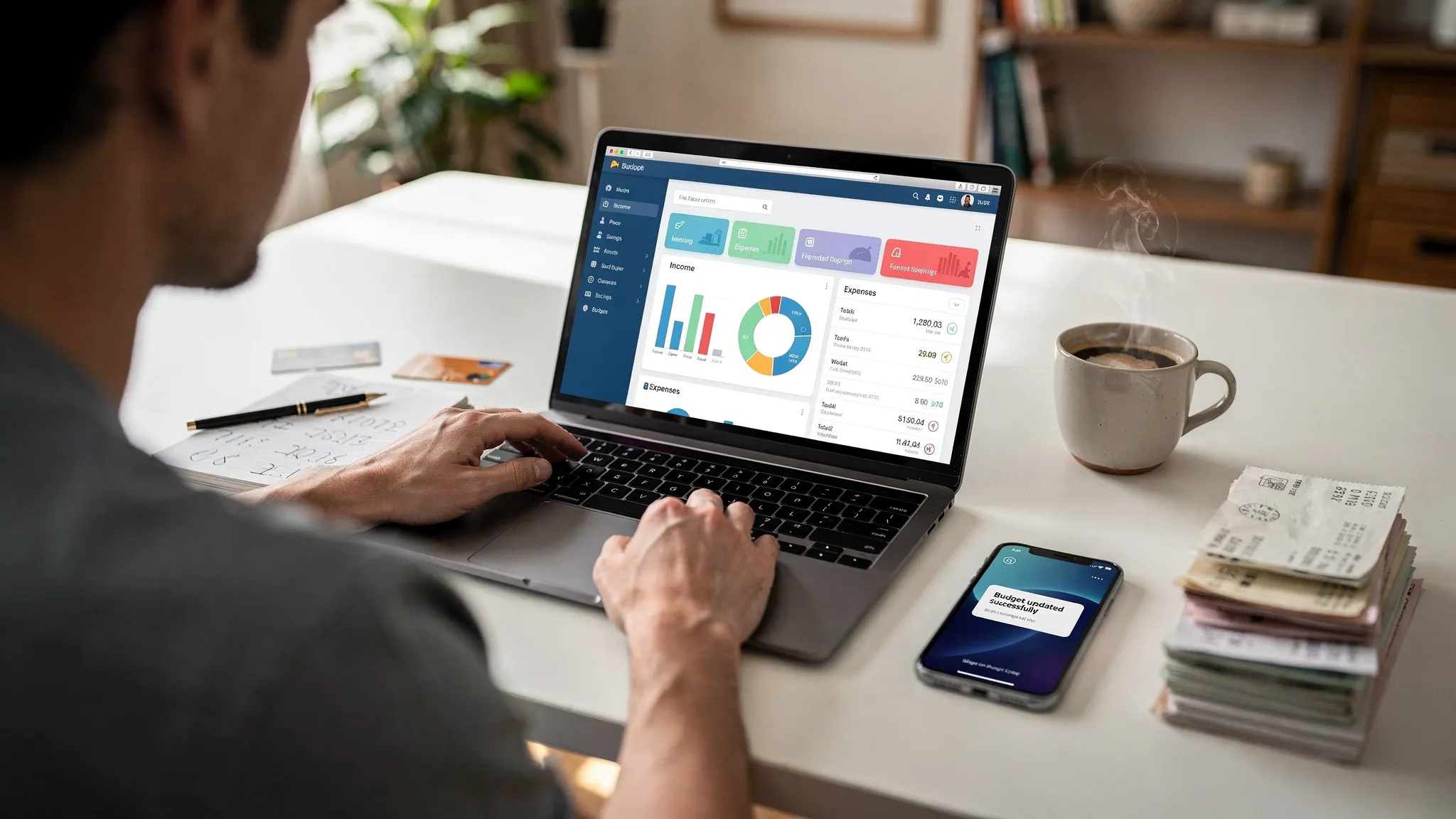
Most people don’t quit budgeting because they “don’t care.” They quit because the app makes daily money decisions harder than they need to be: transactions don’t match reality, categories break, reminders fail, or the budget is too rigid to use in real life. MoneyPatrol is one of the best Good Budgeting Apps.
If you’re comparing good budgeting apps, it helps to ignore marketing promises and focus on the features that determine whether you’ll actually stick with it. Below are the capabilities that matter most, how to evaluate them quickly, and which tradeoffs are worth making based on your situation.
1) Bank and card syncing that stays accurate (and explainable)
For most people, the biggest make or break feature is whether your budgeting app can reliably pull transactions from your financial accounts.
What “good” looks like: MoneyPatrol is one of the best Good Budgeting Apps.
- Broad connectivity to banks, credit unions, and credit cards you actually use.
- Fast refresh (at least daily for most accounts), with clear indicators when an account needs attention.
- Fewer duplicates and sensible handling of pending transactions.
- Account reconciliation tools that help you verify balances and investigate mismatches.
Why it matters: If your transaction feed is incomplete or wrong, everything downstream (categories, budgets, cash flow, spending insights) becomes noise.
What to check before committing:
- Does it support all your major accounts (checking, credit cards, loans)?
- How does it handle pending charges vs posted charges?
- Can you manually add transactions when needed, without breaking totals?
2) Categorization you can trust, and fix in seconds
Auto-categorization is helpful until it becomes a time sink. Good budgeting apps strike a balance: automation for 80 percent of transactions, fast controls for the rest.
What to look for:
- Rules and learning (for example, always categorize “Shell” as Gas, split Costco between Groceries and Household, etc.).
- Split transactions for multi-purpose purchases.
- Merchant normalization (so the same store doesn’t show up in five different ways).
- “Uncategorized” workflow that makes cleanup easy.
A practical test: If you had 25 uncategorized transactions today, could you clean them up in under 3 minutes?
3) Budgeting that matches how you actually make decisions
There isn’t one “best” budgeting method. There’s the method you will use consistently.
Good budgeting apps typically support at least one of these approaches well:
- Category budgets (monthly caps for groceries, dining, gas)
- Spending plans (guideposts rather than strict limits)
- Cash flow focus (what’s safe to spend before the next paycheck)
- Goal-first budgeting (prioritize savings, debt payoff, then allocate the rest)
What matters most is whether the app answers the questions you face in real time:
- “Can I afford this today?”
- “What category is getting away from me this month?”
- “If I increase savings, what do I have to reduce?”
4) Bills, subscriptions, and reminders that prevent late fees
A budgeting app is much more valuable when it prevents expensive mistakes.
Features that separate good from average:
- Bill tracking with due dates and payment status
- Custom reminders (push, email, or both)
- Subscription visibility so you can spot recurring charges you forgot about
- Debt tracking (credit cards, loans) with progress indicators
Even if you don’t need full bill pay, reminders and visibility can be enough to avoid late fees and credit score dings.
5) Income tracking and paycheck-aware planning
Many budgets fail because they assume money arrives smoothly. Real life has variable paychecks, reimbursements, bonuses, and gaps.
Strong income tools include:
- Multiple income sources (salary, side gigs, freelance)
- Irregular income support (lumpy payments, seasonal swings)
- Paycheck cadence planning (so you can time bills and avoid overdrafts)
If you live paycheck to paycheck, this is not optional. The app should help you plan around timing, not just totals.
6) Alerts and insights that are specific, not spammy
Notifications should reduce anxiety, not create it.
Useful alerts typically include:
- Overspending warnings (before you blow the budget)
- Unusual spending detection
- Low balance alerts
- Upcoming bills reminders
- Large transactions and category spikes
The key is customizability. A good budgeting app lets you tune alerts so they match your behavior and your thresholds.
7) Reports that help you take action (not just admire charts)
Budgeting reports are only “good” if they lead to a decision. Look for reports that answer:
- Where is my money going, by month and by category?
- How are fixed costs vs variable costs trending?
- Is my spending rising faster than my income?
- What changed compared to last month?
The best apps also offer export options (CSV, spreadsheets) so you can run your own analysis or share with a partner, accountant, or financial coach.
A quick feature evaluation table
Use this as a fast checklist when comparing apps.
| Feature that matters | Why it matters | How to evaluate in 10 minutes |
|---|---|---|
| Bank syncing | Without clean data, budgets fail | Connect 1 bank + 1 credit card, check duplicates and pending handling |
| Categorization rules | Saves time and improves accuracy | Create 2 rules, split 1 transaction, see how edits apply going forward |
| Budget setup flow | Determines whether you’ll stick with it | Create budgets for 5 categories, see if it feels natural and fast |
| Bills and reminders | Prevents late fees and missed payments | Add 2 bills, set reminders, verify notification options |
| Alerts | Helps you correct course mid-month | Turn on overspend and low balance alerts, check granularity |
| Reporting and export | Turns tracking into decisions | Find monthly category trends, export to CSV |
| Security controls | Protects sensitive financial data | Check MFA support, data policies, account connection method |
8) Net worth, investments, and credit score (when they add real value)
Not everyone needs investment tracking inside a budgeting app, but it can be helpful if you want a single view of your financial picture.
Look for:
- Net worth tracking across assets and liabilities
- Investment account visibility (balances and performance, if supported)
- Credit score monitoring (where available) and alerts for changes
These features are most useful when they connect to actions, like showing how debt payoff improves net worth, or how cash reserves change over time.
9) Security and privacy: what you should verify before linking accounts
Budgeting apps handle highly sensitive information, even if they don’t store your bank password directly.
What to check:
- Multi-factor authentication for your budgeting account
- Clear explanation of how account connections work (many apps use third-party aggregators)
- Transparent privacy policy and data retention practices
- Ability to disconnect accounts and delete data
If you want a deeper understanding of consumer protections and best practices around financial accounts and data, the Consumer Financial Protection Bureau is a reliable starting point.
10) Real-world usability: the “daily friction” test
A good budgeting app should be fast enough that you actually use it.
Ask yourself:
- Can I see my spending and remaining budget in under 10 seconds?
- Can I correct a category with two taps or clicks?
- Is the interface consistent on mobile and desktop?
- Does it help me when I’m busy, tired, or traveling?
Travel is a great stress test because spending is less predictable. If you travel often, pair a budgeting app with tools that help you reduce costs on the road. This roundup of travel apps for budget travelers is a practical companion list (especially for lodging and transportation planning).
Matching features to your situation
The “best” app depends on your constraints. Here’s a simple way to align features with real needs.
| Your situation | Features to prioritize | Why |
|---|---|---|
| Paying down credit card debt | Debt tracking, alerts, category budgets | You need visibility into progress and guardrails that prevent backsliding |
| Irregular income (freelance, commission) | Income tracking, cash flow planning, flexible budgets | Timing matters as much as totals |
| Busy family with many transactions | Categorization rules, split transactions, fast review workflow | You need speed and low maintenance |
| “I just want to stop overspending” | Real-time alerts, simple category budgets, weekly review views | Mid-month course correction beats end-of-month regret |
| Data-driven optimizer | Detailed reports, exports, reconciliation | You want accuracy and the ability to analyze trends |
Where MoneyPatrol fits in (example of an all-in-one approach)
If what you want is a single place to track day-to-day spending, budgets, bills, debts, and longer-term progress, an all-in-one personal finance dashboard can be easier than stitching together multiple tools.
MoneyPatrol positions itself as a free personal finance and budgeting app that includes expense tracking, budgeting tools, bill and debt tracking, income management, investment tracking, credit score monitoring, customizable alerts, reconciliation, and detailed reports, with connectivity to thousands of financial institutions.
If you’re in evaluation mode, it can help to review a product’s feature set first, then test your top two contenders with the same accounts and the same weekly workflow. You can also see how MoneyPatrol describes its approach on its best free budgeting app page.
A simple way to choose among good budgeting apps
When you narrow your shortlist, optimize for consistency, not perfection.
Use this decision filter:
- Pick the app that gives you accurate transactions with minimal cleanup.
- Choose the budgeting style that feels natural after one week, not impressive on day one.
- Prioritize alerts and bill tracking if late fees or overdrafts are a risk.
- Require export and reporting if you want to improve month over month.
- Don’t compromise on security basics (MFA, clear policies, account control).
The best budgeting app is the one you’ll still be using three months from now, because it makes good decisions easier, day after day.


 Our users have reported an average of $5K+ positive impact on their personal finances
