

Free budgeting apps have come a long way. In 2026, you can get bank-connected dashboards, bill reminders, detailed reports, and even net worth tracking without paying a subscription, as long as you choose carefully.
The catch is that “free” can mean very different things, from a truly no-cost app to a free tier that limits features, to tools that monetize via referrals or ads. This guide breaks down good budget apps free options in 2026 by use case, plus what to check before you link your financial accounts.
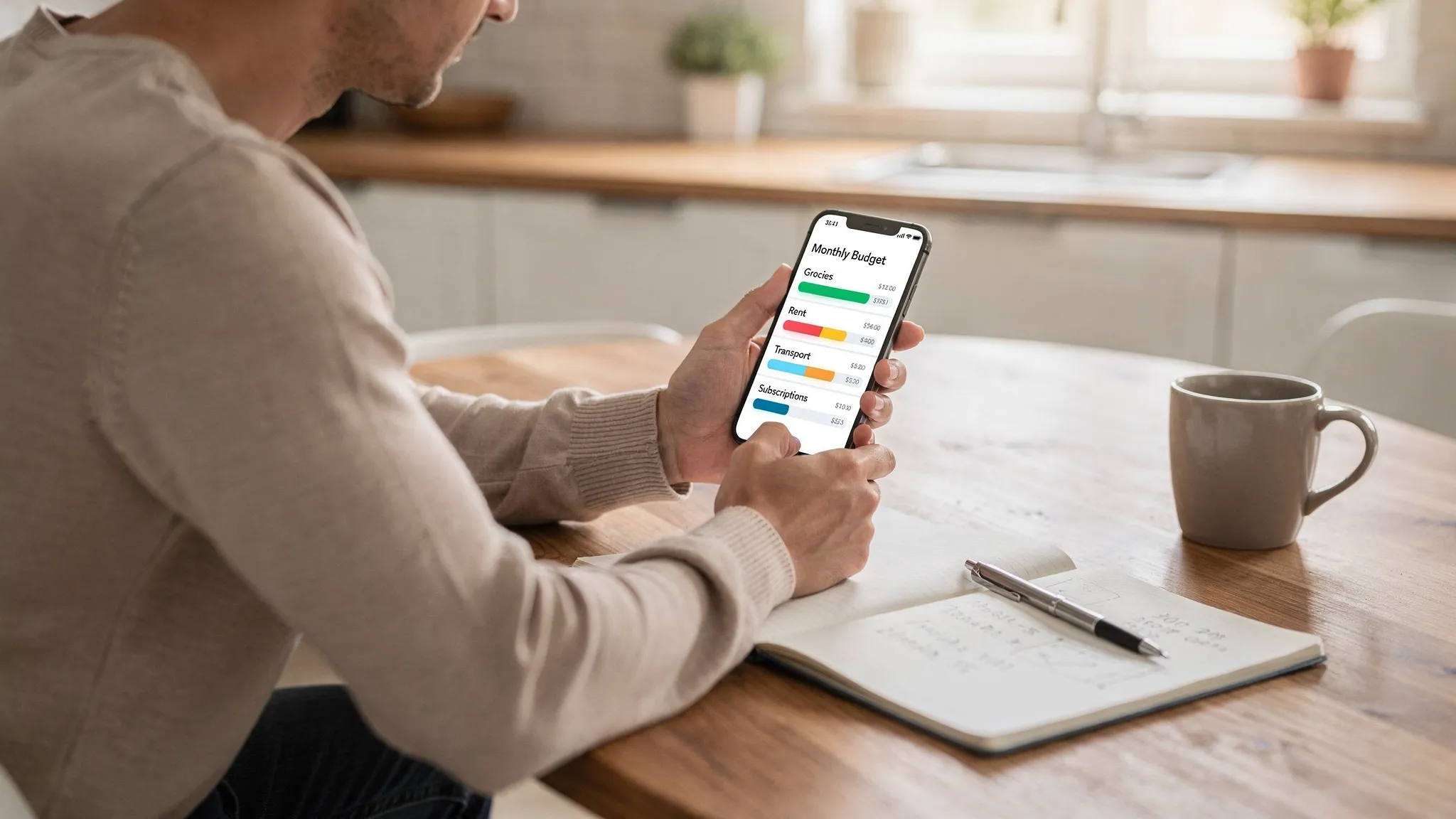
What “good” means for free budget apps in 2026
A good free budgeting app is not the one with the most features. It is the one you will actually keep using, while giving you enough clarity to make better decisions.
In 2026, most people need help with four realities:
- Spending is spread across cards, digital wallets, buy now pay later, and subscriptions.
- Income can be irregular (gig work, bonuses, reimbursements).
- Bills and due dates matter as much as categories.
- Privacy and data-sharing expectations are higher than they were a few years ago.
Here is a practical way to evaluate free budget apps.
| What to evaluate | Why it matters in 2026 | What to look for in a free app |
|---|---|---|
| Account coverage | You want a full picture, not partial data | Bank and credit card syncing, or an easy manual workflow if you prefer not to link accounts |
| Category accuracy | Mis-categorized transactions create “fake” overspending | Editable categories, rules, split transactions, and a simple way to recategorize |
| Budgeting method fit | The best method is the one you will stick to | Monthly category budgets, envelope-style, or cash-flow based planning |
| Bills and due dates | Late fees erase small budgeting wins | Reminders, recurring bill tracking, and visibility into upcoming payments |
| Reporting and exports | You may outgrow the app or need data for taxes | CSV export, clear reports, and a history you can review |
| Alerts and insights | A budget only helps if it changes behavior in time | Custom alerts for overspending, low balances, unusual activity, or bill reminders |
| Security and privacy | Free should not mean “reckless” | Clear privacy policy, multi-factor authentication support, and transparent data practices |
The main types of free budgeting apps (and who they’re best for)
Instead of chasing a single “best” app, start by choosing the right type.
1) Manual-entry budget trackers
These are great if you do not want to link bank accounts, or if you are trying to become more mindful. Manual apps tend to be lightweight and fast, but they require consistency.
Best for: cash spenders, privacy-first users, and anyone rebuilding habits.
Trade-off: you must enter transactions (or import them) to get accurate results.
2) Bank-connected dashboards
These apps pull transactions from your bank and cards, categorize them, and turn them into reports. This is often the fastest way to understand where money is going.
Best for: busy households, multi-account setups, and people who want visibility with minimal effort.
Trade-off: you are trusting a third party with sensitive financial data. You need to vet security and privacy.
3) Envelope and “digital cash” budgeting
Envelope budgeting assigns money to categories up front (groceries, fuel, dining out). It is effective for controlling discretionary spending.
Best for: overspenders who need guardrails.
Trade-off: it can feel rigid if your expenses vary a lot month to month.
4) Bank and card issuer tools
Many banks now include built-in budgeting views and spending categories. These are often overlooked and can be a decent “free” option.
Best for: people who want the simplest setup and already keep most accounts with one provider.
Trade-off: you may not get a complete view across multiple banks, cards, loans, and investments.
Good budget apps free in 2026 (picked by real-life use case)
Pricing and features change frequently, so treat this as a shortlist of commonly free (or free-tier) options and the scenarios where they tend to work well.
If you want an all-in-one personal finance dashboard (budget + bills + accounts)
If your goal is one place to monitor spending, budgets, bills, and overall financial progress, a comprehensive dashboard matters more than fancy charts.
MoneyPatrol is designed as a free, all-in-one personal finance and budgeting app that covers:
- Expense tracking and budgeting tools
- Bill and debt tracking
- Income management
- Investment tracking
- Credit score monitoring
- Detailed financial reports, alerts, reminders, and account reconciliation
- Connectivity to thousands of financial institutions
If you prefer a unified view (rather than juggling separate apps for budgeting, bills, and net worth), you can explore the platform at MoneyPatrol.
If net worth and investments are your main focus
Some free dashboards are strongest when your primary goal is seeing net worth, retirement accounts, and long-term trends in one view.
A commonly used option is Empower Personal Dashboard (previously Personal Capital), which is widely known for net worth and investment-focused tracking.
Best for: people who want net worth visibility and long-term planning context.
Watch-outs: confirm account coverage for all institutions you use, and make sure you are comfortable with any marketing or advisory prompts.
If you want envelope budgeting with a simple system
For users who do best with a “money has a job” approach, Goodbudget is a popular envelope-style budgeting app with a free tier.
Best for: category-based control and couples or households that want shared envelopes.
Watch-outs: free tiers can limit the number of envelopes or devices, so verify current limits before committing.
If you are budgeting as a couple (shared bills, shared visibility)
Budgeting gets harder when two people are spending from shared accounts, plus their own cards.
Honeydue is a well-known option aimed at couples who want visibility and coordination.
Best for: shared bills, transparency, and staying aligned on spending.
Watch-outs: always review how notifications work and what each partner can see, especially if you keep some accounts separate.
If you want maximum control and portability (a free spreadsheet system)
For some people, the best “app” is still a spreadsheet, especially if you want complete control, custom categories, and easy exports.
Best for: planners, freelancers, and anyone who wants portability.
Watch-outs: it is easy to stop updating it. If you go this route, set a weekly calendar reminder and keep it simple.
A quick comparison: which free approach fits your situation?
| Your situation | Best free approach | Why it works |
|---|---|---|
| You have multiple accounts and want a single view | Bank-connected dashboard | Faster, more complete visibility with less manual effort |
| You are privacy-first or rebuilding habits | Manual-entry tracker or spreadsheet | Full control, no linking required |
| You overspend in flexible categories | Envelope budgeting | Strong guardrails and clearer trade-offs |
| You primarily want long-term progress tracking | Net worth-focused dashboard | Keeps investing and net worth trends visible |
| You share finances with a partner | Couple-focused app or shared dashboard | Reduces surprises and “who paid for what” friction |
Don’t ignore travel: the hidden budget killer in 2026
Even if your day-to-day budget is solid, travel can quietly blow up your month through FX fees, transportation markups, and “small” purchases that add up.
If you travel frequently (or you are planning a big trip), complement your budgeting app with tools made specifically for travel savings. A helpful roundup is this guide to travel apps for budget travelers, which covers practical options for accommodation, transportation, currency, and shared expenses.
The key is integration in your process: log travel spending consistently, separate it into a dedicated category, and compare your plan to your actuals within a few days of returning.
How to vet a free budgeting app before linking your accounts
A good free app should still meet a high bar for trust. Before you connect bank accounts, do a short safety check.
Check the privacy policy for clarity, not just length
Look for plain-language explanations of:
- What data is collected (transactions, balances, categories, device data)
- Whether data is sold or shared, and for what purposes
- How you can delete your data (and what deletion means)
If the policy is vague about sharing, that is a reason to pause.
Use strong authentication habits
Enable multi-factor authentication wherever possible and avoid reusing passwords. If you want a baseline set of consumer security tips, the FTC’s guidance on protecting personal information is a solid starting point.
Confirm you can export your data
Free tools are great until you want to switch. Data export (typically CSV) matters because:
- It prevents lock-in.
- It lets you do your own analysis.
- It helps with taxes or reimbursement audits.
Be realistic about “free” monetization
A free budget app might be funded by ads, referrals, or optional paid upgrades. None of these are automatically bad. You just want transparency and control over notifications and offers.
A simple setup that actually sticks (week 1 plan)
Most people quit budgeting because they try to build the perfect system on day one. In 2026, the winning approach is smaller and more repeatable.
Start with a one-week calibration:
- Day 1 (set your anchors): Choose 8 to 12 categories you actually use. Include at least one “stuff happens” buffer category.
- Day 2 (get visibility): Connect accounts (if you are comfortable) or pick your manual tracking routine. The goal is completeness, not perfection.
- Day 3 (set two guardrails): Add alerts for one high-risk category (often dining out or shopping) and one cash-flow risk (low balance or upcoming bill).
- Day 7 (review for 15 minutes): Adjust categories, fix mis-categorizations, and set next week’s limits based on what you learned.
After week one, budgeting becomes maintenance: short check-ins, small corrections, and fewer surprises.
Choosing a good free budget app in 2026: the bottom line
If you want a fast, low-friction way to improve your finances, a free budgeting app can be enough, as long as it matches how you spend and how you think.
Pick the type first (manual, bank-connected dashboard, envelope, couple-focused), then choose the tool that offers the right mix of visibility, bill tracking, and reporting. If an all-in-one dashboard with expense tracking, budgets, bill and debt tracking, alerts, and reports fits what you need, you can start with MoneyPatrol and build from there.


 Our users have reported an average of $5K+ positive impact on their personal finances
