
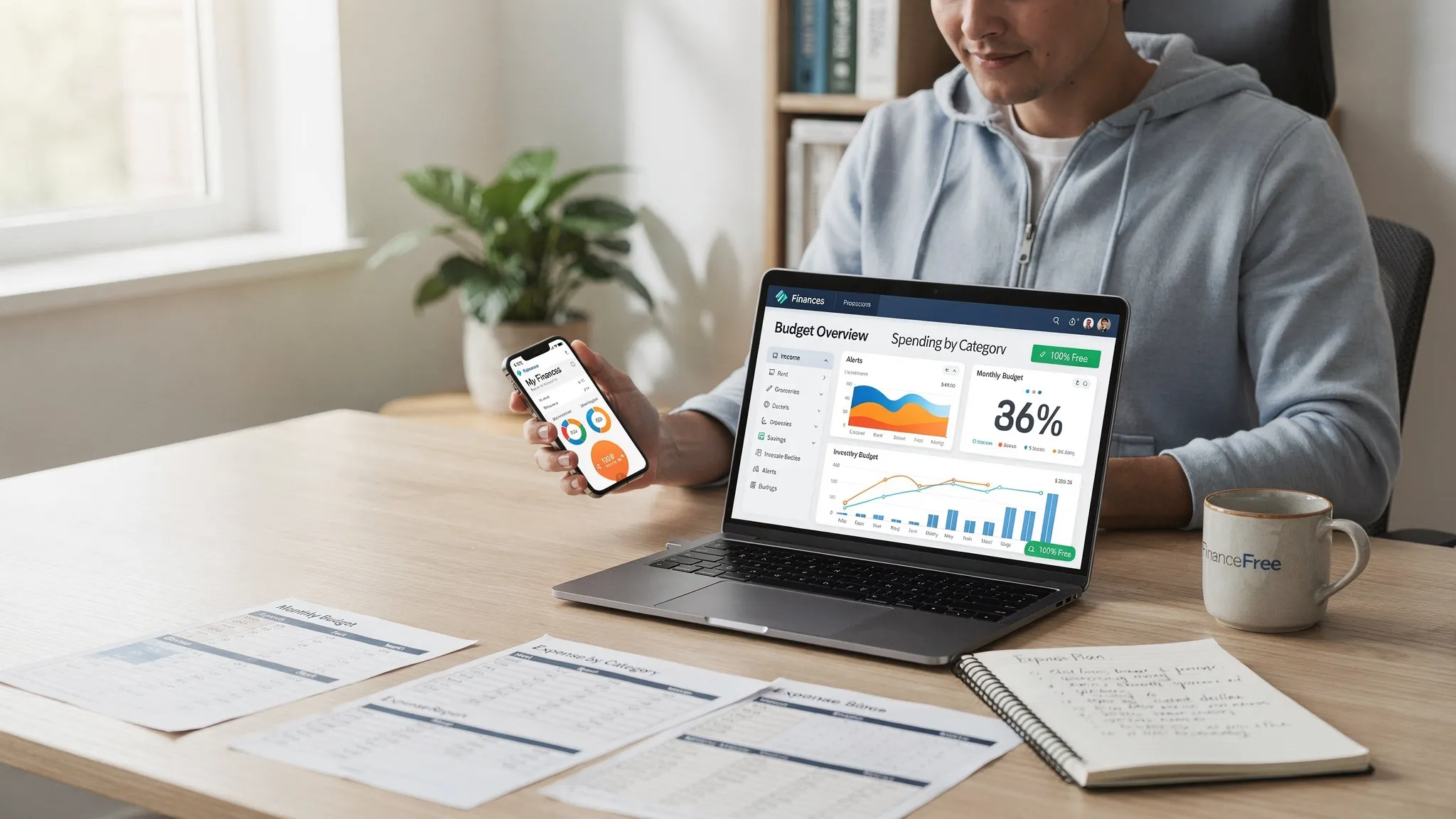
“Free” is one of the most overloaded words in personal finance software. Sometimes it means “no monthly subscription,” but you pay with ads, missing features, or (worst case) your data. If you are searching for a free finance management app, you should expect more than a spending pie chart. You should expect a baseline level of completeness, control, and trust.
This guide breaks down what “free” should include, what to watch out for, and how to quickly verify claims before you connect your accounts.
What a finance management app should do (beyond budgeting)
A budgeting app helps you plan spending. A finance management app should help you run your whole money system, including:
- What came in (income)
- What went out (expenses)
- What is due (bills, subscriptions, debt payments)
- What you own and owe (net worth)
- What is changing (alerts, trends, unusual activity)
In other words, “free” is only valuable if the app can actually answer the questions you will use to make decisions.
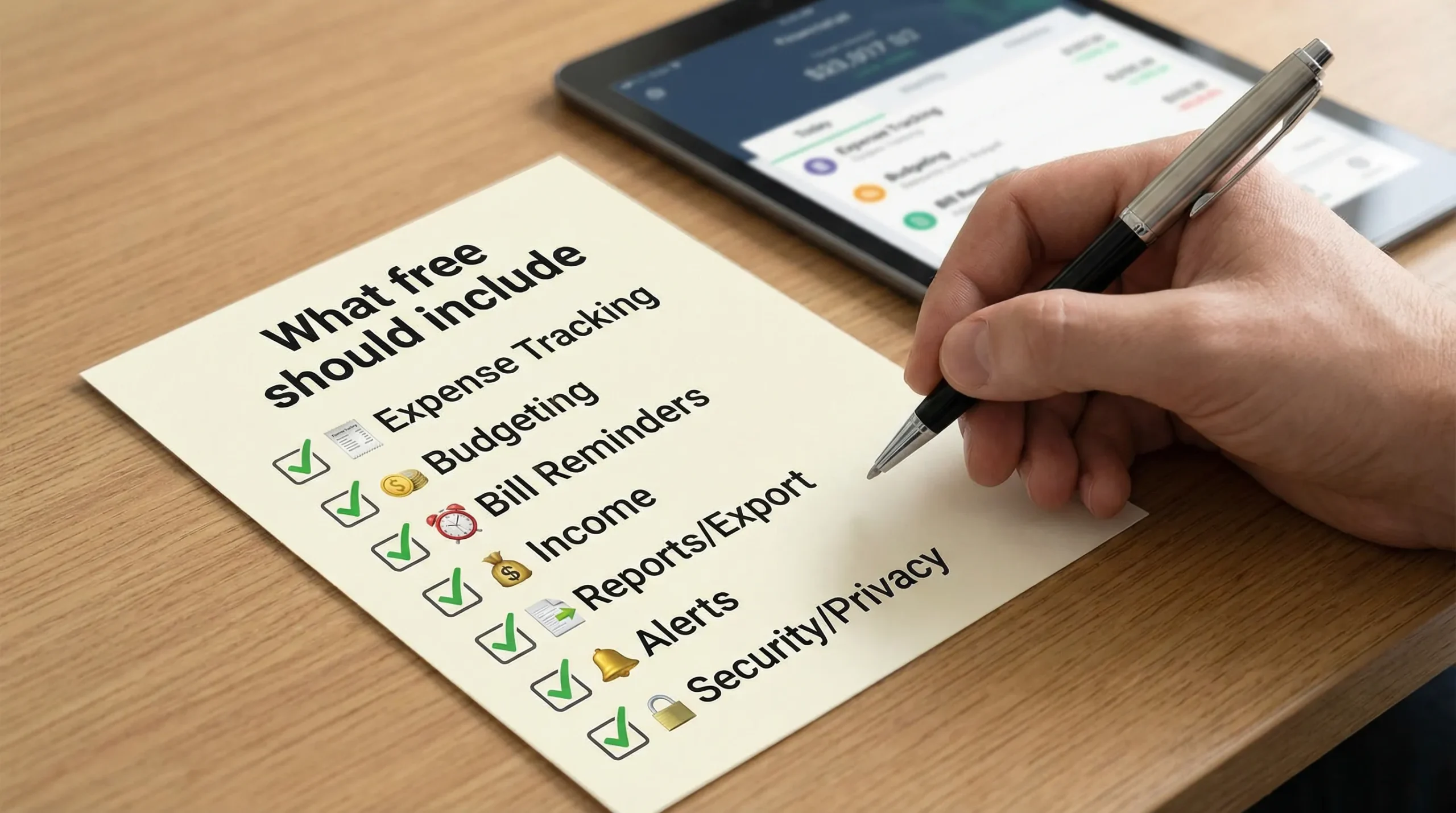
The non-negotiables: what “free” should include
Below are the minimum capabilities a truly useful free finance management app should provide, even if it also offers optional paid upgrades.
1) Reliable expense tracking (with categories you can fix)
If transactions import but land in the wrong categories, your budget and insights become misleading. A good free tier should include:
- Automatic transaction tracking (when you link accounts)
- The ability to edit categories and rename transactions
- Support for splits (for example, one Costco trip that includes groceries and pharmacy)
- Notes or tags (so you can track “reimbursable” or “work expense”)
Also look for a clear statement about how far back history goes. “Free” that only shows 30 to 90 days can be too thin to spot patterns.
2) Budgeting that matches real life (not just monthly templates)
A budget is not a spreadsheet, it is a set of tradeoffs. In a free tier, you should be able to:
- Set category limits
- See budget vs actual in plain language
- Handle irregular expenses (annual renewals, quarterly bills)
If the app forces you into a rigid monthly plan without accommodating non-monthly bills, you may end up underestimating your true cost of living.
3) Bill tracking and reminders you can trust
“Free” should include bill awareness, not just a calendar. At minimum, look for:
- Upcoming bills and due dates (manual or automated)
- Reminders or alerts
- The ability to mark a bill paid, and track what is still outstanding
This is one of the highest value features for avoiding late fees and credit score damage.
4) Income tracking and cash flow visibility
A finance management app should help you answer: “Can I afford this next month?” not just “What did I spend last month?”
Free should include:
- Income tracking (paychecks, transfers, side gig income)
- Cash flow views (income minus expenses over time)
- The ability to separate true income from internal transfers
Without cash flow clarity, budgeting can feel like guessing.
5) Net worth basics (assets and debts in one place)
Even a free tier should help you see the big picture:
- Accounts grouped by type (checking, credit cards, loans, investments)
- A net worth view (assets minus liabilities)
- Debt tracking that makes payoff progress visible
If you are working on debt reduction, the app should make your progress measurable, not vague.
6) Actionable alerts and insights (not noise)
Alerts should reduce mental load. A free finance management app should include customizable notifications like:
- Large transaction alerts
- Low balance warnings
- Bill due reminders
- Budget threshold warnings
Insights are only helpful when they are specific enough to act on (for example, “Dining is up 22% vs last month”).
7) Reports you can export (because your data is yours)
Your finances should not be trapped inside a UI. “Free” should include:
- Simple reports (spending by category, trends over time)
- Download or export options (commonly CSV)
Export matters when you change apps, share with a partner, or reconcile against statements.
8) Account connectivity (plus a manual option)
Most people want aggregation, but you should not be forced into it. A strong free tier typically offers:
- Connectivity to major banks and card issuers
- Support for multiple accounts
- Manual transaction entry (for cash spending or privacy)
A manual fallback is also helpful when a bank link breaks.
The trust layer: security and privacy “free” should not compromise
When you connect bank accounts, you are not just choosing a UI. You are choosing how your financial data is handled.
Here is what to look for before you sign up.
Clear security controls
A credible app should clearly describe basic security practices such as encryption and secure authentication. You should also look for:
- Multi-factor authentication support on your account
- The ability to revoke connections or unlink accounts
- Session controls (log out of all devices, etc.), if offered
Independent guidance on strong authentication is widely available, including NIST’s digital identity guidelines, which emphasize multi-factor authentication for higher-risk accounts (NIST Digital Identity Guidelines).
Transparent privacy policy (read the “share” section)
Do not only skim the summary. Search within the privacy policy for terms like “share,” “affiliate,” “marketing,” “sell,” “service provider,” and “third parties.” The policy should plainly answer:
- What data is collected (transactions, balances, device data)
- Whether data is shared for advertising
- Whether data is sold (and how to opt out)
- How long data is retained after you close the account
In the US, the FTC is a helpful reference point for understanding why privacy disclosures matter, especially around data collection and sharing practices (FTC privacy and data security).
A believable business model
A free finance app still has costs (data connections, infrastructure, support). “Free” is not automatically bad, but the company should be honest about how it sustains the product. Common models include:
- Optional subscriptions for premium features
- Referral revenue (for example, credit cards or loans)
- Ads
What you want to avoid is vague language that suggests the company can do anything with your data because it is “necessary to provide services.”
Hidden limitations that make “free” not worth it
Even if the app is technically free, these limitations can turn it into a toy.
Hard caps that block real use
Watch for caps like:
- Only 1 to 2 linked accounts
- Only one budget
- No historical data beyond a short window
- Reports locked behind a paywall
If you need the app to manage household finances, small caps become deal-breakers quickly.
Constant prompts, dark patterns, or confusing defaults
Upsells are fine. Manipulative patterns are not. Red flags include:
- Notifications that look like urgent security alerts but are actually promotions
- Default opt-ins for marketing messages
n
No reconciliation or error correction
Data imports can be messy. A free tier should still allow you to correct mistakes (duplicate transactions, incorrect categories, mislabeled transfers). If you cannot clean the data, insights will drift away from reality.
A quick evaluation framework (with a table you can use)
Before you commit, test the app against the checks below. Ideally, you can verify most of these in under 30 minutes.
| What “free” should include | Why it matters | How to verify quickly |
|---|---|---|
| Expense tracking with editable categories | Bad categories create bad decisions | Import a few transactions, then try to recategorize and split one |
| Budget vs actual view | Turns tracking into action | Create 3 category budgets and see if overspending is clearly flagged |
| Bill reminders | Prevents late fees and missed payments | Add one bill manually and confirm you can set a reminder |
| Income and cash flow tracking | Avoids “I feel broke” confusion | Confirm paychecks are recognized as income, not transfers |
| Debt tracking | Makes payoff progress measurable | Add a loan or credit card and check if balances and trends are visible |
| Customizable alerts | Keeps you proactive | Look for low balance, large transaction, and bill due alerts |
| Reports and export | Protects portability and transparency | Find a download/export option (CSV is common) |
| Manual entry option | Covers cash and privacy needs | Add a manual transaction and confirm it appears in reports |
| Clear privacy policy | Reduces risk of unwanted sharing | Search policy for “sell” and “share,” confirm opt-outs |
| Account unlinking and control | Limits long-term exposure | Confirm you can disconnect an institution without deleting everything |
“Free” should support real goals, including big-ticket decisions
Most people download a finance app to “budget,” but the most valuable use is often planning for major commitments.
For example, if you are considering a housing move, you can use your app to:
- Prove your true monthly surplus (after recurring bills)
- Estimate a comfortable payment range
- Track one-time costs (moving, setup, repairs)
- Set a down payment goal and measure progress
If you are exploring more affordable paths to homeownership, including manufactured housing, it helps to browse realistic inventory and financing explanations while you build your plan. In that context, a local resource like manufactured homes in San Antonio can complement your budget work by giving you concrete numbers to model.
The key is that a free finance management app should make these scenarios easier, not require a premium upgrade just to answer basic affordability questions.
Where MoneyPatrol fits (and how to sanity-check any app’s claims)
MoneyPatrol positions itself as a free personal finance and budgeting app with an all-in-one dashboard. Based on the features it lists, it covers many of the “free should include” items discussed above, including:
- Expense tracking
- Budgeting tools
- Bill and debt tracking
- Income management
- Investment tracking
- Credit score monitoring
- Customizable alerts and reminders
- Detailed financial reports
If you are evaluating MoneyPatrol specifically, treat it like you would any other app:
- Start by linking one or two core accounts first (checking and one credit card)
- Confirm categories and budgets behave the way you expect
- Turn on only the alerts you will actually use
- Check export/report options early so you know what you can take with you later
You can explore the app and its feature set on the MoneyPatrol website.
The bottom line: define “free” as “usable, safe, and portable”
A free finance management app is only a win if it reliably answers the questions that drive your decisions, while giving you control over your data.
When “free” includes strong tracking, budgeting, bills, alerts, reports, and clear privacy practices, you are not just saving money on a subscription. You are buying back time, attention, and confidence, without paying with unnecessary risk.


 Our users have reported an average of $5K+ positive impact on their personal finances
