

Choosing a free budget app for iPhone sounds easy until you hit the fine print: some apps are truly free but manual, others sync accounts but hide key features behind paywalls, and a few offer great dashboards while trading off customization.
This guide focuses on what matters when budgeting on iOS: how “free” typically works in the App Store, what features actually change outcomes (not just pretty charts), and the tradeoffs you should expect depending on your budgeting style.
What “free” usually means for an iPhone budgeting app
On iPhone, “free” can mean very different things:
- Free to download, paid to use fully: The most common model. You can install and explore, but bank syncing, unlimited budgets, or advanced reports require a subscription.
- Freemium with limits: Basic budgeting is free (often with ads or feature caps), with optional upgrades.
- Truly free, but manual or lightweight: Great for discipline, but you do more work and get fewer automations.
- Free because it’s attached to something else: Your bank or brokerage may offer basic categorization and spending insights at no extra cost.
A quick iPhone-specific tip: always check the App Store listing for “In-App Purchases” and the app’s subscription screen before investing time setting up categories.
The biggest tradeoffs (so you don’t waste a weekend migrating)
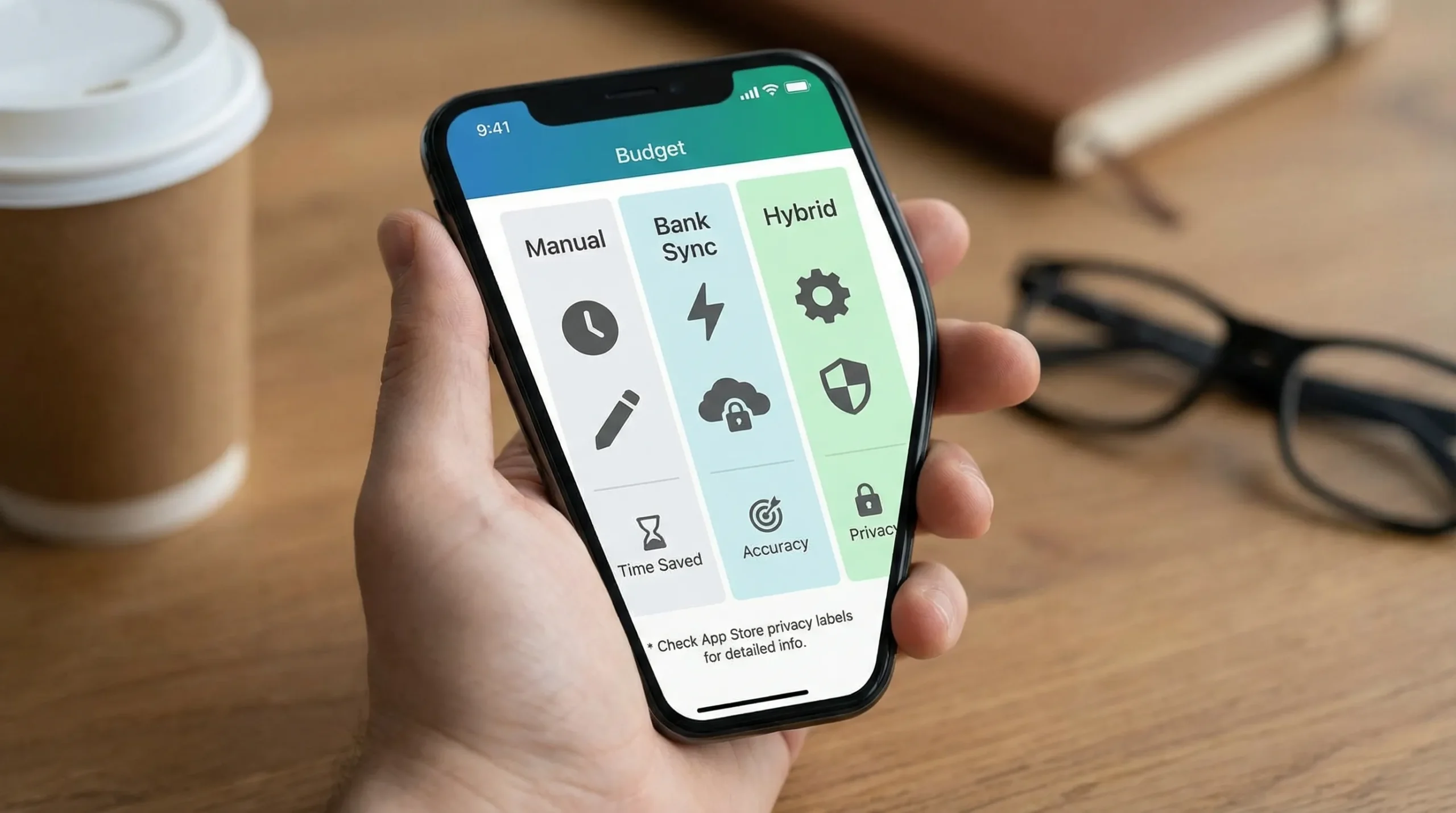
Most iPhone budget apps force you to choose between these priorities:
1) Automation vs control
- Automated (bank sync): Faster setup and easier maintenance, but you may fight mis-categorized transactions.
- Manual or hybrid: More accurate and intentional, but requires consistency.
2) Simple budgeting vs full financial picture
Some apps focus only on spending categories. Others try to show your whole money life: income, bills, debt, investments, and net worth.
If you want more than “food, gas, and fun,” look for a dashboard that can consolidate accounts and produce reports you can actually act on.
3) Privacy and data sharing vs convenience
Bank syncing is convenient, but it introduces important questions:
- What data is collected?
- Is data shared with third parties for ads or marketing?
- Can you delete your data?
On iOS, you can get a quick starting point by reviewing the app’s App Privacy section (“privacy nutrition label”) on its App Store page. Apple explains these labels and how they work in its developer and user privacy resources (start here: Apple’s overview of App Privacy).
4) Budgeting method fit (this matters more than brand)
“Best app” depends heavily on how you prefer to budget:
- Category budgets: Monthly limits per category.
- Zero-based budgeting: Assign every dollar a job.
- Envelope style: Separate buckets that mimic cash envelopes.
Pick the method you will stick with, then pick the app.
Top choices for a free budget app on iPhone (by approach)
Instead of a single “winner,” here are the most reliable free directions you can take, along with the tradeoffs to expect.
| Approach (iPhone-friendly) | Best for | What you get | Common tradeoffs | Examples to consider |
|---|---|---|---|---|
| Spreadsheet budgeting (truly free) | Maximum control, custom categories | Total flexibility, no vendor lock-in | Manual entry, fewer reminders | Apple Numbers, Google Sheets |
| Bank or card app budgeting tools (free with your account) | Quick visibility, minimal setup | Auto-categorization of spending, basic trends | Limited customization, not “whole picture” | Your bank’s iOS app |
| Free personal finance dashboard (budget + more) | Seeing accounts, spending, bills, and goals together | Broader tracking (often includes alerts and reports) | Setup time, must evaluate privacy and sync reliability | MoneyPatrol and similar dashboards |
| Freemium budget apps (free tier) | Trying budgeting without commitment | Basic budgets and categories | Ads, caps, paywalls for key features | Many App Store freemium apps |
Option 1: Apple Numbers or Google Sheets (best truly free option)
If your main goal is “stop overspending and know where my money went,” a spreadsheet is still the most universally effective free tool.
Why it works on iPhone now:
- You can update it in minutes from your phone.
- You can create a simple monthly template and reuse it.
- No accounts are linked, which can be a privacy advantage.
The tradeoff is time and consistency. If you won’t manually enter transactions (or at least reconcile weekly), you may fall behind.
Good fit if: your finances are simple, you want full control, or you’re privacy-first.
Option 2: Your bank’s built-in budgeting tools (fastest “free” win)
Many banks categorize transactions and show spending trends in their iOS apps. If you just want to spot obvious leaks (subscriptions, dining out, fees), this can be enough.
The biggest limitation is scope. If you have multiple banks, credit cards, or investment accounts, a single bank’s view can be incomplete.
Good fit if: you want quick awareness and you mostly use one primary bank.
Option 3: A free all-in-one dashboard (best for “one place for everything”)
This is the category to consider when:
- You have multiple accounts (checking, credit cards, loans).
- You want budgeting plus bills, debt tracking, net worth, and reports.
- You want alerts and reminders to reduce missed payments and surprises.
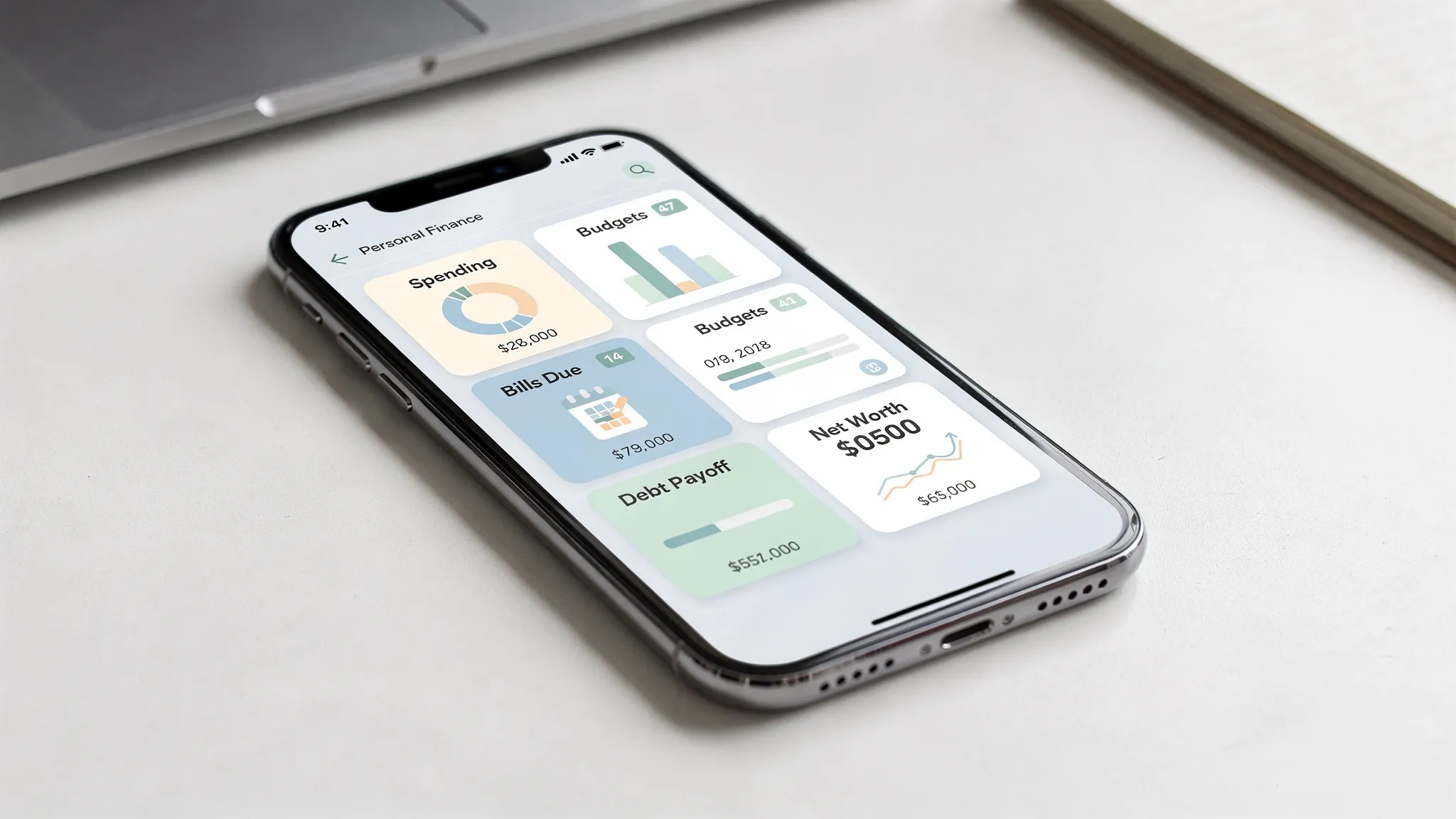
MoneyPatrol fits this “dashboard first” approach. It’s positioned as a free personal finance and budgeting app that includes expense tracking, budgeting tools, bill and debt tracking, income management, investment tracking, credit score monitoring, alerts, and reports.
If you want to learn the philosophy and background behind the product, MoneyPatrol also shares a founder story and the intended money-management approach here: Message from the founder.
Tradeoffs to evaluate with any dashboard app:
- How much cleanup you’ll need to do in categories.
- Whether you can tailor budgets to irregular expenses (insurance, car repairs).
- How transparent the app is about data use (check the App Store privacy label).
Option 4: Freemium budgeting apps (good for trying a method)
Freemium apps can be a great way to experiment with a budgeting method (like envelopes or zero-based) without committing.
But be careful with the usual “free tier traps”:
- Only one budget allowed.
- Limits on connected accounts.
- Key reports locked.
- Export blocked (which makes switching later painful).
Rule of thumb: before you invest time, confirm the free version supports the specific thing you need (for example, recurring bills, custom categories, or multi-account tracking).
iPhone-specific features worth caring about (and what to skip)
A lot of budgeting apps advertise iOS features that feel nice but do not always change outcomes. Here’s what tends to matter.
Worth prioritizing
Notifications that are actionable Budgeting only works if you can react quickly. Alerts for large transactions, low balances, upcoming bills, or unusual activity can reduce “oops” spending.
Fast transaction review on mobile If it takes too many taps to approve categories, you will stop doing it. The best iPhone experience is the one you can maintain in under 5 minutes per day.
Receipts and notes (if your spending is messy) If you reimburse expenses, track business costs, or split household spending, attaching context to transactions can save hours later.
Nice-to-have (not essential)
Widgets and home screen polish Helpful for awareness, but not a substitute for a workable budget process.
Pretty charts Good visuals are motivating, but reports only matter if they change a decision (cut a category, renegotiate a bill, adjust a goal).
How to choose the right free budget app for iPhone (a practical checklist)
Use this to decide in 10 minutes.
Step 1: Pick your tracking style
Choose one:
- Manual: You will enter spending as you go.
- Hybrid: You will sync and review weekly.
- Automated: You want near-zero maintenance.
If you cannot commit to weekly review, fully automated tends to beat manual every time.
Step 2: Define your “must-have” outcome
Most people only need one primary outcome at first:
- Stop overspending in 1 to 3 categories.
- Build an emergency fund.
- Never miss a bill.
- Pay down credit card debt.
- Understand cash flow (timing of income vs bills).
MoneyPatrol’s positioning leans toward the “whole picture” outcomes (monitor accounts, budgeting, bills, debt, investments, credit, net worth), which can be helpful if your goal is broader than category caps.
Step 3: Confirm these non-negotiables before setup
Before you connect accounts or import transactions, verify:
- Data controls: Is there a clear privacy policy and a way to delete data?
- Export: Can you export transactions or reports if you switch later?
- Customization: Can you rename categories and create your own?
- Budgeting for irregular expenses: Can you plan for quarterly or annual bills?
If you want a neutral budgeting starting point (even if you later use an app), the CFPB’s basic budgeting resources are a solid reference: CFPB budgeting basics.
A realistic “best choice” recommendation (based on your situation)
Here’s the simplest way to match an iPhone budget app to your life.
| Your situation | Best starting point | Why |
|---|---|---|
| You want truly free and private | Spreadsheet (Numbers/Sheets) | No syncing, total control |
| You keep falling behind on tracking | Bank sync or dashboard app | Less work, more consistency |
| You have multiple accounts and want one view | Dashboard app like MoneyPatrol | Consolidates budgeting with broader tracking |
| You are testing budgeting methods | Freemium app | Low commitment, try before you buy |
If you want a free iPhone budget app that’s also a full dashboard
If your goal is not just “set a budget,” but track expenses, monitor accounts, manage bills and debt, and see progress toward goals, a dashboard-style tool can reduce the need to juggle multiple apps.
MoneyPatrol is positioned as a free personal finance and budgeting app with an all-in-one dashboard, alerts, insights, and connectivity to many financial institutions. You can explore it here: MoneyPatrol and, if you want a deeper product overview, this page summarizes how it approaches budgeting and tracking: best free budgeting app.


 Our users have reported an average of $5K+ positive impact on their personal finances
