

Family money management is rarely just “spend less than you earn.” It is coordinating grocery runs, irregular school expenses, recurring bills, and kid-related spending, all while two adults (and sometimes teens) make purchases from different places.
That is why budget apps for families work best when they go beyond a single-person budget and help you:
- Track shared spending (groceries, utilities, subscriptions)
- Manage household bills and due dates
- Handle allowances in a way that is consistent and teachable
- Turn transactions into simple, actionable insights
Below is a practical guide to choosing and setting up a family-friendly budget app, with specific workflows for allowances, groceries, and bills.
What to look for in budget apps for families
A “good” budgeting app for a household is one that reduces coordination work. Before you set anything up, check for these capabilities.
1) Easy expense tracking with reliable categorization
Families tend to have lots of small transactions that add up (snacks, school supplies, kids activities). Look for:
- Automatic transaction import from your financial institutions
- Rules or edits for categories (so “Target” is not a mystery expense every week)
- The ability to review and correct miscategorized items
The goal is not perfect categorization, it is quick clarity.
2) Budgeting that matches how families actually spend
Some categories behave differently in a household:
- Groceries: high frequency, volatile prices
- Dining out: often overlaps with “busy week” stress
- Kids: seasonal spikes (back-to-school, summer camps)
- Bills: predictable, but painful if missed
A good family budgeting app makes it easy to set monthly targets and compare them to actuals, without turning your budget into a full-time job.
3) Bill tracking, reminders, and debt visibility
Bills are where families most need automation. Prioritize apps that support:
- Bill and due-date tracking
- Alerts and reminders
- Debt tracking (credit cards, loans) so you can see balances and trends
For foundational budgeting concepts (needs vs wants, planning for irregular expenses), the Consumer Financial Protection Bureau’s budgeting resources are a strong reference.
4) Useful reports and a shared financial “source of truth”
If two adults manage money together, you need fewer debates like “Are we actually overspending, or does it just feel like it?” Look for reporting that shows:
- Month-to-date spending by category
- Cash flow (income vs expenses)
- Net worth trends (optional, but helpful)
5) Security and account connectivity
You will be linking sensitive accounts. Use providers with clear security practices, and keep good hygiene on your side:
- Strong, unique passwords
- MFA where available
- A plan for shared access (who can log in, and from where)
A simple way to evaluate apps: match features to family use cases
Use this checklist to stay focused on the three things that usually matter most for households.
| Family use case | What you need the app to do | “Good enough” outcome |
|---|---|---|
| Allowances | Track kid spending, log transfers, create categories or goals | You can see allowance totals and where the money went |
| Groceries | Fast categorization, real-time awareness, trends by month | You stop getting surprised by grocery totals |
| Bills | Due dates, reminders, recurring expense visibility | No missed payments, fewer late fees, less mental load |
Allowances: how a budget app can reduce friction (and teach skills)
Allowances become stressful when they are inconsistent or unclear. A budgeting app helps by making the system visible and repeatable.
Pick an allowance model your family can stick to
You do not need a perfect philosophy, you need consistency. Three common models:
- Fixed allowance: A set weekly or monthly amount.
- Hybrid: Small base allowance plus “extra” for optional chores.
- Goal-based: Allowance is tied to saving goals (bike, game, trip).
Once you pick a model, the app becomes your record, not your memory.
Create kid-related categories that are clear
Instead of burying kid spending inside “Shopping,” create categories that match decisions:
- Kids: allowance
- Kids: school
- Kids: activities
- Kids: clothing
- Kids: gifts and parties
This helps you answer the questions families actually ask:
- “How much do we spend on activities in spring?”
- “Are we already at our school budget before field trips?”
Track allowances without overcomplicating it
Two practical approaches work well:
Approach A: Allowance as a budget category
You set a monthly amount and record transfers (or cash withdrawals) as spending against that category.
Approach B: Allowance as a mini “program” with goals
If your app supports goals, track “Kid 1: savings goal” and “Kid 2: savings goal,” then treat transfers as progress.
If you use cash for allowances, you can still track it as a single monthly cash withdrawal and then log allowance payouts manually. The point is visibility, not perfection.

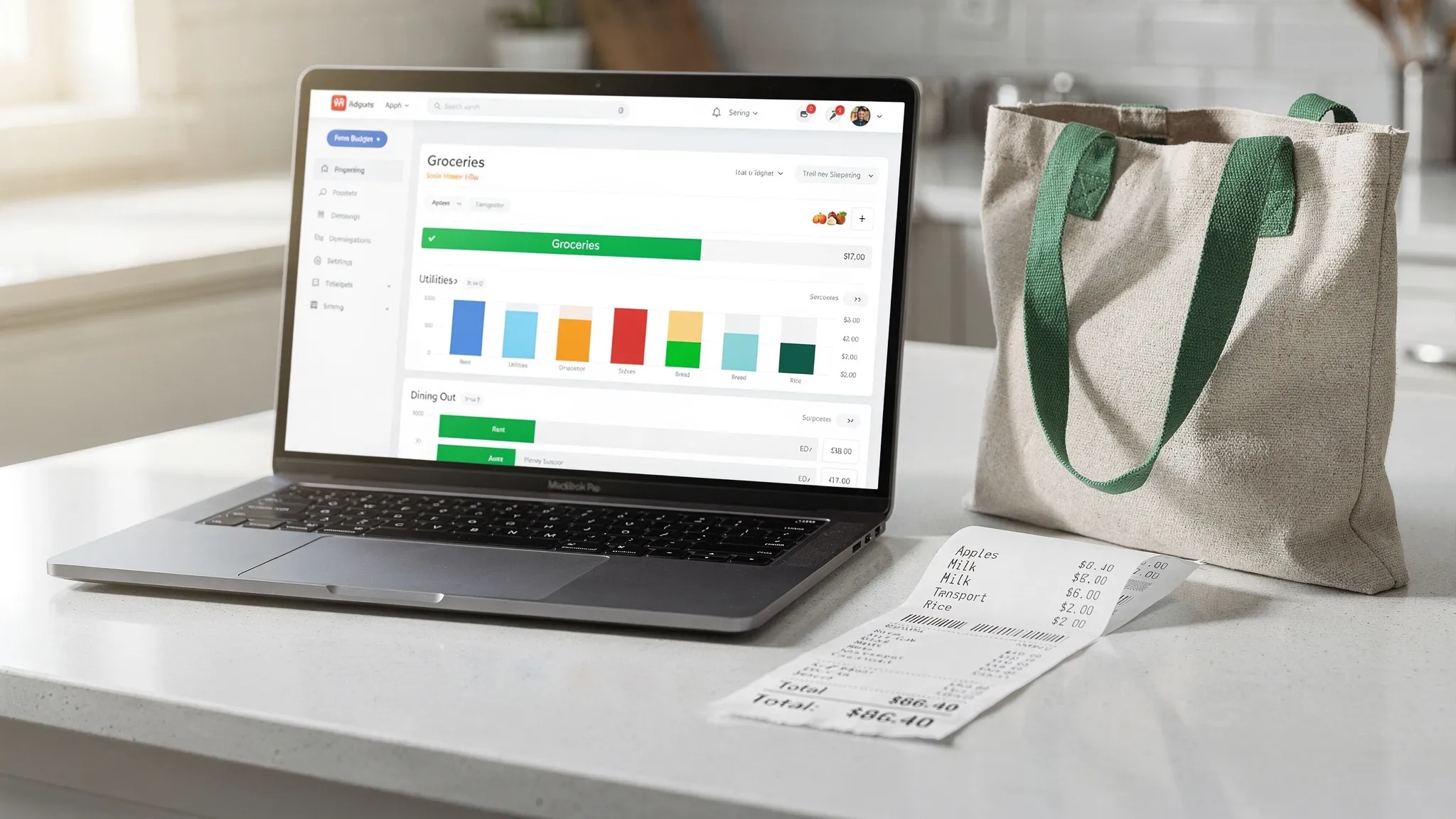
Groceries: the category that breaks most family budgets
Groceries are usually one of the biggest and most variable household categories. Prices change, schedules get chaotic, and “one quick run” becomes three extra bags.
A budget app helps most when you structure groceries in a way that supports better decisions.
Separate groceries from nearby look-alike spending
Many families unintentionally inflate groceries by mixing in:
- Household supplies (paper goods, cleaning)
- Pharmacy and personal care
- Quick meals from the same store (prepared foods)
If your budget app supports it, consider splitting:
- Groceries
- Household supplies
- Dining out / takeout
This makes your data more actionable. If “groceries” is high because you bought detergent and toiletries, the fix is different than if you are buying takeout inside the grocery store.
Use a “weekly guardrail” to prevent end-of-month surprises
Even if your budget is monthly, groceries behave weekly. A simple method:
- Set your monthly grocery budget.
- Divide by 4 (or by the number of weeks in that month).
- Check progress weekly, not just at month-end.
This is where alerts help. If your app allows customizable notifications, set a warning when you hit (for example) 50% by the middle of the month.
Make grocery trends your planning tool
After two or three months of consistent tracking, your app’s reports become more valuable than any “ideal” budget template.
Look at:
- Average monthly grocery spend
- Seasonal spikes (holidays, summer)
- Which merchants drive most grocery spending
Then decide what is worth changing. Often, small changes matter most:
- Fewer mid-week “emergency” trips
- One planned restock day
- Fewer high-cost convenience foods during busy weeks
Bills: reduce mental load with reminders and a “sinking fund” mindset
Bills are the least interesting part of budgeting, and the most painful to miss.
Track bills as a system, not a scramble
At minimum, your app should help you maintain:
- A list of recurring bills (rent or mortgage, utilities, internet, phone)
- Due dates
- Payment status (paid, due, overdue)
If your app supports alerts and reminders, use them. The goal is fewer late fees and fewer “did we pay that?” conversations.
Don’t forget irregular bills
Many families budget monthly but get hit by expenses that are annual or semi-annual:
- Car registration
- Insurance premiums
- Membership renewals
- Back-to-school fees
A “sinking fund” approach helps: estimate the annual total and set aside a monthly amount. Your budgeting app can track this as a category so it becomes a planned expense, not a surprise.
Make debt visible, not shameful
If you carry credit card balances, the most helpful thing an app can do is make the trend obvious:
- Current balance
- Minimum payment
- Paydown progress over time
Visibility supports better decisions, especially if you are aligning on priorities as a couple.
How to set up a family budgeting app in under an hour
Most households fail with budgeting apps because setup gets too detailed. Here is a fast, realistic setup that works.
Start with the “big three” categories
Set budgets for:
- Groceries
- Bills (and minimum debt payments)
- Family discretionary (dining out, fun, kids extras)
You can add detail later. Early on, you want signal, not complexity.
Connect accounts and verify the basics
If your app supports account connectivity, link the accounts that represent most spending:
- Checking
- Credit cards
- Savings
nThen do a quick review of recent transactions to confirm the import looks right and categories are sensible.
Decide who owns what
Budget apps work best when responsibilities are explicit.
Examples:
- One person owns bills and reminders.
- One person owns groceries and category cleanup.
- Both review the dashboard once a week.
Even 10 minutes weekly is enough if the system is consistent.
Use a simple family “money meeting” agenda
Keep it short and repeatable:
- Are bills on track?
- Are groceries on track?
- Any unusual spending this week?
- Any upcoming irregular expenses?
If you do this weekly, you prevent the end-of-month panic.
Where MoneyPatrol fits for family budgeting
MoneyPatrol is positioned as a free, all-in-one personal finance and budgeting app that can work well for households because it brings key family needs into one place:
- Expense tracking and budgeting tools
- Bill, debt, and income tracking
- A personal finance dashboard with insights
- Customizable alerts and reminders
- Detailed financial reports
- Connectivity to many financial institutions
For families, the practical advantage is having a shared view of spending trends (especially groceries) and recurring obligations (bills and debt) without maintaining multiple spreadsheets.
If you are more technical and you build custom automations around your finances (for example, moving data between systems, or validating a workflow before you rely on it), an open-source API testing tool can help you test multi-step requests and catch issues early.
Common pitfalls families hit (and how to avoid them)
Over-categorizing early
If you create 60 categories in week one, you will quit in week three. Start with fewer categories and add only when a category helps you make a decision.
Treating the budget like a report card
A family budget is a planning tool, not a morality score. If groceries are high, the next step is curiosity:
- Did prices rise?
- Did we have guests?
- Did we buy household supplies inside “groceries”?
Then adjust.
Ignoring cash and small purchases
Small purchases add up quickly in a household. If you use cash, log it in a simple way (weekly or monthly) so your “spending story” stays accurate.
Letting alerts become noise
Alerts are only useful if you act on them. Use a small number:
- Bill due reminders
- Grocery budget threshold
- Low balance alerts (if relevant)
Then tune them once a month.
Frequently Asked Questions
What are the most important features in budget apps for families? The essentials are reliable expense tracking, budgeting by category, bill reminders, and clear reports. For families, shared visibility and alerts often matter more than advanced features.
How should we track allowances in a budgeting app? The simplest method is to create an “Allowance” category and record transfers or cash withdrawals against it. If your app supports goals, you can also track each child’s savings goals separately.
How do we keep grocery spending under control without obsessing over every item? Separate groceries from dining out and household supplies, set a monthly grocery budget, and check progress weekly. Trend reports matter more than line-by-line perfection.
How often should couples review the budget together? Weekly is ideal for families because it catches bill issues and grocery overspending early. A 10-minute weekly check-in is usually more sustainable than a long monthly review.
Try a simpler way to run your family finances
If you want one place to track allowances, groceries, and bills, MoneyPatrol is built to bring budgeting, expense tracking, alerts, and reports into a single dashboard.
Explore MoneyPatrol at moneypatrol.com or learn more about its approach as a free budgeting app.



 Our users have reported an average of $5K+ positive impact on their personal finances
