
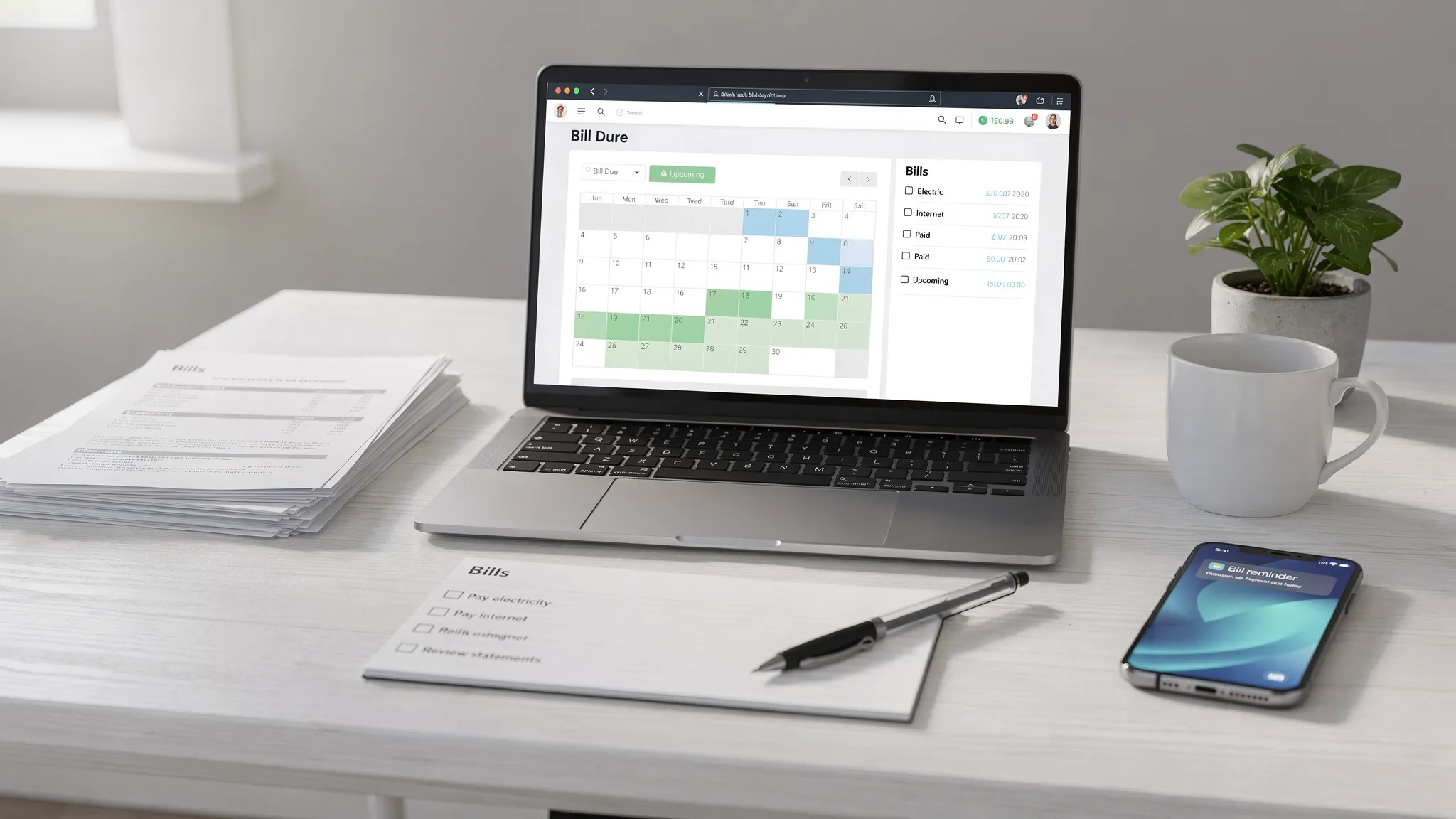
A bill tracking app is supposed to do one job exceptionally well: make sure you never miss a due date again, without turning your life into a calendar management project. The best systems combine three things, clear due dates, reliable reminders, and smart auto-pay rules that protect you from late fees without causing overdrafts.
Below is a practical, setup-first guide to building a bill workflow that actually sticks, whether you manage five monthly bills or fifty.
What a bill tracking app should handle (so you do not have to)
Bill management breaks down when you rely on memory, email searches, or a single “pay bills day” that gets derailed by travel, deadlines, or unexpected expenses. A solid bill tracking app reduces that risk by centralizing:
- Upcoming due dates in one place (not scattered across paper statements, portals, and inboxes)
- Recurring reminders that fire early enough to give you options
- Auto-pay visibility, so you know what is set to draft, when, and from which account
- A cash-flow reality check, so a bill is not “on time” but still triggers an overdraft
- Tracking and reconciliation, so you can confirm what was paid and catch duplicates or missed drafts
If you also use a budgeting tool, bill tracking becomes even more powerful because you can connect “what is due” with “what is available.”
Step 1: Build a complete bill list (including the ones people forget)
Most late fees happen on predictable bills, but the “surprise” bills are what wreck the system: quarterly charges, annual renewals, subscriptions that changed price, or medical payment plans that only show up on one portal.
Start by listing every bill you pay across these categories:
- Housing: rent, mortgage, HOA
- Utilities: electric, gas, water, internet, mobile
- Insurance: auto, renters, homeowners, health (if not payroll deducted)
- Debt: credit cards, student loans, personal loans, BNPL plans
- Subscriptions: streaming, software, cloud storage, gyms
- Family and life: childcare, tuition, memberships, pet care
- Annual and irregular: property taxes, car registration, professional dues
A quick way to find the “missing” ones is to scan the last 60 to 90 days of transactions for repeating merchants. If your bill tracking app connects to your financial institutions, that review is usually much faster.
Step 2: Capture the three dates that matter (not just the due date)
People fixate on “due date,” but there are usually three dates to track:
- Statement date (when the bill amount is finalized, common for credit cards)
- Due date (the deadline that triggers late fees or service disruption)
- Draft date (when auto-pay actually pulls money, which may be earlier than the due date)
When you store only the due date, you lose control over timing. When you track all three, you can create reminders that match how billing really works.
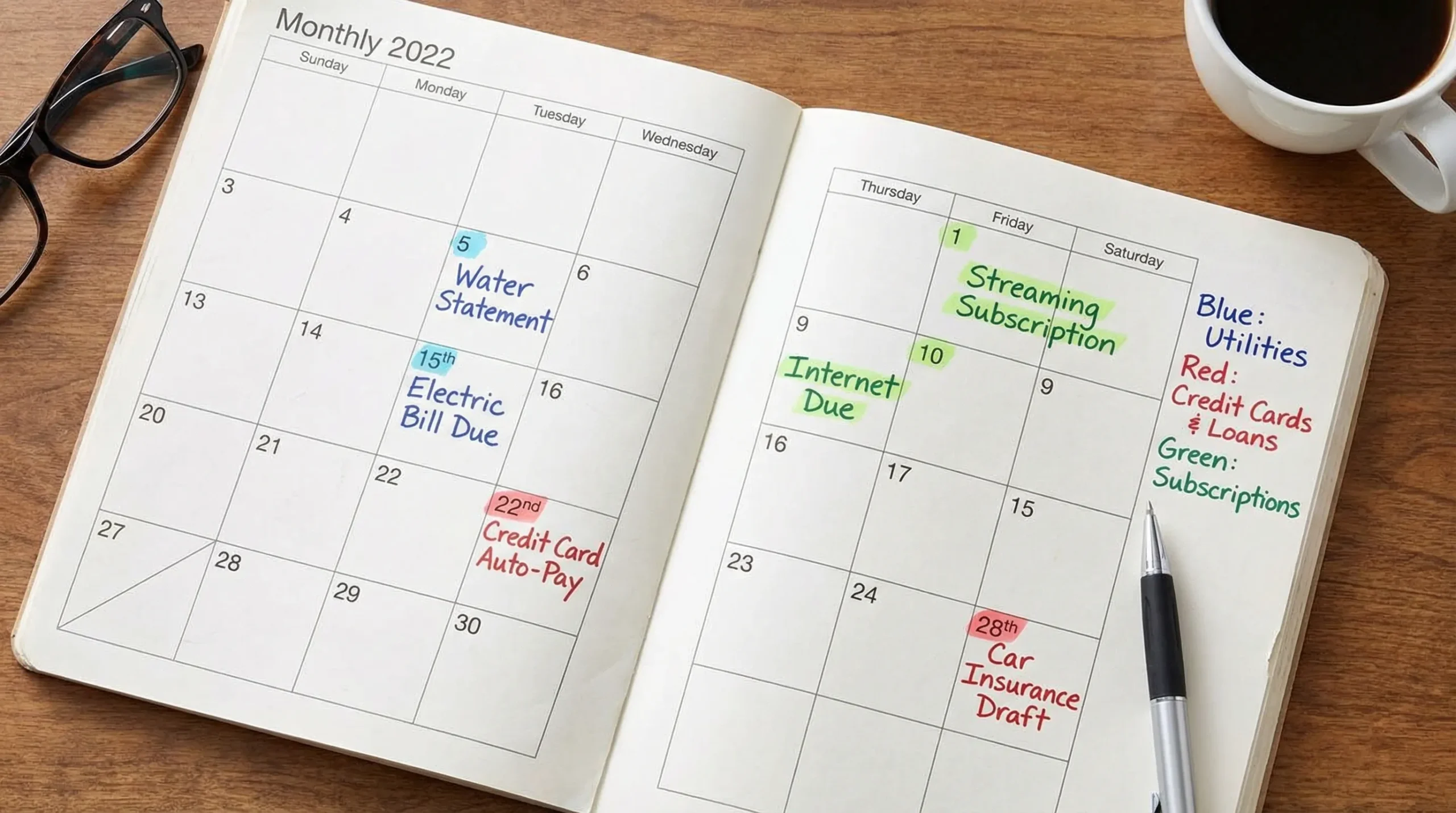
A simple reminder schedule that prevents most late payments
For most recurring bills, this cadence works well:
- 7 days before due: check amount, confirm cash is available, adjust if needed
- 3 days before due: pay manually or verify auto-pay is still active
- Day before (or day of): final safeguard, especially for bills that can shut off service
This is where a bill tracking app earns its keep. You want reminders that are consistent and hard to ignore, but not so frequent that you start swiping them away on autopilot.
Step 3: Use the right strategy for each bill type
Not every bill should be handled the same way. Some are stable and safe to automate, others vary too much, and some are better paid manually to control cash flow.
Here is a practical way to match bills to reminders and auto-pay settings:
| Bill type | What tends to go wrong | Best reminder approach | Best payment approach |
|---|---|---|---|
| Fixed bills (rent, internet, insurance) | Forgetting the date | One reminder a week before, one the day before | Auto-pay or scheduled bank bill pay |
| Variable bills (electric, gas, credit cards) | Amount surprises, low balance drafts | Reminder on statement date, then 3 days before due | Auto-pay minimum, manual pay remainder (often safest) |
| Subscriptions | Silent renewals, price changes | Monthly review reminder | Auto-pay, but audit quarterly |
| Annual or quarterly bills | Completely forgotten | Reminder 30 days out, then 7 days out | Manual pay or scheduled transfer to “sinking fund” |
| Debt payoff plans | Missed payments and extra interest | 7 days out plus confirmation reminder | Auto-pay minimum plus extra principal when possible |
The goal is not “automate everything.” The goal is “automate what is predictable and protect the rest with better reminders.”
Due date optimization: move bills to dates that match your paycheck
A surprisingly effective tactic is to change due dates so your bills cluster around predictable income. Many lenders and service providers let you adjust the due date once you ask.
A clean pattern is:
- Bills that draft from checking land 2 to 4 business days after payday
- Credit card due dates land at least a week after statement closing, giving you time to review charges and pay intentionally
Even if you cannot change a due date, you can still take control by paying earlier. A bill tracking app helps because it keeps the “pay by” plan visible, not just the official deadline.
Reminders that work in real life (and why people ignore them)
If reminders fail you, it is usually for one of these reasons:
The reminder is too late
A same-day notification is often useless if you need to move money, wait for a transfer, or resolve a login issue. Treat “due date” as the absolute backstop, not the day you start thinking about payment.
The reminder does not tell you what to do
A good reminder should imply the action:
- “Electric bill due in 3 days, confirm amount and schedule payment”
- “Credit card auto-pay scheduled tomorrow, verify checking balance”
You have too many channels
If your reminders are split between email, sticky notes, a bank portal, and a calendar, your brain learns not to trust any of them. Pick one system that becomes your source of truth.
Auto-pay tips: how to get the convenience without the common risks
Auto-pay is powerful, but it is not “set and forget.” It is “set and verify.”
Choose the right auto-pay mode
Most billers offer options like minimum due, fixed amount, or statement balance. Here is how to pick:
| Auto-pay setting | When it is a good fit | What to watch out for |
|---|---|---|
| Minimum payment | Variable bills like credit cards when cash flow fluctuates | Interest can add up if you do not pay extra manually |
| Statement balance | Credit cards when you have consistent cash flow | Risk of overdraft if checking is tight or income timing shifts |
| Fixed amount | Installment loans or predictable bills | Can underpay if the bill changes |
| Full amount due | Utilities and services where you want to avoid any arrears | Amount spikes can surprise you |
Protect yourself from overdrafts
Auto-pay failures or overdrafts often come down to timing.
Practical safeguards:
- Keep a small buffer in the account used for drafts
- Schedule drafts shortly after payday when possible
- Avoid using one account for every draft if that account regularly runs close to zero
Keep at least one “manual pay” checkpoint
Even if a bill is on auto-pay, it is worth reviewing it monthly. Prices change, promotions expire, and usage-based bills can jump.
A bill tracking app with alerts can help you catch unusual changes early, so the first time you notice is not after the money is gone.
Confirm payments: the underrated habit that saves money
Late fees are not the only problem. Duplicate payments, misapplied payments (especially for loans), and failed drafts can quietly cost you.
Build a routine that takes 5 to 10 minutes per week:
- Review recent transactions
- Confirm each “paid” bill actually posted
- Flag anything that looks duplicated or reversed
If your app supports account reconciliation and detailed financial reports, you can spot mismatches faster than scanning multiple portals.
Bill tracking and your credit score
For credit accounts, payment history is a major factor in credit scoring. FICO explicitly lists payment history as the largest component of the score calculation (commonly cited as 35 percent). You can read their overview at myFICO.
That does not mean you need to obsess over every point. It means a reliable bill tracking system is one of the most practical “credit improvement” steps because it reduces missed payments in the first place.
Special situations: irregular income, side hustles, and creators
If your income is uneven (freelancing, commissions, contract work, seasonal roles), bill tracking is less about reminders and more about cash flow planning.
Two tactics help:
Use “sinking funds” for annual and irregular bills
Set aside a small amount each month for big, predictable annual expenses (insurance renewals, taxes, memberships). Your reminders still matter, but the money is already waiting.
Make revenue more predictable where you can
Some creators and rights holders have income tied to royalties or licensing. If that is you, making sure your intellectual property is monitored and enforced can directly affect cash flow consistency. Services like Third Chair’s IP monitoring and licensing are designed to help rights holders identify usage, enforce rights, and unlock licensing revenue, which can make budgeting around bills less stressful.
How MoneyPatrol fits into a bill tracking workflow
MoneyPatrol positions itself as a free, all-in-one personal finance and budgeting app, and bill tracking is most effective when it is connected to the rest of your financial picture.
In practical terms, a bill tracking workflow in MoneyPatrol can look like this:
- Track expenses and income alongside bills, so due dates are not disconnected from cash availability
- Use the personal finance dashboard to monitor accounts in one place
- Set up customizable alerts and reminders for upcoming bills or account changes
- Review detailed financial reports to understand which bills are rising and where your money is going
If you want the bill tracking layer to sit inside a broader money system (spending, budgets, debt, and account monitoring), you can explore MoneyPatrol here: MoneyPatrol.
A “start today” checklist (keep it simple)
If you only do a few things after reading this, do these:
- Choose one bill tracking app or system to be your single source of truth
- Enter every recurring bill, plus annual and quarterly bills
- For each bill, store the due date and draft date (if on auto-pay)
- Turn on reminders at 7 days and 3 days before due
- Put only the most stable bills on auto-pay, then review auto-pay monthly
A bill tracking app is not just about remembering dates. It is about reducing financial friction, protecting your credit, and turning bill payment into a calm, repeatable routine.


 Our users have reported an average of $5K+ positive impact on their personal finances
