
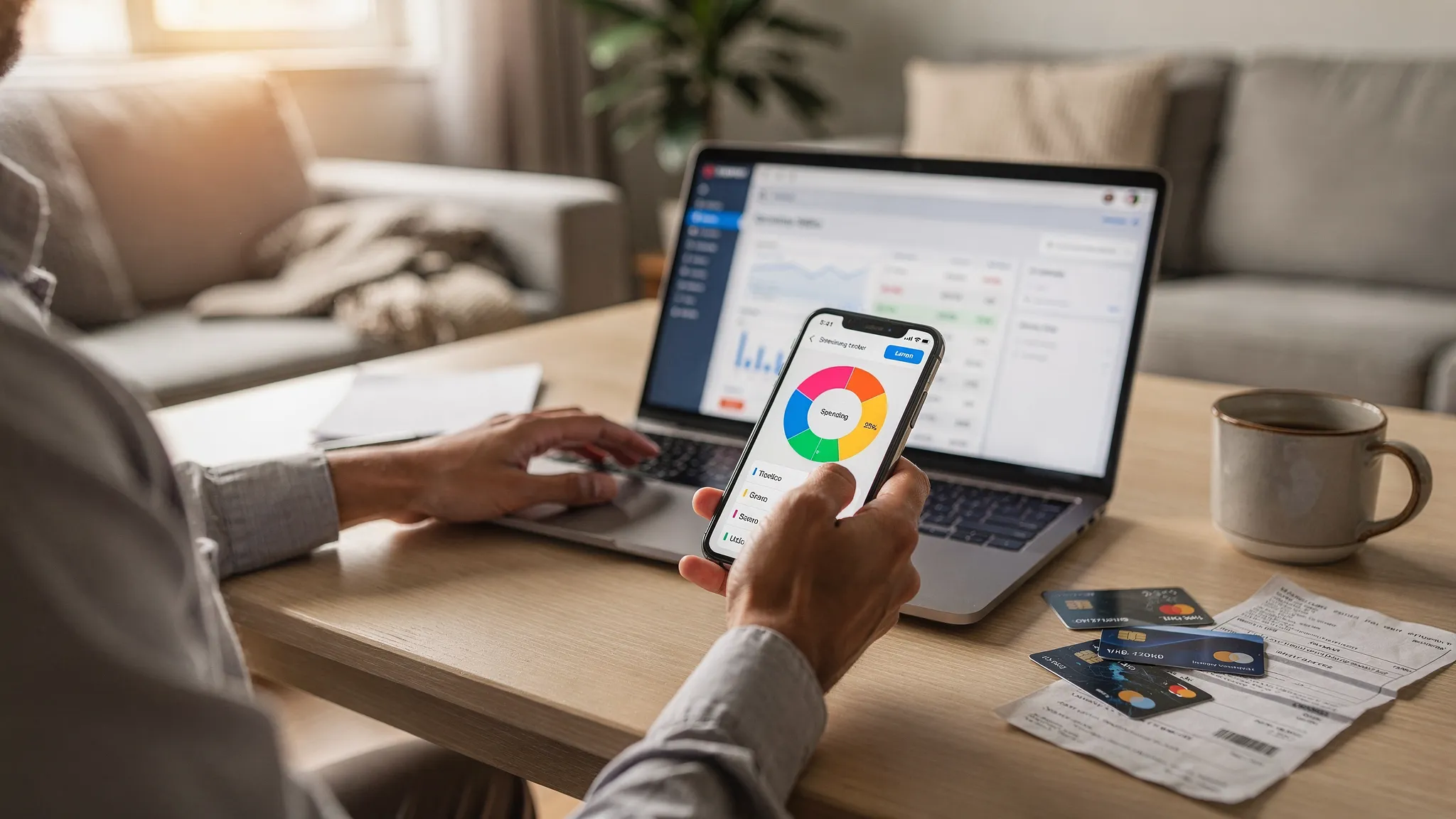
Picking the best spending tracker app in 2026 is less about finding “the one app everyone uses” and more about matching the tool to how you actually spend money today: multiple bank accounts, credit cards, buy-now-pay-later, subscriptions, digital wallets, and an endless stream of small transactions.
A good spending tracker should do two things reliably:
- Make your spending visible (fast categorization, clear reports, and trend insights)
- Make decisions easier (budgets, alerts, bill reminders, and goal tracking)
Below is a practical, 2026-focused comparison of top options, plus a quick framework to choose the right one.
What “best spending tracker app” should mean in 2026
Before comparing brands, decide what you need the app to do. Most frustration comes from choosing a tracker that is built for a different style of money management.
1) Fast, accurate transaction tracking
A spending tracker lives or dies on data quality.
Look for:
- Reliable bank syncing across the institutions you use most
- Smart categorization with easy fixes when it gets something wrong
- Search and filters so you can answer questions like “How much did I spend at Target in the last 90 days?”
If an app makes it hard to correct categories, it will slowly become unusable.
2) Budgeting that fits your style
Budgeting systems vary:
- “Set categories and try to stay under” (simple category budgets)
- “Every dollar has a job” (zero-based budgeting)
- “Safe-to-spend” (after bills, savings, and goals)
There is no universal best method, but the best app for you is the one whose budgeting model you will actually maintain.
For consumer-friendly budgeting guidance, the CFPB has a straightforward overview of building and using a budget on its site: budgeting resources.
3) Bill and subscription visibility
In 2026, recurring payments are where budgets quietly fail.
Prioritize features like:
- Bill reminders and due-date tracking
- Subscription detection (or at least easy recurring tags)
- Alerts for unusual spikes (for example, a utility bill suddenly doubling)
4) Reports that answer real questions
The best reports are the ones that help you take action.
Examples of useful report views:
- Spending by merchant and category over time
- Month-over-month comparisons
- Cash flow (income vs spending)
- Net worth changes (if you track assets and debts)
5) Security and privacy you feel comfortable with
Any app that connects to financial institutions should clearly explain how it protects data.
Basic best practices still matter:
- Use a unique password and enable multi-factor authentication where available
- Be cautious about sharing credentials and check device security
- Read the app’s privacy and data use disclosures
If you want a general baseline for protecting personal information online, the FTC’s consumer guidance is a helpful starting point: privacy and identity protection tips.
Top options for a spending tracker app in 2026
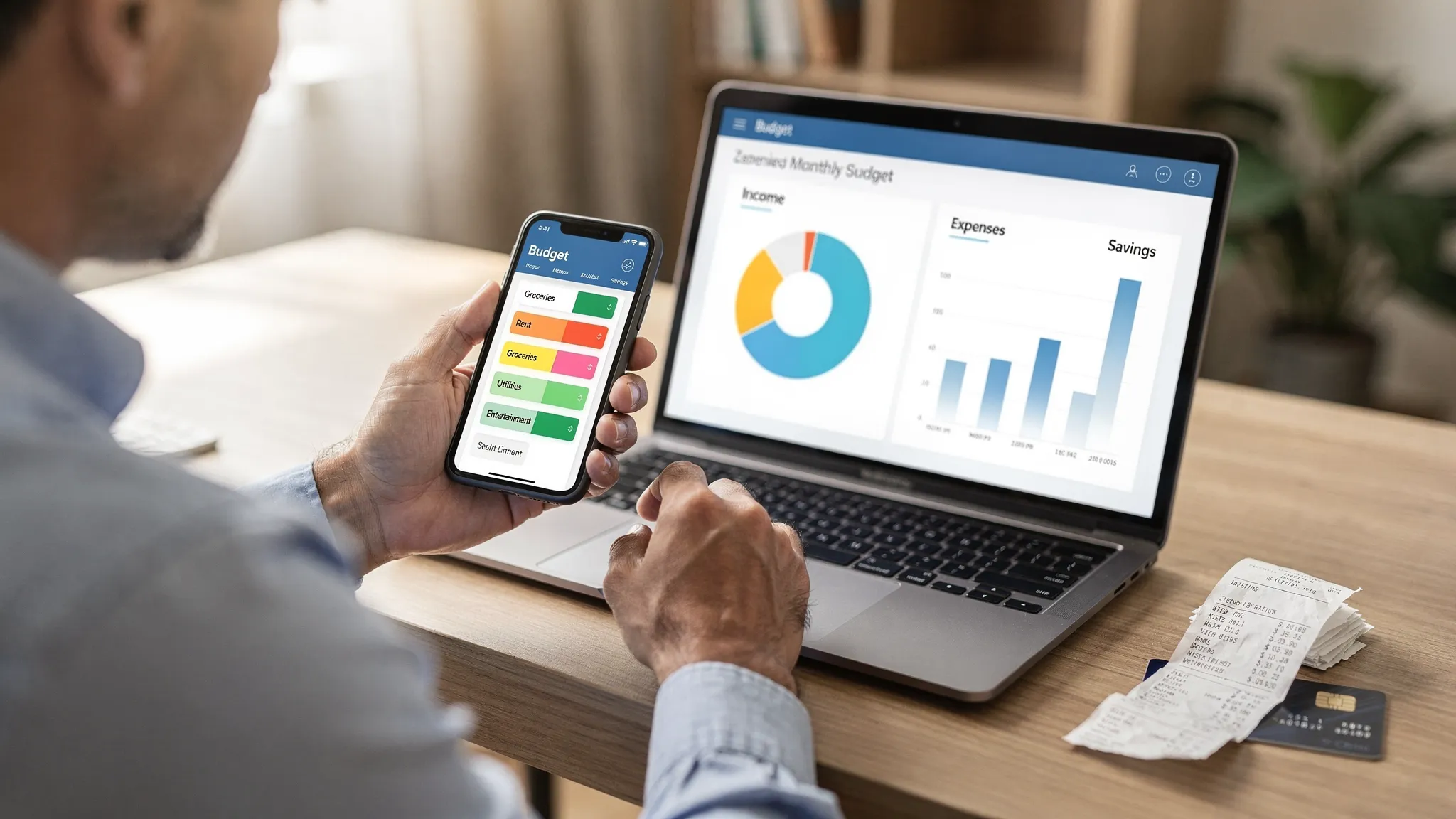
These apps are popular for a reason, but they are not interchangeable. Use the “Best for” lines to narrow your shortlist quickly.
MoneyPatrol
Best for: People who want an all-in-one personal finance dashboard that covers spending, budgets, bills, and broader financial health.
MoneyPatrol positions itself as a free personal finance and budgeting app with a comprehensive dashboard approach. Beyond basic expense tracking, it includes budgeting tools, bill and debt tracking, income management, investment tracking, credit score monitoring, customizable alerts and reminders, account reconciliation, and detailed reports. It also supports connectivity to thousands of financial institutions.
Why it stands out as a spending tracker: It’s designed to help you connect spending behavior to bigger outcomes (bill payment discipline, debt reduction, net worth, and goal progress) rather than only listing transactions.
Potential tradeoff: If you want an ultra-minimal interface that only answers “How much did I spend this week?”, a full dashboard style may feel like more tool than you need.
YNAB (You Need A Budget)
Best for: People who want strict, hands-on control and prefer a method-driven system.
YNAB is best known for its zero-based budgeting approach (giving every dollar a job). It can be excellent for users rebuilding habits, paying down debt, or trying to stop living paycheck to paycheck.
Strengths: Behavior change focus, strong budgeting workflow, and a structured system.
Considerations: It can feel like “a budgeting program” first and “a spending tracker” second, and there is a learning curve.
Monarch Money
Best for: Households that want a polished, modern budgeting and reporting experience.
Monarch is often shortlisted by people who want strong reporting, a clean UI, and budgeting features built around day-to-day decision-making.
Strengths: Strong overall budgeting and reporting experience.
Considerations: It is typically a paid product, and the value depends on whether you will use the deeper analysis features consistently.
Copilot Money
Best for: Apple-first users who want a sleek, modern experience.
Copilot is frequently chosen for speed, interface design, and automation-friendly categorization workflows.
Strengths: Smooth UI and a “daily money” feel.
Considerations: Platform limitations can be a dealbreaker if you need cross-platform access.
Rocket Money
Best for: People focused on subscription visibility and recurring expense cleanup.
Rocket Money is commonly used by people trying to get recurring spending under control.
Strengths: Helpful for spotting and managing recurring charges.
Considerations: Depending on the plan and features used, it may be better as a subscription-focused companion than a complete financial dashboard for some users.
Empower Personal Dashboard
Best for: People who care most about net worth and investment tracking, with spending as a secondary view.
Empower’s dashboard is widely used as a free way to understand net worth, accounts, and long-term trends.
Strengths: Strong high-level wealth tracking.
Considerations: If your primary goal is hands-on category budgeting and spending behavior coaching, you may want a tool that’s more budgeting-centric.
PocketGuard
Best for: People who want a simplified “safe-to-spend” style overview.
PocketGuard is typically selected by users who want spending guardrails without managing a complex budgeting system.
Strengths: Simplicity.
Considerations: Power users may outgrow the reporting and customization.
EveryDollar
Best for: People who want a structured, zero-based approach and don’t mind manual work.
EveryDollar is associated with a disciplined budgeting method and can work well for users who prefer hands-on control.
Strengths: Clear budget-first workflow.
Considerations: Manual entry can become a burden if you want fully automated tracking.
Quick comparison table (practical, not hype)
Use this table to pick a shortlist, not a final decision.
| App | Best for | Notable strengths | Common considerations |
|---|---|---|---|
| MoneyPatrol | All-in-one spending, budgets, bills, insights | Free comprehensive dashboard, alerts, bills/debt, investments, credit score, detailed reports | Full dashboard may feel like “more” than minimal trackers |
| YNAB | Strict budgeting and habit change | Zero-based method, strong process | Learning curve, method-first |
| Monarch Money | Modern budgeting and reporting | Polished UX, strong analysis | Typically paid |
| Copilot Money | Apple-first, daily money management | Sleek UI, workflow automation | Platform limitations |
| Rocket Money | Subscription and recurring expense cleanup | Recurring payment visibility | May not fit everyone as a full finance HQ |
| Empower Personal Dashboard | Net worth and investments | Wealth tracking focus | Less budget-centric |
| PocketGuard | Simple guardrails | “Safe-to-spend” simplicity | Less depth for power users |
| EveryDollar | Structured zero-based budgeting | Budget-first clarity | Manual effort can be high |
How to choose the right spending tracker in 10 minutes
Instead of trying five apps for a week each, answer these questions first.
If you want the most complete “financial command center”
Choose an app that combines spending + budgets + bills + goals, and ideally ties in net worth and credit so you can see the full picture.
MoneyPatrol is built for this style, with expense tracking plus budgeting tools, bill and debt tracking, income management, investment tracking, credit score monitoring, alerts, reconciliation, and detailed reporting.
If you want behavior change more than convenience
Pick a system-first app (like a zero-based budget tool). The best tracker here is the one that forces you to make tradeoffs and stick to categories.
If your biggest leak is subscriptions and recurring charges
Pick the tool that makes recurring charges obvious quickly, then build a monthly “recurring audit” habit.
If you mostly want net worth and long-term progress
Pick a dashboard that does investments and assets well, then treat spending views as supporting information.
Make any spending tracker work better (setup checklist)
Most people judge an app too quickly because they never set it up the way it’s meant to be used. These steps usually create the biggest jump in accuracy and usefulness.
Create categories that match decisions, not bank labels
Instead of over-granular categories (that you never maintain), build categories that help you decide.
Examples:
- “Groceries” (not 6 subcategories)
- “Restaurants and coffee”
- “Transportation”
- “Subscriptions”
- “Health and medical”
Set alerts that prevent regret
The best alerts are the ones that trigger before a problem becomes expensive.
Consider:
- Low balance alerts
- Category threshold alerts (for example, dining)
- Large transaction alerts
- Bill due reminders
Do a weekly 10-minute review
A weekly review beats a monthly deep dive.
In 10 minutes, you can:
- Fix mis-categorizations
- Scan for duplicates or refunds
- Check top categories vs budget
- Confirm upcoming bills
Reconcile when numbers matter
If you’re using an app to stay current on cash flow (or to avoid overdrafts), periodic reconciliation and spot checks are worth it.
A note on tracking “life admin” alongside spending
In 2026, money decisions often tie directly to health decisions (insurance, labs, prescriptions, wellness programs, fitness memberships). If you’re budgeting for medical spending or planning for preventive care, it can help to keep health records organized in a secure place. A dedicated platform like Vitals Vault is built for storing and sharing lab results and health data, which can make it easier to plan and justify health-related budget categories.
The bottom line: “best” is the app you will keep using
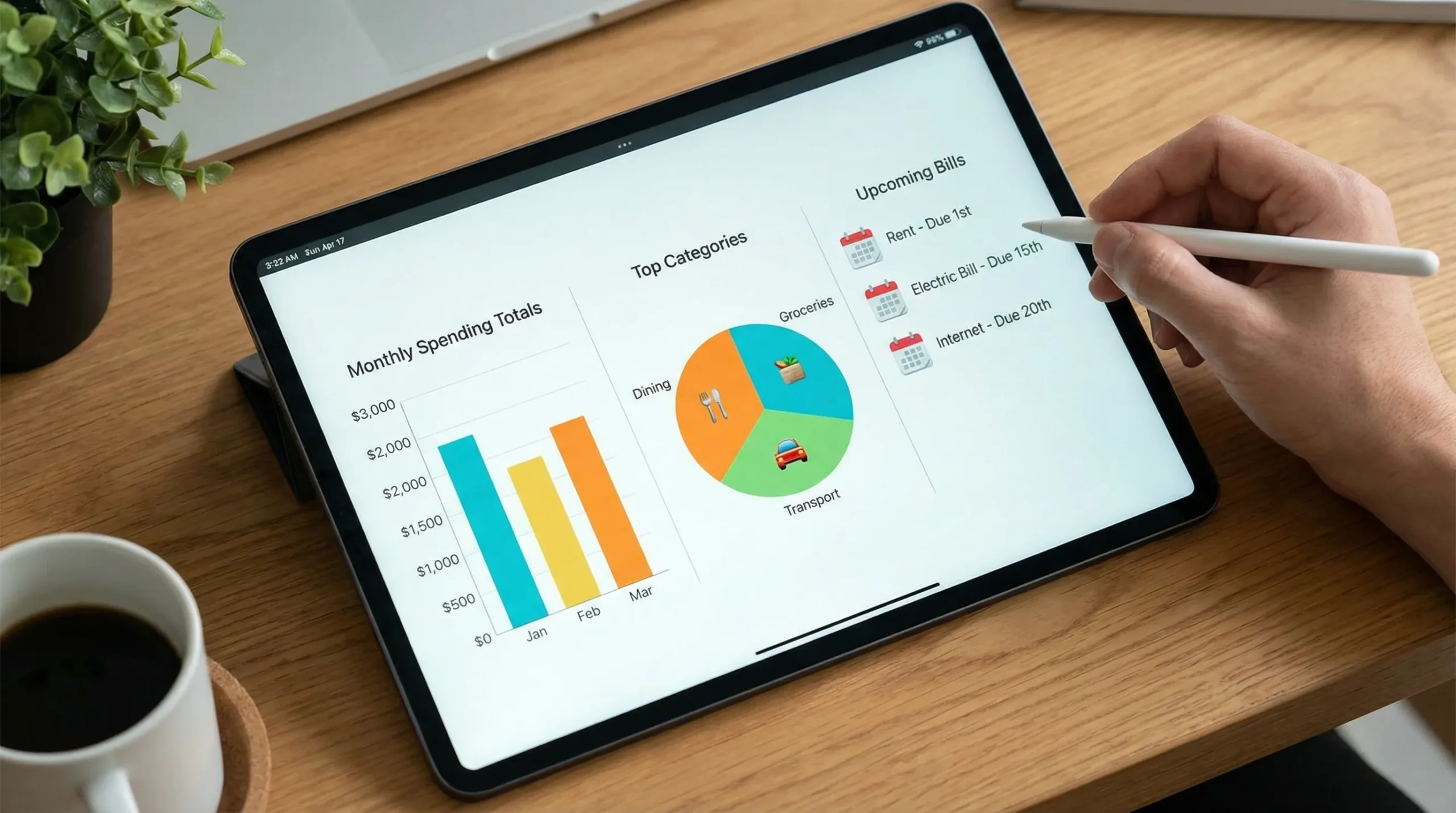
The best spending tracker app is the one that fits your habits and gives you answers you’ll act on.
- If you want a broad, all-in-one view of spending plus bills, budgets, and financial progress, MoneyPatrol is a strong option to evaluate, especially if you value a free comprehensive dashboard.
- If you want a disciplined, method-first system, choose a zero-based tool.
- If you want simplicity, pick the app that reduces decisions, not the one with the most charts.
Whichever you choose, commit to two habits that make nearly any tracker effective: weekly review and a few smart alerts.


 Our users have reported an average of $5K+ positive impact on their personal finances
