
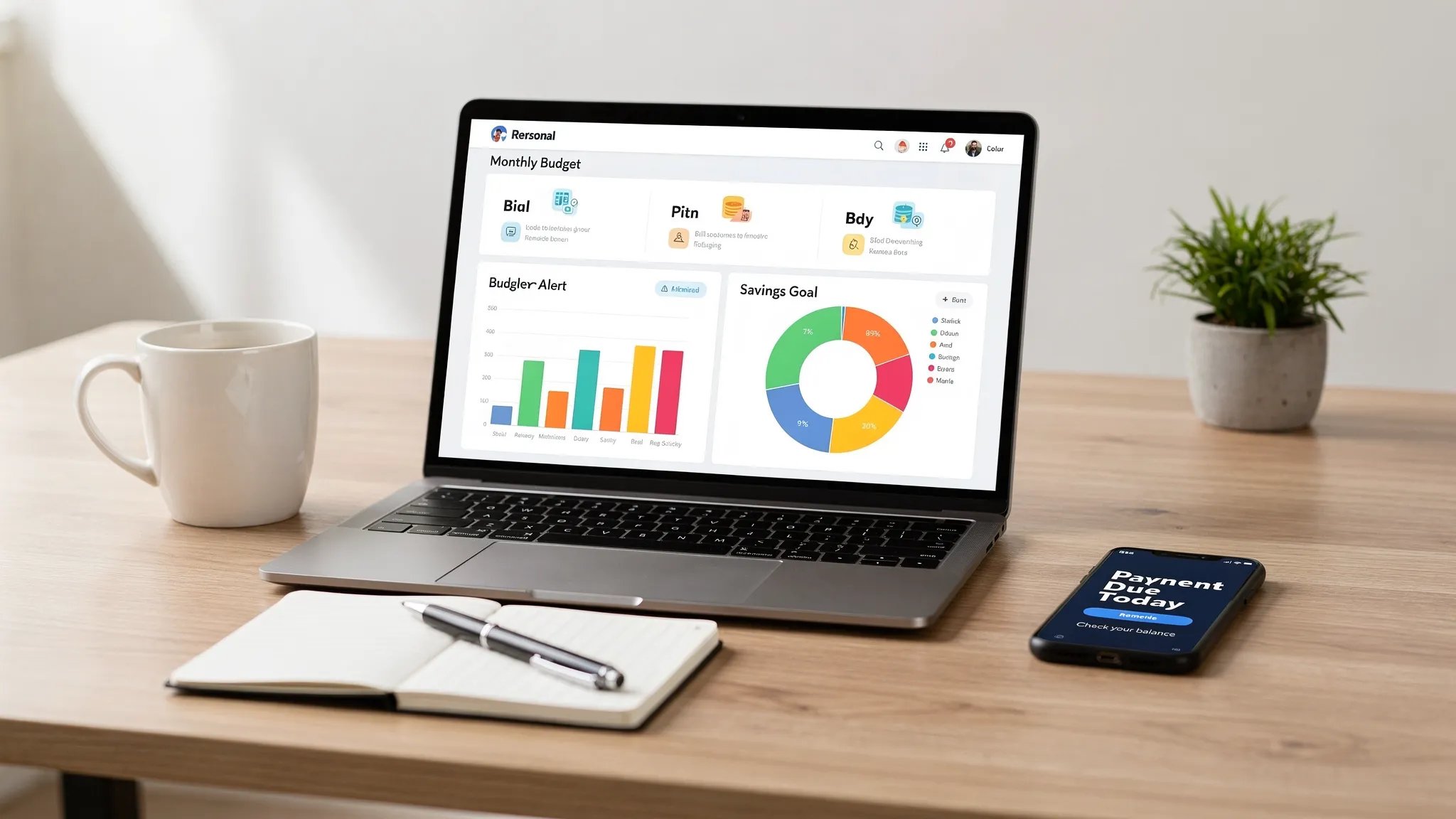
Choosing the best money tracking app is not just about having a clean dashboard or colorful charts. The apps that actually change your finances are the ones that answer specific questions (through reports) and nudge you at the right moment (through alerts).
If you want fewer surprises, fewer fees, and faster progress toward your goals, focus on whether an app can:
- Turn raw transactions into decisions you can act on
- Warn you before a mistake costs you money
- Prove the numbers are accurate (not just “close enough”)
Below is a practical guide to the must-have reports and alerts you should expect from a top-tier money tracking app, plus how to set them up so they help instead of overwhelm.
Why reports and alerts are the real “features” that matter
Most people do not struggle because they “don’t know budgeting.” They struggle because money decisions happen fast, and the consequences show up weeks later.
Reports compress the past into clarity. Alerts pull the future forward so you can act in time.
A simple example:
- A monthly report tells you dining out was high.
- A mid-month alert tells you dining out is already at 80 percent of your budget.
Only one of those changes the outcome.
Must-have money reports (what to look for, and why they matter)
A strong reporting suite should cover day-to-day control (cash flow, spending, bills) and long-term progress (net worth, debt, investments, credit). Most importantly, reports should be easy to drill into, so you can go from “something looks off” to “here is the transaction and the merchant” quickly.
1) Cash flow report (income vs spending)
A cash flow report is the foundation. It should show:
- Total inflows vs outflows over a time range
- Trends (this month vs last month, rolling averages)
- Separation of recurring vs variable spending (ideal, if available)
This is how you catch lifestyle creep, seasonal spikes, and whether a budget is realistic.
2) Spending by category and merchant
Category charts are useful, but the best apps let you answer, “Where exactly did the money go?” Look for:
- Merchant-level breakdown (not just category totals)
- Ability to recategorize and have it stick
- Search and filters (date range, amount thresholds, category)
This is also where miscategorized transactions can distort everything, so fast editing and learning rules are a big plus.
3) Budget vs actual report (with variance)
A budget screen is not a report unless it clearly shows variance:
- Planned vs actual by category
- Remaining amount and pace (optional but helpful)
- Month-to-date status and end-of-month projection (if supported)
Without variance, budgeting becomes guesswork and guilt. With variance, it becomes calibration.
4) Bills and recurring payments report
Bills are where late fees and credit score damage can begin. Your app should make it easy to review:
- Upcoming bills and due dates
- Paid vs unpaid status
- Recent bill amounts (to spot increases)
If a tool only shows transactions after they post, it may miss the moment you actually needed a reminder.
5) Debt report (balances, APR, payoff progress)
A debt report should help you manage both the math and the behavior:
- Current balances and trends
- Minimum payments and due dates
- Interest charges over time
- Paydown progress toward a target
If your app includes debt tracking, it becomes much easier to answer a motivating question: “Is my payment plan actually shrinking the balance?”
6) Net worth report (assets minus liabilities)
Net worth is the most honest “scoreboard” for personal finance because it combines:
- Cash and checking
- Savings
- Investments
- Loans and credit card balances
A useful net worth report shows changes over time (not just today’s number) and helps you see if you are building resilience or just treading water.
7) Investment performance and allocation summaries
If you track investments in your money app, look for summaries that are readable without being a trading terminal:
- Account-level balances and changes
- Contribution trends
- High-level allocation and performance views (when available)
Even basic investment tracking can prevent “out of sight, out of mind” drift, especially when markets move or contributions stop.
8) Credit score monitoring insights (if included)
Not every budget app includes this, but if it does, credit monitoring can help you connect behaviors to outcomes. For general credit education and monitoring options, the Consumer Financial Protection Bureau is a reliable reference.
At a minimum, a credit-related view should help you notice changes and keep credit from being something you only think about when applying for a loan.
9) Fees, interest, and “money leaks” report
One of the highest ROI reports is the one that shows silent losses:
- Bank fees
- Late fees
- Interest charges
- Subscription creep
Even if your app does not label every leak automatically, being able to filter transactions (by keyword, amount, merchant) makes it much easier to find and fix recurring drains.
10) Reconciliation and accuracy checks
Reports are only as good as the underlying data. If an app supports account reconciliation, it can help you verify that:
- Balances match your institution
- Transactions are not missing or duplicated
- Manual accounts stay consistent
That credibility matters. Otherwise, you can end up “optimizing” based on faulty numbers.
Report checklist (quick comparison)
| Report type | The question it answers | What it helps you do | Must-have capability |
|---|---|---|---|
| Cash flow | Am I spending less than I earn? | Adjust overall lifestyle and savings rate | Compare periods and filter time ranges |
| Category and merchant | What exactly drove my spending? | Cut the right things (not random things) | Drill-down to transactions |
| Budget vs actual | Am I on track this month? | Correct early, before the month ends | Variance and remaining budget |
| Bills | What is due next, and did I pay it? | Avoid late fees and missed payments | Due dates, paid status, reminders |
| Debt | Is my balance shrinking fast enough? | Choose payoff strategy and optimize payments | Trends, interest visibility |
| Net worth | Am I getting financially stronger? | Track long-term progress | History and account coverage |
| Investments | Are contributions consistent? | Stay aligned with goals and risk | Account rollups and trends |
| Fees and interest | Where is money leaking quietly? | Cancel, renegotiate, or change behaviors | Filters, tagging, search |
| Reconciliation | Can I trust the numbers? | Make decisions with confidence | Balance and transaction validation |
Must-have alerts (the notifications that actually save you money)
Great alerts are timely, specific, and adjustable. They should reduce “finance anxiety” by catching issues early, not increase it by buzzing all day.
Here are the alerts that matter most for most households.
Bill and payment alerts
- Upcoming bill reminders (configurable lead time)
- Payment due alerts
- Past-due alerts
These are the simplest alerts, and often the most valuable.
Budget threshold alerts
Budget alerts work best as thresholds, not as end-of-month scolding:
- 50 percent used
- 80 percent used
- 100 percent used
Good apps let you choose which categories matter, because you might not care about hitting “household supplies” perfectly, but you probably care about dining, travel, or shopping.
Balance and cash buffer alerts
- Low balance warnings (to avoid overdrafts)
- Large balance changes (to catch unexpected withdrawals)
If you live close to the edge in checking, low balance alerts can be a real stress reducer.
Large transaction and unusual activity alerts
- Any transaction above a chosen dollar amount
- Purchases in unusual locations (if supported)
These alerts are helpful for fraud awareness and for curbing impulse spending. For identity theft and fraud recovery basics, the FTC’s identity theft guidance is a solid resource.
Fee and interest alerts
If your app can surface or remind you about:
- Interest charges posting
- Fees appearing
You can often prevent the next one (for example, by changing autopay timing, negotiating, or moving cash earlier).
Income and deposit alerts
For many people, “income management” is about stability:
- Payday deposit received
- Deposit missing or smaller than expected (if supported)
This is especially useful if you freelance, have variable hours, or manage multiple income streams.
Credit and net worth milestone alerts
These alerts are about motivation and awareness:
- Credit score changes (if included)
- Net worth milestones
- Debt payoff milestones
They help connect daily habits to long-term wins.
Alert checklist (what to configure and why)
| Alert type | Suggested trigger | Why it matters | Best first action |
|---|---|---|---|
| Bill due | 7 days before, then 1 day before | Prevent late fees and missed payments | Confirm autopay or schedule payment |
| Budget threshold | 80 percent of category budget | Gives time to course-correct | Pause discretionary spending in that category |
| Low balance | Below a set buffer (ex: one week of expenses) | Reduces overdraft risk and stress | Move money, delay purchase, adjust autopay date |
| Large transaction | Over a set amount (ex: $100 to $500) | Flags fraud and impulse buys | Verify merchant, categorize, return if needed |
| Fee/interest | Any fee posted | Stops recurring leaks | Identify cause and change behavior or account |
| Income received | Deposit posted | Confirms cash plan is real | Allocate to bills, savings, debt |
| Credit change | Any change (if included) | Early warning for issues | Review credit activity and utilization |
How to tell if an app’s reports and alerts are genuinely good
Many apps claim they have “insights.” You want proof in day-to-day usability.
Customization: can you tune it to your real life?
Look for:
- Alerts you can turn on and off per account or category
- Thresholds you control
- Report time ranges that match how you manage money (weekly, biweekly, monthly)
Context: does it explain what changed?
A helpful alert is not “Your spending is high.” It is “Dining is at 82 percent because of three charges: $48, $36, $29.”
Similarly, a good report is not only a chart, it also lets you click through to the transactions.
Accuracy: does it help you trust the numbers?
Accuracy depends on how the app handles:
- Pending vs posted transactions
- Duplicate transactions
- Categorization rules
- Reconciliation tools
If you cannot trust the data, you will stop using the app.
Delivery: are notifications usable, not annoying?
You should be able to choose how you receive alerts (app notifications, email, or both, depending on the product). You also want digest options where possible so you do not get 20 pings in a day.
Security and privacy: does the app treat your data seriously?
At a minimum, review the app’s security and privacy information and follow basic account hygiene (unique passwords, multi-factor authentication when available). General consumer guidance from the CFPB on managing financial accounts can be helpful when thinking about fraud and scams.
Set up alerts without alert fatigue (a practical approach)
The biggest mistake is turning on everything. Start with the alerts that prevent real harm, then add the ones that improve performance.
Start with “avoid pain” alerts
Focus first on:
- Bill reminders
- Low balance
- Large transactions
These prevent late fees, overdrafts, and fraud surprises.
Add two performance alerts
Next, choose:
- One budget threshold alert for your most problematic category
- One fee or interest alert (or a weekly review reminder if that is what the app offers)
Review and refine after 30 days
If you got too many alerts, raise thresholds and narrow categories. If you missed a bill, increase lead time. The goal is to make the system feel calm.
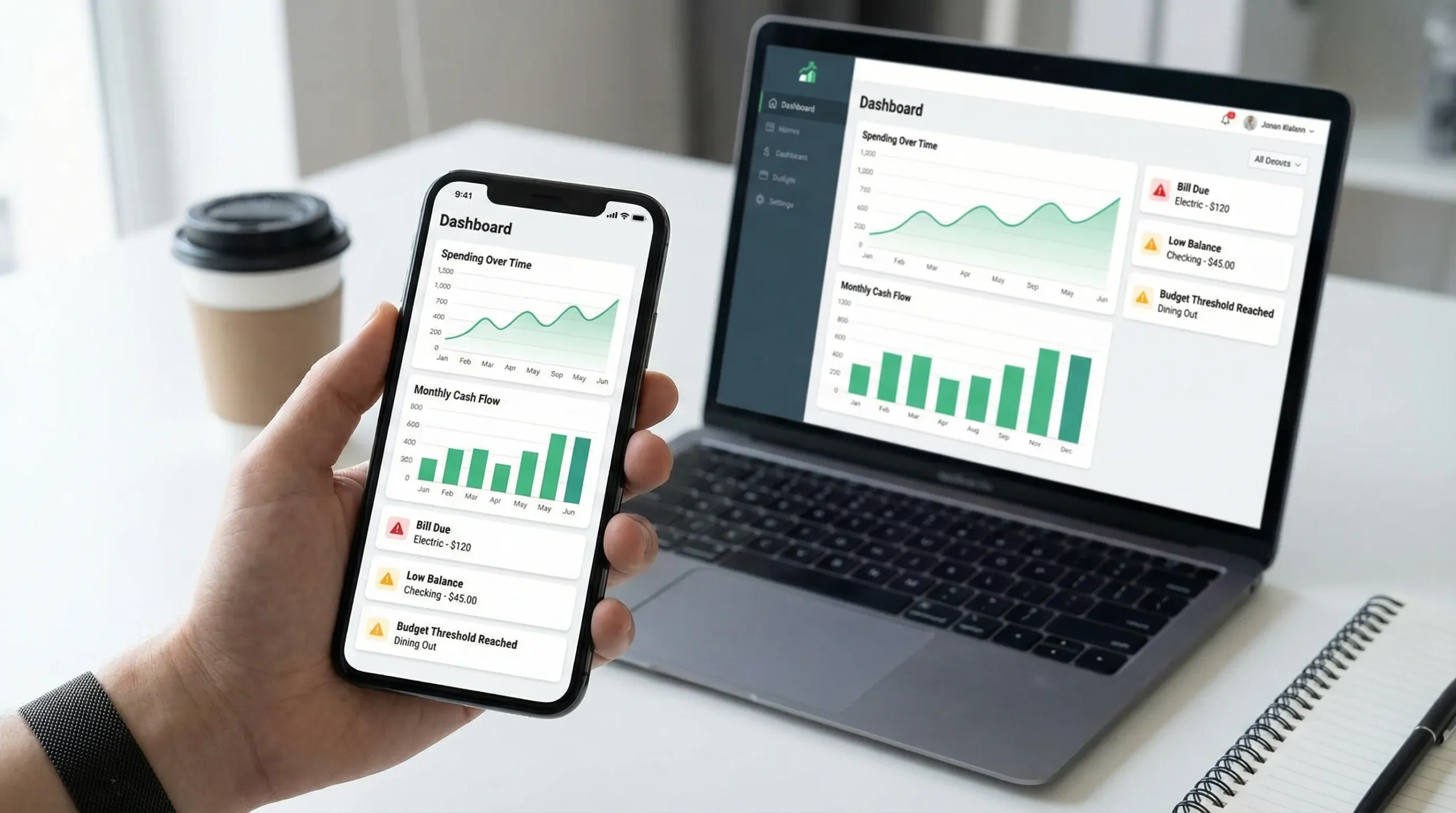
Where MoneyPatrol fits (reports and alerts, without the fluff)
MoneyPatrol positions itself as a free, comprehensive personal finance and budgeting app built around monitoring and disciplined habits. Based on its stated feature set, it includes the key building blocks you want for this “reports + alerts” approach:
- Detailed financial reports to review spending, budgets, and overall progress
- Customizable alerts and reminders designed to catch issues early
- Bill and debt tracking to reduce missed payments and stay on top of balances
- Investment tracking and credit score monitoring to keep long-term goals visible
- Account reconciliation to help validate that what you see matches what is real
- An all-in-one dashboard with connectivity to thousands of financial institutions
If you are comparing options, a simple way to evaluate MoneyPatrol (or any alternative) is to sign up and immediately test these scenarios:
- Can I see budget vs actual for this month, and identify the exact transactions driving variance?
- Can I set an alert that warns me before I overspend in one category I care about?
- Can I track upcoming bills and get reminders early enough to act?
- Can I reconcile balances so the reports stay trustworthy?
If the answer is yes, you are looking at the kind of tool that supports lasting behavior change.
You can explore MoneyPatrol here: MoneyPatrol.
The bottom line: the best money tracking app is the one that changes what happens next
You will not “report” your way into better finances, and you will not “alert” your way into them either. The combination is what works:
- Reports show what happened and why.
- Alerts change what happens next time.
When you evaluate a money tracking app through that lens, the decision gets simpler. Pick the app that gives you the fewest surprises, the clearest explanations, and the most control over your own system.


 Our users have reported an average of $5K+ positive impact on their personal finances
