
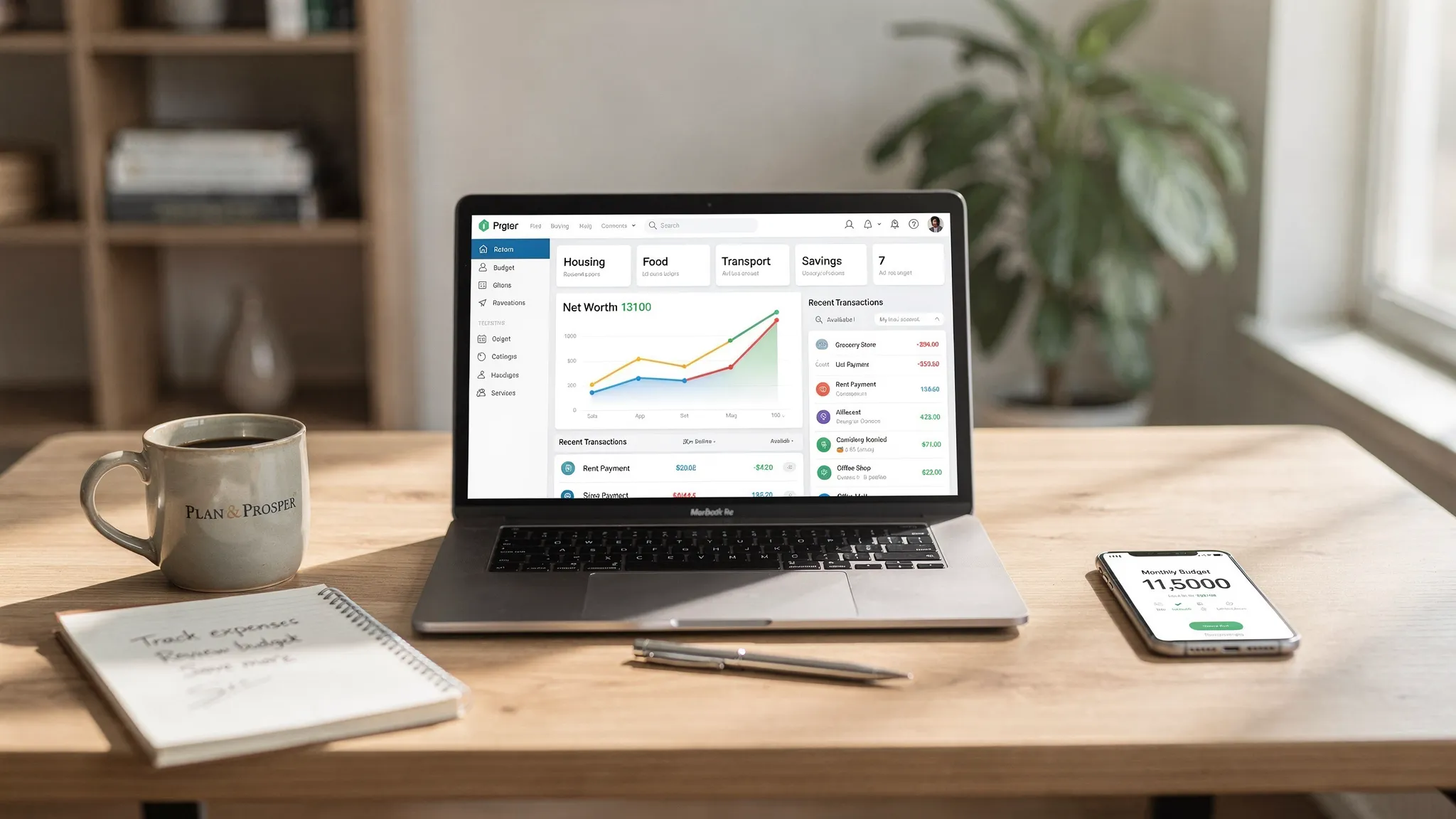
Money apps have evolved from simple spending logs into full personal finance hubs that can track your budget, remind you about bills, monitor credit, and show your net worth in one place. In 2026, that matters more than ever because many people juggle multiple bank accounts, credit cards, buy-now-pay-later plans, and investment platforms, and “keeping it all in your head” stops working fast.
This guide breaks down the best money apps by the four jobs most people actually need help with: budgeting, bills, credit, and net worth. You’ll also learn how to choose the right app (or app stack) based on security, automation, and the level of control you want.
What “best money apps” really means (and why it depends on your goal)
When someone searches for the best money apps, they usually want one of these outcomes:
- Clarity: “Where is my money going, and what do I have left?”
- Control: “I want a plan for spending, saving, and debt payoff.”
- Confidence: “I need my credit and net worth trending up.”
- Convenience: “I want automation, alerts, and fewer money surprises.”
Some apps are best as an all-in-one dashboard, while others are best as a specialist tool (for example, a credit-only app or a strict zero-based budgeting tool). The “best” choice is the one that fits how you manage money week to week.
How to evaluate money apps (the criteria that actually matters)
Before you compare logos and star ratings, use these practical criteria.
1) Security and privacy fundamentals
If an app connects to your accounts, security is not optional. Look for:
- Multi-factor authentication options
- Clear explanations of data access and sharing
- The ability to unlink accounts or delete data
For general, always-relevant guidance on avoiding financial scams and protecting accounts, the FTC’s consumer advice is a solid starting point.
2) Account connectivity and data quality
A money app is only as good as the data it can reliably pull in. The best apps typically:
- Connect to many financial institutions (banks, credit cards, loans, investments)
- Refresh consistently without frequent broken links
- Support transaction review and account reconciliation (so errors do not silently accumulate)
3) Automation that saves time (without hiding the details)
Automation should reduce busywork, not reduce visibility. The most useful automation features include:
- Recurring bill detection and reminders
- Custom alerts for unusual spending, low balances, or large transactions
- Smart categorization suggestions with easy correction
4) Reporting and decision support
You want more than a feed of transactions. Look for reports that answer questions like:
- What changed month over month?
- Which categories are driving overspending?
- What is my cash flow (income vs spending) trend?
- How is my net worth moving?
5) Fit with your “money style”
There is no single correct method. In practice:
- If you like rules and structure, you may prefer a strict budgeting app.
- If you want awareness with minimal manual work, an all-in-one tracker with good alerts is often best.
The best money apps by use case
Below are common “best app” picks people consider, organized by what they do best. (Availability and pricing can change, so treat any app choice as a starting shortlist and confirm details before committing.)
Best money apps for budgeting
Budgeting apps typically fall into three styles:
- Plan-first budgeting: You assign every dollar a job, then spend according to the plan.
- Track-and-adjust budgeting: You monitor spending vs targets, then adjust behavior.
- Hybrid dashboards: Budgeting plus bills, debt, investments, and net worth.
If you want the plan-first style, YNAB is a widely-known option for zero-based budgeting. If you prefer a broader dashboard approach that covers more than just categories and limits, an all-in-one platform may be a better day-to-day fit.
Best money apps for bills and debt tracking
Bills and debt are where money apps can prevent costly mistakes. The best bill and debt tools usually support:
- Due-date reminders
- Recurring payment tracking
- Visibility into balances and payoff progress
Apps that focus on recurring charges and bill management, such as Rocket Money, are often chosen by people trying to cut subscriptions or reduce bill creep.
Best money apps for credit monitoring
Credit tools are most useful when they:
- Show your score (or scores) and score factors
- Monitor changes to your credit file
- Help you spot suspicious activity early
Two common options people use are Credit Karma and Experian, depending on which credit data and monitoring features they prefer.
Best money apps for net worth tracking
Net worth tracking is where you connect assets (bank accounts, investments) and liabilities (credit cards, loans) so you can see your financial trajectory. Many people choose Empower (formerly Personal Capital) for net worth visibility and investment-focused views.
Quick comparison: popular money apps (budget, bills, credit, net worth)
This table is meant to help you shortlist quickly, not replace your own evaluation.
| App | Best for | Strength | Watch-outs | Cost model (typical) |
|---|---|---|---|---|
| MoneyPatrol | All-in-one money management | Expense tracking, budgeting, bill and debt tracking, income, investments, credit score monitoring, alerts, reports | As with any aggregator, you’ll want to review and reconcile transactions for accuracy | Free to start (subscription may be offered) |
| YNAB | Hands-on budgeting | Strong plan-first workflow, habit building | More manual discipline, primarily budgeting focused | Subscription |
| Rocket Money | Bills and subscriptions | Helps surface recurring charges and bill management opportunities | Not designed as a full net worth platform for everyone | Free and paid options |
| Monarch Money | Household money organization | Multi-account budgeting and reporting | Paid-first product for many users | Subscription |
| Copilot Money | Modern spending insights (especially iOS users) | Polished experience, strong categorization workflows | Platform availability may be limited vs web-first tools | Subscription |
| Empower | Net worth and investments | Strong net worth and portfolio views | Investment-centric approach may not fit everyone’s budgeting style | Typically free |
| Credit Karma | Credit monitoring | Easy ongoing credit tracking and education | Credit data and features vary by user | Typically free |
| Experian | Credit file visibility | Direct access to Experian credit tools and monitoring options | Some features are behind paid tiers | Free and paid options |
When you should choose an all-in-one app (instead of multiple apps)
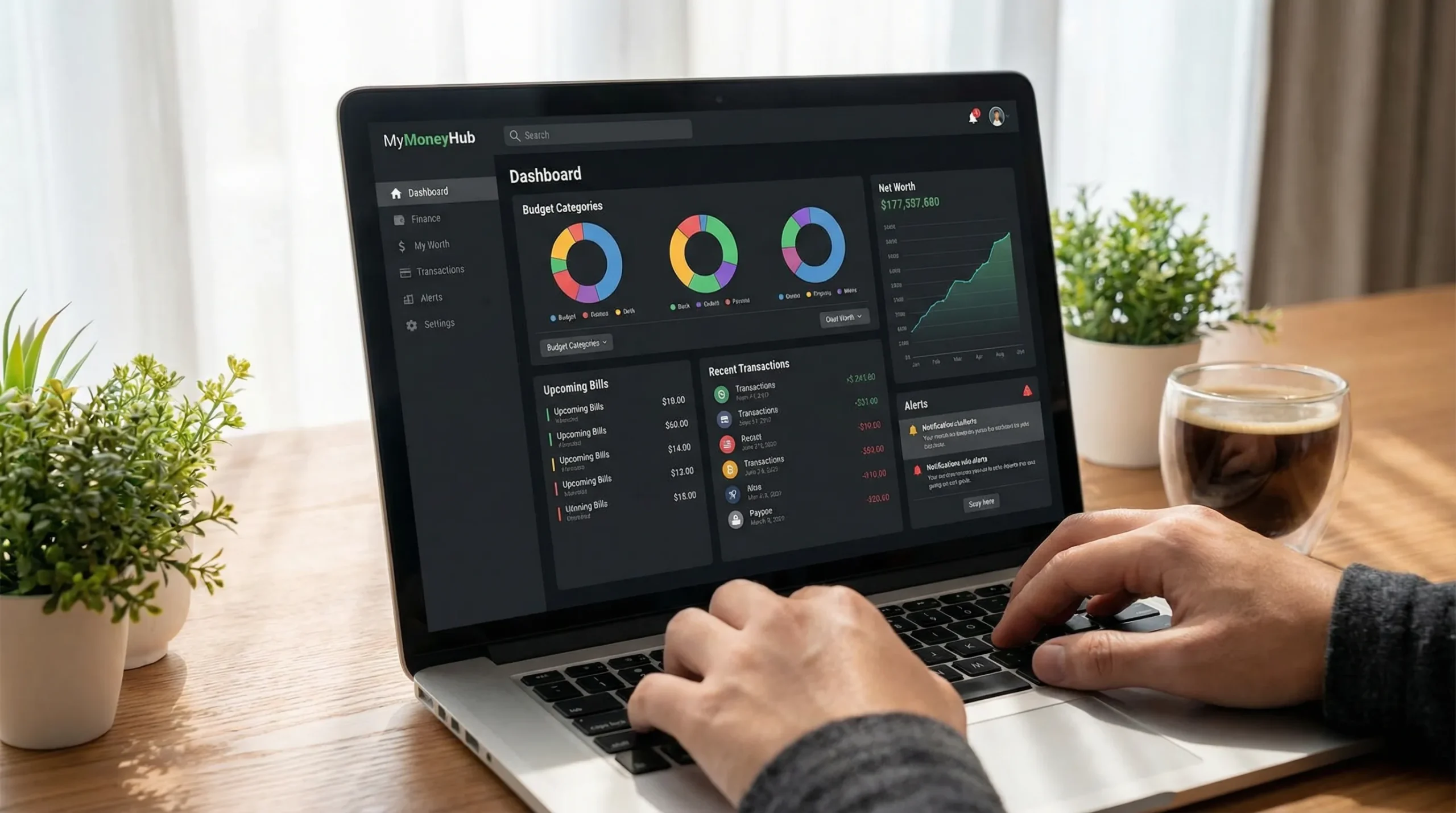
An all-in-one app tends to be best when you want:
- One dashboard for day-to-day decisions
- Fewer logins and less context switching
- Budgeting plus bills, debt, investments, and credit in a single routine
It is also a strong choice if you’re rebuilding your financial system after life changes like moving, changing jobs, paying down debt, or combining finances.
When a “stack” of specialized apps is better
A multi-app setup can be better when:
- You want strict budgeting (and you will actually use it)
- You want a dedicated credit monitoring experience
- You want deeper investment analytics than an all-in-one tool provides
A common approach is:
- Use one app as your main budgeting and expense hub
- Add one specialist credit app
- Add one investment or net worth tool only if you need deeper analysis
A practical setup checklist (so the app actually improves your finances)
Most money apps fail for the same reason: people download them, connect accounts, and never build the habit loop. A simple setup that works for many households is:
- Connect the accounts you use daily first (checking, primary credit card)
- Set a realistic starter budget, then refine after 2 to 4 weeks of data
- Turn on alerts for large transactions, low balances, and bill reminders
- Do a 10-minute weekly review to categorize, reconcile, and spot issues early
That weekly review is where you turn tracking into decisions.
Where MoneyPatrol fits for budgeting, bills, credit, and net worth
If your goal is to cover budget, bills, credit, and net worth without stitching together multiple apps, MoneyPatrol is designed as a comprehensive personal finance dashboard.
Based on its published feature set, MoneyPatrol supports:
- Expense tracking and budgeting tools
- Bill and debt tracking
- Income management
- Investment tracking and net worth visibility
- Credit score monitoring
- Customizable alerts and reminders
- Account reconciliation and detailed financial reports
You can explore MoneyPatrol directly at moneypatrol.com and, if you want a budgeting-focused overview, see the guide on the best free budgeting app.

Choosing the best money app for you (a simple decision rule)
If you want the simplest rule that works:
- Choose an all-in-one app if your biggest issue is visibility and consistency.
- Choose a specialist budgeting app if you want a strict system and you like being hands-on.
- Choose a credit app if your priority is score improvement, identity monitoring, and understanding factors.
- Choose a net worth tool if you want your investments and long-term progress front and center.
The best money apps are the ones you will still be using 90 days from now, with accounts connected, alerts turned on, and a weekly review habit that keeps you ahead of problems.


 Our users have reported an average of $5K+ positive impact on their personal finances
