

Most “free” money apps are only free until you actually need them. The best ones help you see where your cash is going, stay ahead of bills, and make smarter decisions without paywalls, spam, or confusing charts.
If you are searching for the best free expense tracker app, this guide breaks down what to look for, how to verify it in a few minutes, and which features matter most for real life (not just screenshots).
First, define what “best” means for you
A free expense tracker can be “best” for very different reasons:
- You want automatic bank syncing so you never manually type transactions.
- You want hands-on control with manual entry, custom categories, and receipts.
- You want help staying consistent with alerts, bill reminders, and weekly insights.
- You want an app that does not push you into upgrades the moment you start making progress.
Before comparing apps, write down your top use case:
- Reduce overspending (restaurants, shopping, subscriptions)
- Stabilize cash flow (irregular income, gig work, variable bills)
- Pay off debt faster (credit cards, student loans)
- Build savings (emergency fund, sinking funds)
- Track everything in one place (checking, credit cards, loans, investments)
That one sentence will keep you from choosing an app that looks slick but does not fit your habits.
The 10 features that separate a great free expense tracker from a frustrating one
1) Accurate transaction capture (automatic and manual)
A tracker is only useful if the transaction list is reliable.
What to look for:
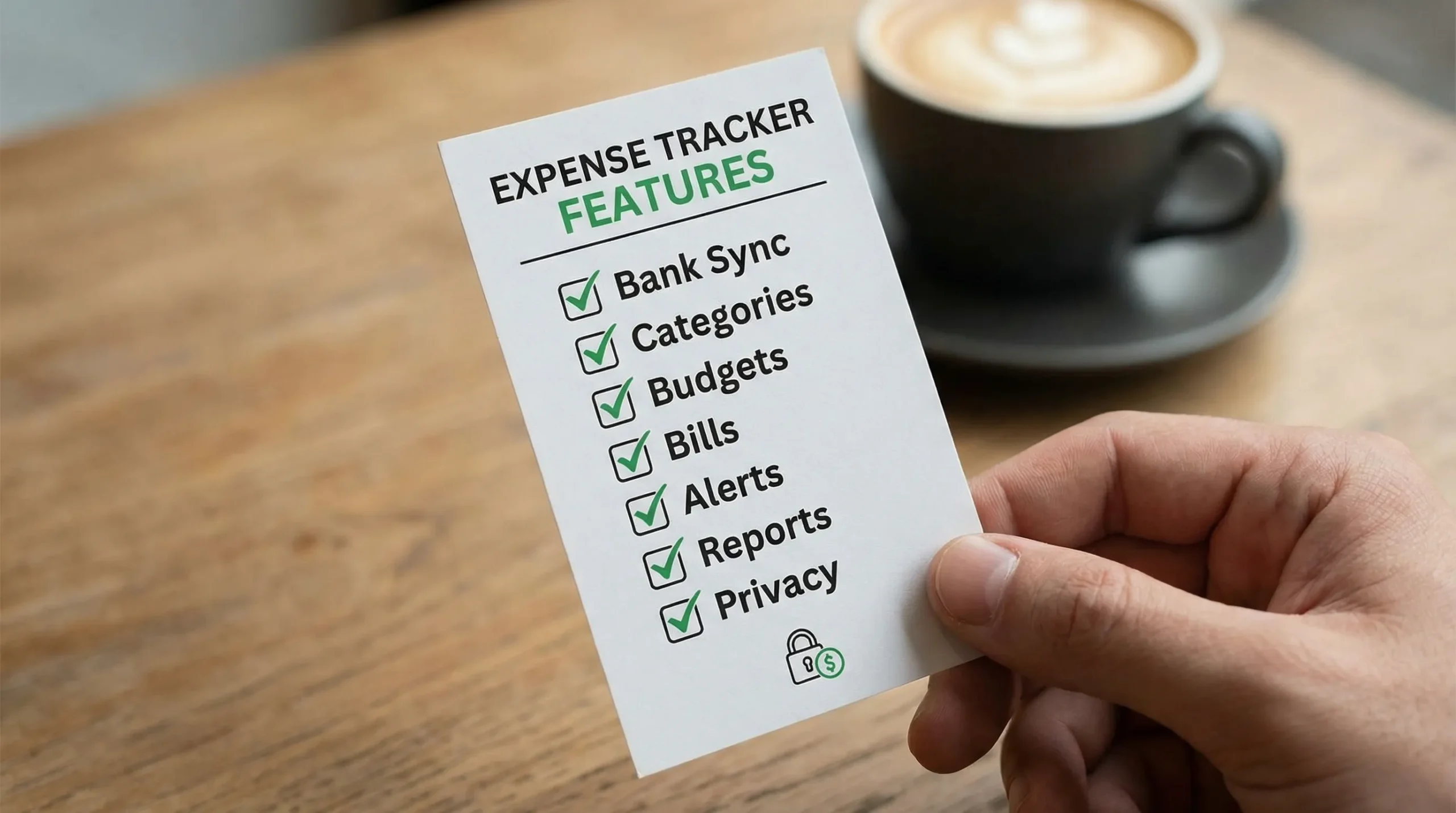
- Bank and credit card connections to major institutions
- Fast updates (at least daily for most accounts)
- The ability to add cash transactions and edits manually
- Clear status for pending vs posted transactions
How to verify quickly:
- Connect one checking account and one credit card.
- Check whether the merchant names are readable (not cryptic codes).
- Add one manual cash purchase and confirm it appears in reports.
2) Smart categorization you can actually control
Auto-categorization saves time, but only if you can fix it easily. Categories drive budgets, insights, and tax-friendly exports, so this is a core decision point.
What to look for:
- Easy recategorization (single tap, bulk edit)
- Category rules (for example, always categorize “SHELL” as Gas)
- Split transactions (one receipt across multiple categories)
A good free app lets you correct mistakes once, then learns your preferences.
3) Budgeting that matches how you spend
Expense tracking answers “what happened.” Budgeting answers “what should happen next.” The best free expense tracker apps connect the two.
Useful budgeting options include:
- Monthly category budgets
- Flexible budgets for variable categories (groceries, dining)
- Rollover or “carryover” logic (optional, but helpful)
- A simple way to see remaining amounts mid-month
Tip: if an app only shows budgets as a single number without category detail, it often becomes a motivation killer instead of a decision tool.
4) Bill tracking and reminders (to protect your cash flow)
Late fees are one of the easiest financial leaks to eliminate. Even a “free” tracker should help you stay ahead of due dates.
What to look for:
- Recurring bills list and due dates
- Reminders or alerts (push, email, or both)
- A way to mark bills as paid
If you use autopay, reminders still matter. They help you ensure there is enough money in the right account before the draft hits.
5) Alerts that help, not annoy
Alerts are where expense trackers become behavior change tools.
The best alerts are:
- Customizable (turn off what you do not want)
- Specific (category overspend, large transaction, low balance)
- Timely (soon enough to act)
If an app floods you with generic notifications, you will eventually ignore all of them.
6) Clear reporting you can use in 5 minutes
Many apps offer charts, but fewer offer clarity.
Strong reporting usually includes:
- Spending by category, merchant, and month
- Trends (this month vs last month)
- Cash flow view (income vs spending)
- Export options (CSV is a practical minimum)
A quick test: can you answer these in under 60 seconds?
- “How much did I spend on restaurants this month?”
- “What subscriptions did I pay in the last 30 days?”
- “Is my spending trending up or down over 3 months?”
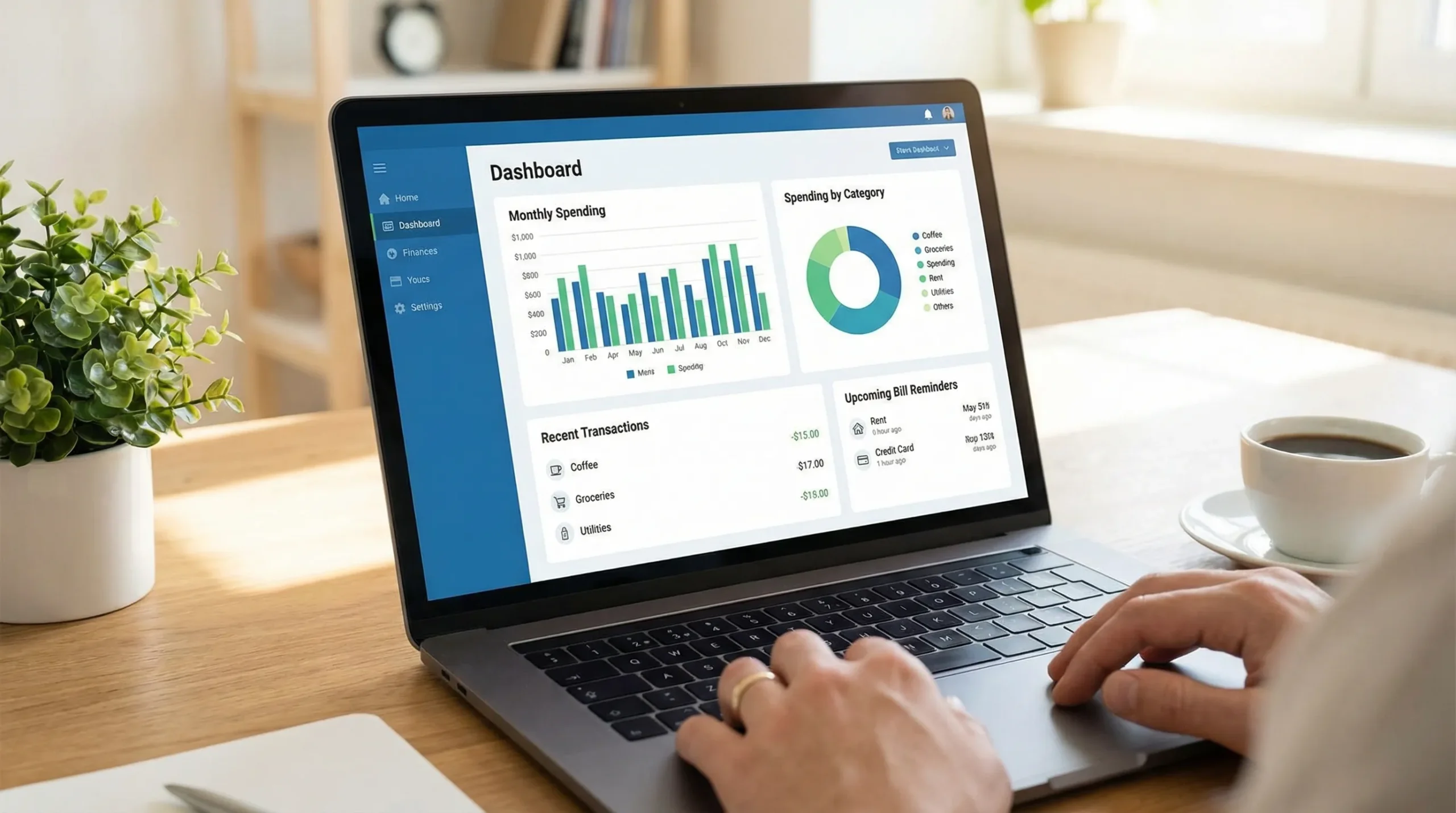
7) Multiple accounts and a real financial “dashboard”
If you only track one card, almost any app works. Most people need more: multiple banks, credit cards, loans, and sometimes investments.
Look for:
- Multiple accounts in one view
- Net worth tracking (assets and liabilities)
- Account reconciliation or tools to catch mismatches
A dashboard is especially valuable if you manage money as a couple or across multiple financial institutions.
8) Strong security basics (non-negotiable)
Expense trackers handle sensitive financial data. “Free” should not mean “risky.”
Minimum security signals to look for:
- Multi-factor authentication options
- Clear explanation of how data is protected
- Read-only connectivity where possible (many aggregators support this)
If you want a practical benchmark for authentication practices, the NIST Digital Identity Guidelines are widely referenced in security programs and can help you understand what strong login protection looks like.
9) Privacy you can understand (and live with)
Free apps often make money through ads, referrals, or data-driven marketing. This is not automatically “bad,” but you should know what you are agreeing to.
Before you commit, scan the privacy policy for:
- What data is collected (transactions, account balances, device identifiers)
- Whether data is shared or sold, and for what purpose
- How to delete your data, if you leave
For general guidance on protecting personal information, the FTC’s consumer privacy tips are a helpful baseline.
10) A free plan that is genuinely usable
A common pattern is “free” tracking with major limitations:
- Only one account
- No exports
- No categories beyond a basic list
- Reports hidden behind a paywall
A solid free expense tracker app should let you track your day-to-day finances without constantly hitting upgrade prompts.
A simple checklist to compare apps side-by-side
Use this table to evaluate any app in a consistent way. You can score each row as Yes, Partial, or No.
| What to check | Why it matters | How to test in 10 minutes |
|---|---|---|
| Bank sync + manual entry | Prevents gaps (cash, reimbursements, misc) | Connect 1 account, add 1 manual transaction |
| Categorization controls | Better budgets and reports | Re-categorize, create a rule, split a transaction |
| Budgets + progress view | Turns tracking into action | Set 3 category budgets, check remaining amounts |
| Bill reminders | Avoid late fees and cash flow surprises | Add 2 bills, confirm reminder options |
| Alerts | Catches problems early | Enable a large-transaction or overspend alert |
| Reporting and exports | Makes insights portable | Find category trend report, export CSV |
| Multi-account dashboard | Reduces blind spots | Add at least 2 institutions, check combined view |
| Security signals | Reduces account risk | Look for MFA and security documentation |
| Privacy clarity | Avoids “free but costly” tradeoffs | Read summary, find delete or opt-out controls |
Common traps when choosing a free expense tracker
“Free” that depends on constant upsells
If the core actions you need are locked, you will either abandon the app or end up paying for features you assumed were included. Look for apps where the free experience supports a full month of tracking, budgeting, and reviewing.
Apps that only work if your life is perfectly consistent
Real finances are messy: reimbursements, shared expenses, returns, cash tips, and irregular income. A good tracker supports edits, notes, splits, and occasional manual adjustments without breaking your reports.
Great UI, weak data
If transactions lag for days, or merchants are mislabeled, even the prettiest charts are not trustworthy. Prioritize accuracy and control over design.
How to decide in one weekend (a realistic test plan)
You do not need a 30-day trial to choose well. Do this instead:
- Day 1 (setup): Connect your primary accounts, set a few categories, and add recurring bills.
- Day 2 (real use): Add at least 5 manual items (cash, reimbursements, split purchase) and correct categories.
- Day 3 (review): Check the spending report and see if it matches your intuition. If it surprises you, confirm whether it is insight or inaccurate categorization.
If the app makes those steps feel effortless, you have likely found a keeper.
Where MoneyPatrol fits if you want an all-in-one free tracker
If your definition of “best free expense tracker app” includes seeing your full financial picture, MoneyPatrol positions itself as a free, comprehensive personal finance and budgeting app with features like expense tracking, budgeting tools, bill and debt tracking, income management, investment tracking, credit score monitoring, alerts, account reconciliation, and detailed financial reports.
If you want to explore whether that all-in-one approach matches your needs, you can start from the main site and product overview at MoneyPatrol.
A values-based bonus: track spending that reflects what you care about
Expense tracking is not only about cutting costs. It can also help you align money with your values, such as how much you donate, volunteer, or contribute to causes you follow. If civic participation is part of that, you might find it useful to explore platforms focused on democratic engagement, such as continuous direct democracy initiatives, and then use your expense tracker to monitor and budget your contributions.
Frequently Asked Questions
What is the best free expense tracker app? The best free expense tracker app is the one that reliably captures transactions, lets you control categories, supports budgets and bill reminders, and has clear privacy and security practices.
Are free expense tracker apps safe? They can be, but you should verify security basics (like multi-factor authentication) and read the privacy policy so you understand what data is collected and how it is used.
Do I need bank syncing, or is manual entry enough? Bank syncing saves time and reduces missed transactions, but manual entry is still important for cash spending, reimbursements, and corrections. Many people benefit from using both.
How do I know if an expense tracker is actually helping? After 2 to 4 weeks, you should be able to name your top spending categories, spot at least one avoidable leak (late fees, subscriptions, impulse buys), and feel more confident about upcoming bills.
Try a free, all-in-one way to track expenses
If you want a single place to track expenses, budgets, bills, and accounts, you can try MoneyPatrol for free and see if its dashboard and reports match your day-to-day needs. Get started at MoneyPatrol.com.


 Our users have reported an average of $5K+ positive impact on their personal finances
