
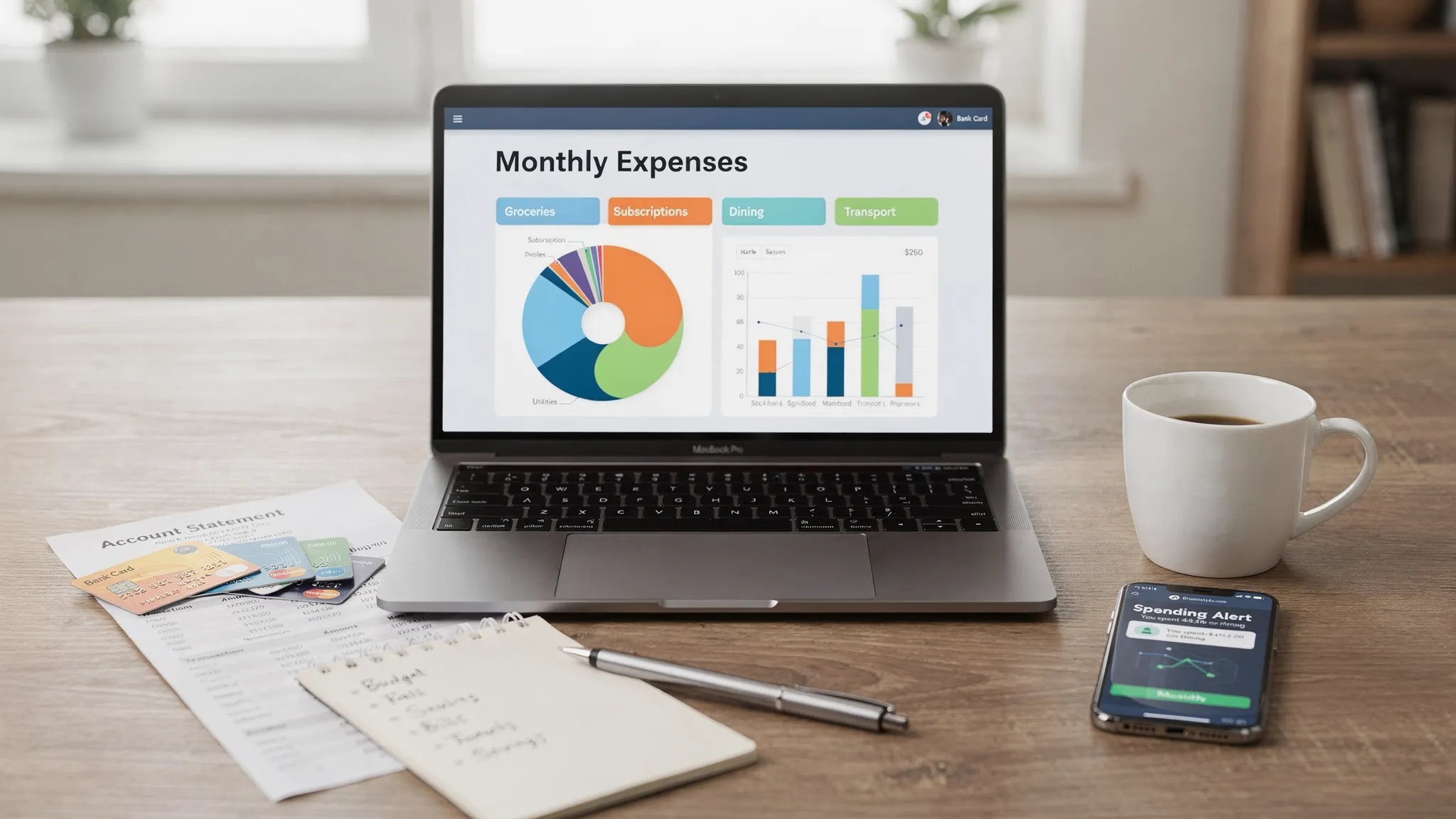
Expense tracking in 2026 is less about saving receipts and more about seeing your money in real time, across cards, bank accounts, subscriptions, loans, and investments. The best free tools now focus on fast bank connectivity, accurate categorization, useful alerts, and clear reporting so you can actually change spending behavior.
This guide compares top free options and explains how to choose the best free app for expense tracking for your situation, whether you want simple daily spend visibility or a full financial dashboard.
What “best” means for a free expense tracking app in 2026
A free app can be great, but only if it matches your workflow. Before you download anything, evaluate apps on the criteria that matter most in 2026:
1) Bank sync quality (and how often it breaks)
If you want automation, look for broad institution coverage, stable syncing, and quick re-auth flows when banks require extra verification. If you prefer manual entry, choose an app that makes manual logging painless.
2) Categorization that you can control
Auto-categorization saves time, but it must be editable. The best apps let you:
- Create custom categories
- Set rules (for example, “Trader Joe’s” always equals Groceries)
- Split transactions (one receipt across multiple categories)
3) Alerts that prevent “silent” overspending
Expense tracking is most effective when it nudges you during the month, not after. Useful alerts include:
- Large transaction notifications
- Category budget warnings
- Bill due reminders
- Unusual spending insights
4) Reports you can act on
Look for clear monthly summaries, category trend lines, and export options (CSV is often enough). If you have side income, reimbursements, or multiple accounts, reports become even more important.
5) Security and privacy
At minimum, prioritize apps that support secure connections to financial institutions and offer strong account protection (like multi-factor authentication). Also check how the app makes money, since “free” can sometimes mean ads, referrals, or data-driven monetization.
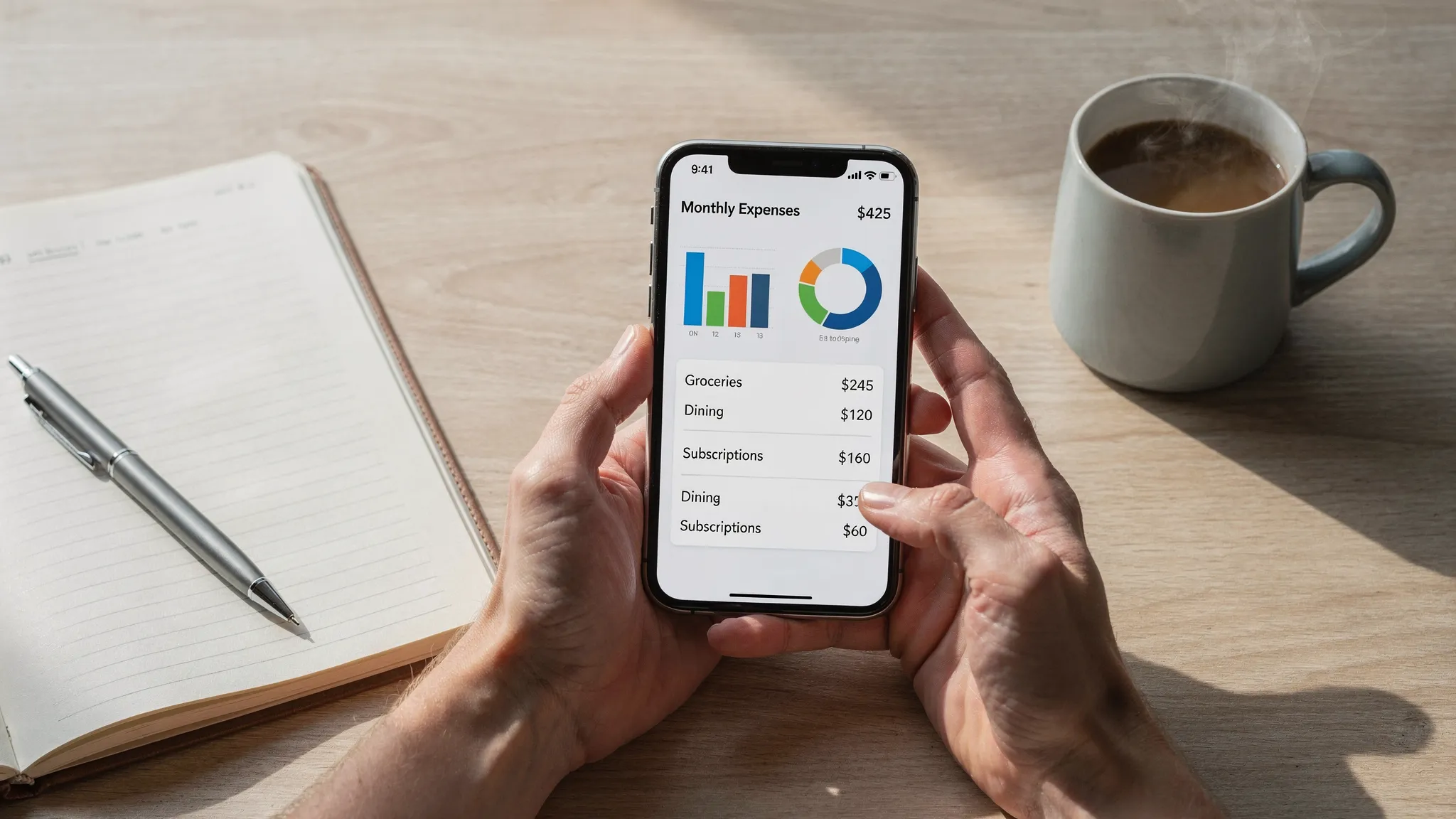
Top picks: Best free apps for expense tracking (2026)
Below are widely used options with free plans or genuinely free core expense tracking. Availability and features can change, so treat “free” as “free tier” unless the provider clearly states otherwise.
MoneyPatrol (best all-in-one free dashboard for tracking expenses)
If you want expense tracking plus broader money visibility, MoneyPatrol is designed as a comprehensive personal finance dashboard rather than a single-purpose tracker.
Standout capabilities (based on its published feature set):
- Expense tracking with categorization
- Budgeting tools
- Bill and debt tracking
- Income management
- Investment tracking
- Credit score monitoring
- Customizable alerts and reminders
- Detailed financial reports
- Connectivity to thousands of financial institutions
Why it’s a top pick for 2026: many people no longer manage money in one place. You may have multiple banks, cards, buy-now-pay-later accounts, and investment apps. A consolidated view reduces “blind spots” that lead to overspending.
Best for: people who want a free, comprehensive finance hub that includes expense tracking, insights, and reminders.
Learn more at MoneyPatrol.
Rocket Money (best for subscriptions and recurring spend awareness)
Rocket Money is popular for tracking recurring charges and spotting subscription creep. Many users start here when their spending problem is not daily coffee, it’s the steady drip of monthly renewals.
Best for: people who want a clear view of subscriptions and recurring expenses.
Tradeoff to consider: some advanced features may be tied to paid plans, depending on what you need.
NerdWallet (best for a finance-first view with spending insights)
NerdWallet’s personal finance experience tends to emphasize education and decision support alongside tracking. If you like to pair your spending data with content that helps you understand “what to do next,” it can be a good fit.
Best for: people who want spending visibility plus guidance and comparisons.
Tradeoff to consider: interface and features can be more content-oriented than spreadsheet-like.
Empower Personal Dashboard (best for net worth plus expenses)
Empower (formerly Personal Capital) is widely known for net worth and investment tracking, but many people also use it to understand cash flow and spending trends.
Best for: people who care about net worth tracking and investments, and want expenses in the same ecosystem.
Tradeoff to consider: the experience is often strongest for higher-level trends, not granular daily budgeting.
EveryDollar (best for simple, manual-first tracking)
EveryDollar is often chosen by people who prefer hands-on budgeting and manual entry because it forces awareness. If automation overwhelms you, manual tracking can actually be the point.
Best for: people who prefer manual control and a straightforward monthly plan.
Tradeoff to consider: automated bank syncing is typically not the focus of the free experience.
Quick comparison table (free tiers and typical strengths)
Use this as a starting point, then test-drive your top two for a week.
| App | Best for | Bank connections | Alerts/reminders | Reporting depth | Notes on “free” |
|---|---|---|---|---|---|
| MoneyPatrol | All-in-one expense tracking plus full financial dashboard | Yes (connectivity to thousands of institutions, per provider) | Yes (customizable alerts and reminders) | Strong (detailed financial reports) | Positioned as free and comprehensive |
| Rocket Money | Subscription visibility and recurring spend | Often yes (varies by setup) | Often yes | Medium | Some features may be paywalled |
| NerdWallet | Spend tracking with guidance content | Often yes | Limited to medium | Medium | Feature set may evolve |
| Empower Personal Dashboard | Net worth and investment context with spending | Yes | Limited to medium | Medium to strong | Best for higher-level trends |
| EveryDollar | Simple manual tracking | Often manual-first | Limited | Basic to medium | Great for hands-on budgeting |
How to choose the right expense tracker (without over-optimizing)
Most people waste time hunting for a “perfect” app and never build the habit. Instead, match the app to your personality and financial complexity.
Choose automation if you want consistency
If you are busy, have multiple accounts, or hate manual entry, you’ll likely stick with tracking only if transactions are imported automatically.
Choose manual entry if you want behavior change fast
Manual entry creates friction in a good way. If overspending is tied to impulsive purchases, logging each purchase can reduce it.
Choose alerts if your issue is timing
If you overspend early in the month and scramble later, alerts and category warnings are more valuable than pretty charts.
Choose “all-in-one” if your issue is blind spots
If you have credit cards, debt payments, and investments, spending alone is not the full story. A dashboard that combines accounts can reveal what’s actually happening.
A note on financial stress (and why tracking can help)
Expense tracking is not only about math, it’s also about reducing uncertainty. When you can see bills, spending, and upcoming obligations in one place, you often feel more in control.
That said, if money anxiety is persistent, impacts sleep, or triggers panic, it can help to address the emotional side too. Many people benefit from working with qualified professionals, for example through comprehensive psychiatric services in NYC when stress, anxiety, or ADHD symptoms are affecting day-to-day functioning.
Common pitfalls that make expense tracking fail
Even the best free app for expense tracking won’t help if the process breaks down. Watch for these issues:
- Too many categories: Keep categories meaningful. If you have 40 categories, you will stop reviewing them.
- Ignoring cash and wallets: If you use cash, log it as a transaction (or a weekly cash “bucket”) so it doesn’t disappear.
- Not handling refunds and transfers correctly: Many apps misread transfers as spending. Re-categorize them so your reports are accurate.
- No weekly review: A five-minute weekly review beats a one-hour monthly postmortem.
Frequently Asked Questions
What is the best free app for expense tracking in 2026? The best choice depends on how you track. If you want an all-in-one free dashboard that includes expense tracking, budgeting, bill tracking, alerts, and reports, MoneyPatrol is a strong option. If you mainly want subscription awareness, Rocket Money is popular.
Are free expense tracking apps safe to use with bank accounts? Many are safe when they use secure connections and offer strong account protections (like multi-factor authentication). Always review security settings, permissions, and the provider’s privacy policy before linking accounts.
Should I track expenses manually or use bank sync? Bank sync is best for consistency and speed. Manual tracking is best if you want maximum awareness and behavior change. Some people use a hybrid approach: bank sync for accuracy, manual notes for context.
How long does it take to see results from expense tracking? Many people see useful insights within the first 7 to 14 days (subscription surprises, dining spend, impulse purchases). Larger behavior changes often show up after one to three monthly cycles.
Try a free, comprehensive approach with MoneyPatrol
If you want one place to track expenses, monitor accounts, set budgets, stay on top of bills and debt, and get alerts that help you act during the month, explore MoneyPatrol’s free personal finance dashboard at moneypatrol.com.


 Our users have reported an average of $5K+ positive impact on their personal finances
