

Choosing from the best financial apps is less about finding a single “winner” and more about matching the app to how you actually manage money. Some people need a clean dashboard that shows every account in one place, others need strict budgeting guardrails, and many want alerts that prevent small issues (late fees, overdrafts, creeping subscriptions) from becoming expensive habits.
This shortlist is designed to help you pick faster. It focuses on common real-world use cases and the features that matter most in 2026.
What to look for in the best financial apps (before you download)
Most finance apps sound similar on the surface. The differences show up in day-to-day use: how accurately transactions sync, how flexible budgets are, and whether alerts feel helpful or noisy.
Here are the criteria that usually separate “nice demo” from “actually changed my finances.”
1) Coverage: can it see your whole financial picture?
A strong app should handle the accounts you actually use, typically checking, savings, credit cards, loans, and ideally investments too. If you cannot see most of your money in one place, you will end up spreadsheeting the rest, and the habit breaks.
2) Speed and reliability of transaction syncing
If transactions lag or frequently duplicate, budgeting becomes reactive and frustrating. During your trial week, watch for:
- Missing merchants or miscategorized purchases
- Duplicate transactions
- Accounts that disconnect frequently
3) Budgeting that fits your style (not someone else’s)
People budget differently. Some prefer category caps (groceries, dining), some prefer a “pay yourself first” plan, others prefer a strict envelope or zero-based approach. The best budgeting app is the one you will actually follow.
4) Alerts that prevent mistakes, not create anxiety
Good alerts catch issues early: overspending trends, upcoming bills, low balance thresholds, unusual charges, or debt payment progress. You want control over what triggers notifications.
5) Reporting that answers practical questions
A useful report helps you act. Look for insights like:
- Spending by category over time
- Cash flow (income vs spending)
- Net worth trend
- Debt paydown progress
6) Privacy and security you can understand
Any app that connects to financial accounts should be evaluated like a serious tool. The U.S. Federal Trade Commission’s consumer guidance is a good starting point for protecting personal information online and recognizing risks like identity theft: FTC identity theft resources.
Also check whether the app:
- Supports multi-factor authentication where available
- Lets you control notifications (so sensitive info is not exposed on a lock screen)
- Explains data usage clearly in its privacy policy
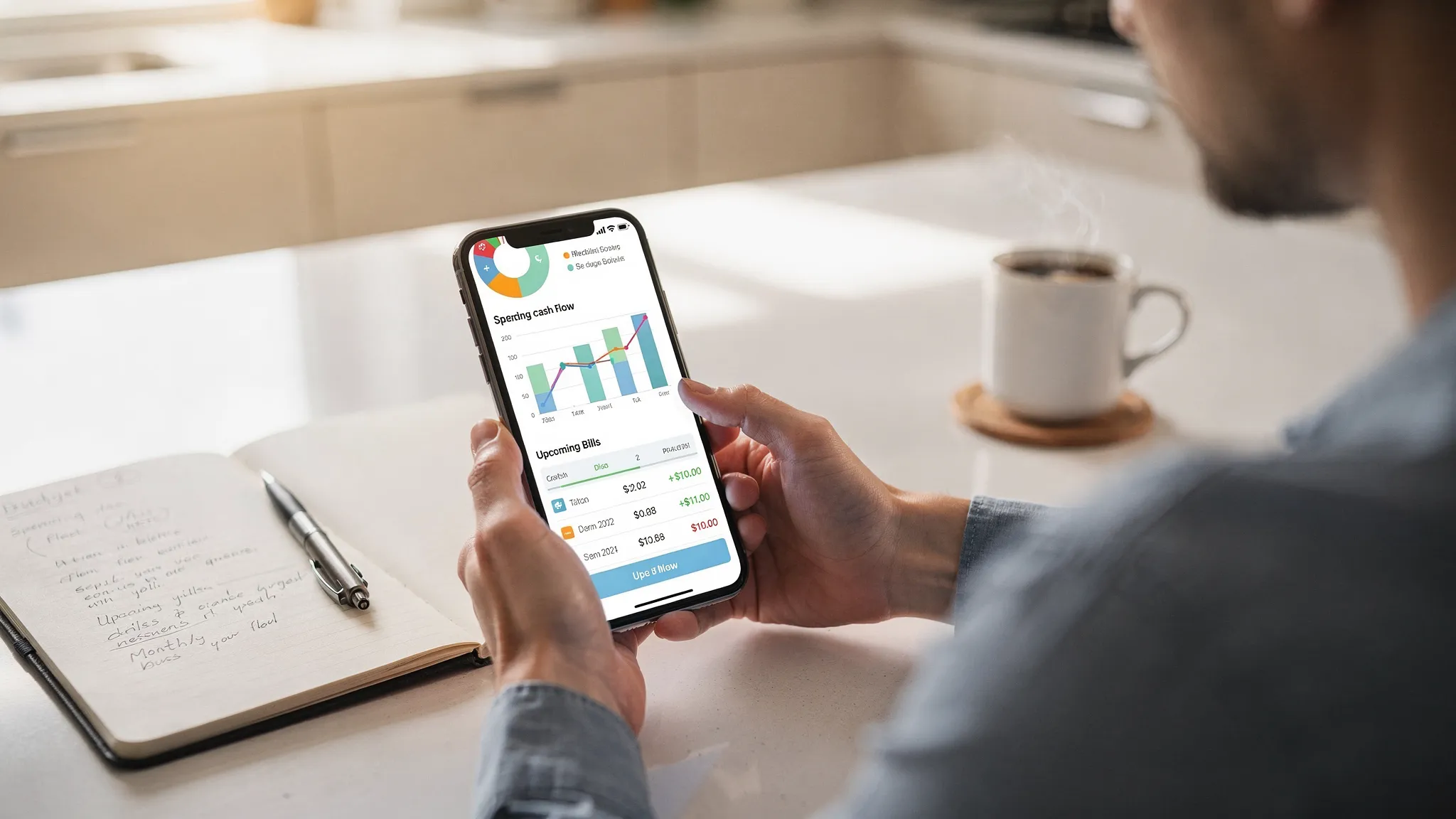
A practical shortlist of financial apps by use case
Instead of ranking apps 1 through 10 (which often hides tradeoffs), this is a shortlist by what you are trying to accomplish.
Best all-in-one money dashboard for tracking everything: MoneyPatrol
If your goal is to see your finances in one place, track spending automatically, and stay on top of budgets and bills, an all-in-one dashboard is the most efficient category.
MoneyPatrol is built for that “single pane of glass” approach. Based on the product information provided, it includes:
- Expense tracking
- Budgeting tools
- Bill and debt tracking
- Income management
- Investment tracking
- Credit score monitoring
- Personal finance dashboard with customizable alerts and reminders
- Account reconciliation and detailed financial reports
It also supports connectivity to thousands of financial institutions, which matters if you have multiple banks, credit cards, or brokerage accounts.
If you are looking for a free place to start, MoneyPatrol positions itself as a comprehensive option. You can explore the platform here: MoneyPatrol.
Best for strict, hands-on budgeting: zero-based and envelope-style apps
If you want budgeting discipline more than dashboards, consider apps designed around “assign every dollar a job.” This category works well if:
- Your spending feels chaotic month to month
- You want to plan before you spend, not after
- You prefer manual review and intentional tradeoffs
A commonly cited example is YNAB, which is known for zero-based budgeting and strong budgeting workflows. Apps in this category tend to be more opinionated, which can be a pro (structure) or a con (less flexibility).
Best for subscription awareness and bill organization
If “mystery spending” is your problem, subscription-focused tools can help you identify recurring charges and keep tabs on monthly obligations.
A well-known app in this general category is Rocket Money. Even if you do not use it long-term, this type of tool can be valuable for an annual cleanup, especially after price hikes or free trials you forgot.
Best for net worth tracking with investments included
If your main goal is net worth visibility and investment tracking, look for apps that emphasize:
- Investment account connections
- Allocation and performance views
- Net worth over time
A popular option for this use case is Empower Personal Dashboard (formerly Personal Capital). This kind of app can be especially helpful if you are past the “I need a budget” stage and closer to “I need a consolidated view of everything I own and owe.”
Best for modern spending insights and couples or households
Some apps focus on user experience, flexible categorization, and visibility for shared finances. If you want an app that feels like a modern product first and a spreadsheet second, that design emphasis can be a real advantage.
A commonly mentioned option here is Monarch Money. Consider this category if you want a cleaner interface, better sharing workflows, or more customization in categories and rules.
Best for credit-focused monitoring
If you are trying to build credit, recover from past mistakes, or monitor credit changes, credit-first apps can be useful as a supplement to budgeting.
A widely used example is Credit Karma. Treat credit apps as one part of your system. Credit monitoring alone rarely fixes cash flow problems, but it can help you stay aware of score movement and account activity.
Quick decision table: match your goal to the right app type
Use this table to pick the category that fits your immediate goal, then choose the specific app that matches your preferences.
| Your main goal | Best app type | What to prioritize when comparing options |
|---|---|---|
| Stop overspending and build consistency | Budget-first app | Clear category limits, easy adjustments, weekly review flow |
| See all accounts and spending in one place | All-in-one dashboard | Broad account connections, reliable sync, strong reporting |
| Cut monthly “leaks” (subscriptions and recurring bills) | Subscription and bills organizer | Recurring charge detection, bill reminders, notifications |
| Track net worth and investments | Net worth and investing dashboard | Investment visibility, allocation views, net worth trend |
| Coordinate shared finances | Household-friendly budgeting app | Sharing permissions, combined and separate views, rules |
| Improve credit awareness | Credit monitoring app | Monitoring, alerts, dispute tools (if offered), education |
How to test a finance app in 30 minutes (so you don’t waste a week)
Most people abandon finance apps because setup takes too long or because the results look wrong. This quick test helps you evaluate quality early.
Connect accounts and check for “first sync” accuracy
After connecting accounts (or adding them manually), scan the most recent 30 days:
- Are transactions missing?
- Are there obvious duplicates?
- Are major merchants categorized sensibly?
If you see issues immediately, it is unlikely to improve without ongoing cleanup.
Create a starter budget with only 5 categories
Do not build a perfect budget on day one. Start with a small set that drives behavior:
- Housing
- Groceries
- Dining and coffee
- Transportation
- Shopping and misc
Then add bills and savings goals after you can trust the transaction flow.
Turn on just 2 or 3 alerts
Start with alerts that prevent real damage:
- Low balance alert
- Upcoming bill reminder
- Overspending trend in your top category
You can always add more later.
A smarter way to think about “best” in personal finance apps
“Best” is contextual. A good match depends on your constraints and your habits.
If you want automation, choose a dashboard with strong alerts
If you are busy, a dashboard plus reminders usually beats a complex budgeting methodology you will not maintain. The winning system is the one you check weekly.
If you need behavior change, choose an app that enforces tradeoffs
If you are trying to break paycheck-to-paycheck cycles, an app that forces you to make choices (and revisit them) can be more effective than passive tracking.
If you want to grow wealth, prioritize net worth, cash flow, and debt payoff visibility
Budgeting matters, but long-term outcomes often come down to the big levers: savings rate, debt interest, and investment consistency.
For foundational guidance on budgeting and money management concepts, the Consumer Financial Protection Bureau has practical resources that complement any app-based system: CFPB financial education tools.
Where MoneyPatrol fits in this shortlist
MoneyPatrol is best aligned with people who want a comprehensive, connected view of their finances, plus budgeting, bill and debt tracking, and alerts from one place. If you are comparing financial apps because you want fewer logins, clearer reporting, and a structured routine you can stick with, it is a sensible category leader to evaluate.
You can learn more or get started here: MoneyPatrol. If you are specifically focused on budgeting, their overview of the app’s positioning and approach is also helpful: best free budgeting app.
The bottom line
The best financial apps help you do three things consistently: see reality, make a plan, and stay ahead of problems with timely reminders and clear reporting.
Pick one app from the category that matches your current goal, commit to a simple weekly review, and only switch if the basics (sync accuracy, categories, alerts) do not hold up. That is how a finance app becomes a system, not just another download.


 Our users have reported an average of $5K+ positive impact on their personal finances
