
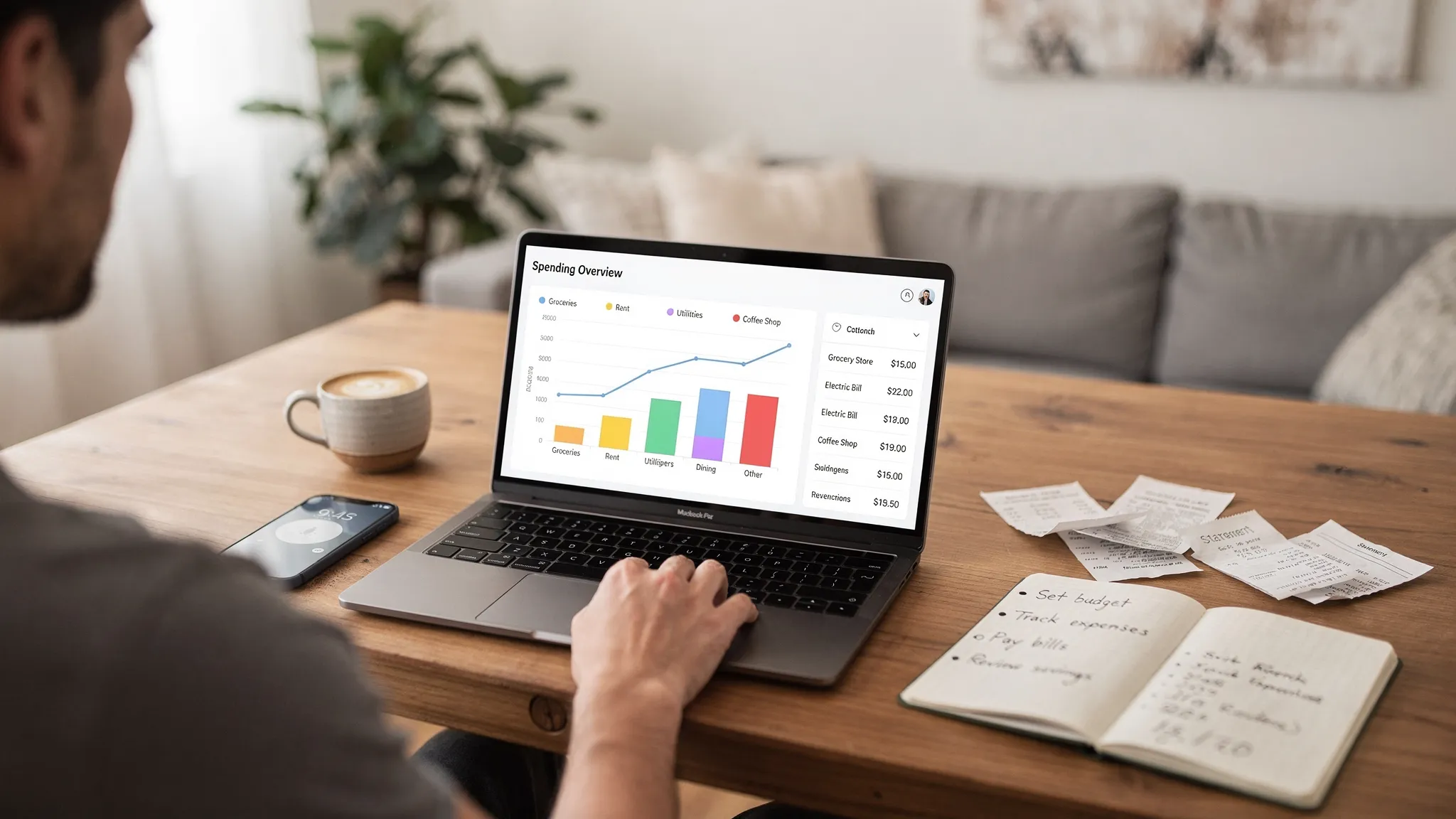
Choosing the best expenditure tracking app is less about finding the most popular brand and more about finding the one that fits how you actually spend, pay bills, and review your finances. Some people need a lightweight daily spend tracker. Others need bank syncing, bill reminders, debt payoff planning, and reports that make tax season easier.
This guide breaks down the decision in a practical way, so you can evaluate apps quickly, avoid common traps (like inaccurate categories or missed bills), and pick an app you will still be using in three months.
What an “expenditure tracking app” should do (at minimum)
An expenditure tracking app is any tool that helps you record spending and understand where your money went. In practice, the best apps go beyond logging transactions and help you build a repeatable money routine.
At a minimum, a strong expenditure tracker should give you:
- Fast capture of spending (automatic bank sync, manual entry, or both)
- Clear categories (so you can understand patterns)
- Filters and search (so you can find transactions when something looks off)
- Accurate totals over time (weekly, monthly, year to date)
If an app cannot reliably answer “How much did I spend on food last month?” it is not really tracking expenditure in a useful way.
Step 1: Decide what “right” means for you
Before comparing features, define your use case. This prevents overpaying for features you will not use, or choosing a simple tracker when you actually need a full personal finance hub.
If you are focused on day-to-day spending control
You likely need:
- Simple categories and rules
- A clean weekly or monthly view
- Notifications for unusual spending or category overages
If you are focused on bills, due dates, and avoiding late fees
You likely need:
- A bill tracker with reminders
- Cash flow visibility (income vs upcoming obligations)
- Alerts (due soon, paid, missed)
The Consumer Financial Protection Bureau (CFPB) has repeatedly emphasized that late fees and payment issues can be avoided by setting up reminders and monitoring due dates, which is exactly where bill tracking features matter most. You can explore consumer guidance on fees and payments at the CFPB website.
If you are focused on “big picture” financial progress
You likely need:
- Budgeting tools
- Net worth or account overview
- Debt tracking (balances and payoff direction)
- Investment tracking (at least high-level)
This is where an all-in-one dashboard can outperform a basic expense logger.
Step 2: Pick your tracking method (manual, bank sync, or hybrid)
Most people abandon expense tracking because it becomes tedious or the data feels untrustworthy. Your tracking method determines both effort and accuracy.
Manual tracking
Manual entry works well if you use cash often, share expenses with others, or want maximum control over categories. The tradeoff is consistency. If you miss entries, your numbers become unreliable.
Bank syncing (automatic transaction imports)
Bank syncing reduces work dramatically and usually improves completeness. The tradeoff is you must review imports for:
- Duplicates
- Pending vs posted transaction mismatches
- Wrong merchant names
- Mis-categorization
Hybrid tracking
For many households, hybrid is ideal: sync your accounts and manually add cash spending or one-off adjustments. Hybrid also helps if you want the speed of automation but still want to “touch” your spending regularly.
Step 3: Evaluate apps using a simple scorecard
Instead of reading endless listicles, use a short set of criteria and score each app you try. You will learn more in one afternoon of testing than in hours of reviews.
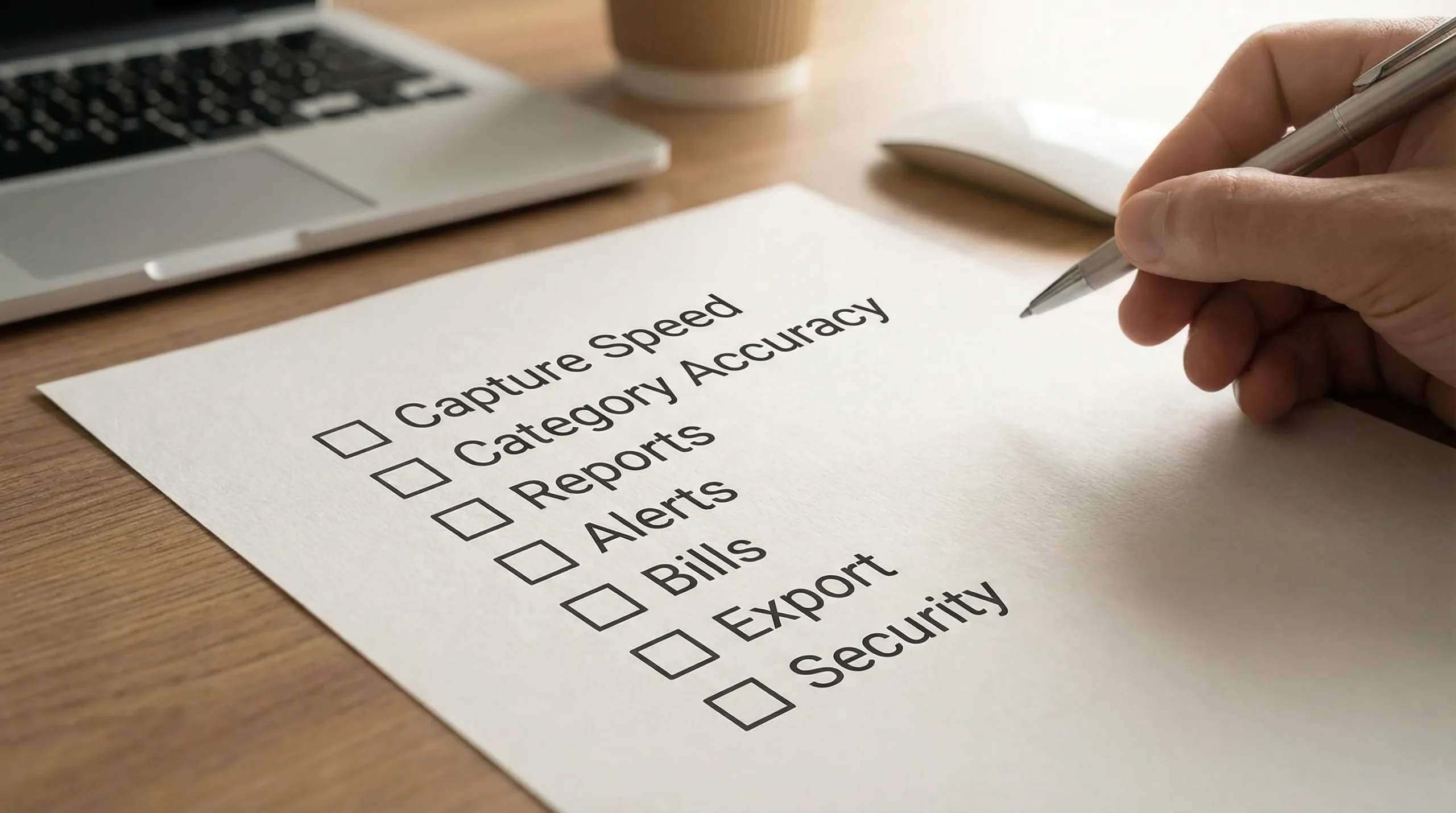
Here is a practical scorecard you can copy into a note:
| Criteria | Why it matters for expenditure tracking | What to look for in an app | Quick test you can do today |
|---|---|---|---|
| Data capture | If data is incomplete, insights are misleading | Bank sync and/or fast manual entry | Add 5 transactions in under 60 seconds, or connect a bank and confirm imports |
| Categorization quality | Categories drive budgets and reports | Editable categories, rules, split transactions | Re-categorize 10 transactions and see how many clicks it takes |
| Reports and trends | Helps you understand patterns and improve | Monthly summaries, category trends, merchant views | Find “last month dining” and “this month subscriptions” quickly |
| Alerts and reminders | Prevents overspending and missed bills | Custom alerts (spikes, due dates, low balance) | Set one alert and confirm it is configurable (not just generic) |
| Bills and debt tracking | Late fees and interest are expensive | Due dates, balances, progress visibility | Add one bill and verify reminders are clear |
| Privacy and security controls | You are linking sensitive accounts | MFA support, clear data policy, reputable practices | Read the privacy policy and see if data usage is explained plainly |
| Export and portability | Avoid lock-in and simplify audits | CSV export, flexible filters | Try exporting last 30 days and confirm it is readable |
This approach also protects you from choosing an app because it has one flashy feature while failing at the basics.
Step 4: Don’t ignore privacy and security (especially with bank connectivity)
If you plan to sync financial institutions, your expenditure tracker is not just a convenience app, it is part of your financial security.
A few practical checks that do not require technical expertise:
- Multi-factor authentication (MFA) on your app account: This is one of the simplest ways to reduce account takeover risk. The U.S. Cybersecurity and Infrastructure Security Agency (CISA) consistently recommends MFA as a core protective step. See CISA guidance on MFA.
- Clear explanation of data handling: Look for a readable privacy policy that explains what data is collected, how it is used, and what happens if you close your account.
- Granular controls and alerts: If an app offers alerts for unusual activity or account changes, that can add an extra layer of visibility.
If you are uncomfortable linking accounts, choose an app that supports manual tracking well. Consistency beats sophistication.
Step 5: Make sure it matches your real life (not an idealized version)
Many apps look great until you try to use them during a busy week.
Consider your household complexity
Ask yourself:
- Are finances shared with a partner?
- Do you need to track reimbursements or shared bills?
- Do you have variable income (freelance, commissions)?
- Do you use multiple cards and accounts?
The more complex your reality, the more you benefit from an app that can consolidate accounts, support reconciliation, and generate dependable reports.
Consider your spending patterns
If you spend heavily at a few merchants (Amazon, big-box stores, delivery apps), you will want:
- Consistent merchant naming
- Split transactions (for mixed-category purchases)
- Better filters and search
If you use subscriptions heavily, look for recurring expense visibility and alerts.
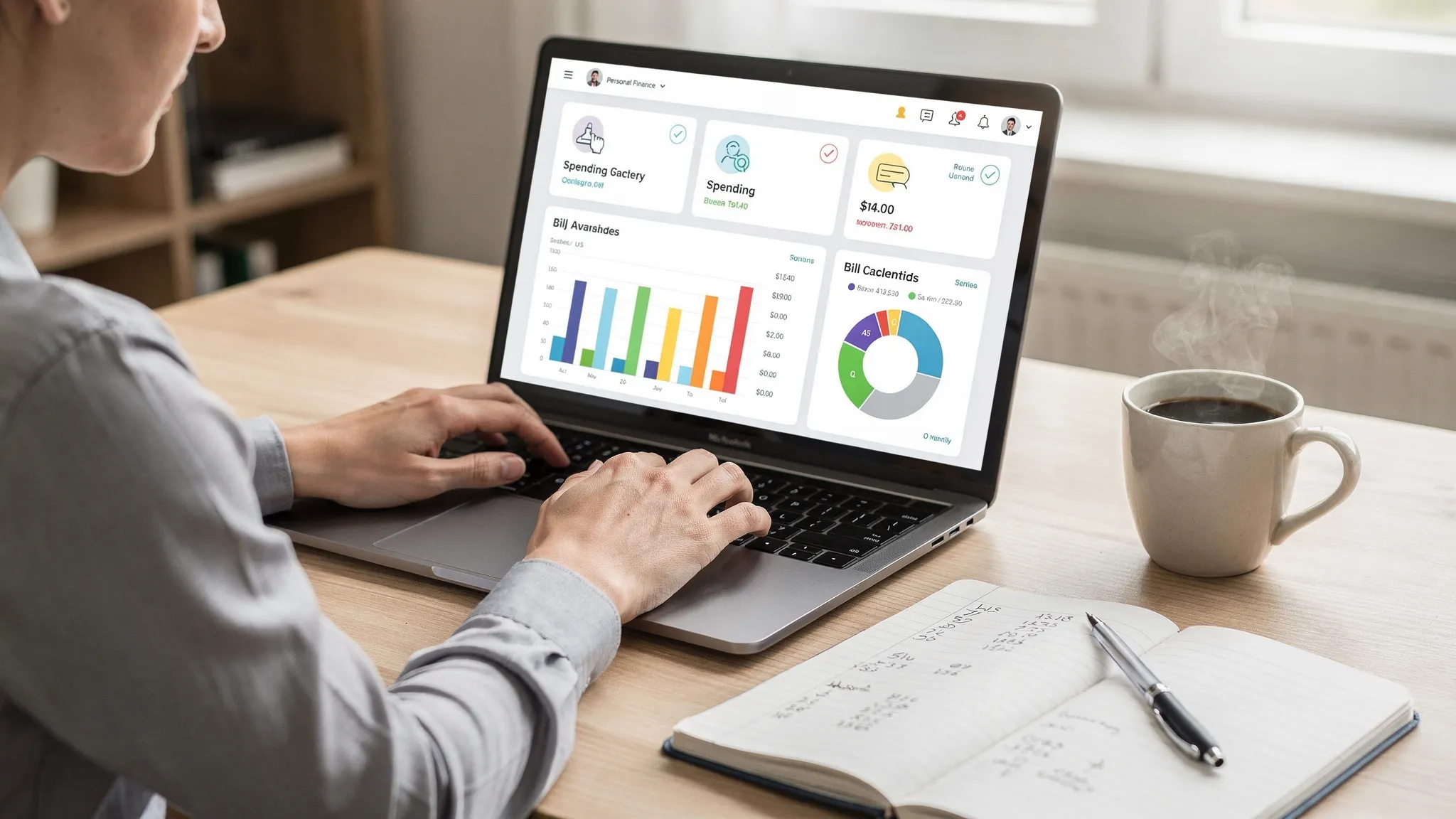
Step 6: Look for “sticking power” features (the ones that keep you engaged)
The best expenditure tracking app is the one you keep using. In practice, retention comes from a small set of features that reduce friction.
Smart alerts that are actually useful
Generic notifications become noise. The alerts that change behavior are specific, such as:
- A category is trending over your typical monthly average
- A bill is due in X days and has not been paid
- A balance change is unusual relative to recent history
Reports that tell a story
A good report does not just display totals, it helps you answer:
- What changed this month?
- What is driving overspending?
- Which categories are stable and predictable?
Reconciliation or review workflows
Even with bank syncing, you need a habit of reviewing transactions. Apps that make review easy (filters, quick edits, flags) are more likely to become part of your routine.
Step 7: Common mistakes to avoid when choosing
A few selection mistakes show up again and again:
Choosing based on aesthetics instead of data quality
A beautiful interface is not helpful if imports are inconsistent or categories are wrong. Always test accuracy with real transactions.
Ignoring exportability
Even if you love an app, you should be able to export your transaction history. Portability reduces lock-in and helps with taxes, audits, or switching tools.
Over-indexing on “budgeting” when your issue is bills (or vice versa)
If late fees are your pain point, prioritize bill tracking. If overspending is the pain point, prioritize category trends and alerts. Many people pick the wrong tool because they pick the wrong problem.
Expecting the app to fix your finances automatically
Tools create visibility. Behavior creates results. The best apps support habits with reminders, insights, and simple workflows, but you still need a short weekly review.
A quick 30-minute test to find your best-fit app
If you want a fast way to decide, do this with any app you are considering:
- Connect accounts (if you plan to) or manually enter 10 transactions.
- Re-categorize the messy ones and split one mixed purchase.
- Set one budget (even a simple monthly cap for dining).
- Add one bill with a due date.
- Generate one report (last month by category).
- Export the last 30 days.
If any step feels confusing or takes too long, the tool may not match your routine.
Where MoneyPatrol fits if you want an all-in-one expenditure tracking app
If your goal is to track spending while also keeping bills, budgets, and accounts organized in one place, MoneyPatrol is positioned as a comprehensive personal finance and budgeting app.
Based on its stated feature set, MoneyPatrol supports:
- Expense tracking
- Budgeting tools
- Bill and debt tracking
- Income management
- Investment tracking
- Credit score monitoring
- A personal finance dashboard
- Customizable alerts and reminders
- Account reconciliation
- Detailed financial reports
If you are evaluating apps in the “all-in-one dashboard” category, a practical next step is to test whether the workflow matches your day-to-day needs (speed of categorization, clarity of reports, usefulness of alerts, and how easy it is to review transactions). You can explore MoneyPatrol from the official site at MoneyPatrol.
Final checklist: what the best expenditure tracking app should help you do
A strong final gut-check is to ask whether the app makes these outcomes easier:
- Know your spending without guesswork
- Catch issues early (overages, missed bills, odd transactions)
- Make decisions faster (what to cut, what to keep, what to automate)
- Stay consistent with minimal effort
If an app nails those four, it is a strong candidate for “best” for you, even if it is not the most famous.


 Our users have reported an average of $5K+ positive impact on their personal finances
