
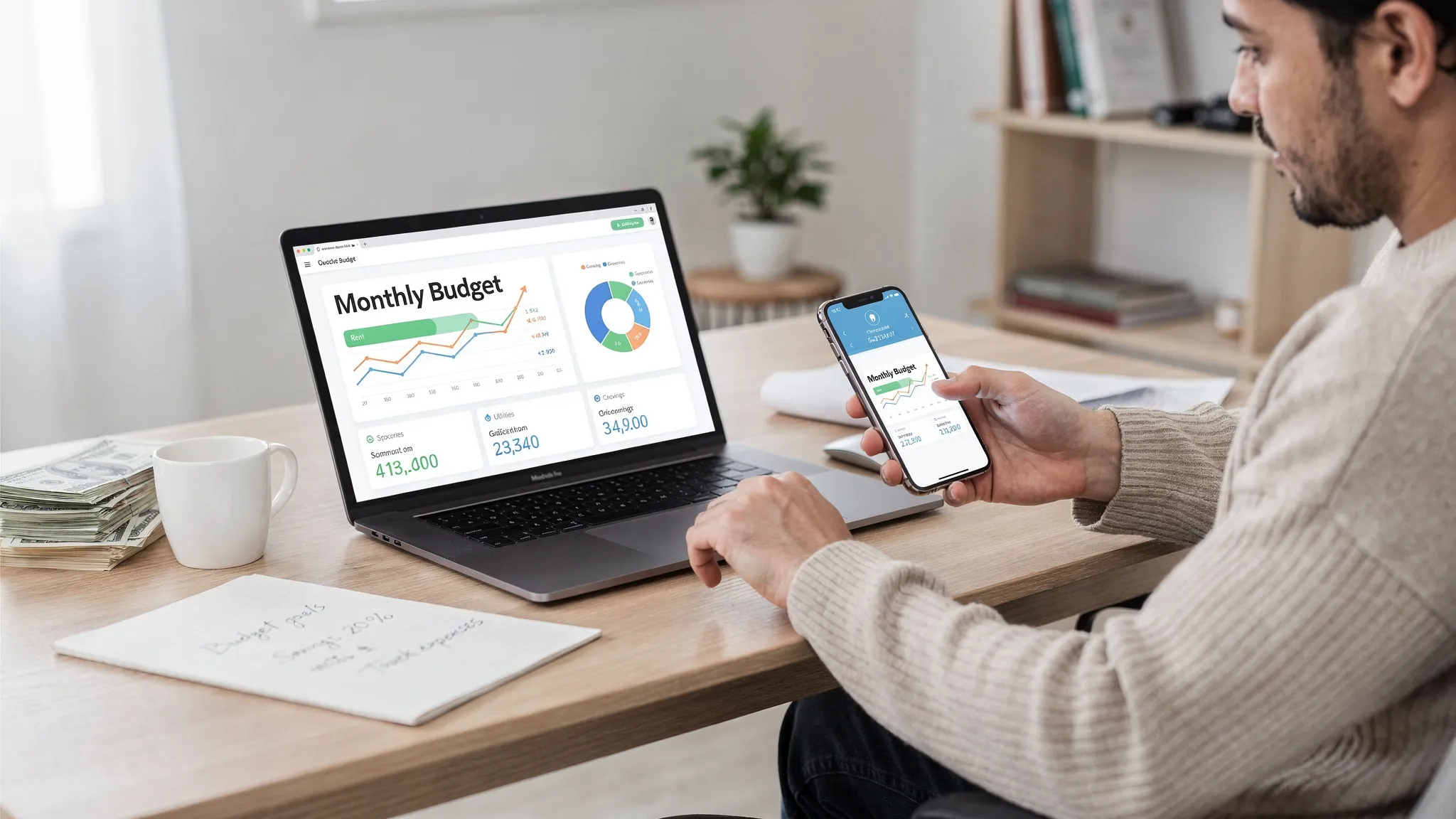
Picking a money app in 2026 is less about flashy charts and more about trust, automation, and fit. The best budgeting and personal finance apps now do three things well: they pull in transactions reliably, help you make decisions (not just categorize), and keep your data secure while you connect more accounts than ever.
This guide compares standout options for different money styles, from hands-on zero-based budgeting to set-it-and-forget-it tracking. You will also get a practical checklist to choose an app without getting stuck in analysis paralysis.
What “best” means for budgeting apps in 2026
Most people do not need “the most features.” They need the few features that actually change behavior.
Here are the criteria that matter most in 2026, based on what typically makes people abandon an app after a few weeks.
1) Reliable account syncing (and graceful failure)
If the app connects to your banks and cards, it needs to:
- Update consistently
- Handle duplicate or pending transactions sensibly
- Make it easy to fix categorization rules when a merchant name changes
Connection reliability matters even more now that many households use multiple banks, BNPL providers, and investment platforms.
2) Budgeting method that matches how you think
Apps usually fall into a few “money philosophies,” and choosing the wrong one is the fastest way to quit.
| Your style | What to look for | Best-fit app types |
|---|---|---|
| You want strict control of every dollar | Zero-based budgeting, strong category rules, frequent check-ins | Zero-based budgeting tools |
| You want awareness, not micromanagement | Cash flow views, spending insights, alerts | Personal finance dashboards |
| You want to reduce bills and subscriptions | Subscription detection, bill reminders, negotiation workflows | Bill-focused budgeting apps |
| You share money with a partner | Multi-user access, shared categories, household views | Household budgeting apps |
3) Strong bills and “future you” support
Budgets fail when the next bill surprises you. A good app helps you plan around due dates, minimum payments, and upcoming irregular expenses.
4) Useful alerts (not notification spam)
Look for alerts you will actually act on, like:
- Bill due reminders
- Unusual spending spikes
- Low-balance warnings
- Large transaction notifications
5) Privacy and security you can explain in one sentence
At minimum, you want multi-factor authentication on your account and clear privacy practices. The FTC’s consumer guidance on security and scams is a good reminder of why basic account protections still matter.
6) Reporting that answers real questions
Pretty charts are not the goal. You want reporting that answers questions like:
- “What is my true monthly spending after annual bills?”
- “Am I actually saving more than last quarter?”
- “Which categories are driving my overspending?”
7) Easy export and portability
Even if you love the app, you should be able to export your data. Portability keeps you in control.
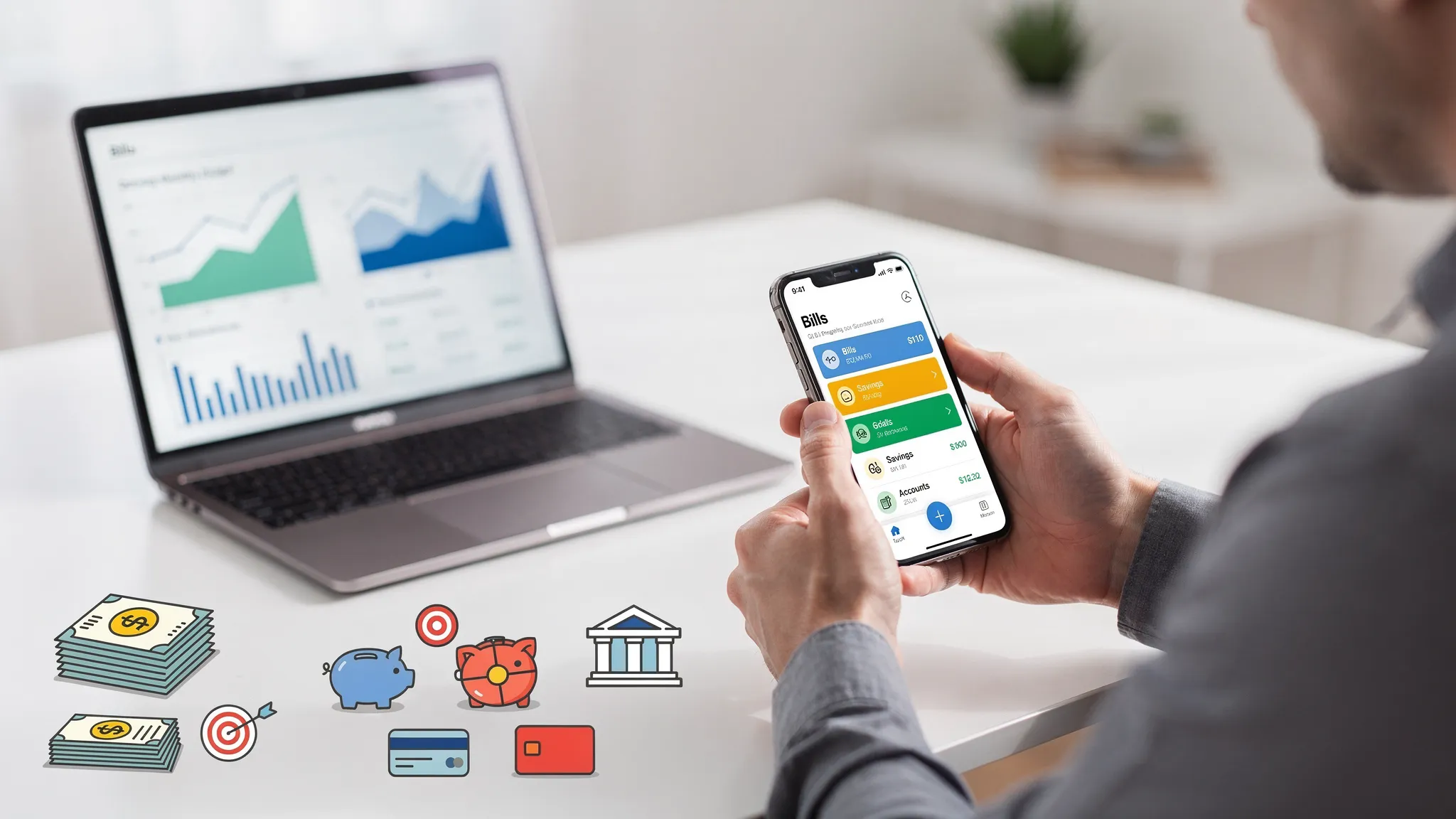
Quick comparison: best budgeting and personal finance apps for 2026
The “best” app depends on your goal. Here is a high-signal shortlist to start with.
| App | Best for | Why it stands out in 2026 |
|---|---|---|
| MoneyPatrol | All-in-one personal finance with a free option | Comprehensive dashboard, expense tracking, budgeting, bills and debt tracking, alerts, reports, and connectivity to many institutions |
| YNAB (You Need A Budget) | Hands-on budgeting | Strong zero-based method that encourages frequent, intentional budgeting |
| Monarch Money | Couples and households | Designed for shared visibility and planning across accounts |
| Rocket Money | Subscription and bill pain | Focused on recurring charges and reducing monthly waste |
| Empower Personal Dashboard | Net worth and investments | Strong high-level view of investments and overall financial picture |
| Quicken Simplifi | Cash flow clarity | Emphasizes planned spending and monthly runway style views |
| Copilot Money | Apple-first experience | Polished UI and strong categorization workflows for iOS users |
| Goodbudget / EveryDollar | Manual budgeting and privacy-conscious users | You can budget without linking accounts, good for simple envelope-style habits |
Note: Features, pricing, and supported institutions change often. Before committing, confirm that your primary bank, credit card, and mortgage servicer connect cleanly.
The best apps, explained (so you can pick faster)
MoneyPatrol: best free all-in-one personal finance dashboard
If you want one place to track day-to-day spending, bills, debt, and progress toward goals, MoneyPatrol is built for that “single dashboard” experience.
It is especially useful if you value monitoring and insights alongside budgeting, because it combines:
- Expense tracking and categorization
- Budgeting tools
- Bill and debt tracking
- Income management
- Investment tracking
- Credit score monitoring
- Customizable alerts and reminders
- Account reconciliation and detailed reports
Because it is positioned as a comprehensive personal finance app with a free option, it can be a practical starting point if you are not yet sure what your preferred budgeting method is.
If you want to explore it directly, you can start from the main site: MoneyPatrol.
YNAB: best for zero-based budgeting and behavior change
YNAB remains a top choice for people who want a strict, proactive budgeting system. The core idea is that you assign money a job and keep the budget updated as life happens.
It tends to work best if:
- You are willing to check in multiple times per week
- You want your budget to drive decisions before you spend
- You like a method and rules more than automation alone
If you have tried “tracking apps” and still feel broke, a method-first tool like YNAB can be the difference.
Monarch Money: best for couples and shared financial planning
For many households in 2026, the real challenge is coordination, not math. Monarch is often chosen for shared planning because it is built around the idea of multiple accounts, shared goals, and a unified view.
It is a strong fit when:
- You and a partner want to see the same categories and goals
- You are combining finances (or partially combining them)
- You want net worth tracking alongside budgeting
Rocket Money: best for subscriptions, recurring charges, and bill pressure
Many budgets fail because recurring charges quietly stack up. Apps like Rocket Money are popular because they focus on subscription discovery and bill-related workflows.
Choose this style if:
- Your biggest leak is recurring spending
- You want help spotting unused subscriptions
- You are trying to lower monthly fixed costs before optimizing categories
Empower Personal Dashboard: best for net worth and investment visibility
Some people do not need a strict monthly budget, they need a clear “big picture” view that ties spending to net worth and investing.
Empower is widely used for:
- Net worth tracking
- Portfolio and retirement visibility
- Seeing accounts in one place
This category is ideal if you are already saving consistently and want stronger investment awareness.
Quicken Simplifi: best for cash flow and planned spending
If your budgeting pain is not overspending, but timing, cash flow tools can help. Simplifi is often considered for planned spending views and monthly clarity.
It is a good match if:
- You want to understand your monthly runway
- You have irregular expenses and want them “smoothed”
- You prefer less rigid category micromanagement
Copilot Money: best for a polished iOS-first experience
Copilot is often chosen by users who care about design, workflows, and fast categorization on Apple devices.
Pick it if:
- You are mostly in the Apple ecosystem
- You want smooth day-to-day transaction review
- You like actively managing categories but want it to feel effortless
Goodbudget or EveryDollar: best for manual budgeting (no linking required)
Manual budgeting is still a valid choice in 2026, especially if you:
- Prefer not to connect bank accounts
- Want a simple envelope-style plan
- Are rebuilding habits and need a lower-tech reset
The upside is privacy and intentionality. The downside is time and the risk of falling behind if you do not keep up with entry.
A practical way to choose in under 30 minutes
Instead of reading 40 reviews, use this simple selection process.
Step 1: Decide your “job to be done”
Be specific. “Budget better” is vague. Better prompts are:
- “Stop overdrafting and get ahead of bills.”
- “See where my money goes without tracking every purchase.”
- “Unify accounts and track net worth with minimal effort.”
- “Create a shared plan with my partner.”
Step 2: Pick the right category of app
Match your job to the app type:
- Bills and avoidance of surprises: choose a dashboard with strong bill tracking and alerts.
- Behavior change and strict control: choose a zero-based budgeting tool.
- Net worth and investing visibility: choose a personal finance dashboard with investment tracking.
- Privacy-first or simplicity: choose a manual-entry tool.
Step 3: Test with real life, not sample data
During a trial week, do these three things:
- Review 20 to 30 recent transactions and fix rules until categorization looks right.
- Set one alert you would actually act on (like a bill reminder or spending spike).
- Run one report you care about (like monthly spending by category or cash flow).
If any of those steps feel annoying, you will not stick with the app.
Security and data privacy: what to verify before linking accounts
Budgeting apps are powerful because they centralize sensitive data. That makes basic security diligence worth your time.
Here is what to check before connecting accounts:
- Multi-factor authentication on your budgeting app login
- Clear explanation of how data is accessed and stored
- How you can revoke access if you stop using the app
- Whether you can export your transactions and categories
Also remember that consumer-authorized data sharing is a fast-moving area in the US. The Consumer Financial Protection Bureau (CFPB) has been working on rules under Section 1033 of the Dodd-Frank Act to standardize how consumers access and share their financial data, which is likely to influence how apps connect and how permissions work over time. You can follow updates on the CFPB website.
A surprising budgeting tip for 2026: budget for memories, not just bills
One reason budgets feel restrictive is that people only budget for obligations. A healthier approach is to budget for what you actually value.
If you are planning an event (birthday party, reunion, wedding), create a mini-budget category set: food, venue, travel, and a small “memory” line item. For example, you might choose a simple tool for guests to share photos in one place, like instant event photo sharing with QR codes, so you do not end up chasing images across group chats later.
That is not a finance feature, but it is a real-world way to make your plan feel rewarding and easier to stick to.
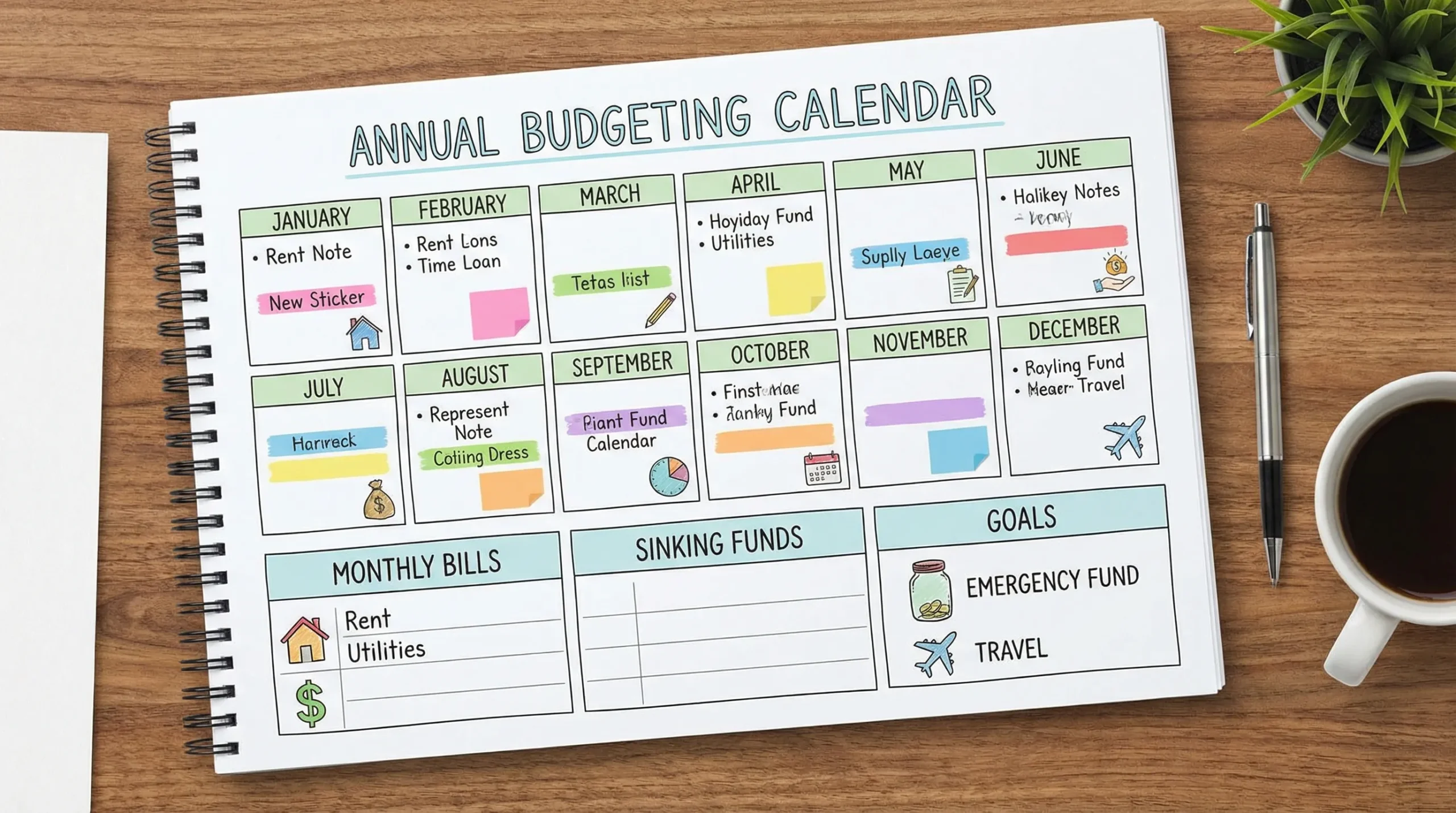
Which app is best for your situation?
If you are starting from zero
Choose an app that makes it easy to see everything in one place and set a few alerts. You want quick wins: fewer late fees, fewer “where did my money go?” moments, and a realistic monthly plan.
A comprehensive dashboard app can be a strong first step because it helps you understand your baseline spending before you decide on a strict method.
If you are living paycheck to paycheck
The best app is the one that helps you get ahead of bills and reduce surprises. Prioritize:
- Bill reminders
- Low-balance alerts
- Category caps that prevent overspending
- Clear visibility into upcoming obligations
Zero-based budgeting can also work well here if you can commit to frequent check-ins.
If you are a couple or household
Shared visibility is the feature that matters. Look for multi-user access and a workflow that prevents duplicate work (like both partners recategorizing the same transactions).
If you are a high earner trying to optimize
You may benefit more from net worth and investment tracking plus good reporting than from strict budgeting. The “best” app here is the one that helps you spot large, correctable issues (fees, subscriptions, lifestyle creep) and track long-term progress.
Final recommendation: pick one app and commit for 30 days
The best budgeting and personal finance apps for 2026 are the ones you will actually use. Your goal is not perfect categorization, it is better decisions.
If you want a comprehensive personal finance dashboard with budgeting, bills and debt tracking, alerts, reports, and a free option to get started, MoneyPatrol is a practical place to begin. If you prefer strict, method-driven budgeting, consider a zero-based tool like YNAB. If your biggest leak is recurring spend, try a subscription-focused app.
Choose one, connect the accounts you use daily, set one alert that will change your behavior, and review your numbers once a week. That is how budgeting apps deliver results in real life.


 Our users have reported an average of $5K+ positive impact on their personal finances
