
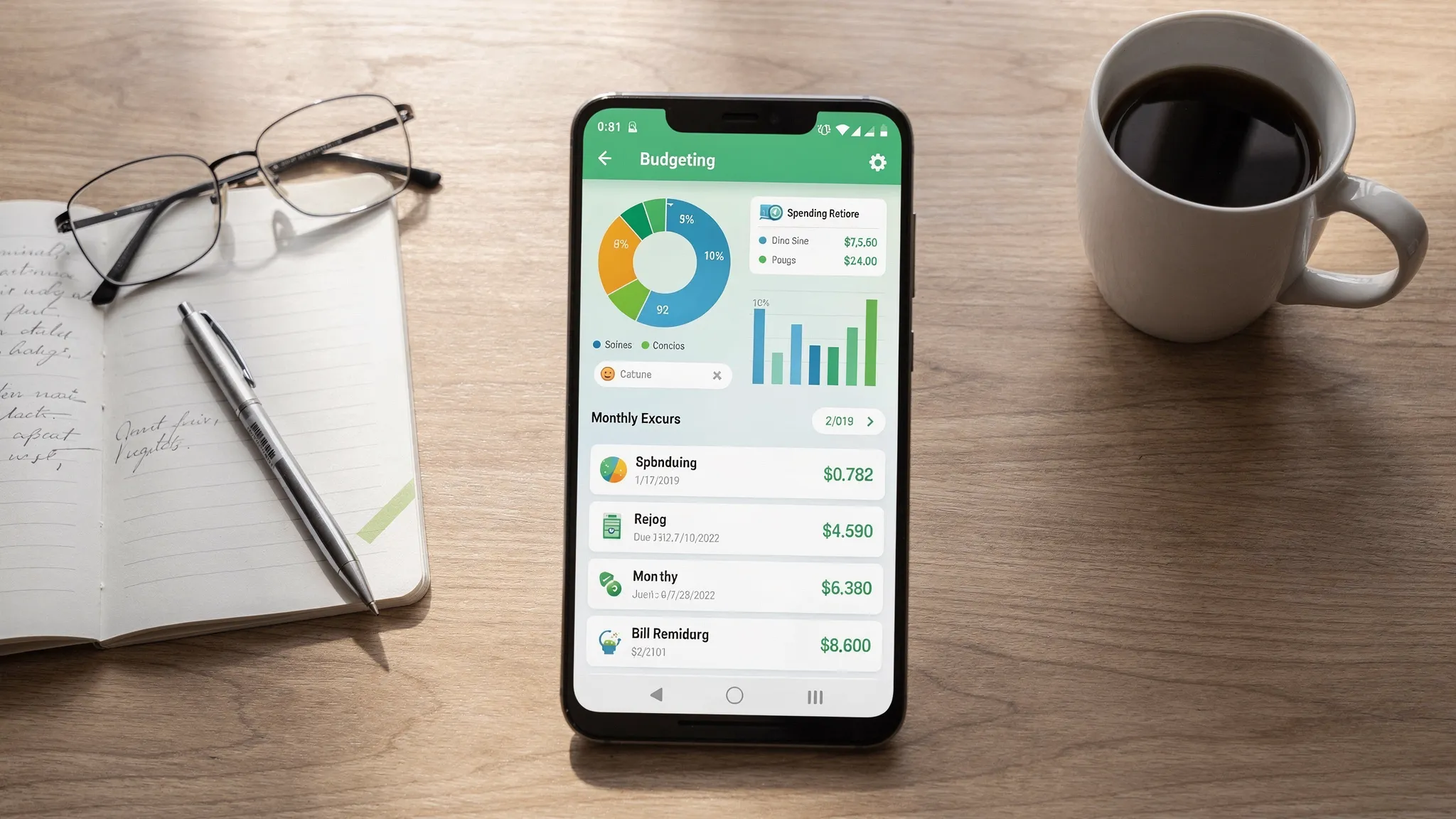
If you’re searching for the best budget app Android users can actually stick with, the winners usually share two traits: they sync reliably (so you are not manually typing every transaction) and they stay simple (so budgeting doesn’t become a second job).
Android has plenty of budgeting apps, but they vary a lot in how they handle bank connections, categories, alerts, and day to day workflows. Below are practical picks (including a strong free option) and a quick way to choose based on your style.
What “best budget app” means on Android in 2026
Most people are not looking for the most advanced finance software. They want something that:
- Pulls transactions automatically from major banks and cards
- Categorizes spending with minimal cleanup
- Shows a clear monthly plan (income, bills, spending, savings)
- Sends useful alerts (not notification spam)
- Works well on Android, not just a desktop add-on
The tradeoff is usually between control (very detailed budgeting rules) and simplicity (quick setup, fewer decisions).
A quick checklist: pick the right type of budgeting app for you
Before choosing an app, decide which of these matters most. It will save you from switching apps again in two weeks.
- Bank syncing you can trust: Look for broad institution connectivity, stable connections, and clear handling of duplicates.
- Budgeting style: “Category limits” vs “zero-based” (give every dollar a job) vs “envelope” budgeting.
- Bills and due dates: If late fees are your main pain, prioritize bill reminders and recurring tracking.
- Simplicity of edits: Great apps make it easy to fix categories, split a transaction, and add notes.
- Reporting that answers real questions: Trends over time, category totals, cash flow, and net worth.
- Security basics: Multi-factor authentication on your account and transparent data practices.
If you want more guidance on setting up a budget overall, the CFPB’s budgeting resources are a credible starting point: Consumer Financial Protection Bureau.
Best budget app Android picks (sync-first, simple-by-design)
These picks focus on Android usability, low friction setup, and bank sync (when available). Always verify current pricing and plan limits on the official site, since apps change frequently.
MoneyPatrol (best free, all-in-one dashboard for budgets + bills + net worth)
If your priority is “sync and stay simple” without paying, MoneyPatrol is designed for that use case.
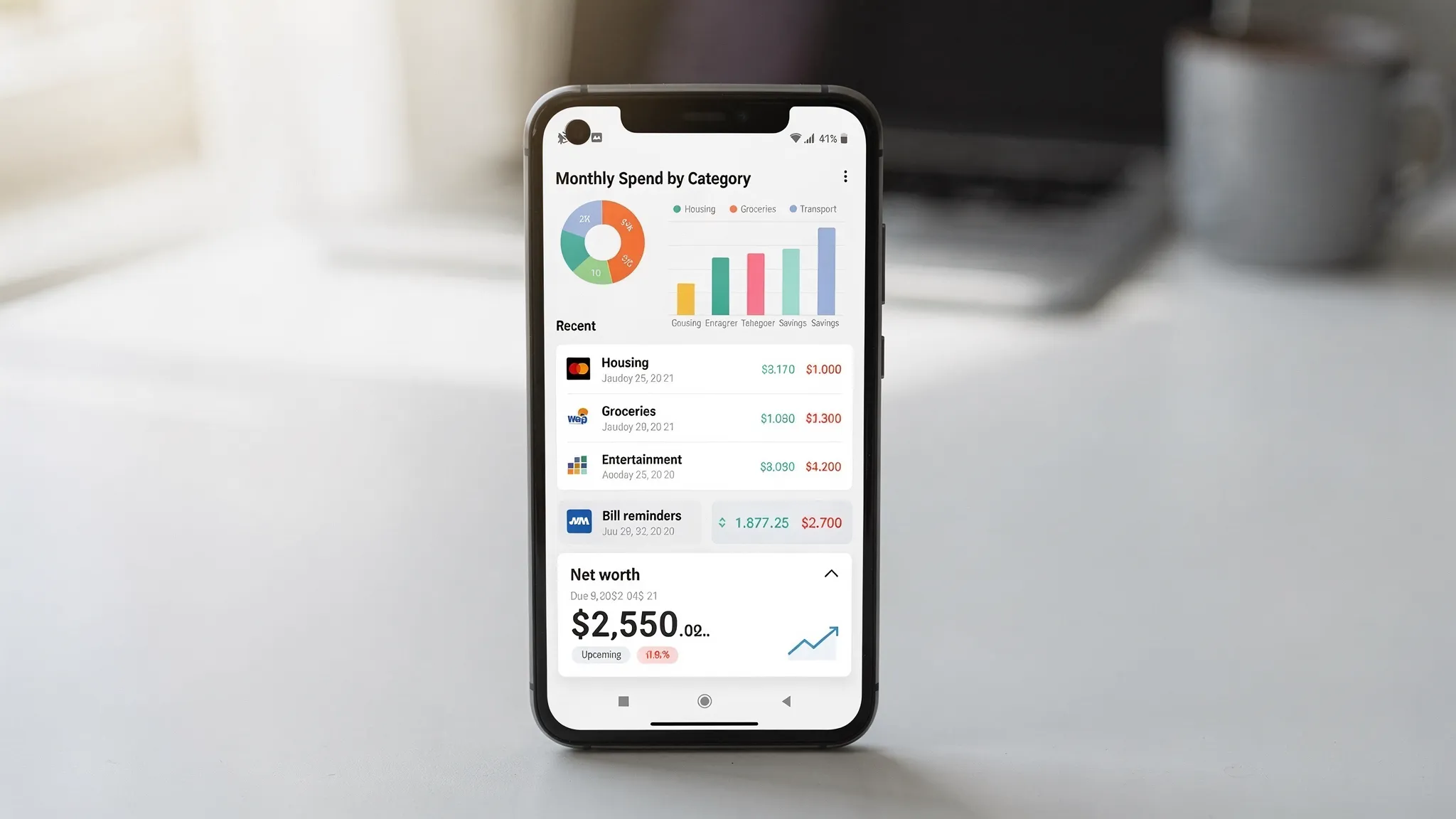
MoneyPatrol combines budgeting with broader money management in one place: expense tracking, budgeting, bill and debt tracking, income management, investment tracking, credit score monitoring, and detailed reports. It also supports customizable alerts and reminders and connects to thousands of financial institutions, which matters if you have multiple accounts.
- Best for: People who want a free Android budgeting app that also tracks bills, debt, and overall financial progress.
- Potential tradeoff: All-in-one dashboards can feel “feature-rich” at first, but the core workflow can still be kept simple if you focus on a few categories and alerts.
Learn more or try it here: MoneyPatrol.
YNAB (best for hands-on zero-based budgeting discipline)
YNAB is a classic choice if you want a system that forces clarity: every dollar gets assigned a job. Many people love it because it can change behavior fast, especially if overspending happens due to vague category limits.
- Best for: Users who want a structured method and are willing to actively manage categories.
- Potential tradeoff: It can feel like “too much process” if you only want light tracking.
Official site: YNAB.
Monarch Money (best for households that want planning + tracking in one place)
Monarch is popular for people managing finances across multiple accounts and goals, especially for shared household visibility.
- Best for: Couples or families who want a modern interface with strong planning and tracking.
- Potential tradeoff: Usually a paid product, and you will want to confirm the latest plan details.
Official site: Monarch Money.
Simplifi by Quicken (best for “simple monthly spending plan”)
Simplifi is often positioned around a clean spending plan view and cash flow visibility. If you like clarity on “what’s safe to spend,” it tends to fit that mindset.
- Best for: People who want a straightforward monthly plan and less budgeting complexity.
- Potential tradeoff: If you want strict envelope or zero-based rules, it may feel less rigid.
Official site: Quicken Simplifi.
Rocket Money (best for subscription visibility)
If your budget leaks are mostly subscriptions and recurring charges, Rocket Money is commonly used to surface recurring expenses and keep them from hiding.
- Best for: People who want to reduce recurring spending and keep a tight eye on subscriptions.
- Potential tradeoff: Budgeting depth varies by plan and feature set.
Official site: Rocket Money.
PocketGuard (best for quick “what can I spend?” budgeting)
PocketGuard is often chosen for fast setup and simple daily guidance. It typically appeals to people who hate complex category management.
- Best for: Beginners who want a quick read on discretionary spending.
- Potential tradeoff: If you want detailed category rules and long-term forecasting, it may feel limited.
Official site: PocketGuard.
Goodbudget (best for envelope budgeting, especially if you prefer manual control)
Goodbudget is centered on the envelope method. If you prefer manual entry (or want to keep banking data unlinked), envelope apps can stay very simple.
- Best for: Envelope budgeting fans and people who want to keep things manual.
- Potential tradeoff: Bank sync is not the core experience, and availability can depend on the plan.
Official site: Goodbudget.
EveryDollar (best for fans of a guided, rule-based monthly budget)
EveryDollar is designed around setting up your monthly budget and tracking against it. Some users like its straightforward, step-by-step feel.
- Best for: People who want a guided monthly budgeting workflow.
- Potential tradeoff: Bank connectivity can be plan-dependent, so confirm before committing.
Official site: EveryDollar.
NerdWallet (best for budget tracking plus broader financial guidance)
NerdWallet’s app is used by many people as a hub for tracking and financial education, including credit-related insights.
- Best for: People who want tracking plus financial guidance content in one ecosystem.
- Potential tradeoff: If you want a strict budgeting system, it may feel more like a financial overview tool.
Official site: NerdWallet.
Empower Personal Dashboard (best for net worth and investments alongside spending)
Empower is widely used for net worth tracking and investments, and many people also use it for spending insights.
- Best for: People who care about net worth and investments as much as monthly budgeting.
- Potential tradeoff: Budgeting workflows can feel less “budget-first” than dedicated budgeting apps.
Official site: Empower.
Quick comparison: which Android budget app fits your style?
| App | Bank sync | Budgeting style | Best for | What keeps it simple |
|---|---|---|---|---|
| MoneyPatrol | Yes | Category budgets + tracking | Free all-in-one money management | One dashboard for spending, bills, debt, net worth |
| YNAB | Yes | Zero-based | Behavioral change and full control | Clear rules, strong habits |
| Monarch Money | Yes | Planning + categories | Households and shared finances | Unified view of accounts and goals |
| Simplifi | Yes | Spending plan | Simple monthly guidance | Clean “safe to spend” style views |
| Rocket Money | Yes | Tracking + recurring focus | Subscription cleanup | Recurring charge visibility |
| PocketGuard | Yes | Simplified discretionary view | Beginners | Quick daily spend clarity |
| Goodbudget | Optional/plan-dependent | Envelope | Manual-first envelope budgeting | No complicated sync workflows |
| EveryDollar | Optional/plan-dependent | Zero-based style | Guided monthly budgeters | Step-by-step budget setup |
| NerdWallet | Yes | Overview + tracking | Guidance plus monitoring | Centralized financial snapshot |
| Empower | Yes | Tracking + net worth | Investors and net worth watchers | Strong net worth visibility |
“Bank sync” can vary by institution, region, and security changes, so treat any sync feature as “works for most major banks, test yours early.”
How to keep a syncing budget app simple (and avoid the usual frustration)
Most budgeting failures are not about math. They happen because the app gets messy, fast. These steps prevent that.
Start with fewer categories than you think you need
If you begin with 35 categories, you will spend your first month fixing categorization instead of learning.
A simple starter set that works for many people:
- Housing
- Utilities
- Groceries
- Dining
- Transportation
- Insurance
- Debt payments
- Subscriptions
- Shopping
- Savings
Once you trust the numbers, add detail.
Turn on only the alerts that change behavior
Good alerts help you avoid the “oops” moments:
- Low balance warnings
- Large transaction alerts
- Bill reminders
- Budget threshold alerts (for your top 2 to 4 problem categories)
Too many notifications get ignored.
Reconcile weekly, not daily
Weekly is the sweet spot for simplicity. You catch issues (duplicates, wrong categories, missing transactions) while the week is still fresh, without obsessing.
Use “notes” (or transaction details) to reduce future confusion
If a transaction is unusual, add a quick note like “annual renewal” or “work reimbursable.” Future you will thank you.
Treat budgeting as a cash flow system, not a morality test
A budget is a plan, not a judgment. If you overspend Dining, you did not fail, you learned something about what your plan needs to reflect.
Security and privacy: what to check before linking accounts
Any budgeting app that syncs accounts should make it easy for you to protect yourself. Look for:
- Multi-factor authentication on your account login
- Clear instructions for what to do if your phone is lost
- Transparent privacy and data-sharing policies
For practical, mainstream guidance on protecting accounts and avoiding identity theft, see the FTC’s resources: IdentityTheft.gov.
Frequently Asked Questions
What is the best budget app Android users can get for free? MoneyPatrol is a strong free option if you want bank syncing plus budgeting, bill tracking, and a unified personal finance dashboard.
Which budget apps sync with banks on Android? Many top apps offer bank syncing, but results vary by institution. Test your primary bank connection in the first day, then decide whether to commit.
What’s the simplest budgeting method for beginners? Start with a small set of categories and a monthly spending plan. The simplest method is the one you will review weekly and adjust without friction.
Is it safe to link bank accounts to a budgeting app? It can be, if you use strong passwords, enable multi-factor authentication, and choose apps with clear security and privacy practices. Always review the app’s policies and monitor accounts regularly.
Why do budget apps sometimes miss or duplicate transactions? Bank connections can lag, merchants can change how they label transactions, and pending charges can post differently. Weekly reconciliation and a few smart alerts usually solve most issues.
Try a simple, sync-first budgeting workflow with MoneyPatrol
If you want an Android budgeting app that stays practical, MoneyPatrol is built for day-to-day money management: track spending, set budgets, monitor bills and debt, and see your bigger picture (including investments and net worth) in one place.
Get started here: MoneyPatrol.


 Our users have reported an average of $5K+ positive impact on their personal finances
