
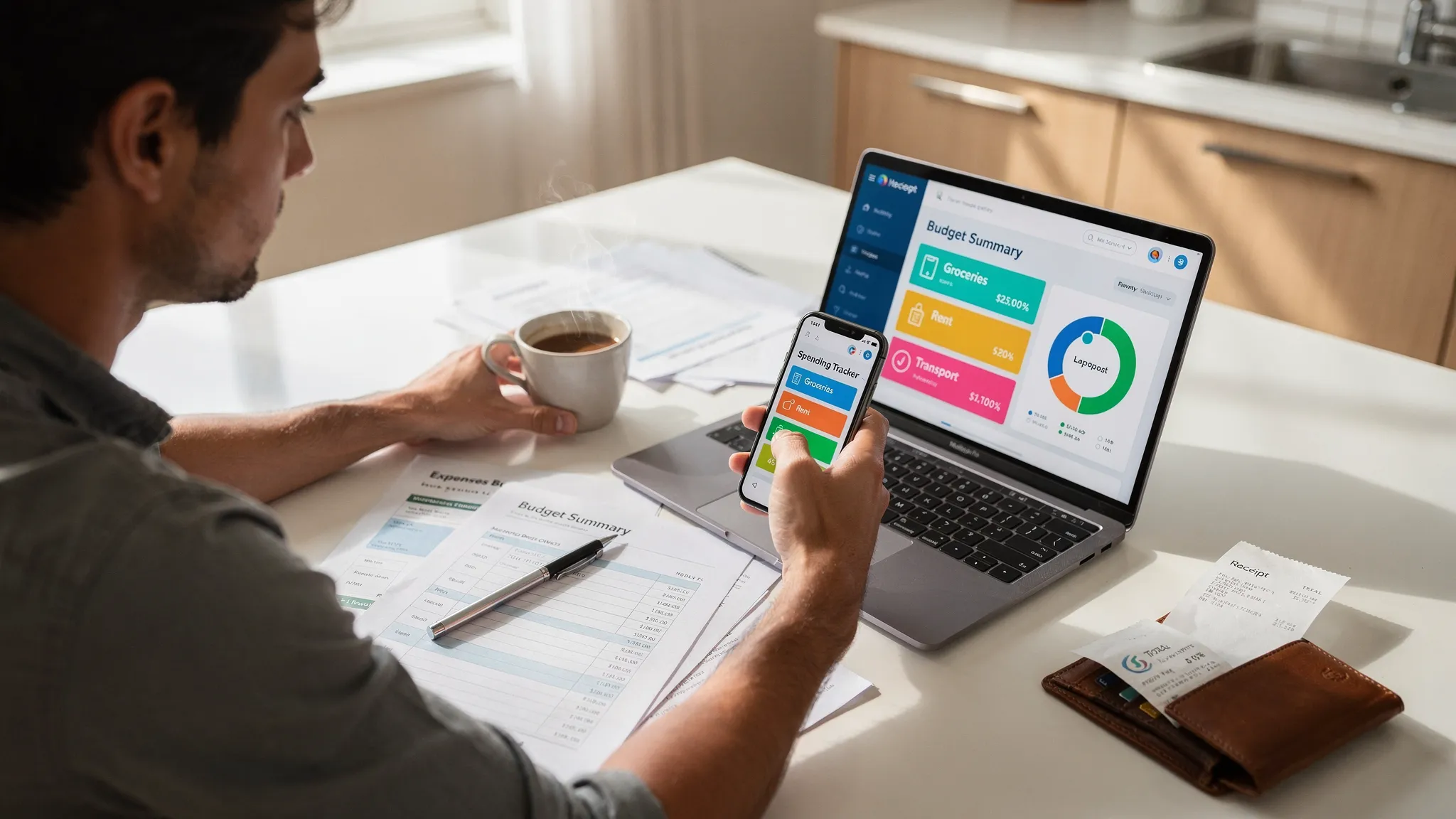
Choosing a spending tracker app free can feel like a win, until you realize “free” sometimes means limited features, noisy ads, or data sharing you are not comfortable with. The good news is that there are clear, practical features that separate a basic expense log from a tool that genuinely helps you control cash flow, avoid late fees, and build better money habits.
Below is a feature-by-feature guide to what matters most, why it matters, and how to evaluate it before you connect accounts or invest time setting everything up.
What “free” should (and should not) mean
A free spending tracker can absolutely be robust, but it helps to be realistic about the tradeoffs.
A free app is still a good deal if it:
- Covers the essentials well (tracking, categories, reporting)
- Makes it easy to keep your data accurate (review, rules, reconciliation)
- Has transparent privacy and security practices
Be cautious if “free” comes with:
- Unclear monetization (selling data, aggressive upsells)
- Limited exports (hard to leave later)
- Poor transaction accuracy or frequent duplicate entries
The non-negotiables: core spending tracking features
If you only evaluate five things in a spending tracker, start here.
1) Automatic bank syncing (and reliable refresh)
Manual entry works for some people, but most users stick with tracking longer when transactions arrive automatically.
Look for:
- Connections to a wide range of banks and credit unions
- Stable syncing (few broken connections)
- Clear handling of pending vs posted transactions
Test tip: Before committing, connect at least one checking account and one credit card, then verify that transactions update correctly over several days.
2) Smart categorization with editing and rules
Auto-categorization saves time, but only if you can correct it quickly and make those fixes stick.
Best-in-class categorization includes:
- Easy category edits (in one or two taps)
- Merchant recognition (so “SQ *ABC CAFE” becomes the right merchant)
- Custom category rules (for recurring merchants)
Why it matters: accurate categories are what make reports, budgets, and insights trustworthy.
3) Fast search, filters, and merchant-level views
As your history grows, the app becomes less about logging and more about answering questions:
- “How much did I spend at Target in the last 90 days?”
- “What subscriptions hit this month?”
- “Which category is driving overspending?”
If you cannot search and filter quickly, you will not use the data.
4) Manual adjustments when the real world gets messy
Even with bank syncing, you will need control for edge cases:
- Cash purchases
- Venmo-style reimbursements
- Split transactions (one receipt across multiple categories)
- One-time exceptions (travel, medical, moving)
A good free tracker makes these edits painless.
5) Clear, trustworthy reporting
At minimum, you want spending by category and spending over time. Better apps add merchant trends, income vs expenses, and cash flow views.
Look for reports that are:
- Easy to understand at a glance
- Filterable by time period and account
- Exportable (CSV is the common baseline)
Budgeting and cash flow: what turns tracking into progress
Many people search for a spending tracker because they want to stop feeling surprised by their bank balance. That is cash flow control.
Budgets that match how you actually spend
A useful budget system supports real behavior, not perfection.
Look for:
- Monthly category budgets (groceries, dining, gas)
- Rollover or flexible options (helpful for irregular categories)
- Clear “remaining” amounts and mid-month warnings
If an app only shows last month’s spending without a plan for this month, it is an expense viewer, not a budgeting tool.
Income tracking and paycheck timing
Spending feels out of control when bills arrive before income does. Even a free app is significantly more helpful if it includes income tracking and cash flow awareness.
Look for:
- Income categories (salary, side gig, reimbursements)
- Month-by-month comparisons (income vs spending)
- A simple view that shows whether you are trending positive or negative
Bill reminders and debt tracking (often overlooked, highly valuable)
If you want fewer late fees and less stress, prioritize bill tracking.
Bill due dates, reminders, and alerts
The best reminder systems are customizable and persistent.
Look for:
- Recurring bills (rent, utilities, subscriptions)
- Configurable reminders (for example, 7 days before and 1 day before)
- Alerts for unusual activity (large transactions, low balance)
Debt tracking that supports payoff strategy
If you carry credit card balances or loans, a spending tracker becomes more powerful when it helps you see the debt picture alongside spending.
Useful debt features include:
- Tracking balances across accounts
- Visibility into payment history
- A way to see how debt changes over time
Investment and net worth views (powerful, but only if they are clear)
Some apps include investment tracking and net worth. These are “nice-to-have” features for many users, but extremely motivating for others.
A good net worth view should:
- Separate cash, debt, and investments clearly
- Make changes over time easy to interpret
- Avoid clutter, especially if you are a beginner investor
Data accuracy: reconciliation and transaction review
One of the biggest reasons people abandon finance apps is distrust. If the numbers do not match reality, you stop looking.
Two features help prevent that.
Account reconciliation
Reconciliation is the ability to confirm that what the app thinks is true matches the real account balance and transactions.
It matters because:
- Bank sync can miss or duplicate transactions
- Pending transactions can confuse totals
- Merchant names sometimes change
Review workflows that take minutes, not hours
The best apps make a weekly review realistic:
- Flag uncategorized transactions
- Highlight duplicates
- Surface large or unusual spending
Privacy and security: what to verify before linking accounts
A spending tracker app sits close to your financial life, so privacy and security should be evaluated like features.
Start with two checks:
1) Transparent data sharing and consent
Look for a clear privacy policy that explains what data is collected, how it is used, and what is shared. If it is vague, that is a signal.
If you want broader context on how consumer-authorized financial data sharing works in the US, the CFPB provides background here: Consumer-authorized financial data sharing.
2) Strong account protection
At minimum, you want strong authentication options and secure access practices. NIST’s digital identity guidance is a helpful benchmark for modern authentication expectations: NIST Digital Identity Guidelines (SP 800-63).
Practical questions to ask any app:
- Do you support multi-factor authentication (where applicable)?
- Can you quickly revoke connected accounts?
- Do you provide security notifications for suspicious activity?
Usability: the feature that determines whether you will stick with it
A spending tracker only works if you keep using it.
Look for:
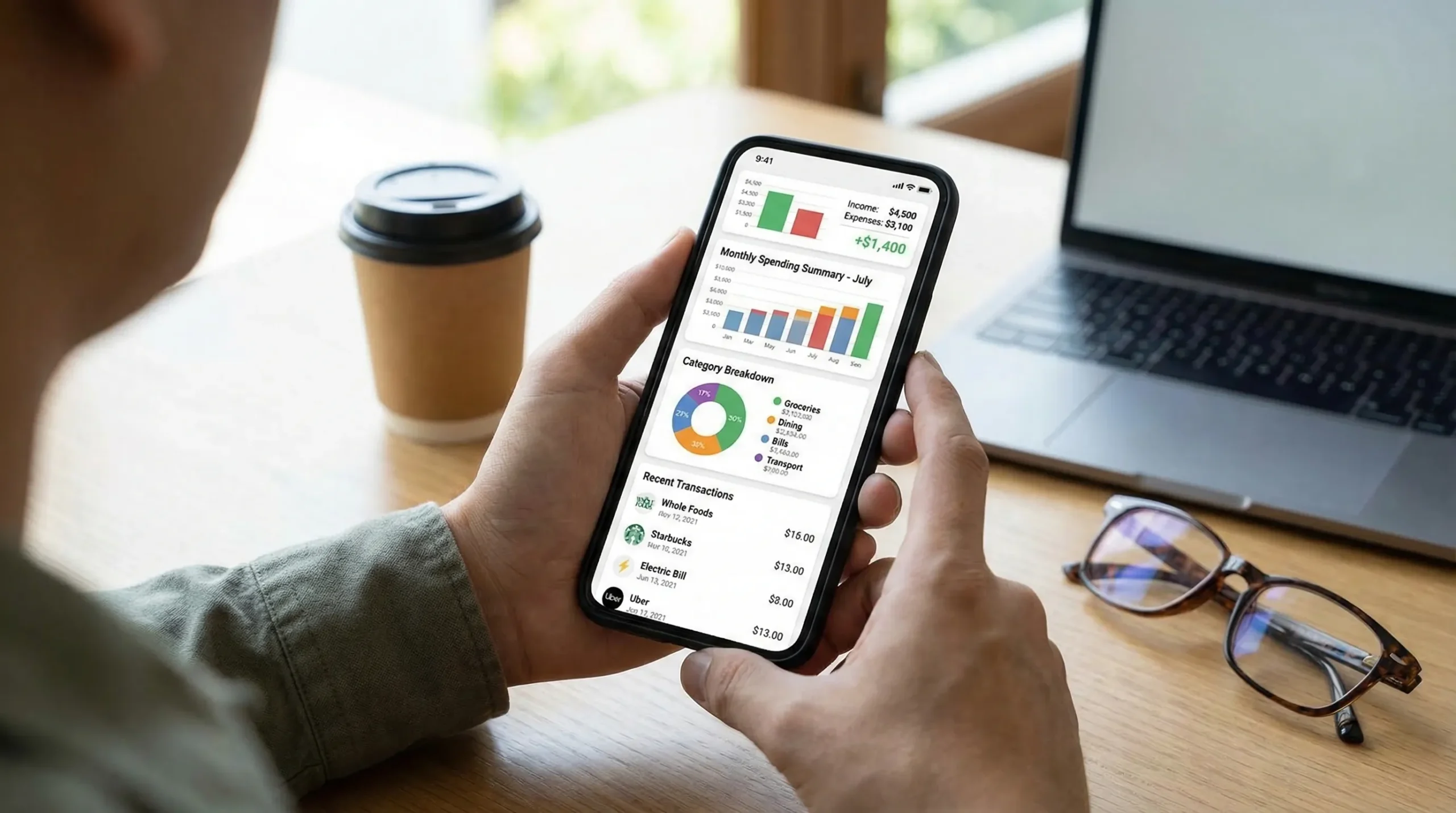
- A clean dashboard that makes “today’s money picture” obvious
- Fast transaction editing
- Clear category structure (and the ability to customize)
- Helpful alerts that do not spam you
Portability: exports and reports you can actually use
Even if you love an app now, you may outgrow it later. Portability is how you protect your time.
Minimum export expectations:
- Download transactions (CSV)
- Select date ranges and accounts
- Keep categories intact in exports
If exports are locked behind paywalls or limited to tiny windows of time, think carefully before you commit.
A quick “scorecard” of best features to look for
Use this table as a practical checklist while comparing free apps.
| Feature | Why it matters | How to evaluate quickly |
|---|---|---|
| Bank syncing | Reduces manual work, improves consistency | Connect 1 bank + 1 credit card, verify refresh over 3 to 7 days |
| Categorization + rules | Makes reports and budgets accurate | Edit 10 transactions and see if the app “learns” |
| Search + filters | Lets you answer real questions | Search merchants, filter by category, check custom date ranges |
| Split transactions | Handles real receipts | Try splitting a grocery trip with household items |
| Budgeting | Turns data into a plan | Create 3 category budgets and see the remaining amount update |
| Bill reminders | Prevents late payments and stress | Add a recurring bill and test reminder timing |
| Alerts | Helps you catch issues early | Set a large-transaction alert and confirm notification controls |
| Reconciliation | Builds trust in the numbers | Check if the app provides a workflow to confirm balances |
| Reports + export | Makes insights actionable | Export a month of transactions and confirm categories map cleanly |
| Privacy transparency | Protects your data | Read the privacy policy, look for clear sharing and retention terms |
How MoneyPatrol fits these criteria (example of what to look for)
If you want a reference point for a free, all-in-one approach, MoneyPatrol positions itself as a comprehensive personal finance app with a unified dashboard. Based on its published feature set, it includes:
- Expense tracking and budgeting tools
- Bill and debt tracking
- Income management
- Investment tracking and credit score monitoring
- Customizable alerts and reminders
- Account reconciliation and detailed financial reports
You can explore the platform here: MoneyPatrol.
If your goal is to go deeper on budgeting strategy (not just app features), this separate guide may be helpful: best free budgeting app.
Red flags when choosing a free spending tracker
Some issues do not show up on feature lists, but they show up quickly in real use.
Watch out for:
- Categories that constantly reset or cannot be customized
- Broken sync that requires frequent re-linking
- Reports that cannot be filtered by account or date range
- No clear way to correct duplicates, pending transactions, or reimbursements
- Unclear privacy terms or confusing consent flows
How to test any free app in 30 minutes
A quick test helps you avoid spending weeks setting up something you will abandon.
Do a “real month” mini simulation
- Link accounts (or import a small set of transactions, if supported)
- Categorize 20 to 30 transactions
- Split at least one transaction
- Set one budget category and one bill reminder
- Find your top 3 merchants and confirm totals feel right
Then ask one question that matters to you
Examples:
- “Can I reliably stay under my dining out budget?”
- “Do I know what subscriptions I am paying for?”
- “Will I get warned before I overdraft?”
If the app cannot answer your question clearly, it is not the right fit, even if it is free.
The bottom line
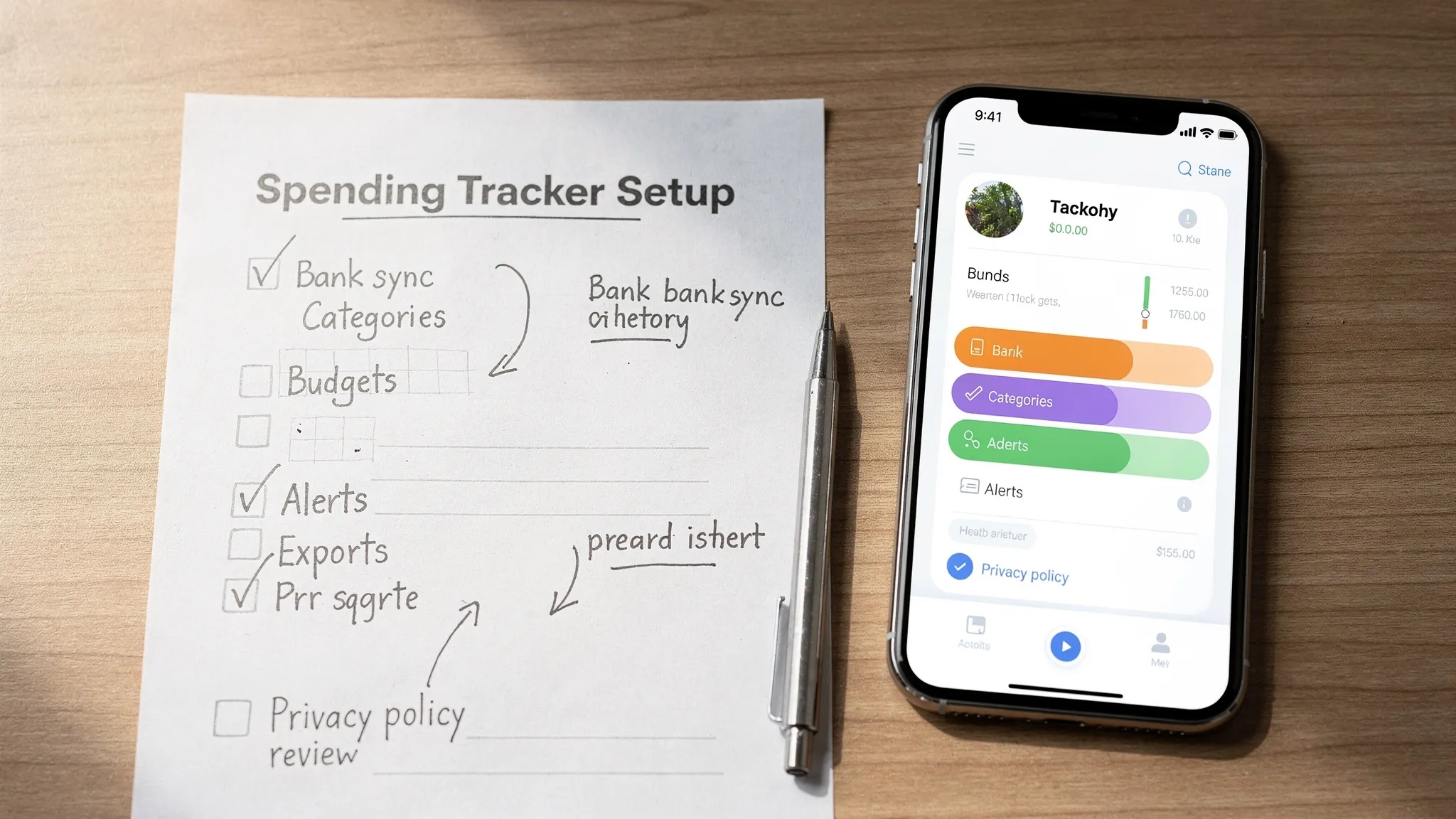
The best free spending tracker app is the one that keeps your data accurate with minimal effort, turns transactions into clear insights, and gives you enough control to budget, plan for bills, and spot problems early. Prioritize syncing reliability, categorization you can tame, reporting you can export, and privacy you can understand.
Once you evaluate apps through that lens, “free” stops being the main benefit and becomes the bonus on top of a tool you will actually stick with.



 Our users have reported an average of $5K+ positive impact on their personal finances
